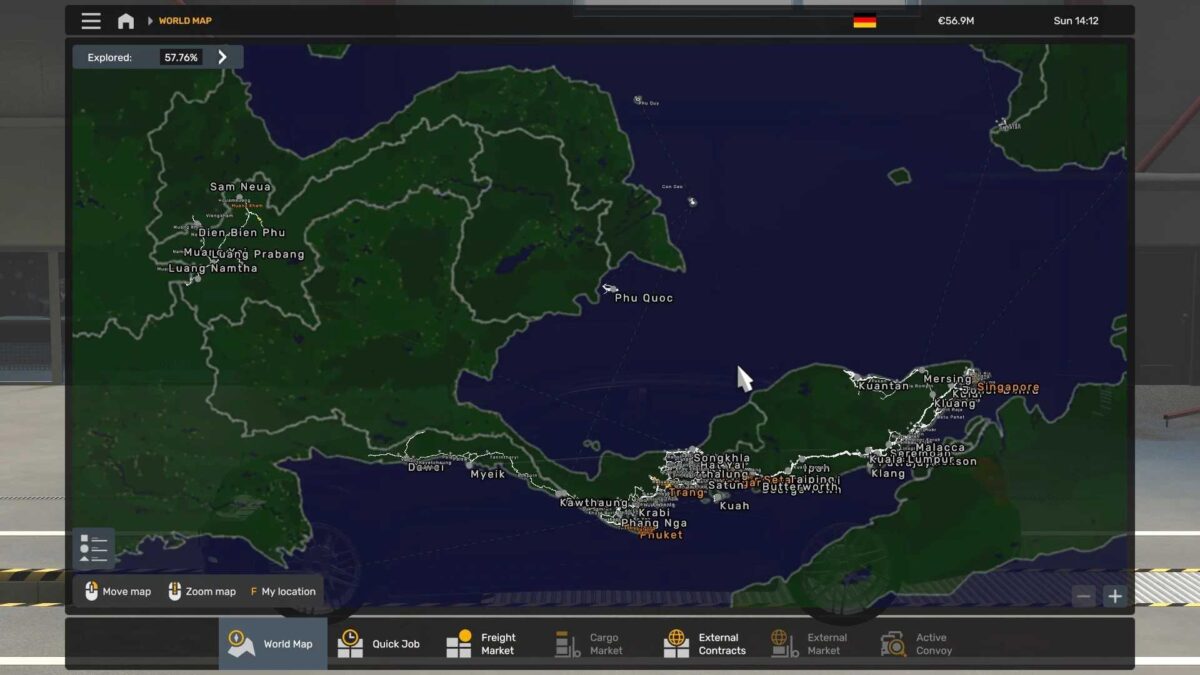
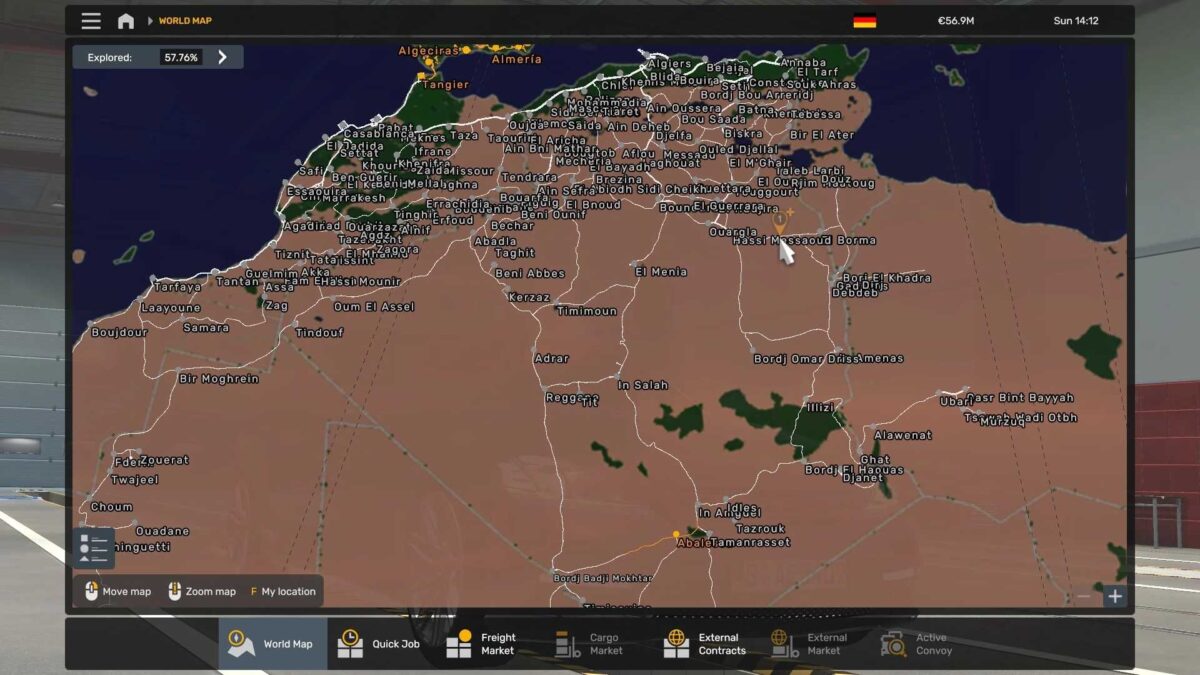
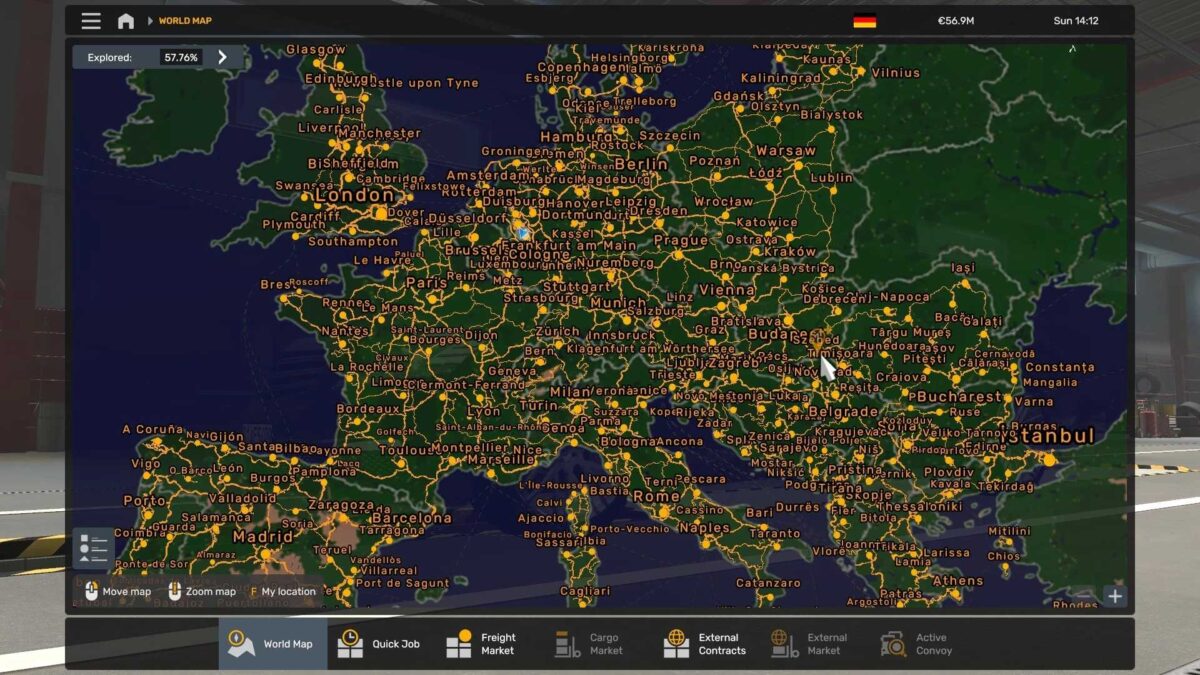
World Map Background v2.0 ETS2
This mod offers a comprehensive background map that covers the entire Earth, ensuring seamless compatibility with various popular map mods.
Features:
– Complete world coverage
– Effortless integration with numerous major map mods
Compatible With:
– ProMods
– RusMap
– Project Russia
– Tasmania
– All Africa Map Mods
– Cuba Map
– Canada Map
– Brazil Map
and many more!
This background is perfect for intricate map combinations, guaranteeing accurate positioning and alignment throughout the globe.
Credits: qxZap
How to install ETS2 mods or ATS Mods
Installing mods in Euro Truck Simulator 2 is straightforward. Simply download the mod from here, extract the files into the “My Documents\Euro Truck Simulator 2\mod” folder, or for ATS, place the mods in the “My Documents\American Truck Simulator\mod” folder. You can use tools like WinRAR or 7zip to extract the files. After that, activate the mods you wish to use.