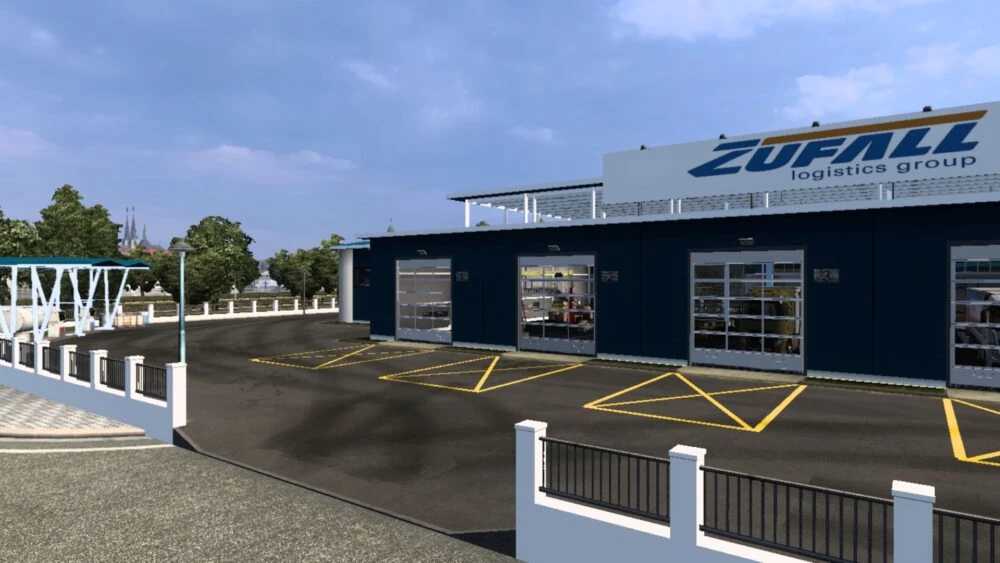
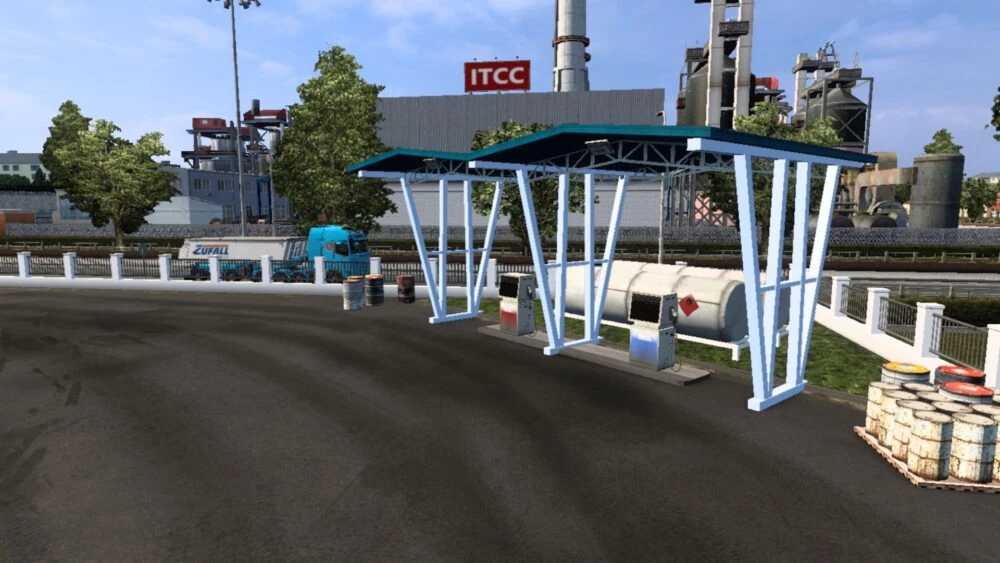
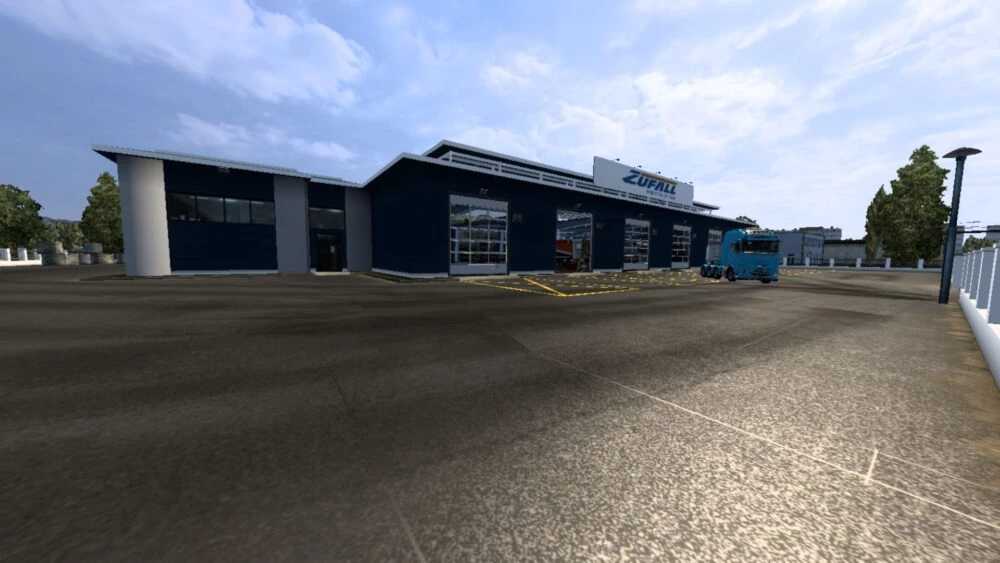
Zufall Logistics Group Big Garage v1.0 for ETS2
The ZUFALL Logistics Group garage serves as a reliable base for all transportation needs.
This garage is part of the Zufall Logistics Group Skin Pack.
Every component reflects the company’s branding, ensuring the entire fleet appears cohesive and professional.
If you prioritize organization and extensive customization, this garage and skin pack might be the perfect fit for you.
Credits: Alexander
How to Install ETS2 or ATS Mods
Installing mods in Euro Truck Simulator 2 is straightforward. Simply download the mod from the link provided, then copy or unzip the files into: “My Documents\Euro Truck Simulator 2\mod” folder. For American Truck Simulator, put the mods in: “My Documents\American Truck Simulator\mod” folder. You can use WinRAR or 7zip to unzip files. After that, activate the mods you wish to use.