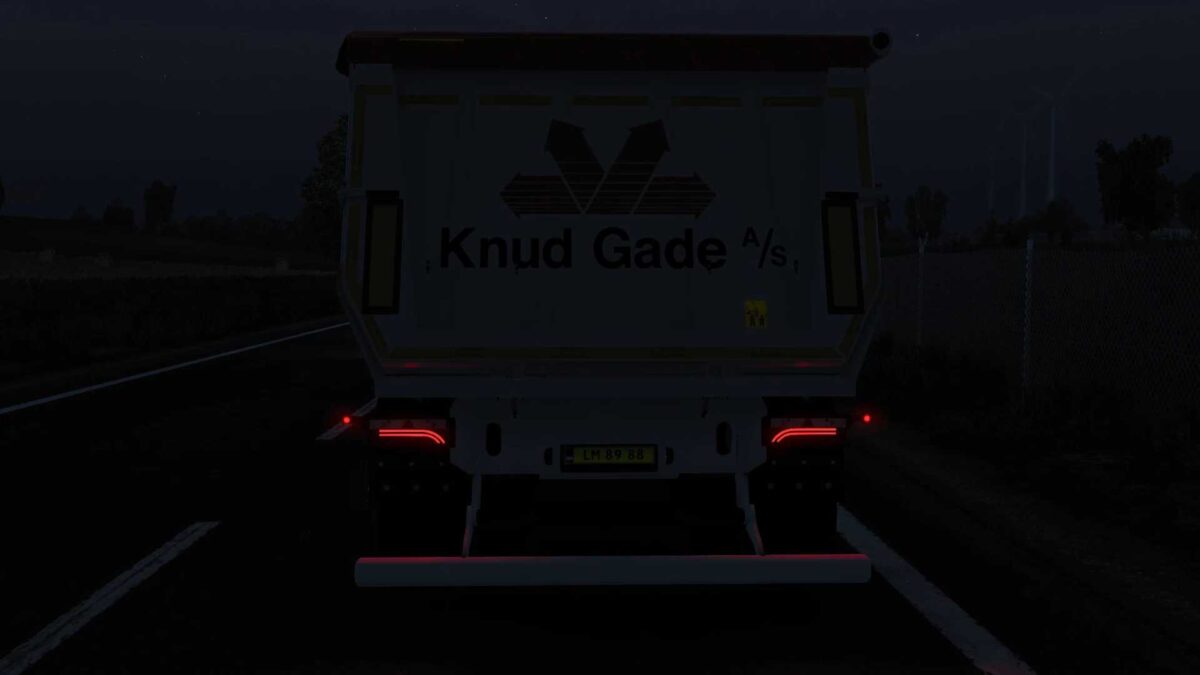
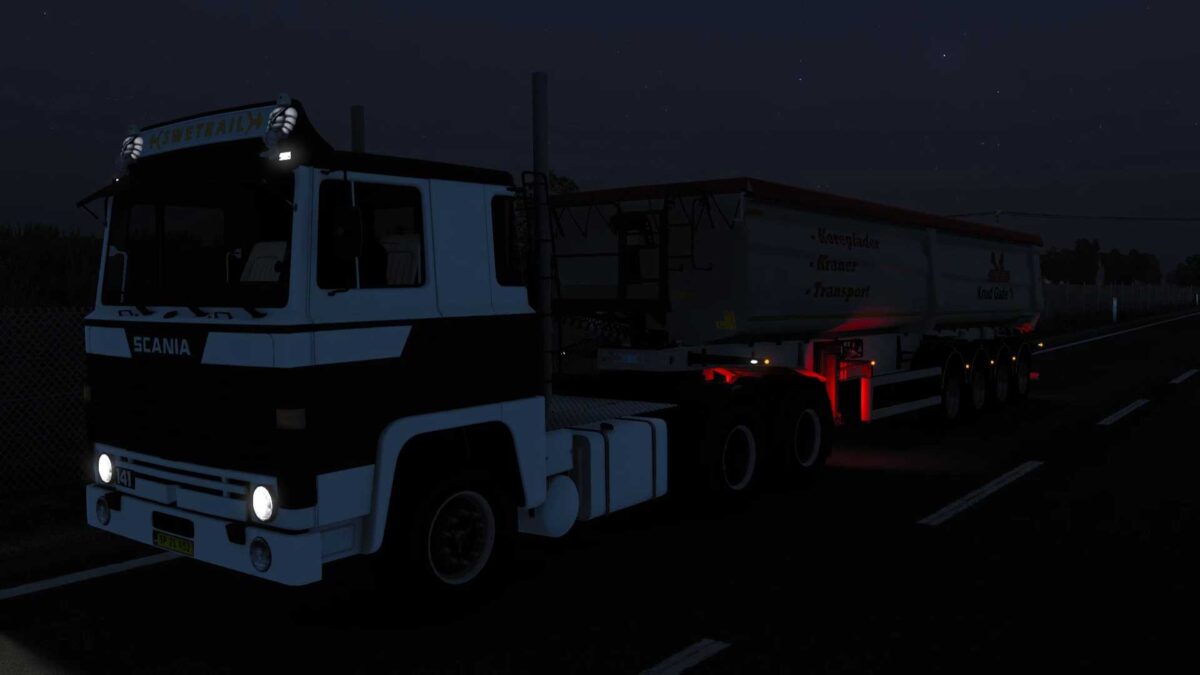
Knud Gade A/S (Wielton Strong Master 4 Axle) Skin v1.0 ETS2
A small token of appreciation for the community.
– Wielton Strong Master 4 Axle Skin.
YOU MUST HAVE THE WIELTON DLC FOR THIS SKIN TO WORK!
Credits: Templates: SCS Software Skin: AH – AHLH Realistic Skin Work
How to install ETS2 mods or ATS Mods
Installing mods in Euro Truck Simulator 2 is straightforward. Simply download the mod from this site, then copy/unzip the files into: “My Documents\Euro Truck Simulator 2\mod” folder. For American Truck Simulator, place the mods in: “My Documents\American Truck Simulator\mod” folder. You can use programs like WinRAR or 7zip to unzip files. After unzipping, be sure to activate the mods you wish to use.