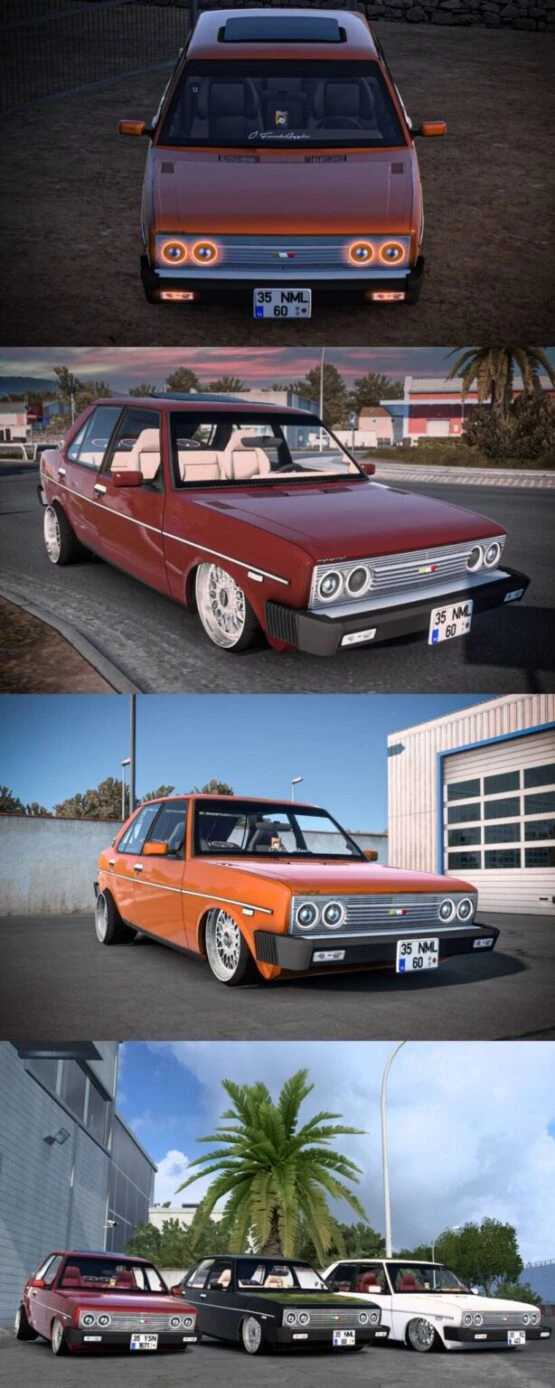
Tofas Murat131 1.54 ETS2
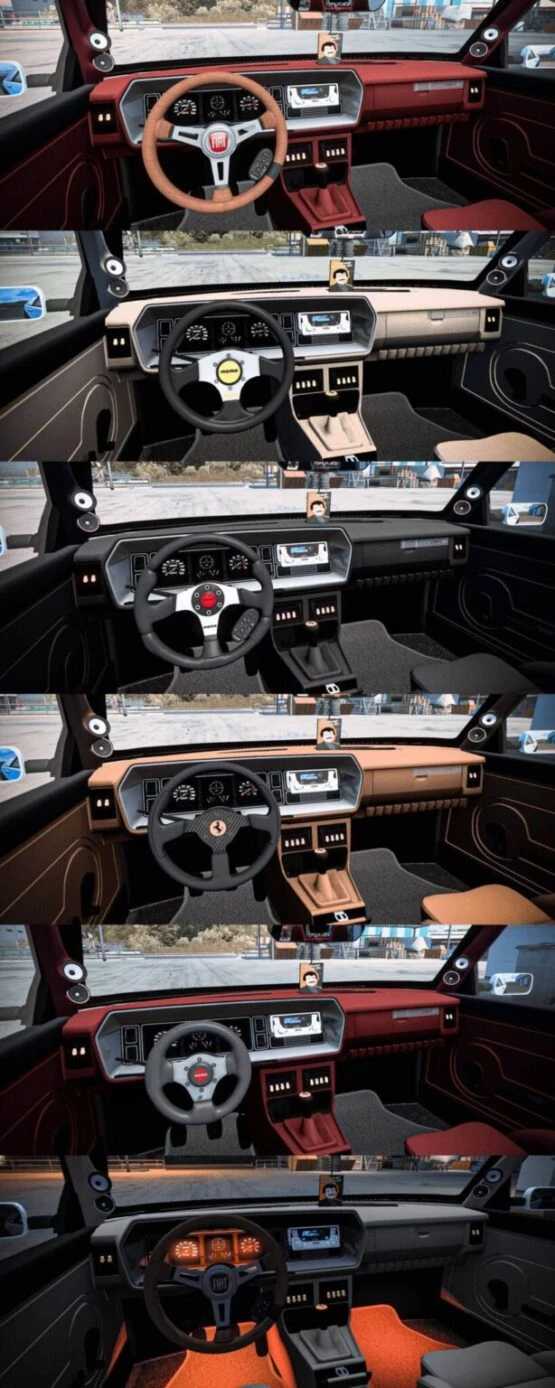
– 5 Steering Options
– 4 Different Interior Skin Styles
– 2 Wheel Variants
– Fully Compatible with Multiplayer
– Activate Underbody and Indicator Lights with the “O” Key
Credits: Faruk Aygun
Installation Guide for ETS2 or ATS Mods
Installing mods in Euro Truck Simulator 2 is straightforward. Simply download the mod from this site and place the copied/unzipped files into the: “My Documents\Euro Truck Simulator 2\mod” directory. For American Truck Simulator (ATS), move the mods to: “My Documents\American Truck Simulator\mod” folder. You can use tools like WinRAR or 7zip to unzip files. Afterward, ensure you activate the mods you wish to enable.