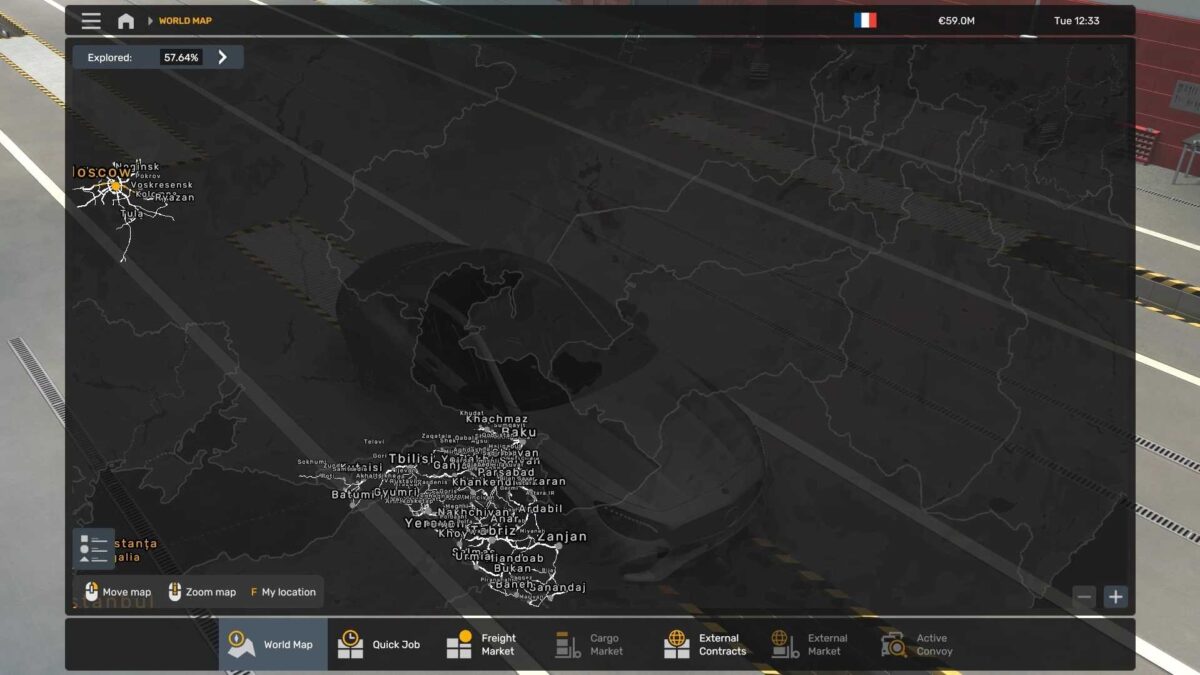
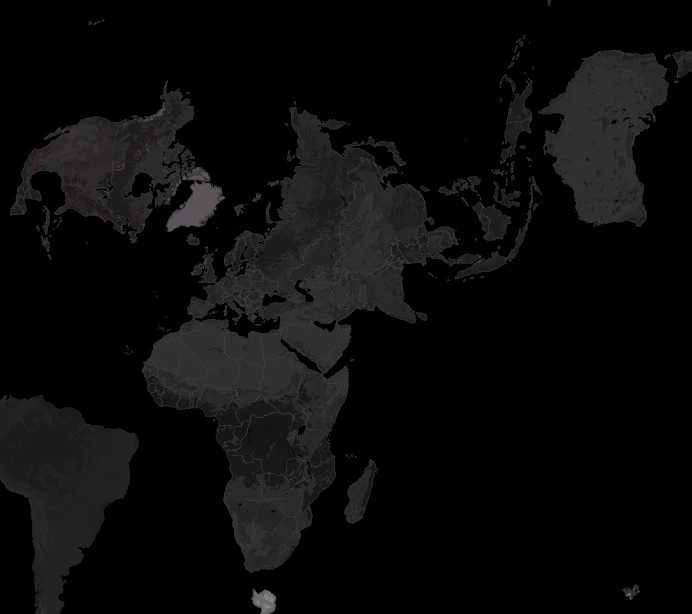
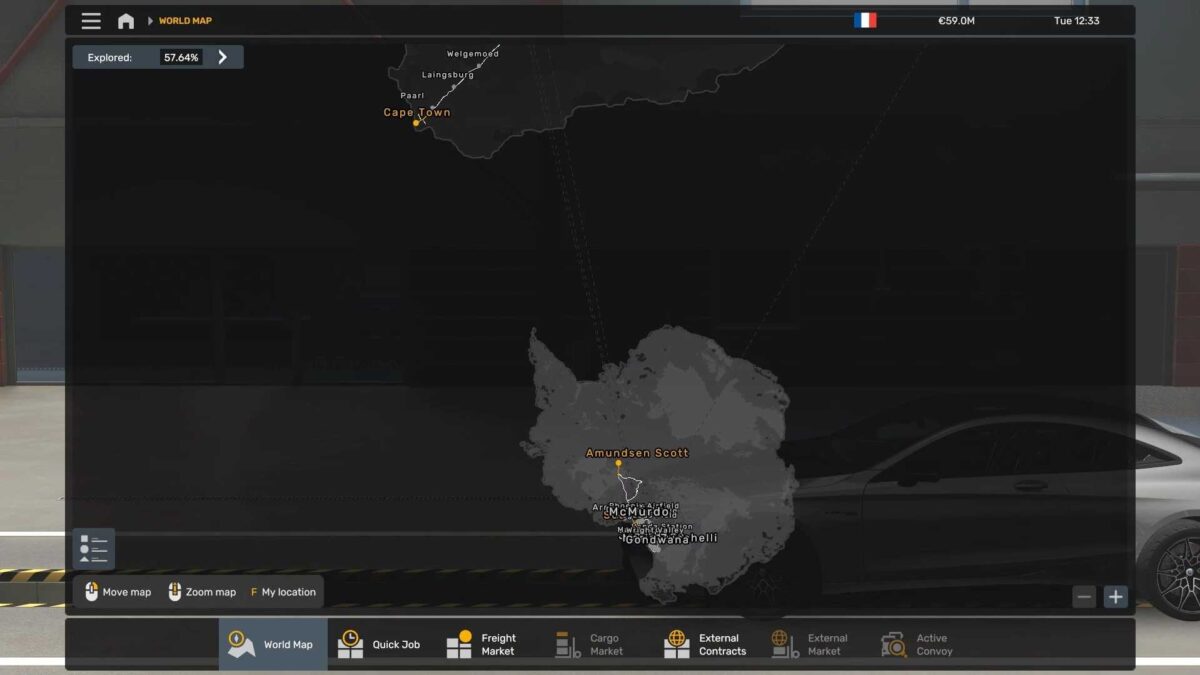
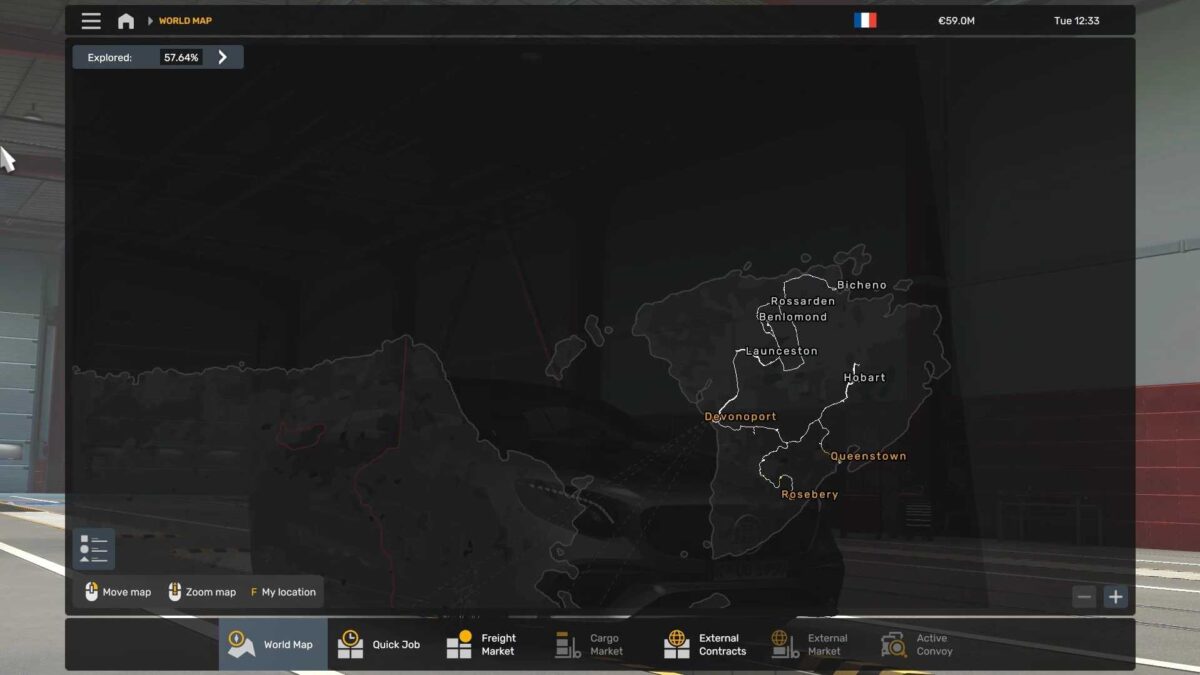
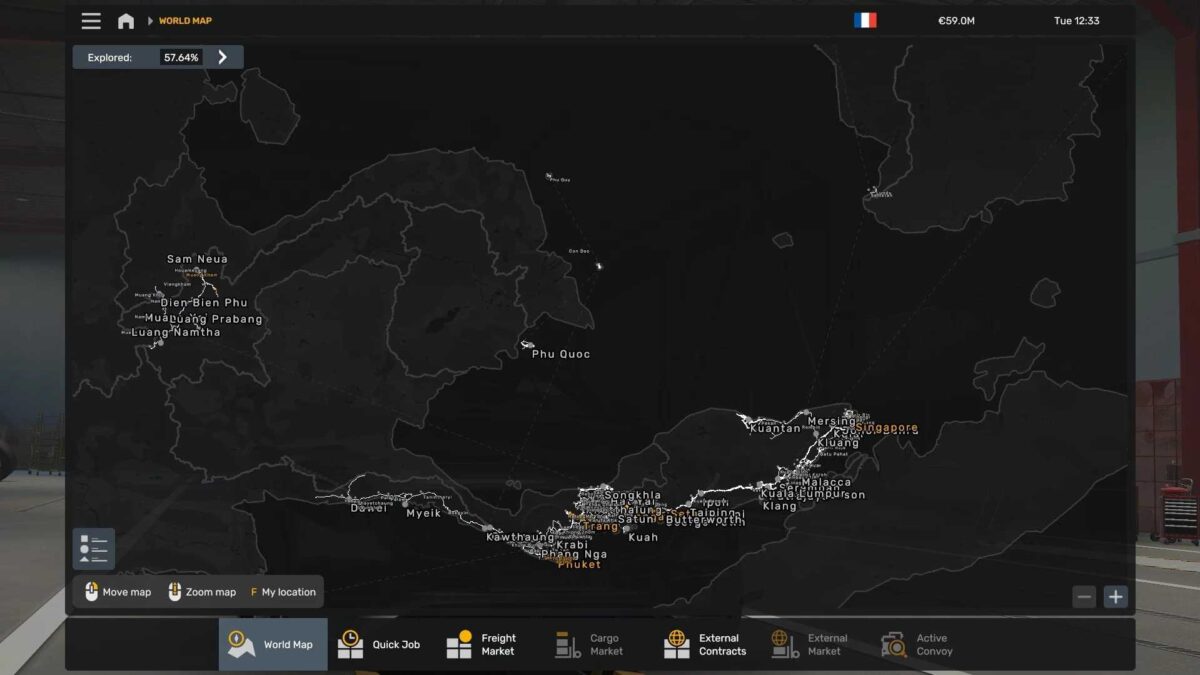
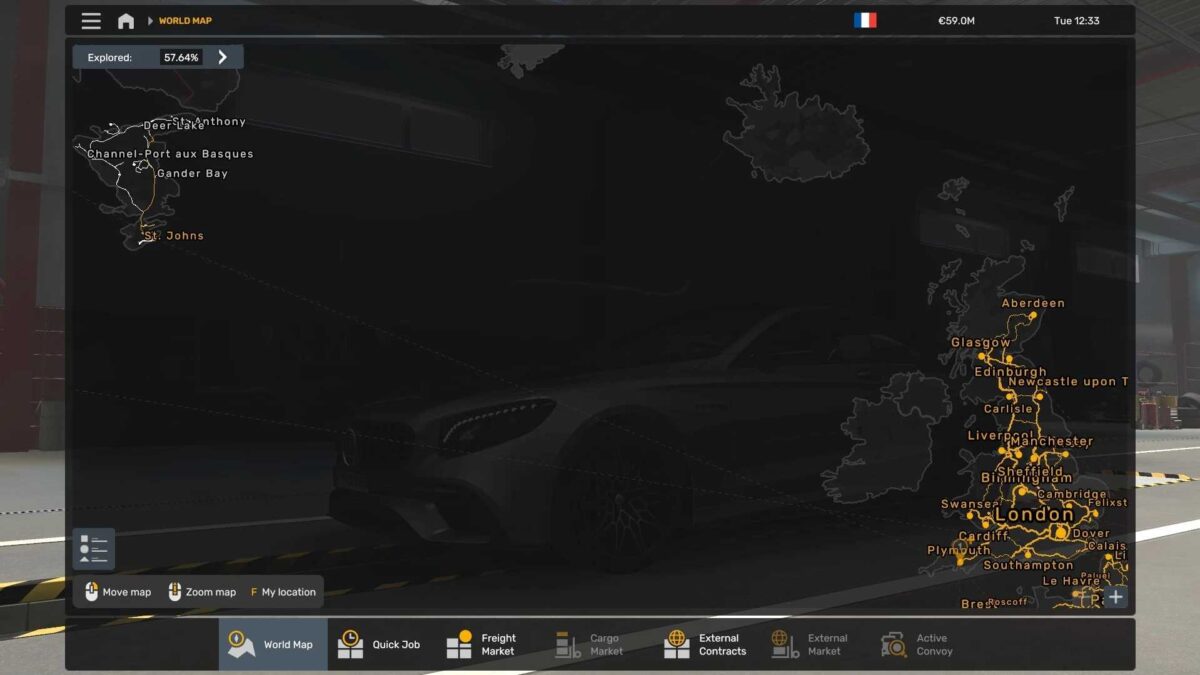
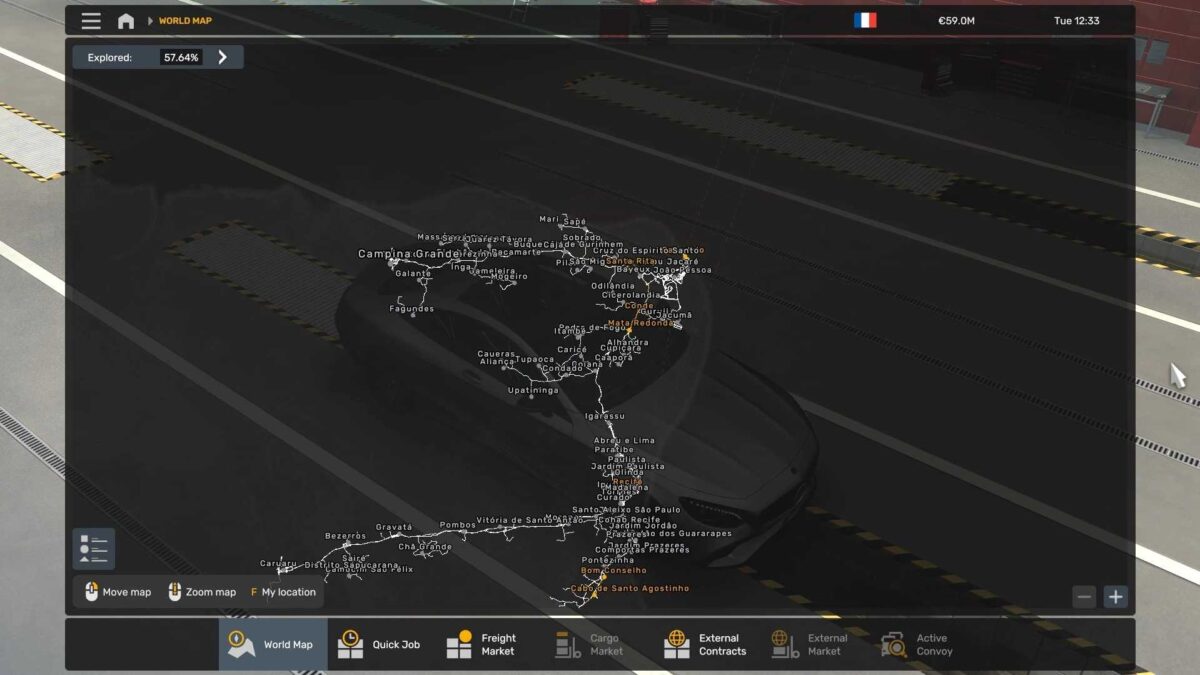
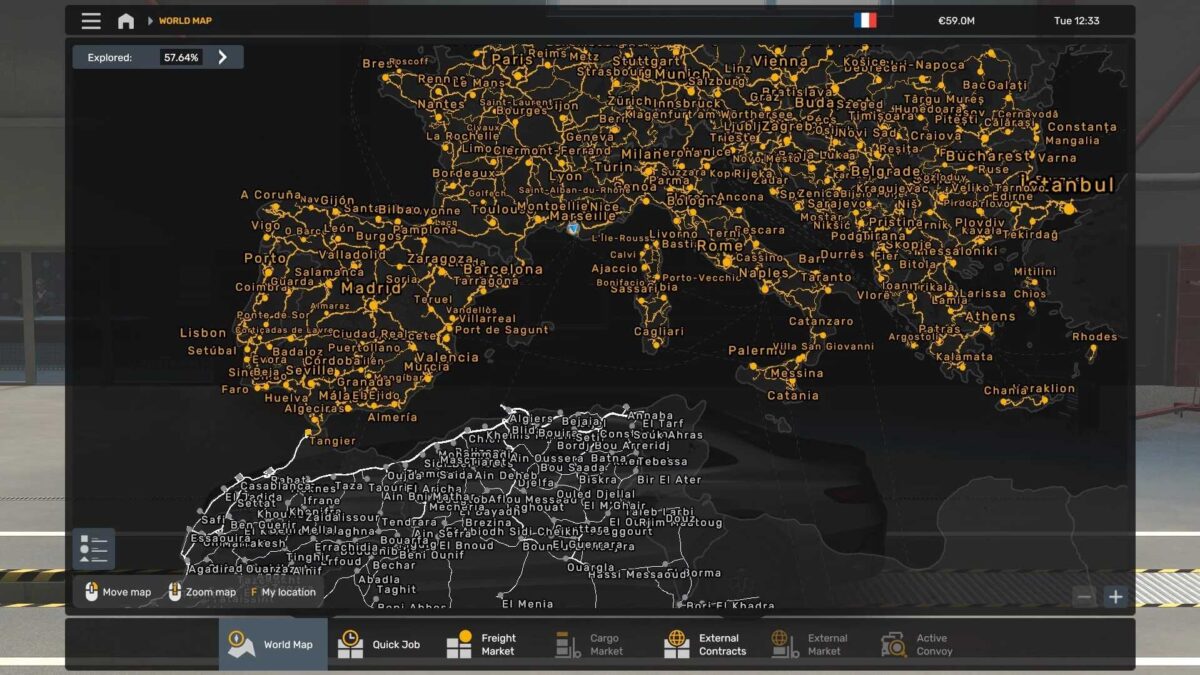
World Map Background v1.0 for ETS2
This background map mod is crafted to deliver complete global coverage while maintaining high compatibility with numerous popular map modifications.
Features:
– Comprehensive world coverage
– Smooth integration with a variety of major map mods
Works With:
– ProMods
– RusMap
– Project Russia
– Tasmania
– All Africa Map Mods
– Cuba Map
– Canada Map
– Brasil Map
and many more!
Perfect for intricate map combos, this background guarantees precise positioning and alignment worldwide.
Credits: qxZap
Installation Guide for ETS2 or ATS Mods
Installing mods in Euro Truck Simulator 2 is straightforward. Simply download the mod from here, then copy/unzip the files into: “My Documents\Euro Truck Simulator 2\mod” folder, or for ATS, place the mods in: “My Documents\American Truck Simulator\mod” folder. Use WinRAR or 7zip to unzip files. After that, activate the mods you wish to use.