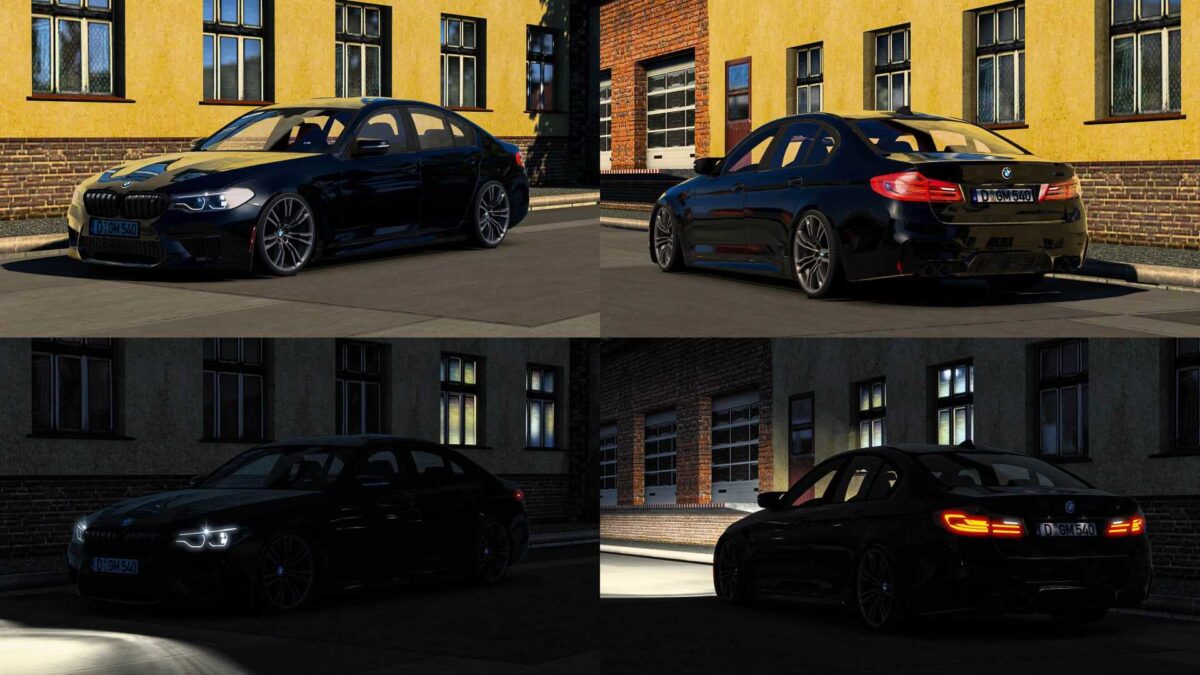
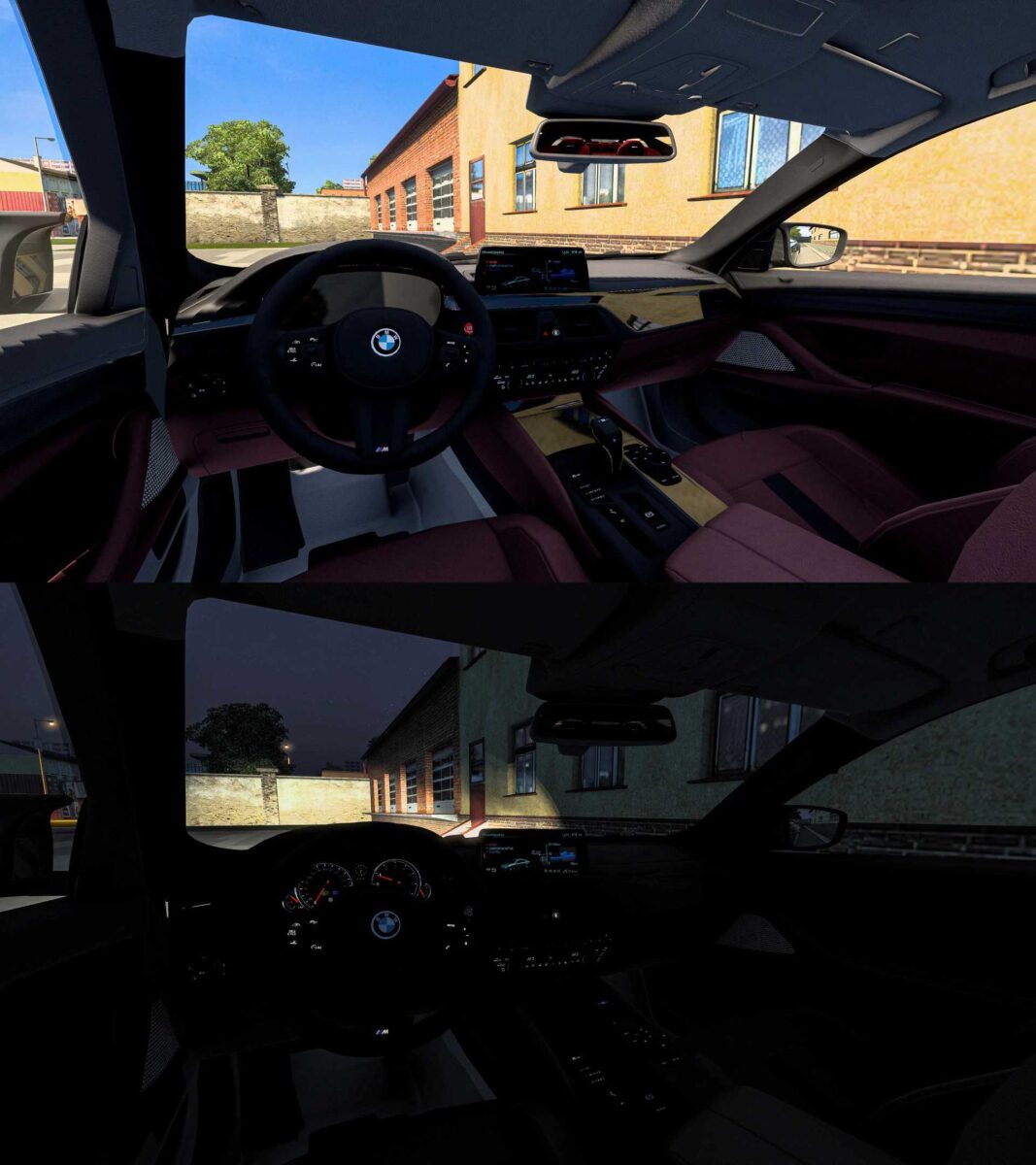
BMW G30 M5 Series 1.55 ETS2
BMW G30 M5 Series
– Issues have been resolved.
– Updated for compatibility with the latest version.
Credits: Ismail Kaan Saribiyik-Nimit
How to install ETS2 mods or ATS mods
Installing mods in Euro Truck Simulator 2 is straightforward. Simply download the mod from this page and extract the files into the “My Documents\Euro Truck Simulator 2\mod” folder. For American Truck Simulator, place the mods in the “My Documents\American Truck Simulator\mod” folder. You can use WinRAR or 7zip to extract files. After extraction, activate the mods you wish to use.