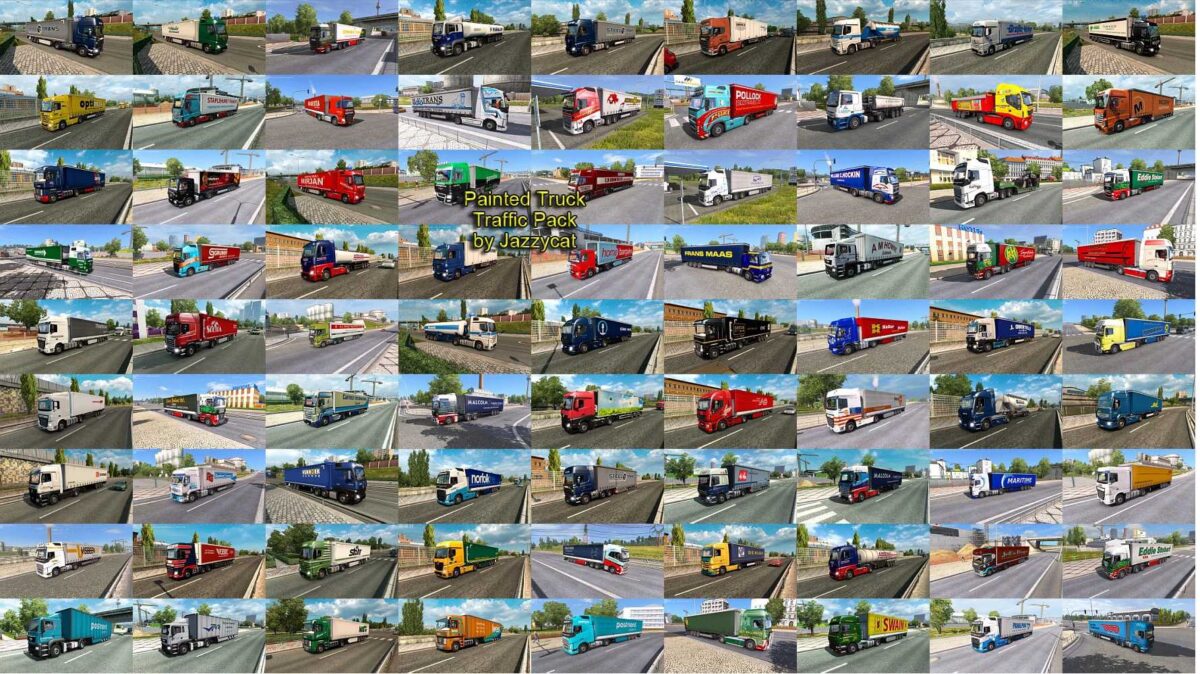
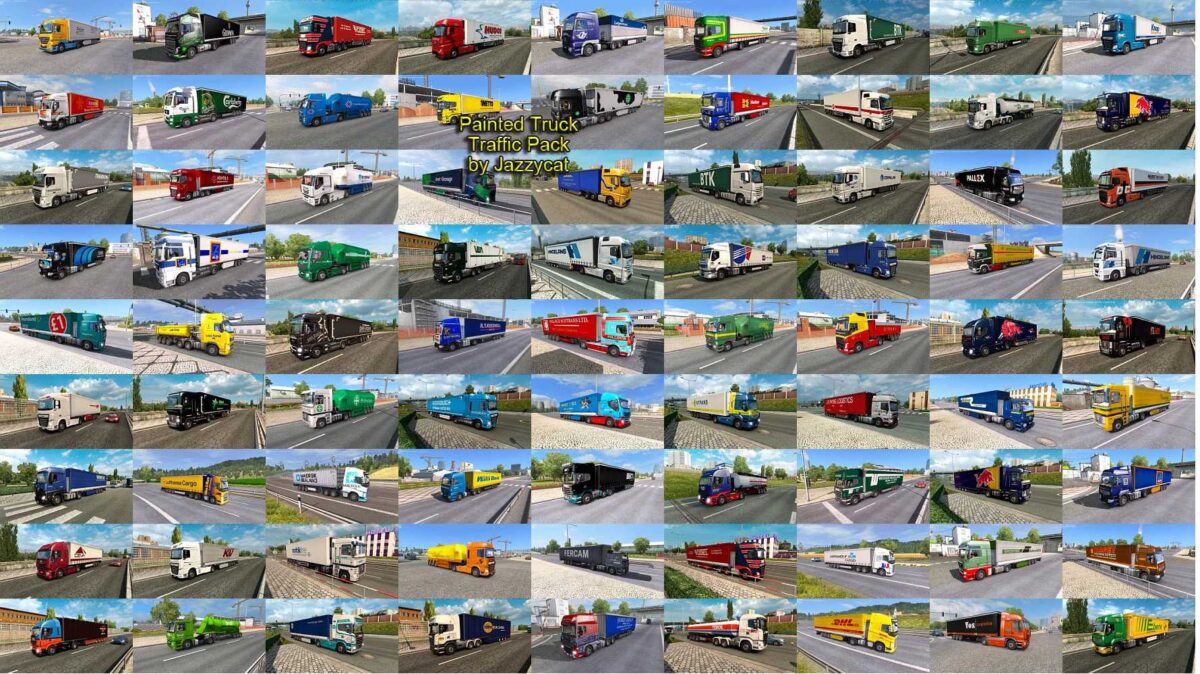
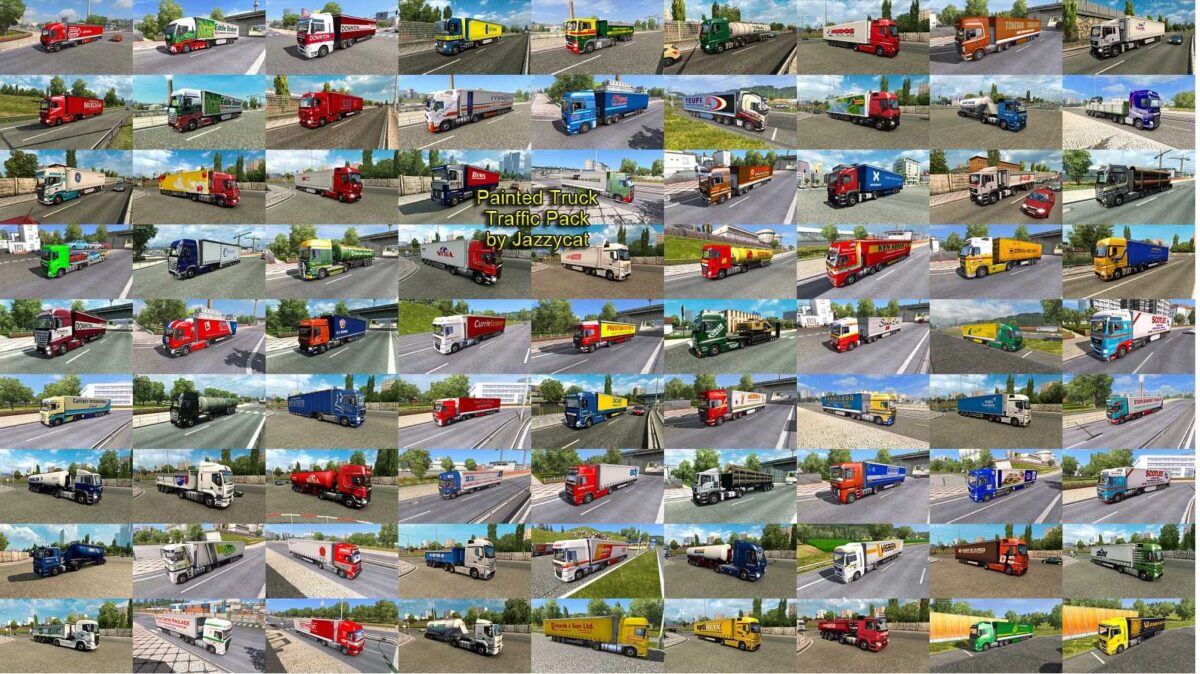
Painted Truck Traffic Pack by Jazzycat v18.7.8 for ETS2
This pack introduces a traffic truck and trailer combination featuring skins from over 1,100 real-world companies.
All components are standalone.
Compatible with any map.
Tested on version 1.55.x
Works seamlessly with all previous packs.
Contributors for skins include: TerRay, ScaniaLAD, IJ’s Mods, AJFV1998, Millsyb, Speedy66666, harry, Sky76, JE80, Trucker2011, KHAOS-XX, RCPHiL, S&S-Skinning, Fred_be, Woody, nportegies, Repin, BartvHam, Barttt, ThreeGlavModz, MaxLowe, Freddy Jimmink, Elitesquad Modz, Zoso, Bluemanc, stewowe, Toft-N, Sparrow, DHL, SISL, indian56, radar, Josiesomething, Oswald, Rudy, steini, senator07, lucianandrei, 19vvv05, ryaskins, n.velickovic, ed101, Slenderhun, Futrzaczek99, Farmerbeavis, eskolaite, kriistof, ECdesign, Dragan007, Stephana Stephen, Campinges, DavyBerto, DrRossi, DaviD_SRB, klunk, Bayun4ik, A.Mikhaylov, Pirelli81-HUN, Zeros, Fabry85, onurkull, sagittariusjr, Sogard3, Alik, TheNuvolari, niglo, KoviqkS, SilvaTrucker, R3AP3R, ruina, bjorsboda, Roman71, Pepa, Lost Virtual, and more.
Version 18.7.8 is an update for compatibility with patch 1.55.x, restructured with the new SCS Game Archive Packer for version 1.55, as well as minor fixes and enhancements.
Credits: Jazzycat
How to Install ETS2 or ATS Mods
Installing mods in Euro Truck Simulator 2 is straightforward. Simply download the mod from this site, and copy/unzip the files into the “My Documents\Euro Truck Simulator 2\mod” folder. For American Truck Simulator (ATS), place the mods in “My Documents\American Truck Simulator\mod” folder. You can use WinRAR or 7zip to extract files. After that, make sure to activate the mods you want to use in-game.