BMW i8 – ETS2 Car Mod Realistic Interior 1.49 ETS2
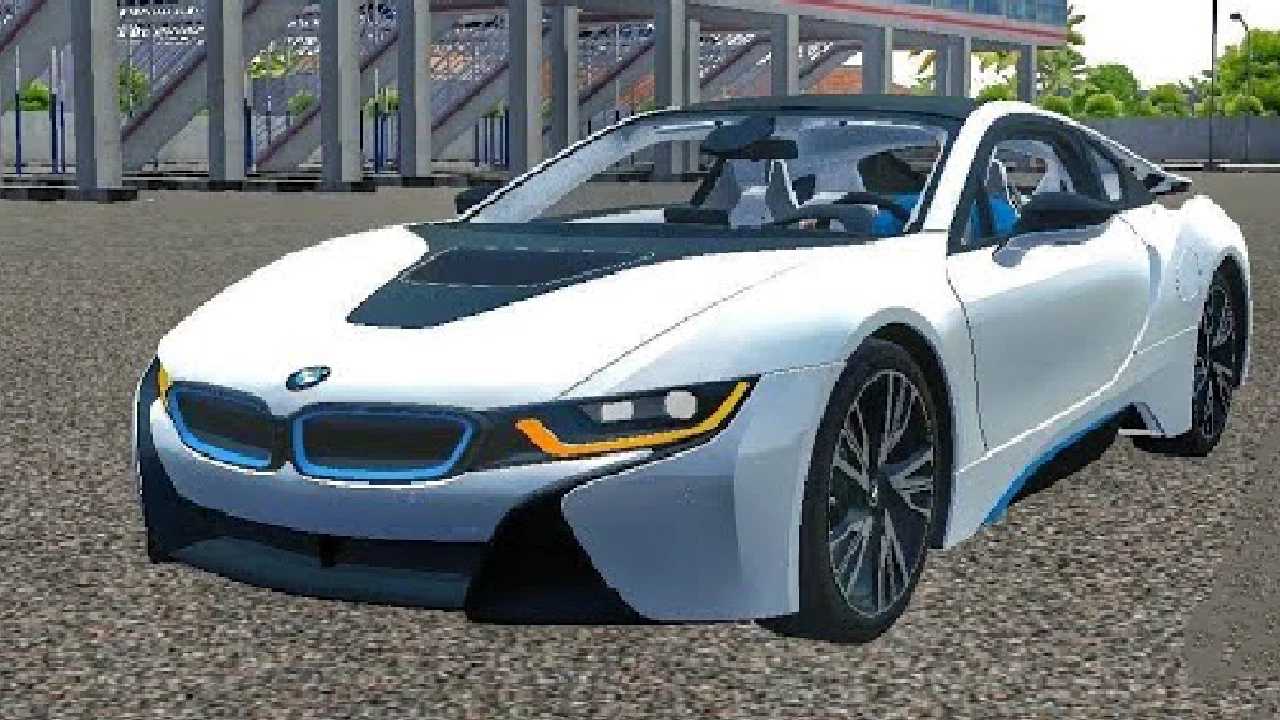
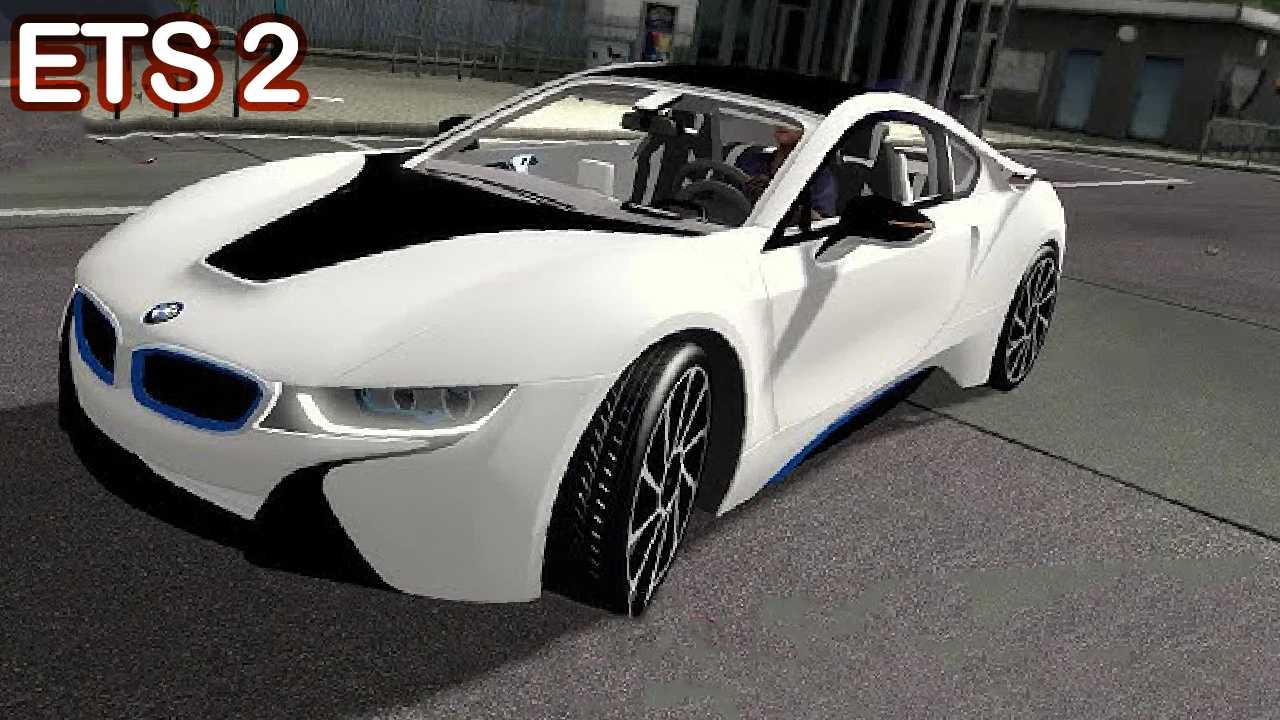
Get the BMW i8 Mod for Euro Truck Simulator 2 (ETS2)!
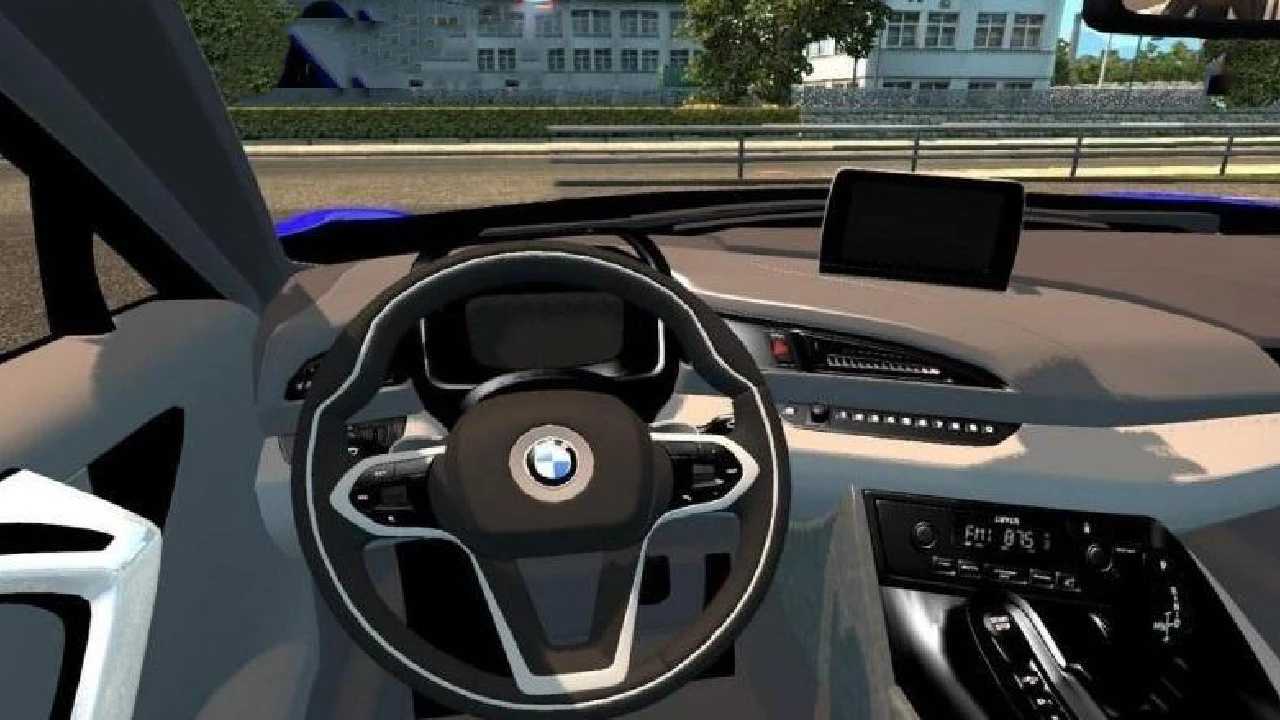
Experience the excitement of driving a luxury hybrid supercar in ETS2 with this highly realistic BMW i8 mod. Notable features include:
– Detailed 3D model with authentic textures
– Fully operational interior with a functional dashboard & animations
– Realistic engine sounds and handling physics
– Fully compatible with ETS2
– Supports both manual and automatic transmissions
This mod brings the cutting-edge design of the BMW i8 to your ETS2 experience, ideal for players seeking more than just trucks. Cruise through Europe in style!
Installation:
– Download the .scs file
– Place it in your ETS2 mod folder
– Activate it through the Mod Manager
– Enjoy your ride!
Credits: madhush, danush, and others
How to install ETS2 mods or ATS Mods
Installing mods in Euro Truck Simulator 2 is straightforward. Simply download the mod from here, then copy/unzip the files into: “My Documents\Euro Truck Simulator 2\mod” folder or, for ATS, place them in: “My Documents\American Truck Simulator\mod” folder. Use WinRAR or 7zip to unzip files. After that, activate the mods you wish to use in the game.