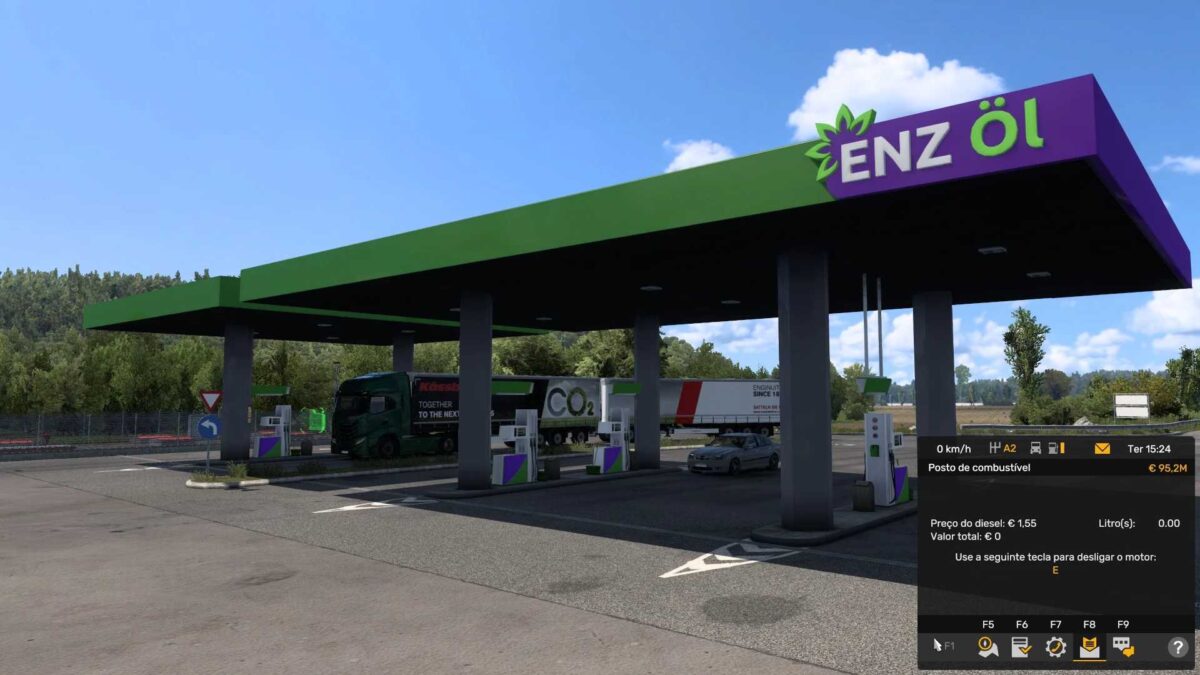
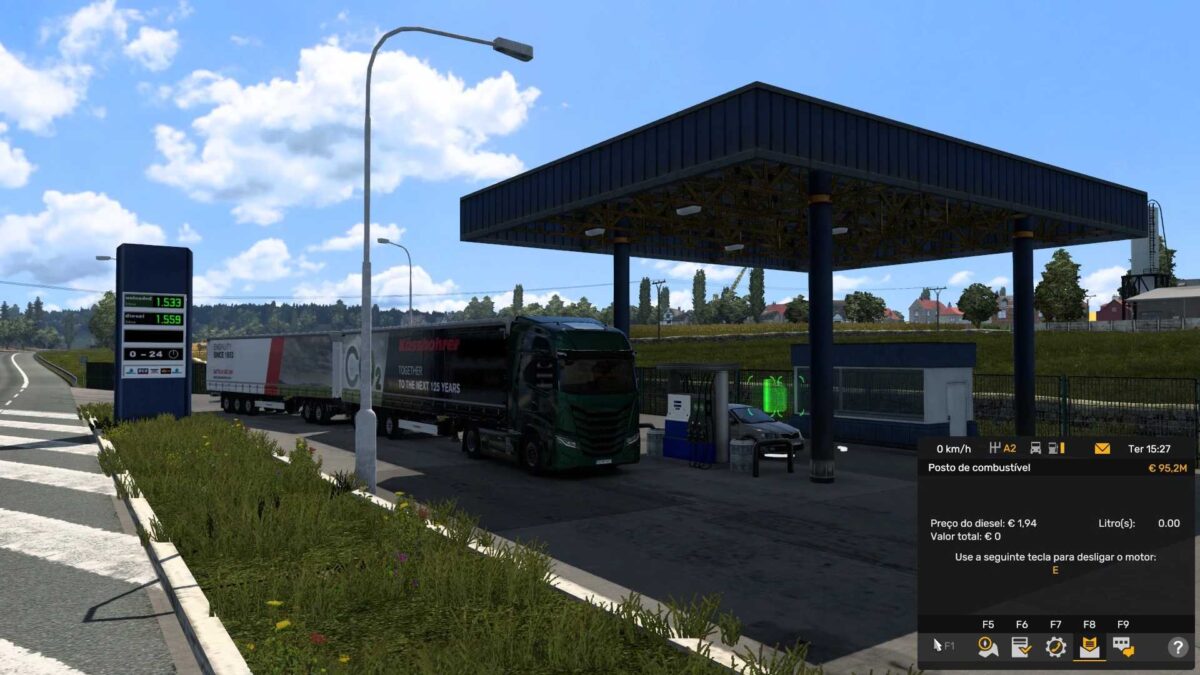
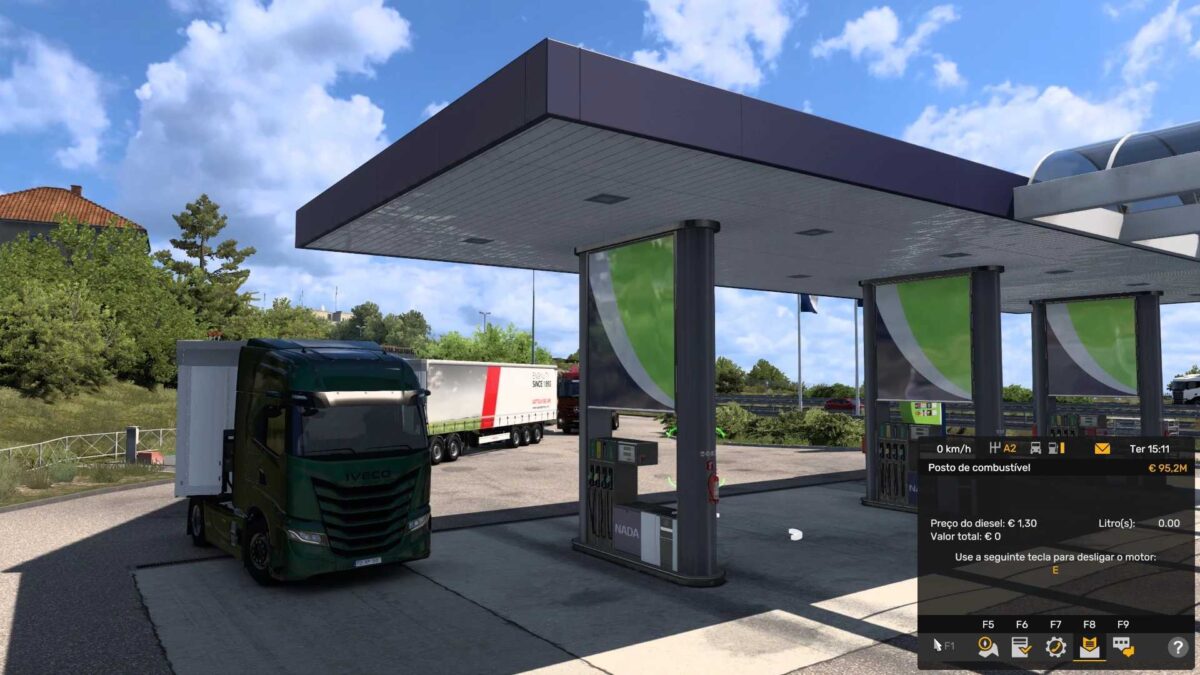
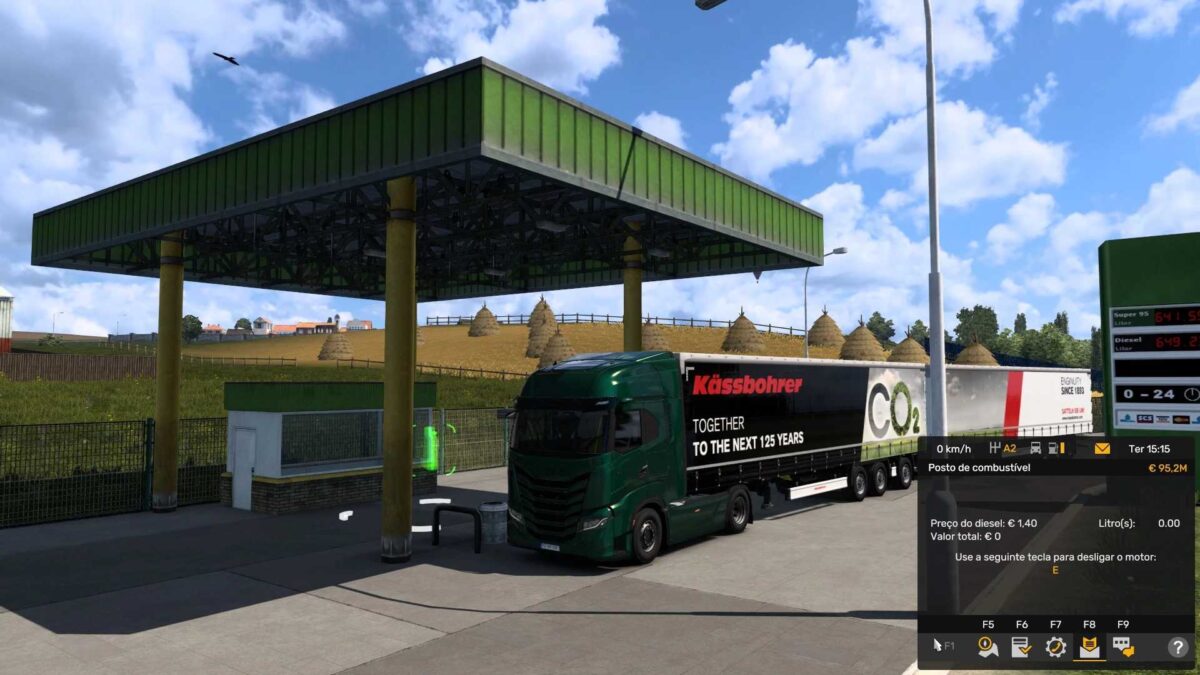
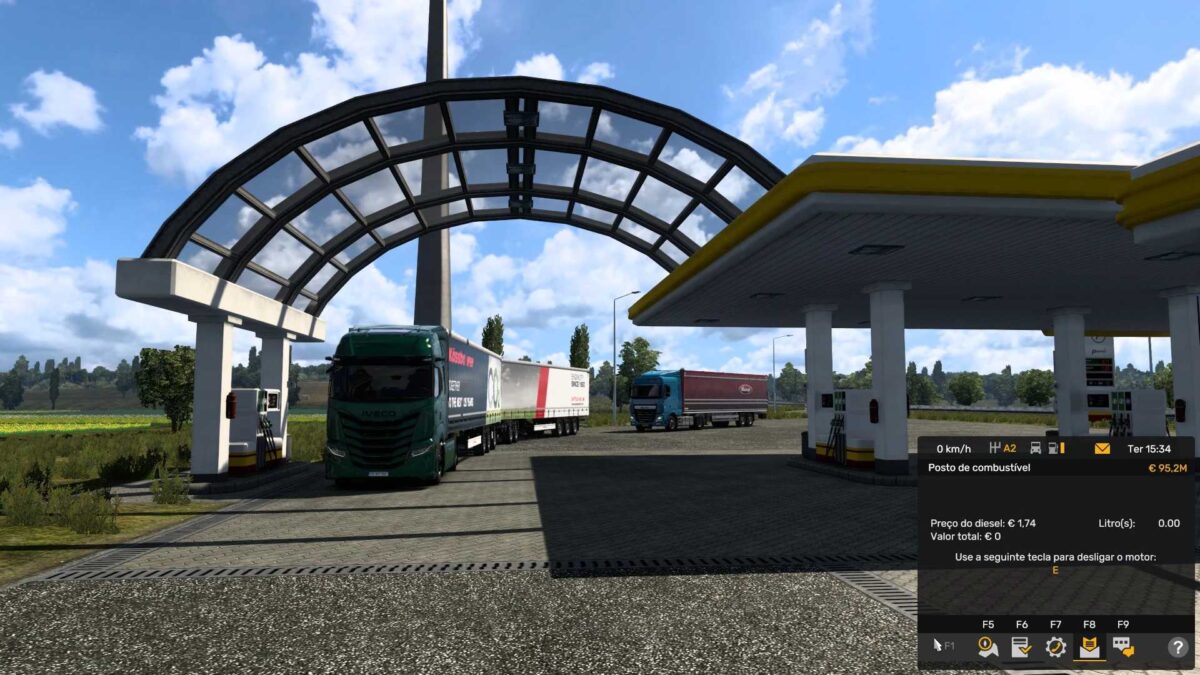
FUELO.EU DIESEL PRICE 23 07 2025 v1.0 1.55 ETS2
FUELO.EU DIESEL PRICE BY RODONITCHO MODS 1.0 1.55 23 07 2025
AUSTRIA €1.62
BELGIUM €1.73
BOSNIA €1.18
BULGARIA €1.25
CROATIA €1.40
CZECH REPUBLIC €1.43
ESTONIA €1.51
FRANCE €1.71
GERMANY €1.63
GREECE €1.53
HUNGARY €1.48
IRELAND €1.65
ITALY €1.75
LATVIA €1.56
LITHUANIA €1.48
MACEDONIA €1.16
NETHERLANDS €1.84
POLAND €1.44
PORTUGAL €1.71
ROMANIA €1.48
SERBIA €1.67
SLOVAKIA €1.48
SLOVENIA €1.48
SPAIN €1.50
SWITZERLAND €1.90
TURKEY €1.15
UNITED KINGDOM €1.95
Credits: RODONITCHO MODS
How to Install ETS2 Mods or ATS Mods
Installing mods in Euro Truck Simulator 2 is straightforward. Simply download the mod from here, then copy or unzip the files into the “My Documents\Euro Truck Simulator 2\mod” folder. For American Truck Simulator, place mods in the “My Documents\American Truck Simulator\mod” folder. To unzip files, you can use either WinRAR or 7zip. After unzipping, activate the mods you wish to use.