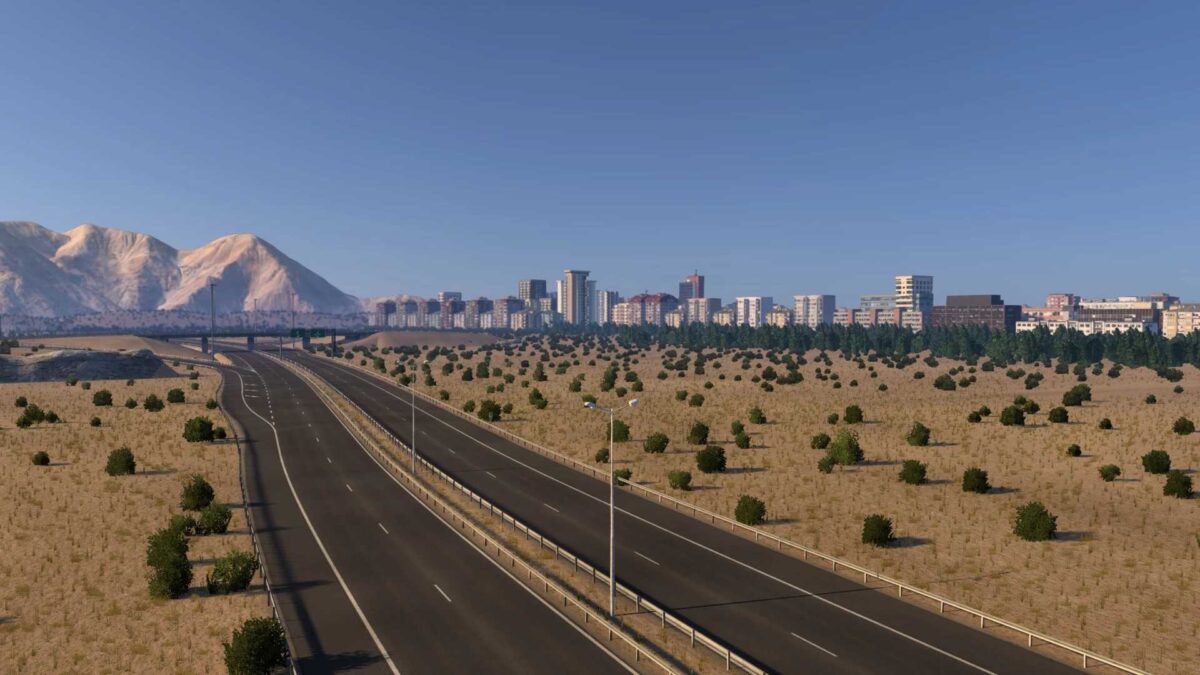
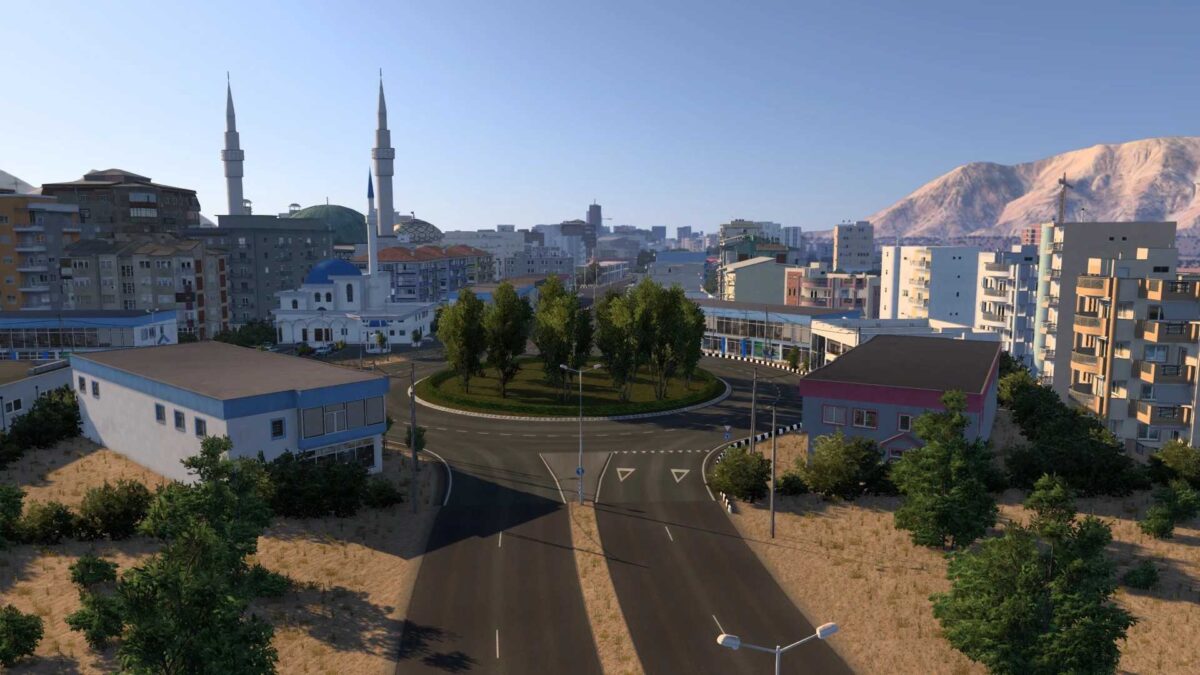
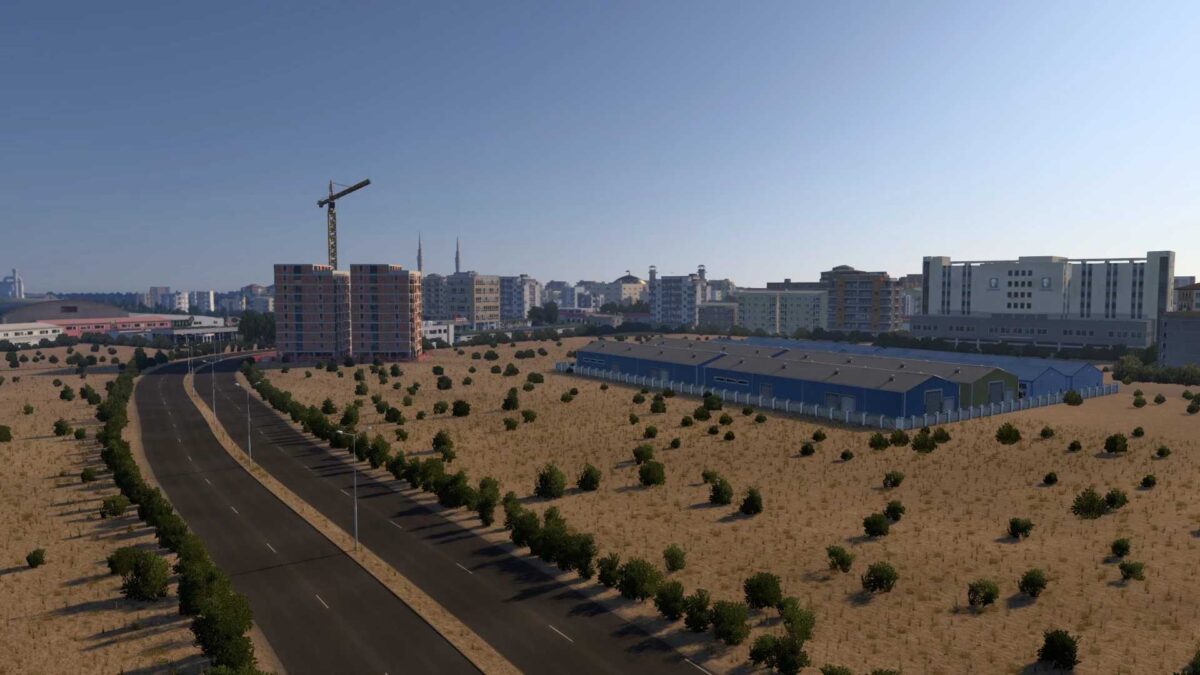
Caucasus Dream Map v2.6 ETS2
Changelog:
– Added a new city: Qazvin
– Resolved connectivity issues in Zanjan road at the company
– Fixed non-functional tolls
Credits: Harits01
Installation Instructions for ETS2 and ATS Mods:
Installing mods in Euro Truck Simulator 2 is straightforward. Download the mod from here, then copy or unzip the files into: “My Documents\Euro Truck Simulator 2\mod” folder. For American Truck Simulator (ATS), place the mods in: “My Documents\American Truck Simulator\mod” folder. You can use WinRAR or 7zip to unzip files. Afterward, activate the desired mods in-game.