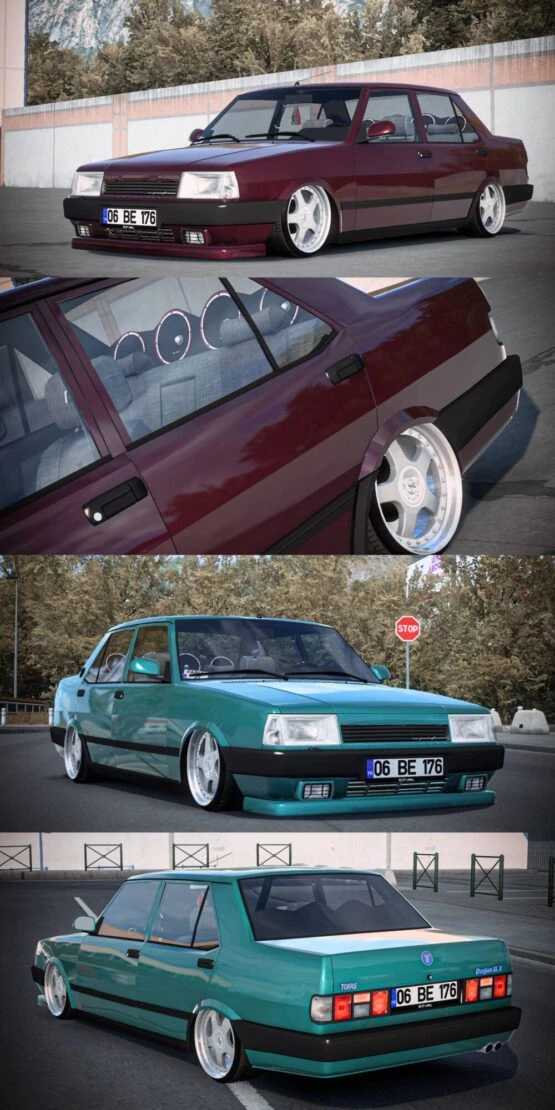
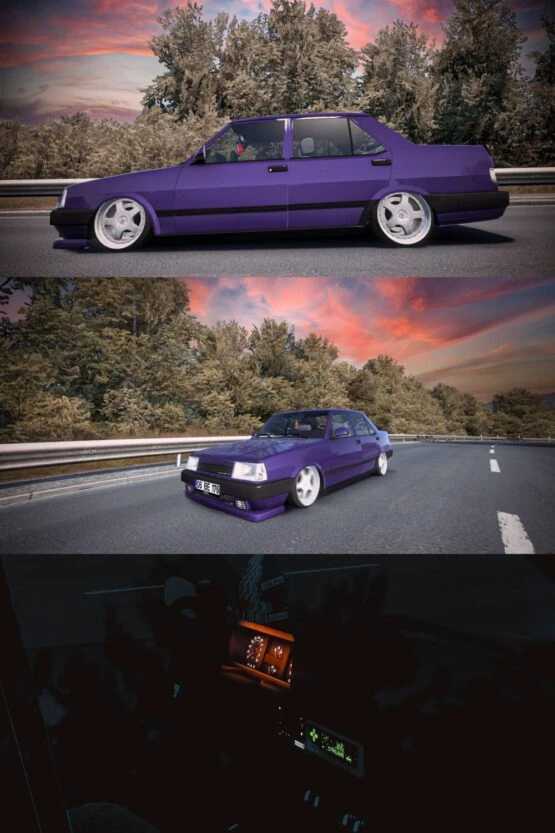
Tofas DoganSLX KT01 1.55 ETS2
Tofaş DoğanSLX KT01
The vehicle is displayed as shown.
All features are fully operational.
Credits: Faruk Aygun
Installation Guide for ETS2 or ATS Mods
Installing mods in Euro Truck Simulator 2 is straightforward. Simply download the mod from here and extract the files into: “My Documents\Euro Truck Simulator 2\mod” folder. For American Truck Simulator (ATS), place the mods in: “My Documents\American Truck Simulator\mod” folder. Use WinRAR or 7zip to unzip files. After extraction, ensure to activate the mods you wish to use.