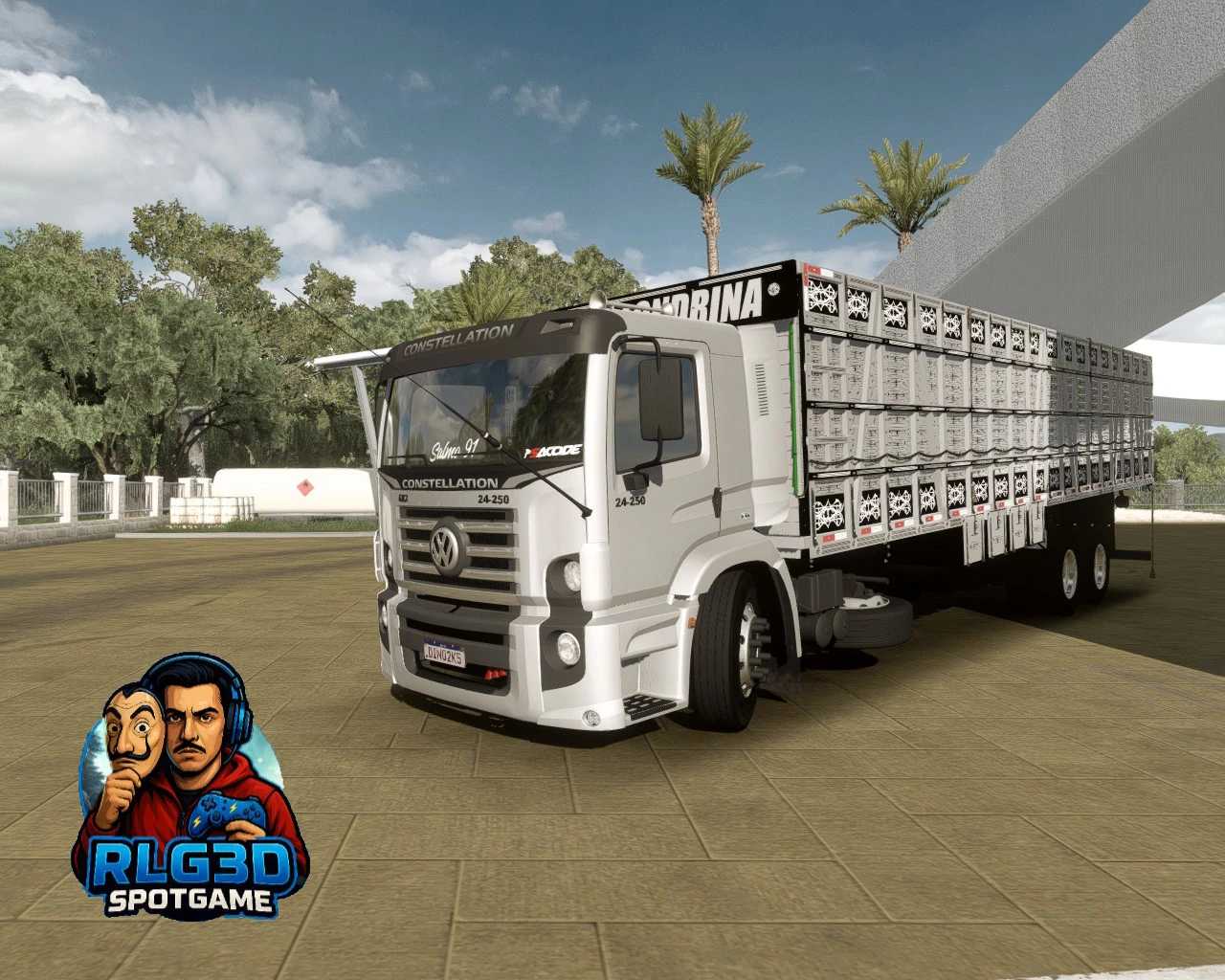
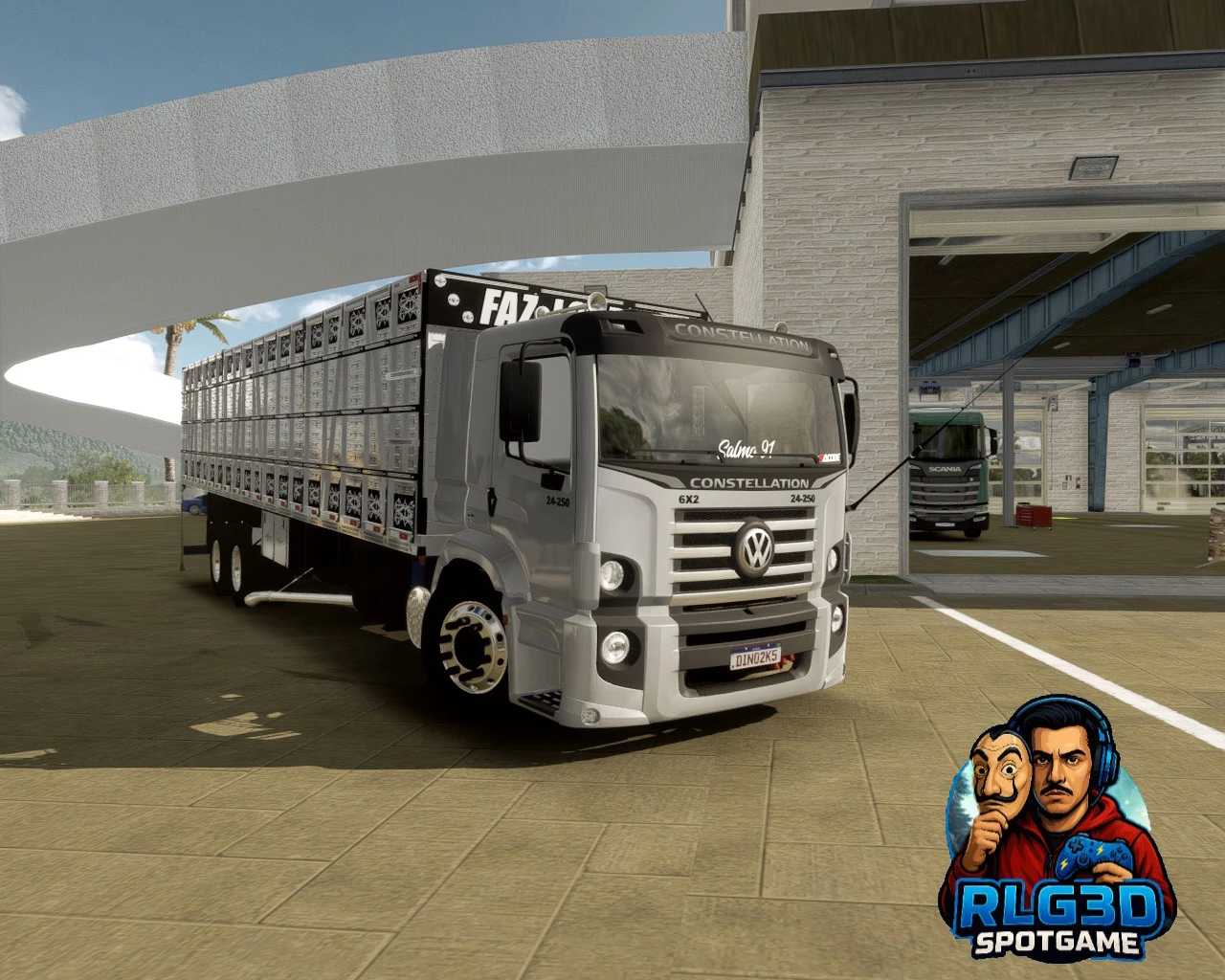
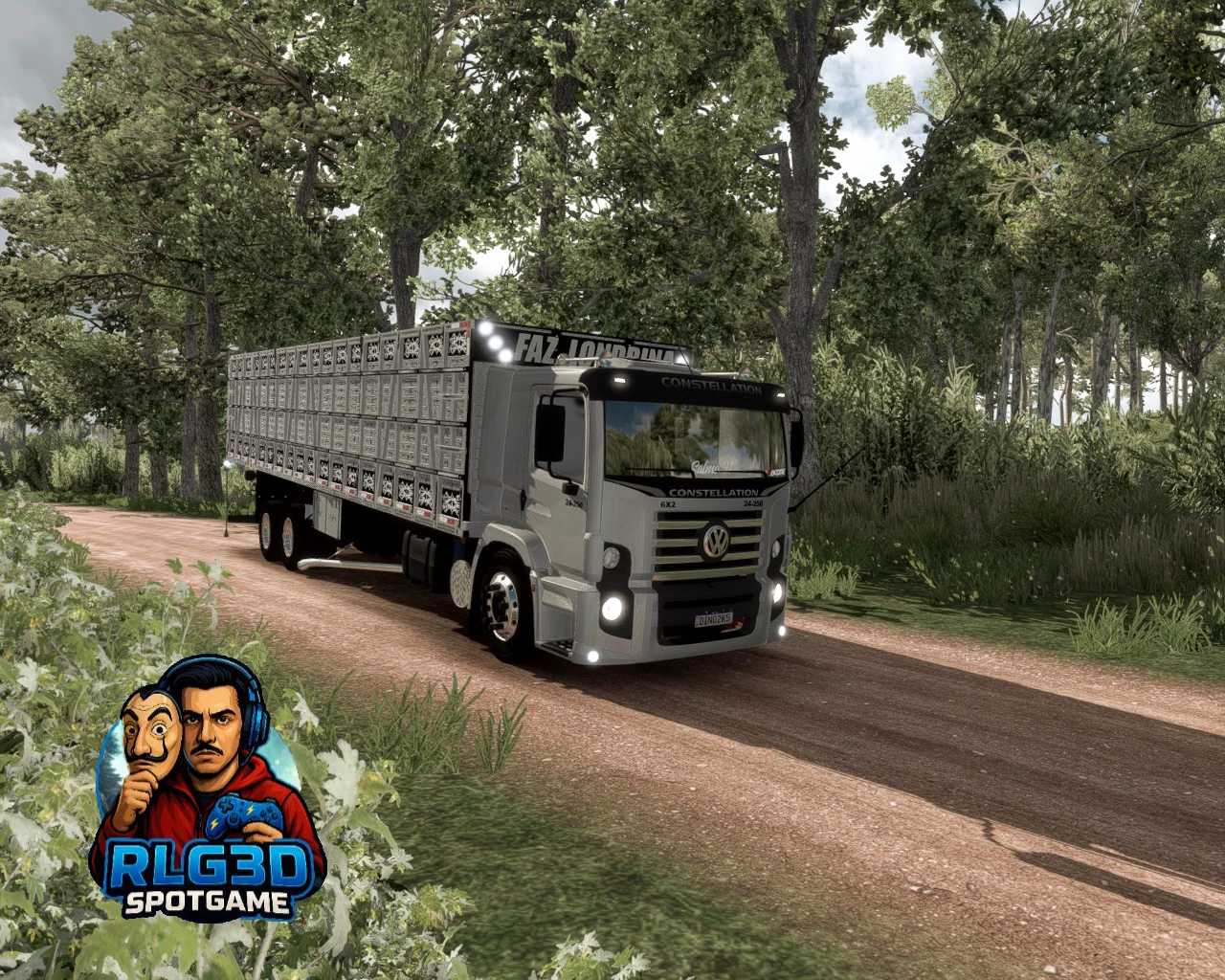
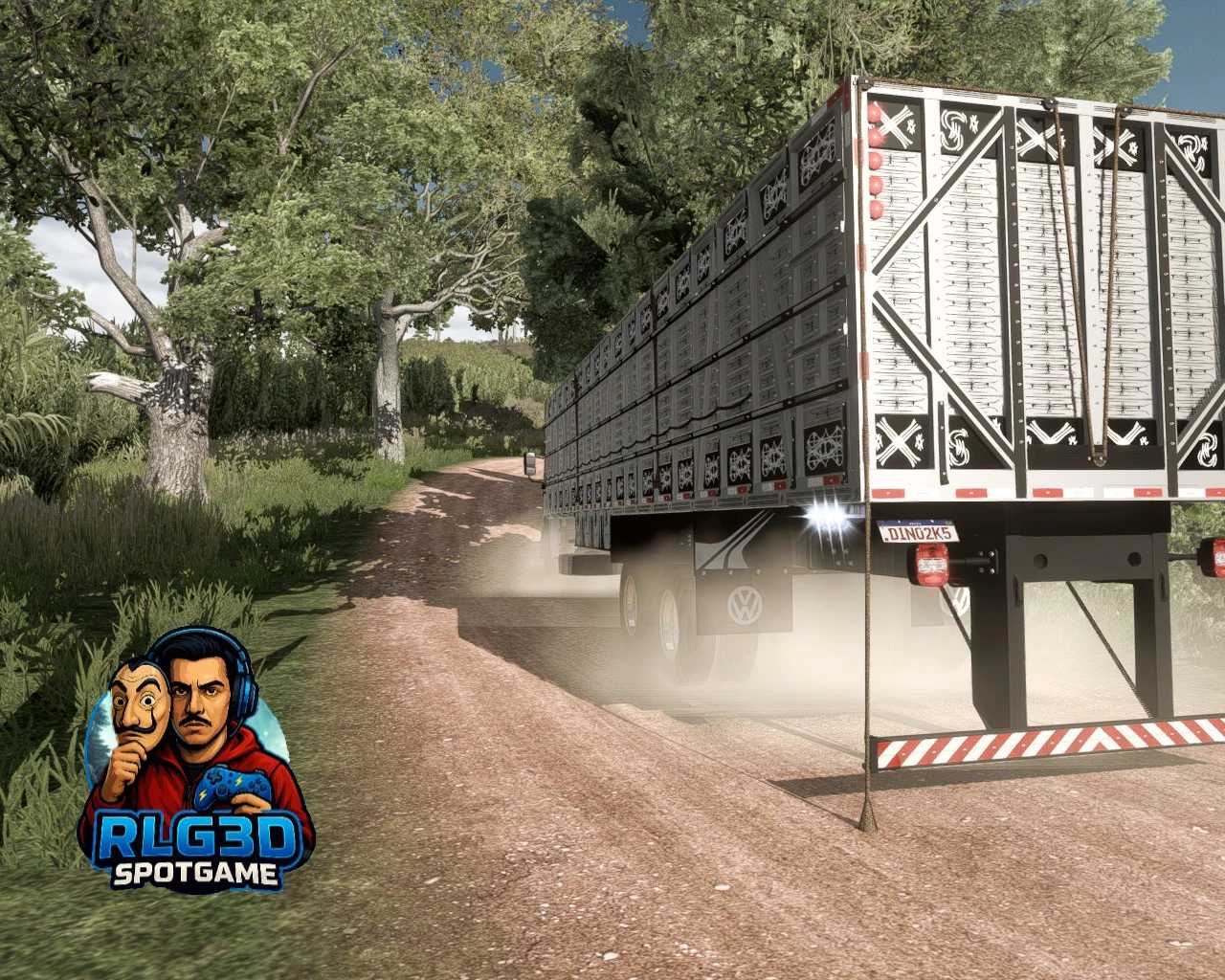
Constellation Dino & RLG3D 1.55 ETS2
This mod offers a range of features:
- Multiple chassis options
- Two different cabins
- Unique bodywork styles
- Custom sound
- Compatible with version 1.55
Credits: RLG3D
Installing ETS2 or ATS Mods
Installing mods in Euro Truck Simulator 2 is straightforward. Simply download the mod from the provided link, and copy/unzip the files into the “My Documents\Euro Truck Simulator 2\mod” folder. If you’re playing American Truck Simulator (ATS), place the mods in the “My Documents\American Truck Simulator\mod” folder. To unzip files, you can use either WinRAR or 7zip. Afterward, you’ll need to activate the mods you want to use.