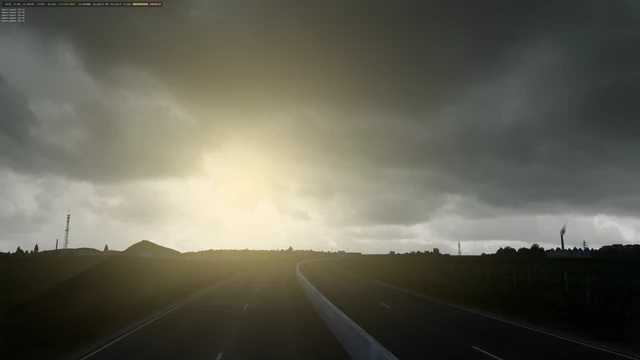
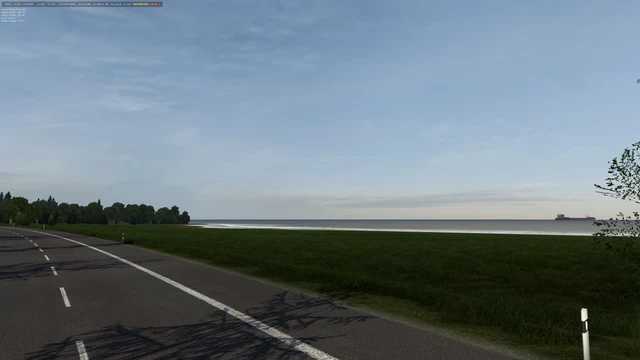
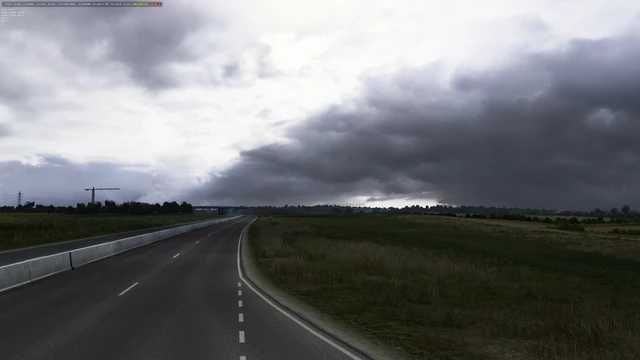
Weather v3.4 1.55 ETS2
Changelog v3.4
Adjusted the weather’s exposure and saturation,
Introduced 3 new skyboxes,
Enhanced bad weather effects,
Increased rain intensity,
Made raindrops more visible,
Resolved several cloud shadow issues.
Features over 300 skyboxes in 8k resolution, size 21MB, including clear skies, cloudy skies, and fog. Compatible with all map mods; simply place it in the mod folder without extraction.
Credits: Juninho944
How to Install ETS2 or ATS Mods
Installing mods in Euro Truck Simulator 2 is straightforward. Download the mod from here, and copy/unzip the files into the “My Documents\Euro Truck Simulator 2\mod” folder. For American Truck Simulator, place the mods in the “My Documents\American Truck Simulator\mod” folder. You can use WinRAR or 7zip to unzip files. After that, remember to activate the mods you want to use.