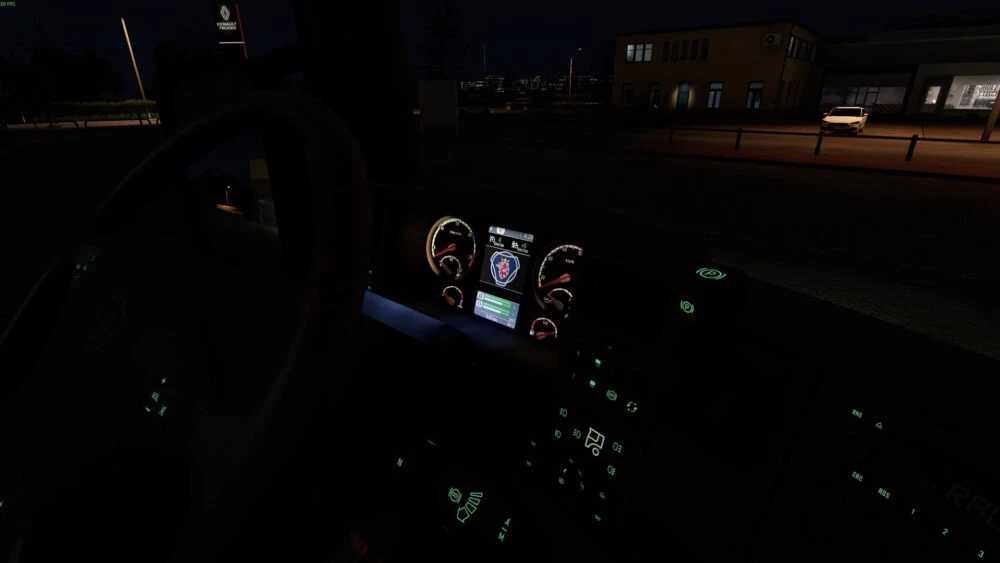
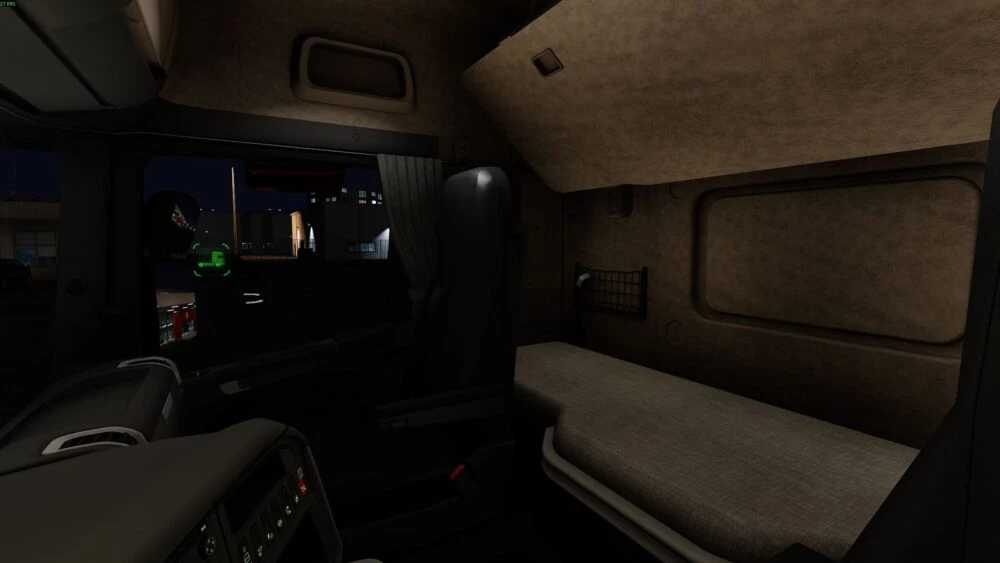
JuuseTV Dashboard Lights & Blue and White Interior Light v1.0 for ETS2
Presenting the JuuseTV Dashboard Lights & Blue and White Interior Light
Cabin type: Highline 2008-2018
Newly designed gauges for radio/GPS (2010-2018)
Credits: Redamancy
Instructions for Installing ETS2 or ATS Mods
Installing mods in Euro Truck Simulator 2 is straightforward. Simply download the mod from here and place the files in: “My Documents\Euro Truck Simulator 2\mod” directory. For American Truck Simulator, use: “My Documents\American Truck Simulator\mod” folder. You can use WinRAR or 7zip to extract files. Once extracted, activate the desired mods to begin using them.