EuPlus+ v0.7.1 1.60 ETS2
Changelogs
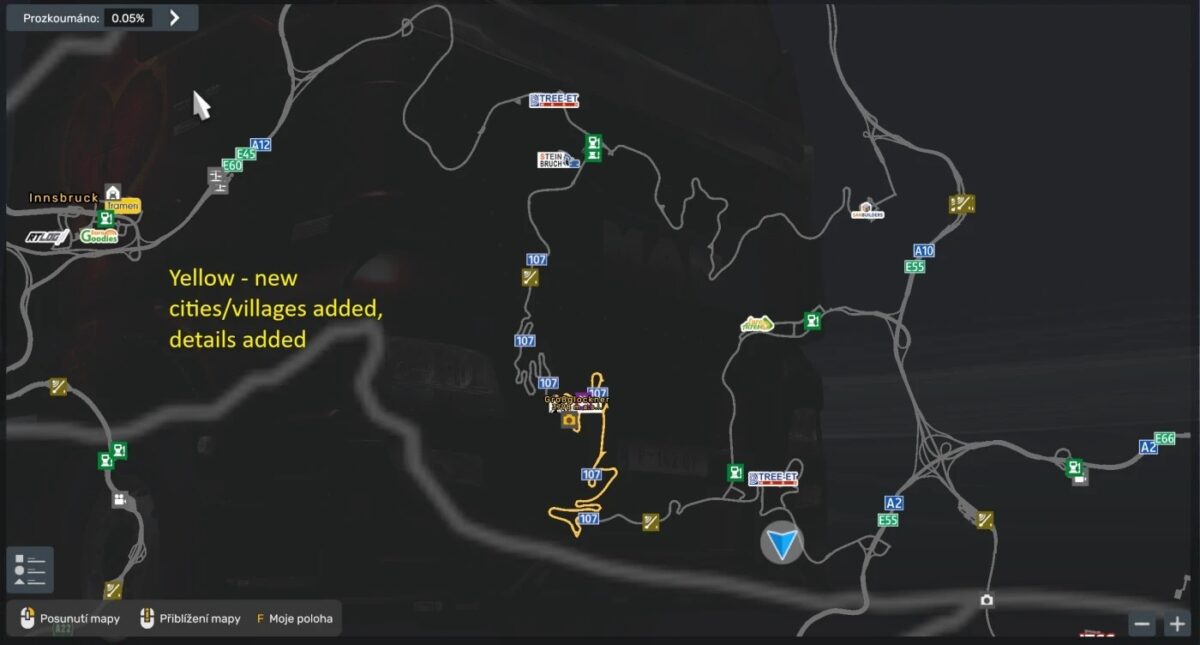
0.1-added Michelhofen, Arnoldstein, Winklern, Heiligenblut, Tresdorf, Untergratschach, Lendorf in Austria and small improved for some areas
0.2-added Saag, Rosenbach in Austria and small improved for some areas
0.2.1-logo changed
0.3- added Rožaje suggested by Najito , Thank you!:D and fixed some bugs and definitions
0.3.1 – fixed game log bugs and small changes on map, added Saalfelden am Steinernen Meer and Bischofshofen
0.3.2 – added back Rožaje
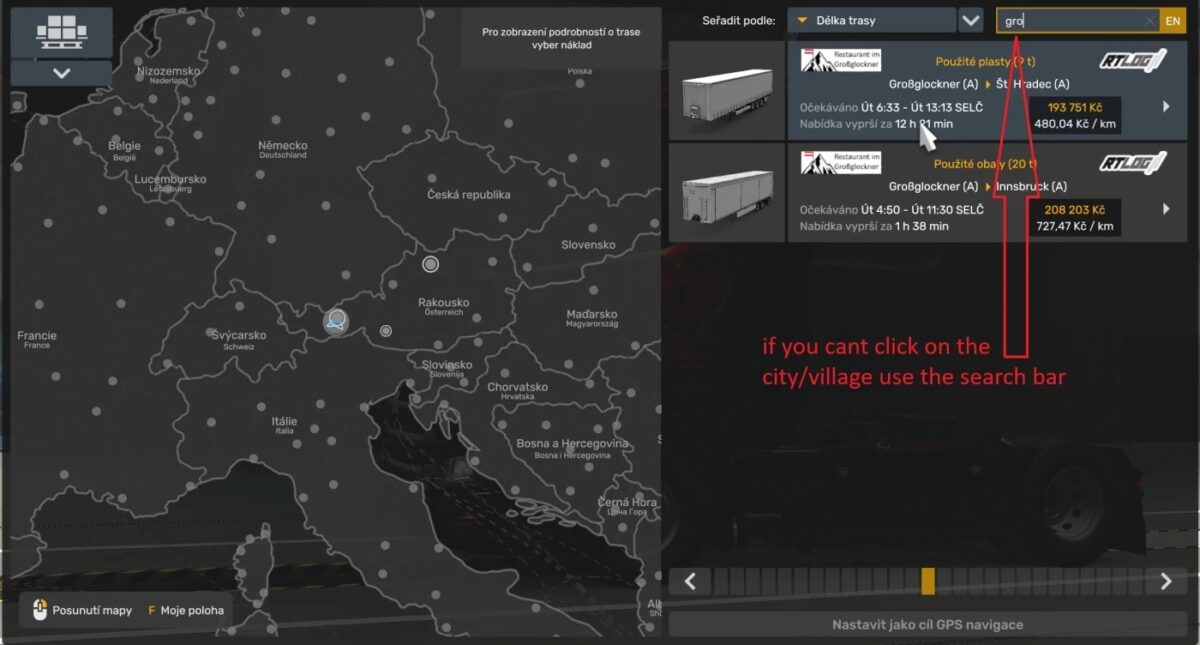
0.4 – all content that mod had was removed and Please don’t ask me why it was done 😀 Added Grossglockner with custom company logo and some details.
0.5 – the small area was improved and the company logo for Grossglockner was modified
0.6 – added overlay B107 road and the company logo for Grossglockner was fixed and small areas was improved
0.7.1 – fixed sign on roundabout
Description:
Expanding SCS map And adding new cities or villages and improving map.
SCS addon
All 10 DLCs (Going East!, Scandinavia, Vive La France !, Italia, Beyond the Baltic Sea, Road to the Black Sea, Iberia and Western Balkans, Greece, Nordic Horizons) are required to run this mod.
Compatibility: 1.60
Credits: Chomik
How to install ETS2 mods or ATS Mods
In Euro Truck Simulator 2 it’s easy to install mods. You just need to download mod from here, copy/unzip files into: “My Documents\Euro Truck Simulator 2\mod” folder or if you play ATS please install mods to: “My Documents\American Truck Simulator\mod” folder. To unzip files you can use: WinRAR or 7zip. After that you need to activate the mods you want to use.