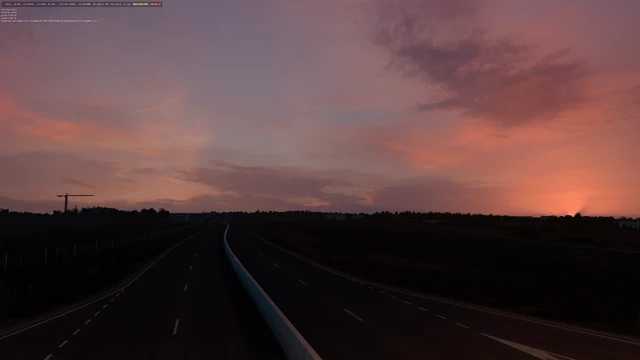
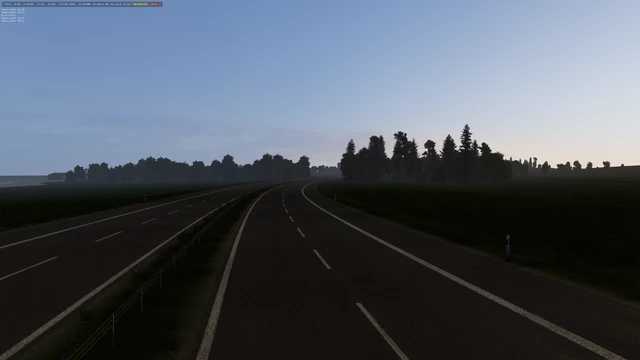
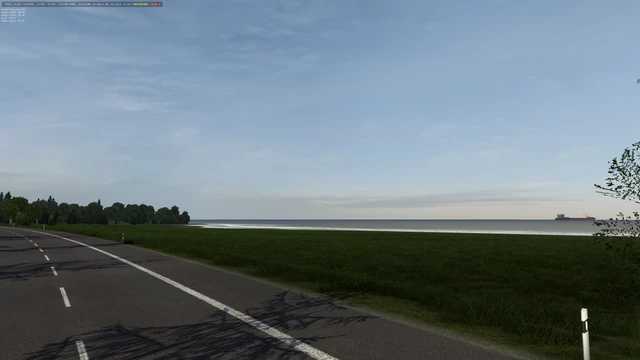
Weather 3.3, all low saturation add-ons 1.5x ETS2
Weather 3.3, featuring all low saturation add-ons.
I noticed that version 1.55 seems overly saturated, prompting me to create this add-on.
Credits: juninho944
How to install ETS2 mods or ATS Mods
Installing mods in Euro Truck Simulator 2 is straightforward. Simply download the mod from here, and copy/unzip the files into the “My Documents\Euro Truck Simulator 2\mod” folder. For American Truck Simulator, place the mods in the “My Documents\American Truck Simulator\mod” folder. You can use WinRAR or 7zip to unzip files. Afterwards, you need to activate the mods you wish to use.