Trans-Siberian Truckway v2.0 1.55 ETS2
Changelog 2.0
– Introduced the village of Erofey Pavlovich
– Minor Enhancements to Nizhnii Bestyakh
– Reconstructed the border between Zabaykalsky and Amur regions
– Added triggers connecting countries and Federal Subjects
– Revamped city definitions to avoid conflicts
– Resolved bugs
Description
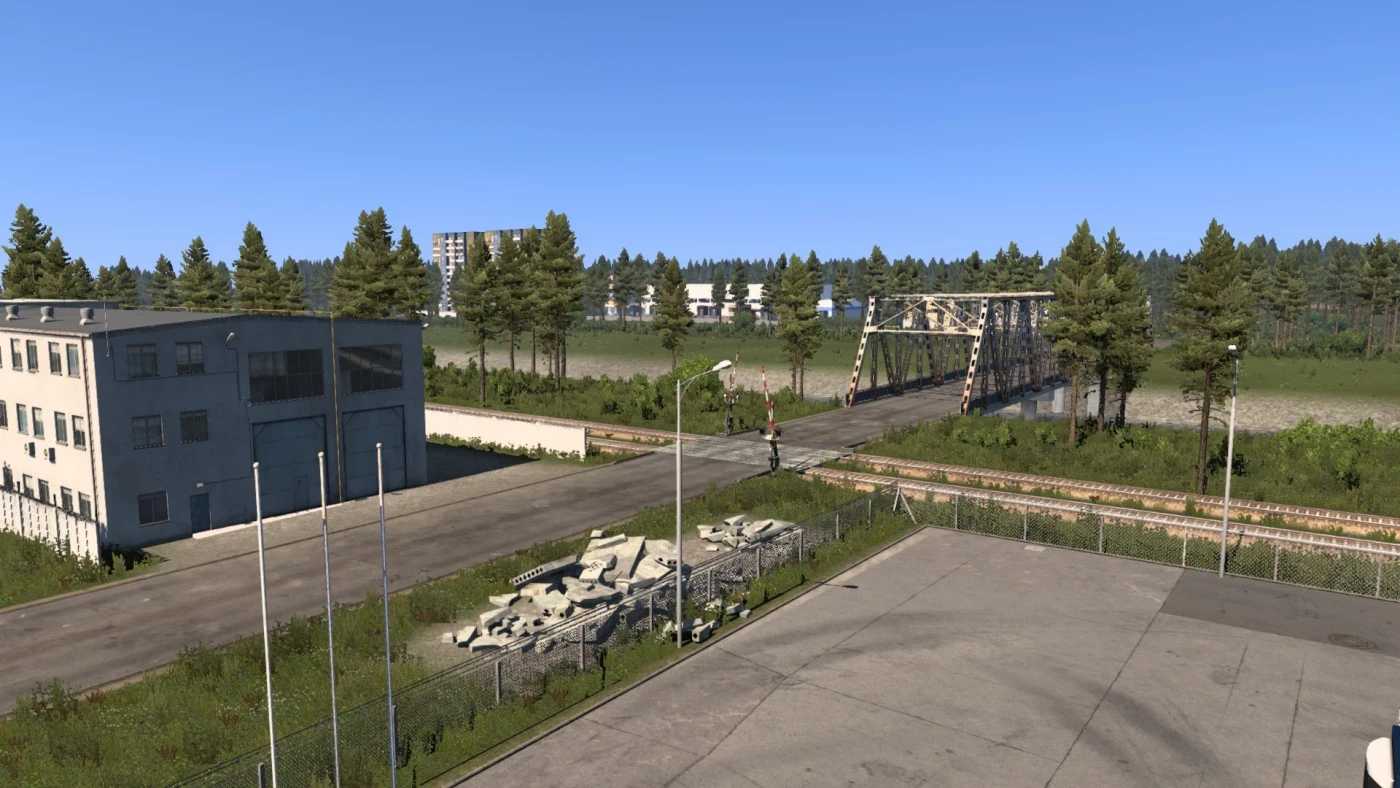
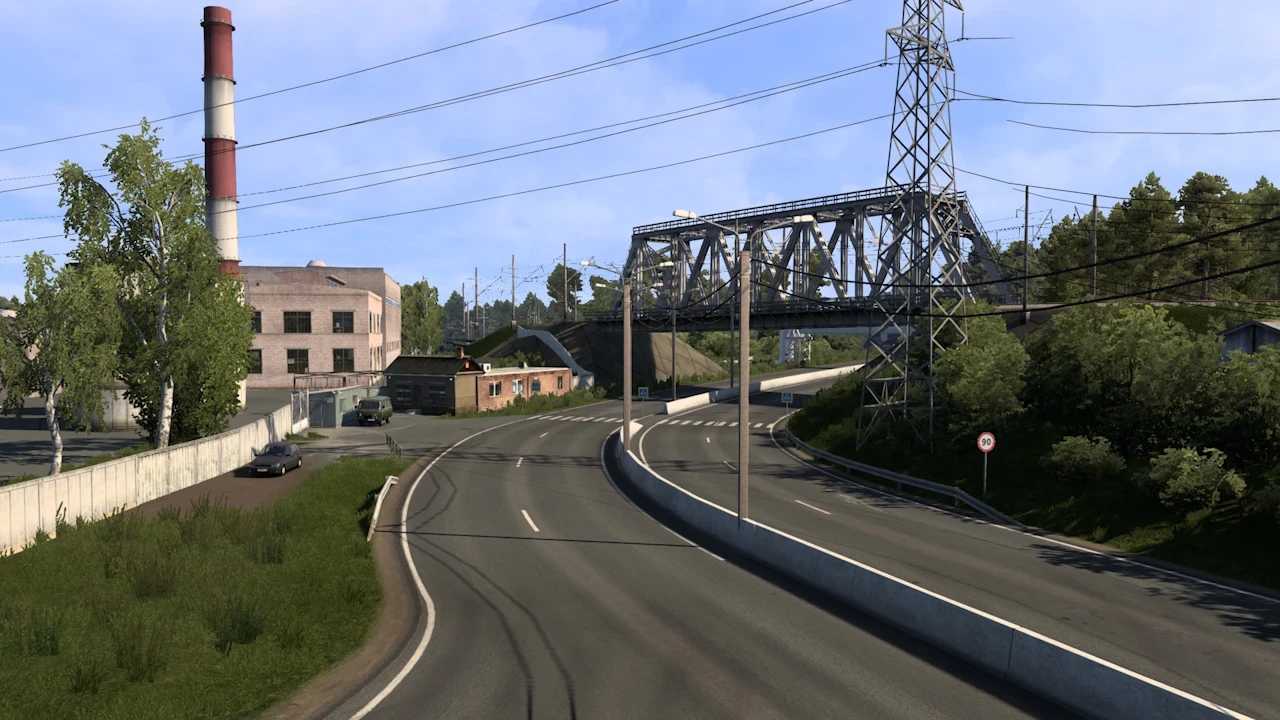
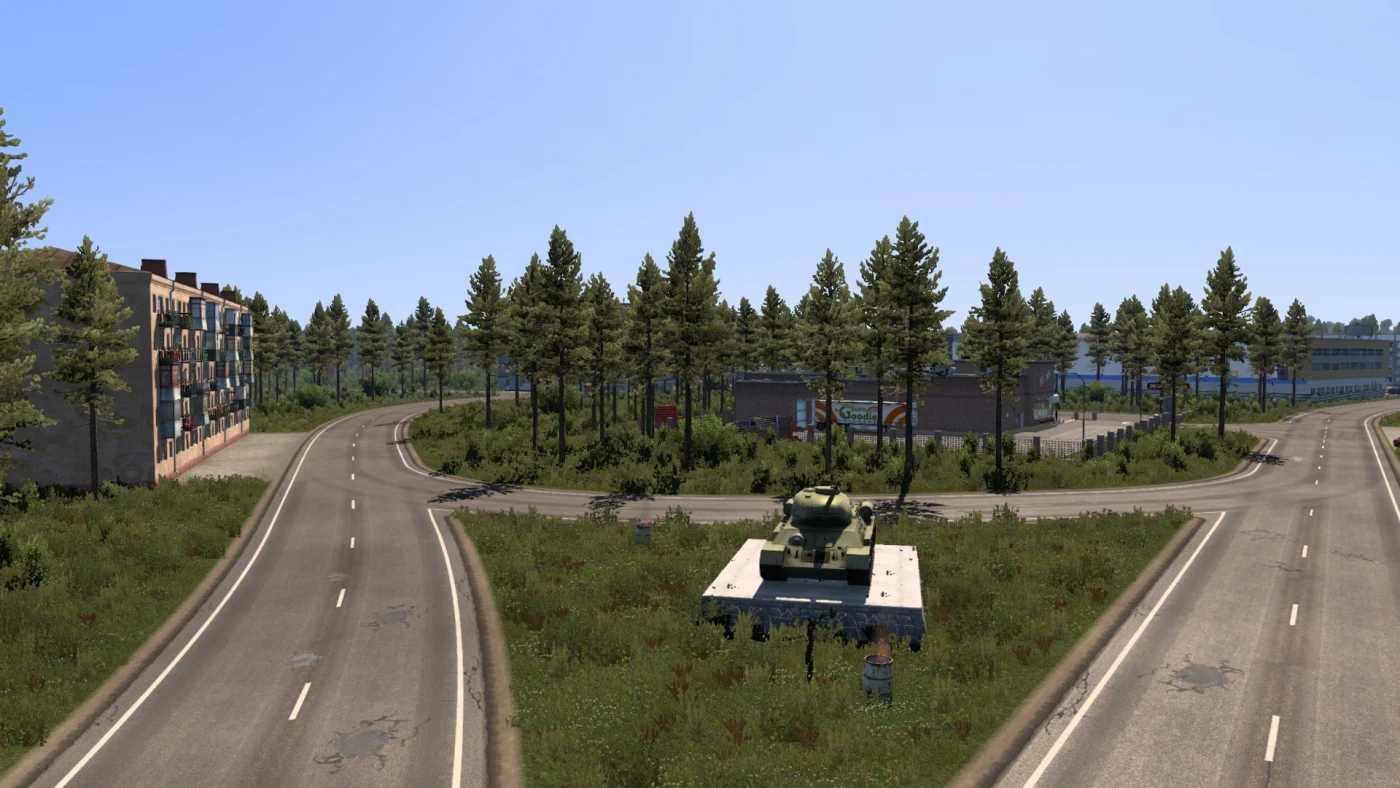
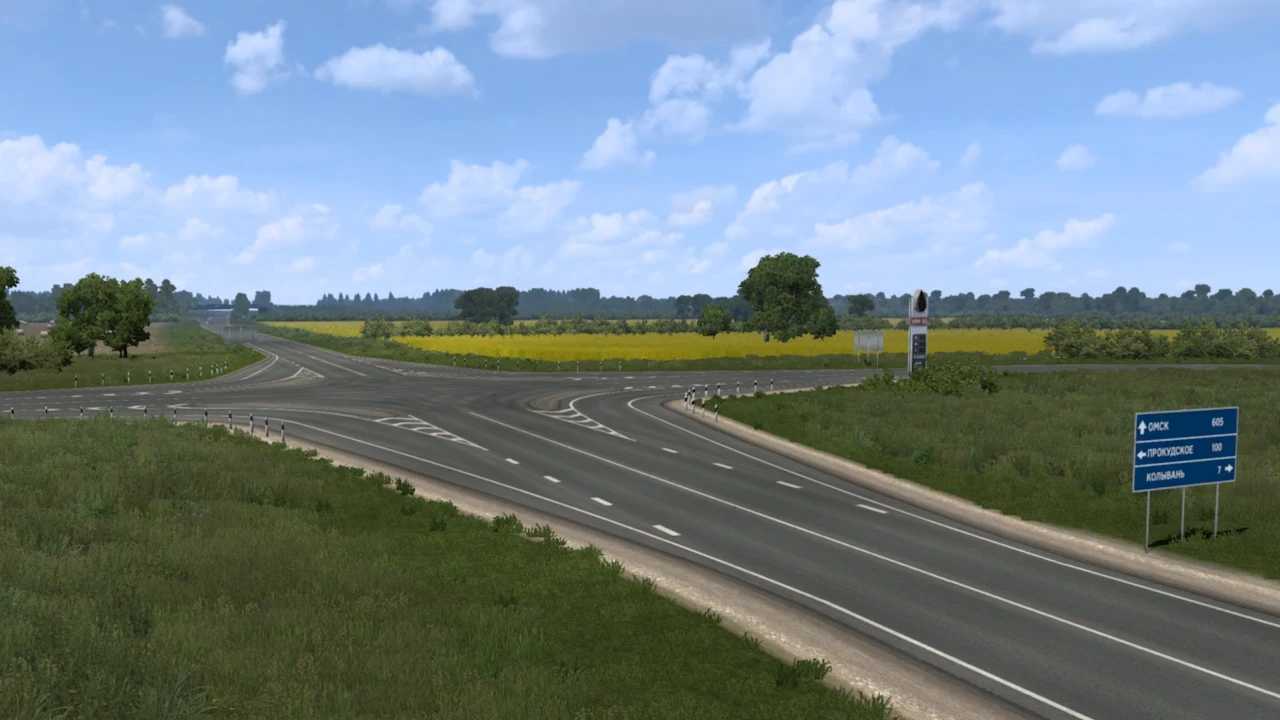
A comprehensive map of Russia (covering Siberia and the Far East) stretching from Omsk Oblast to Vladivostok, incorporating Lake Baikal, the Amur River, and the Sakha Republic.
Offers over 6000 km of roadways and features 40 cities.
ALL MAP DLCs ARE REQUIRED
Loading order: Position above other maps with connectors at the top.
Compatibility: 1.55
Credits: kwigdulah
How to Install ETS2 or ATS Mods
Installing mods in Euro Truck Simulator 2 is straightforward. Simply download the mod from here, then copy/unzip the files into: “My Documents\Euro Truck Simulator 2\mod” folder. If you’re playing ATS, place the mods in: “My Documents\American Truck Simulator\mod” folder. You can use software like WinRAR or 7zip for unzipping files. After that, activate the desired mods you wish to use.