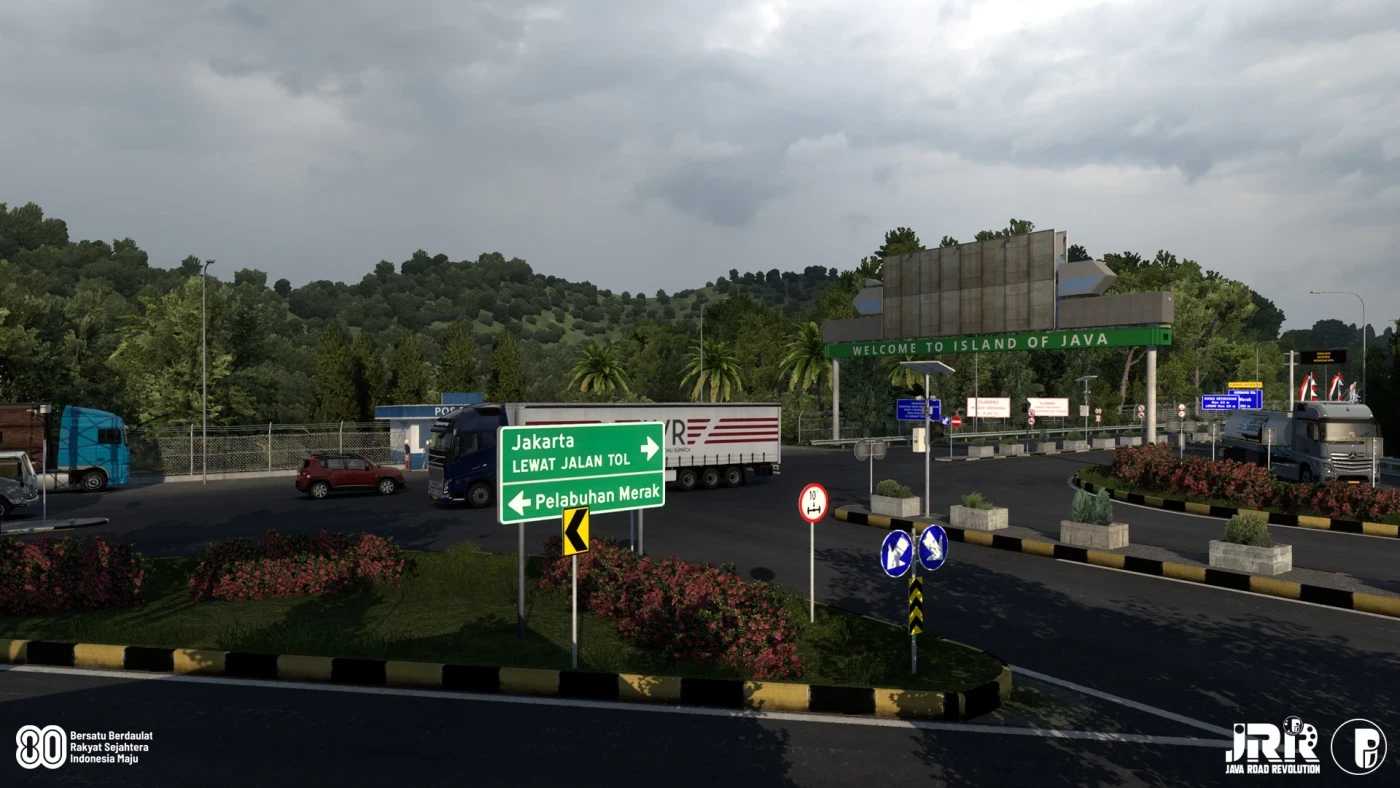
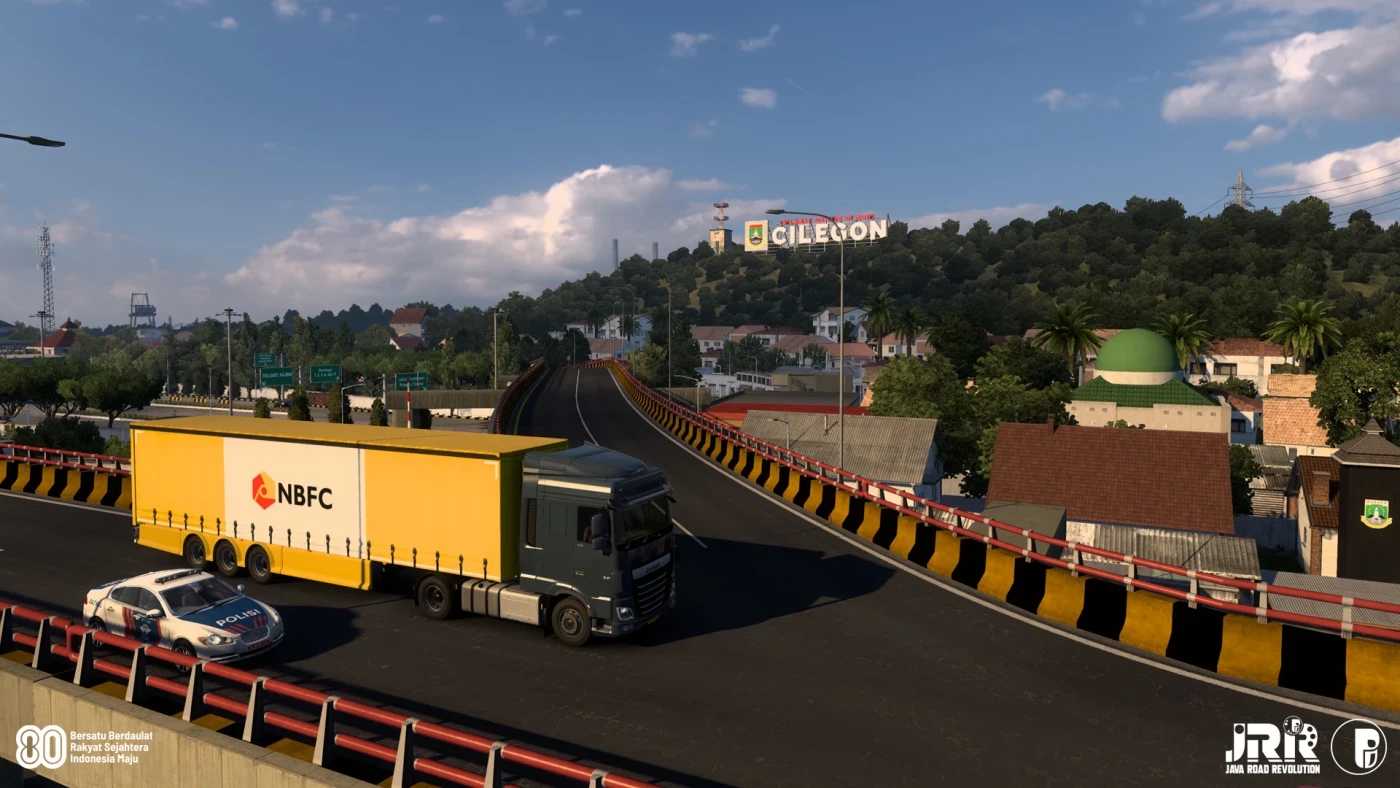
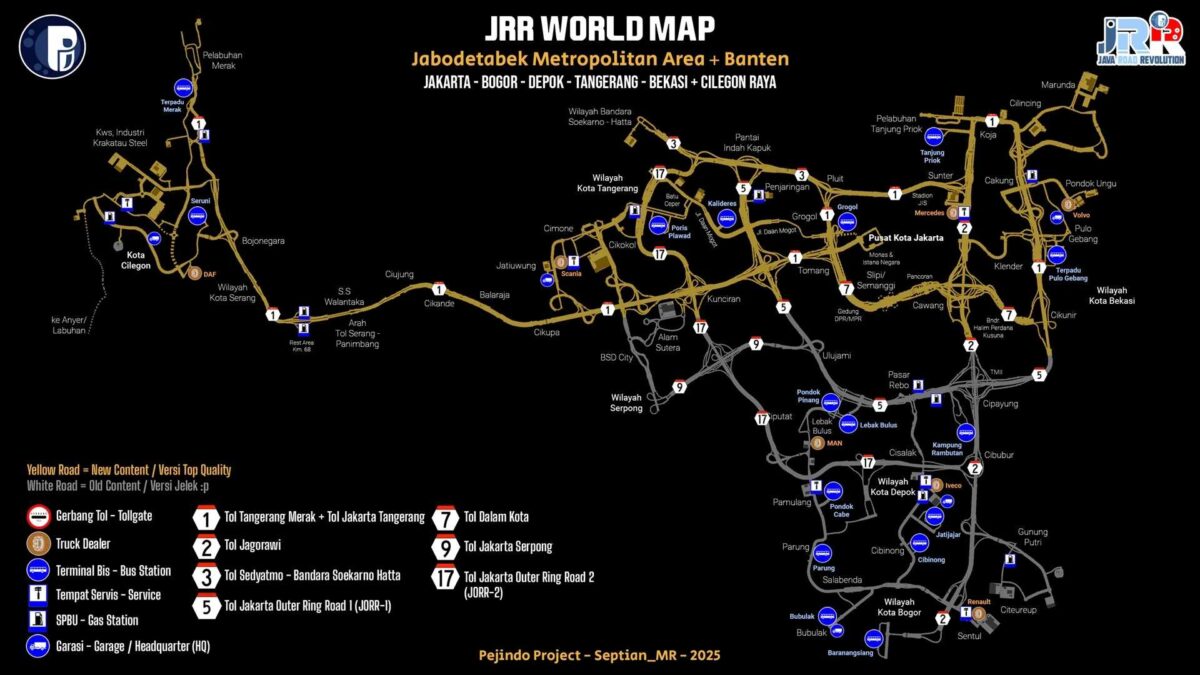
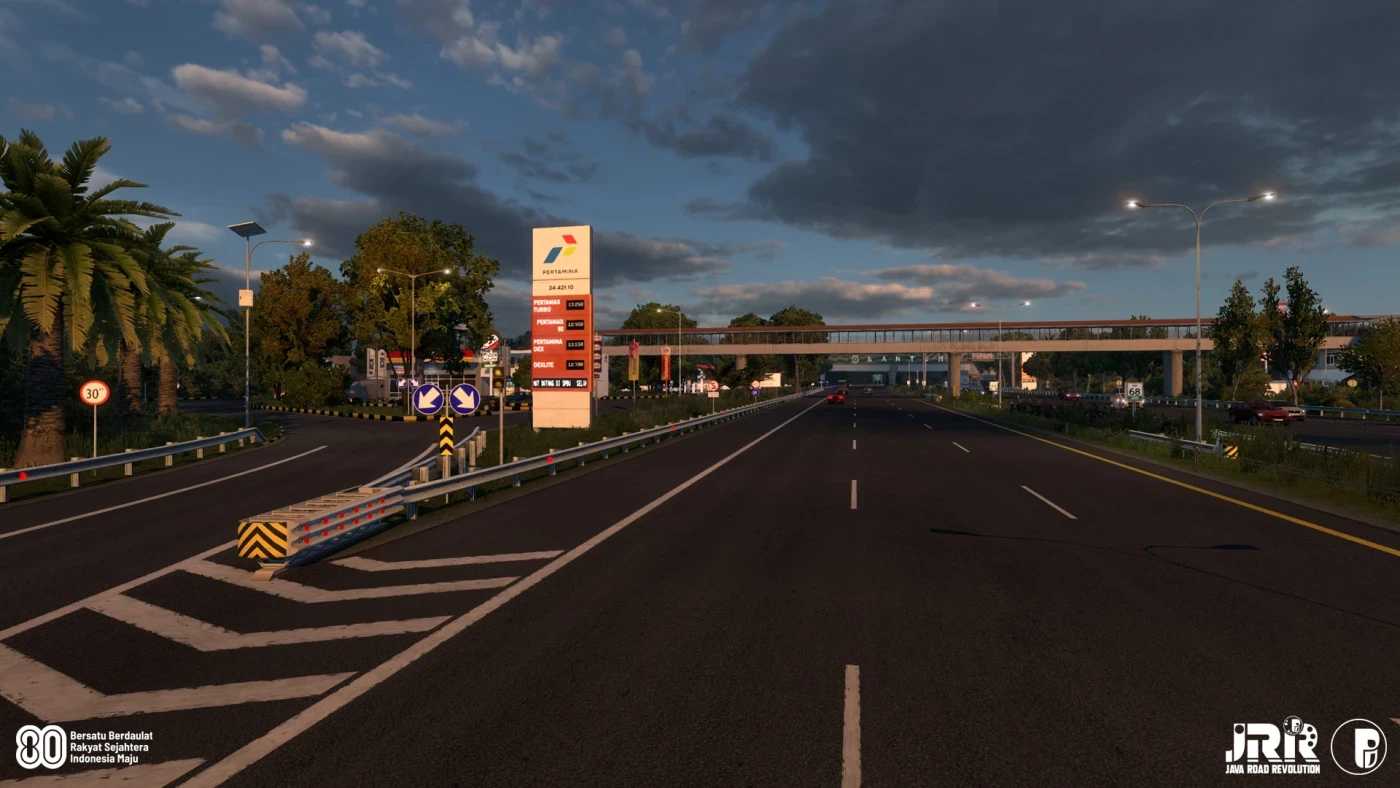
JRR (Java Road Revolution) – Indonesia Map v0.91a ETS2
Changelog:
Addressed multiple GPS and traffic issues related to left-hand driving on this map.
Note: To view the JRR Indonesia map’s position on GPS or UI World Map, you need to use the Background Mod or Zoom Mod.
Compatible with ETS2 version: 1.56 (and newer)
DLC Required: None (you can play this map without any map DLCs)
Map Type: A (Default version) – suitable for various UI Background Maps
Credits: Septian_MR
Installation Guide for ETS2 or ATS Mods
Installing mods in Euro Truck Simulator 2 is straightforward. Simply download the mod from here, then copy/unzip the files into: “My Documents\Euro Truck Simulator 2\mod” folder. For American Truck Simulator, place mods in: “My Documents\American Truck Simulator\mod” folder. Use WinRAR or 7zip to unzip files. Afterward, activate the mods you wish to use.