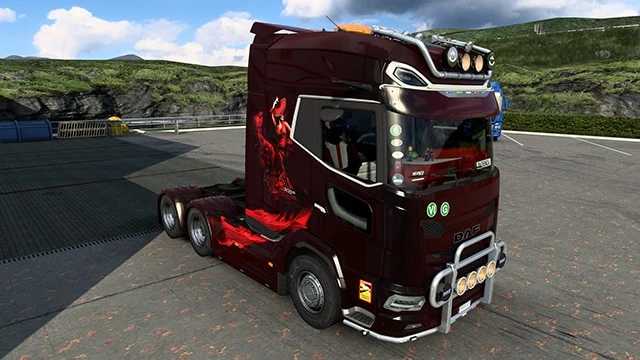
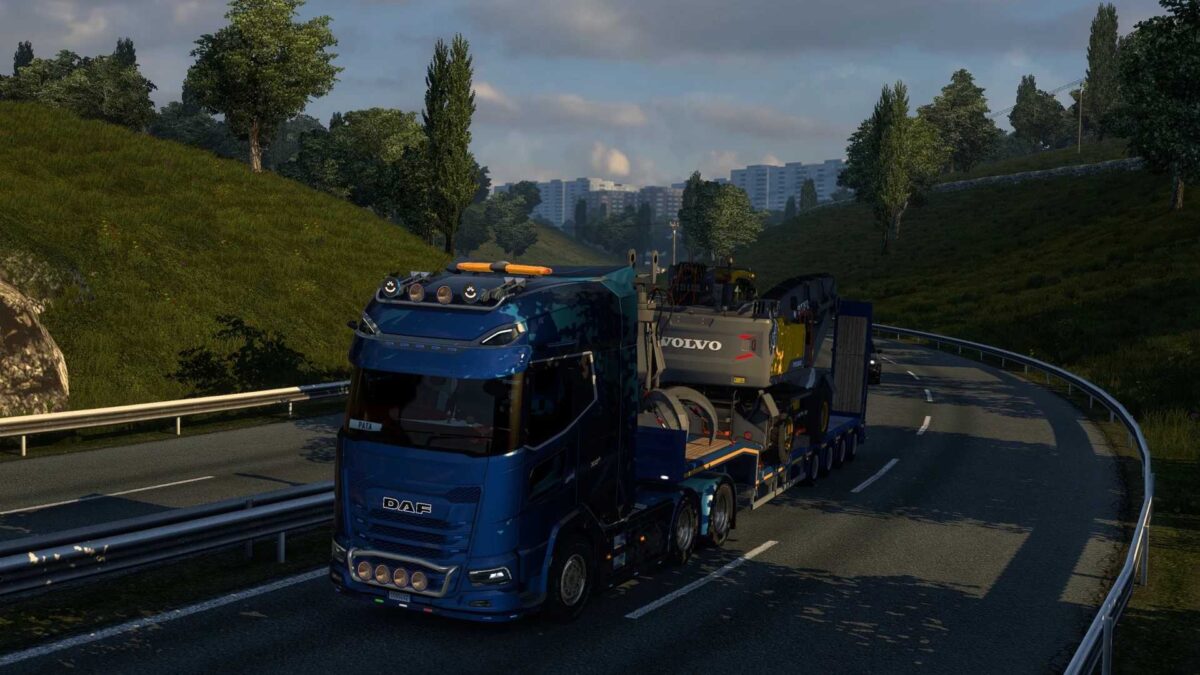
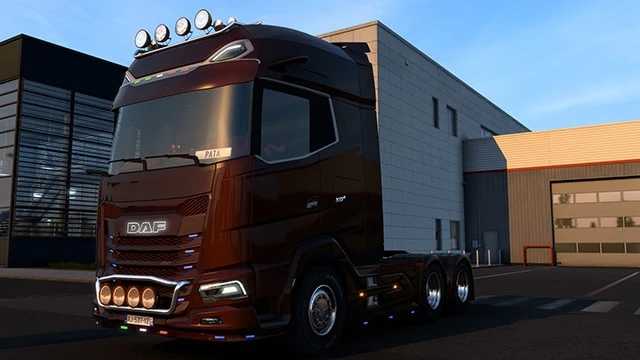
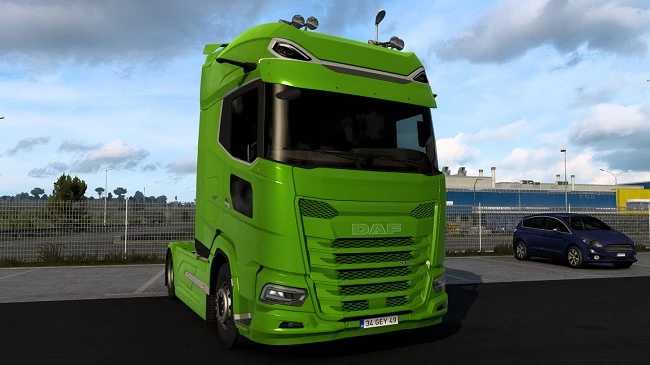
DAF XG+ Tuning Combo v1.9 ETS2
Stylish red and white interior
UK-themed red and white interior
Custom red and white steering wheel
Fashionable red and white seats
Closed passenger version of red and white seats
Distinctive red and white door interior
Interior door with red and white glass accents
Extended sunshield with unique paint
Premium sunshield with LED lighting
Extended front mirror (plastic)
Front grille finished in plastic paint
Stylishly painted front grille
Completely painted front grille
Low-profile plastic front grille
Painted low front grille
Fully painted low front grille
Rear fender with paint finish
Top section of rear fender painted
6×2 rear fender with paint
Top section of 6×2 rear fender painted
Branded logo design
Branded logo with LED details
Original logo featuring LED
Open roof deflector
Aero sideskirt FTS / FTN along with slots for markers, LEDs, and blinkers.
Plastic sideskirt for FTS / FTN
600 liters fuel tank for FTS chassis
Combination of 600 + 400 liters tank for FTS chassis
Compatible with version 1.55
Credits: Nikdalka
How to Install ETS2 or ATS Mods
Installing mods for Euro Truck Simulator 2 is simple. Just download the mod from the link provided and copy/unzip the files into: “My Documents\Euro Truck Simulator 2\mod” folder. For American Truck Simulator, place the mods in: “My Documents\American Truck Simulator\mod” folder. You can use tools like WinRAR or 7zip to unzip files. Afterwards, remember to activate the mods you wish to use.