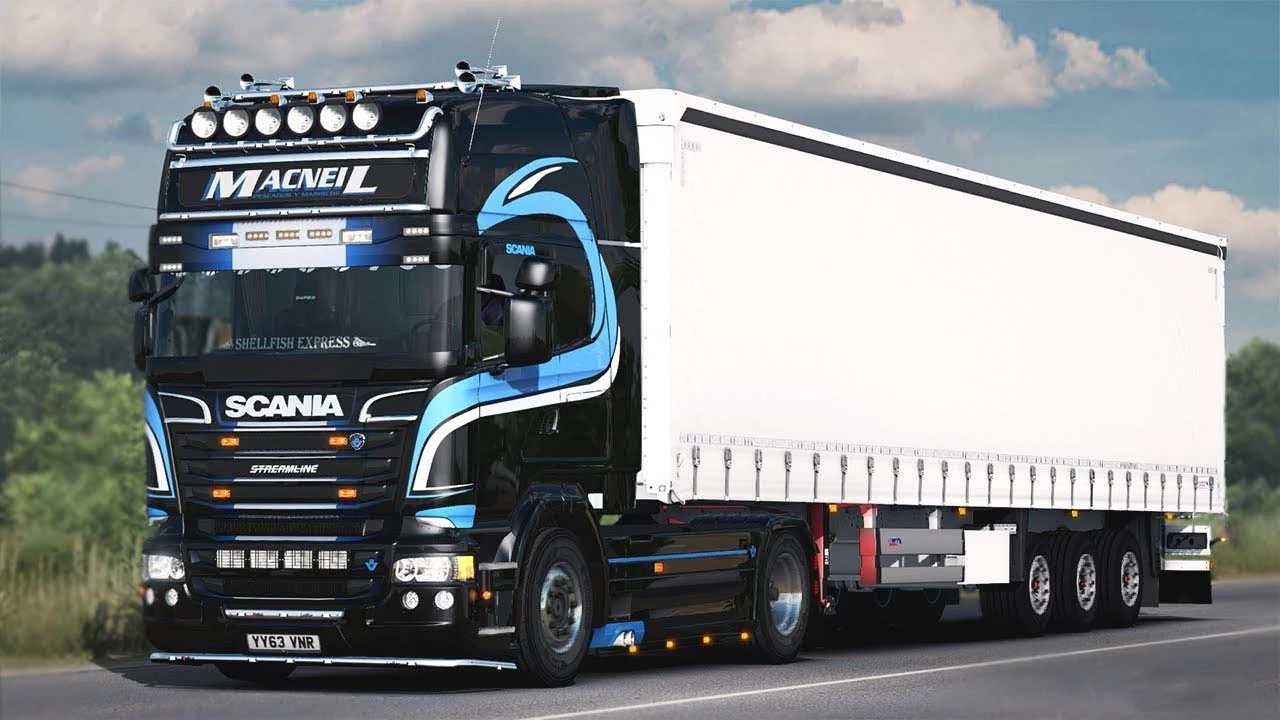
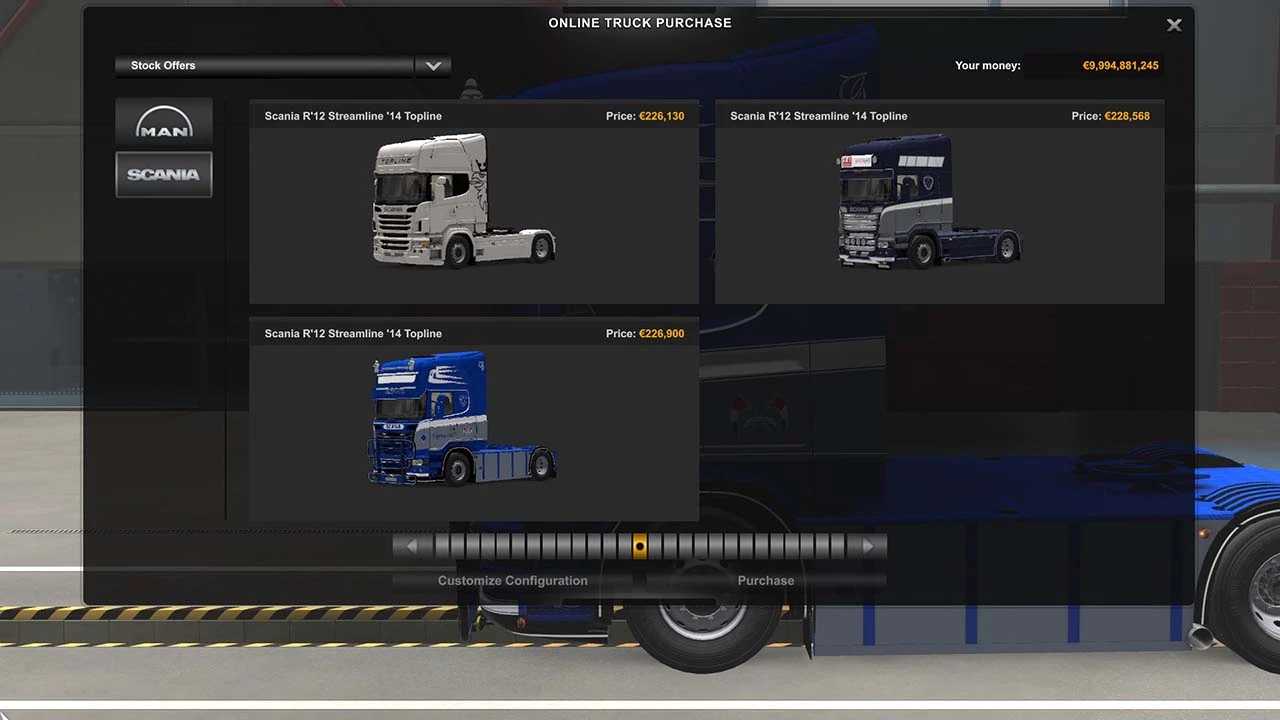
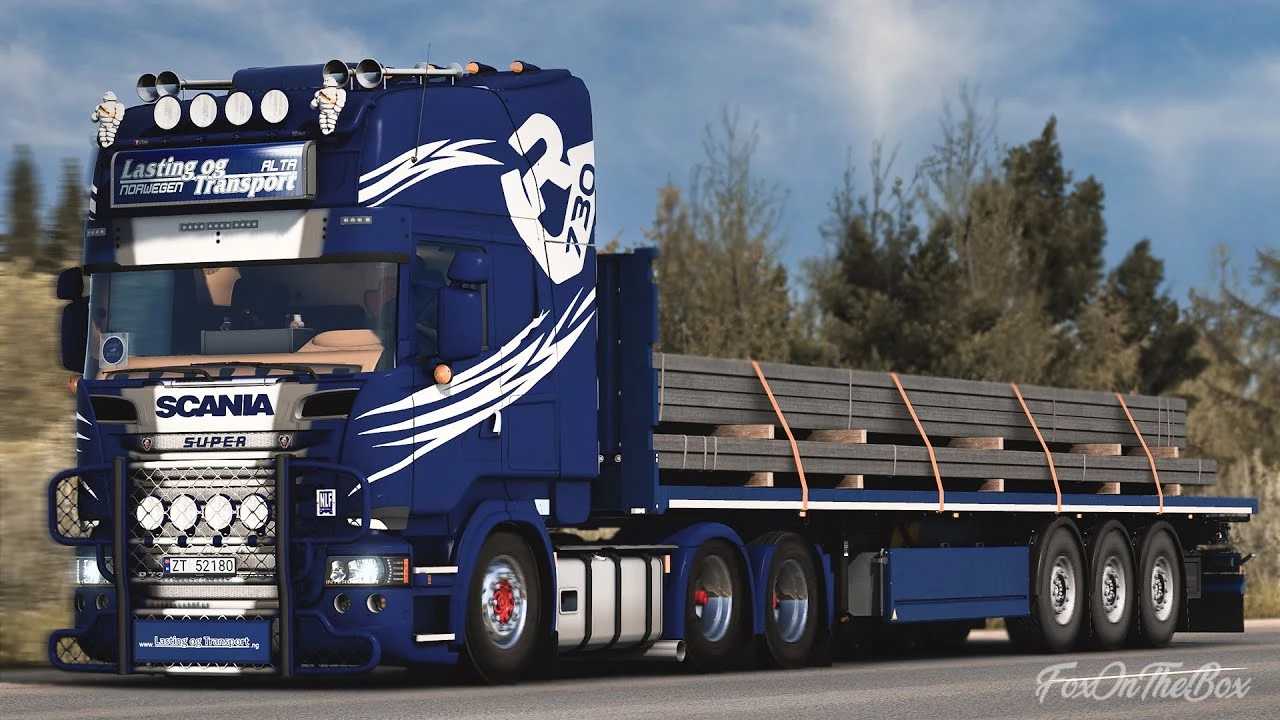
FreD’s Scania R2012 Streamline 2014 v1.53 ETS2
– 4k Ambient Occlusion Bake + Templates for Photoshop, Paint.net, GIMP (included)
– Functional elements (Antenna, Mudflaps)
– Chassis options: 4×2, 6×2, 6×4, 8×2 + custom BDF Variants (Schwarzmüller, Krone, Schmitz, and Pierarrd Custom)
– Fuel tanks for all variants (Euro 5 and Euro 6)
– High-quality headlights (H7, Streamline (Xenon), H4 – also in Yellow)
– Side skirts available for each chassis type
– Custom rear bumpers
– Exclusive R 500 Sneepels parts (Front bumper, Side skirts, Rear bumper, Chassis cover, Air bar)
– Comprehensive interior customization (Dashboard panels, Back wall, Side wall, Ceiling)
– Two unique interiors from Specialinterior.com
(TVX from Belgium and Gary Harries from the UK)
– Numerous other tuning parts available
Tested for version 1.53
Credits: Fred
How to install ETS2 mods or ATS Mods
To install mods in Euro Truck Simulator 2, simply download the mod from here and copy/unzip the files into the “My Documents\Euro Truck Simulator 2\mod” folder. For American Truck Simulator, place the mods in the “My Documents\American Truck Simulator\mod” folder. You can use WinRAR or 7zip to unzip the files. After that, activate the mods you wish to use.