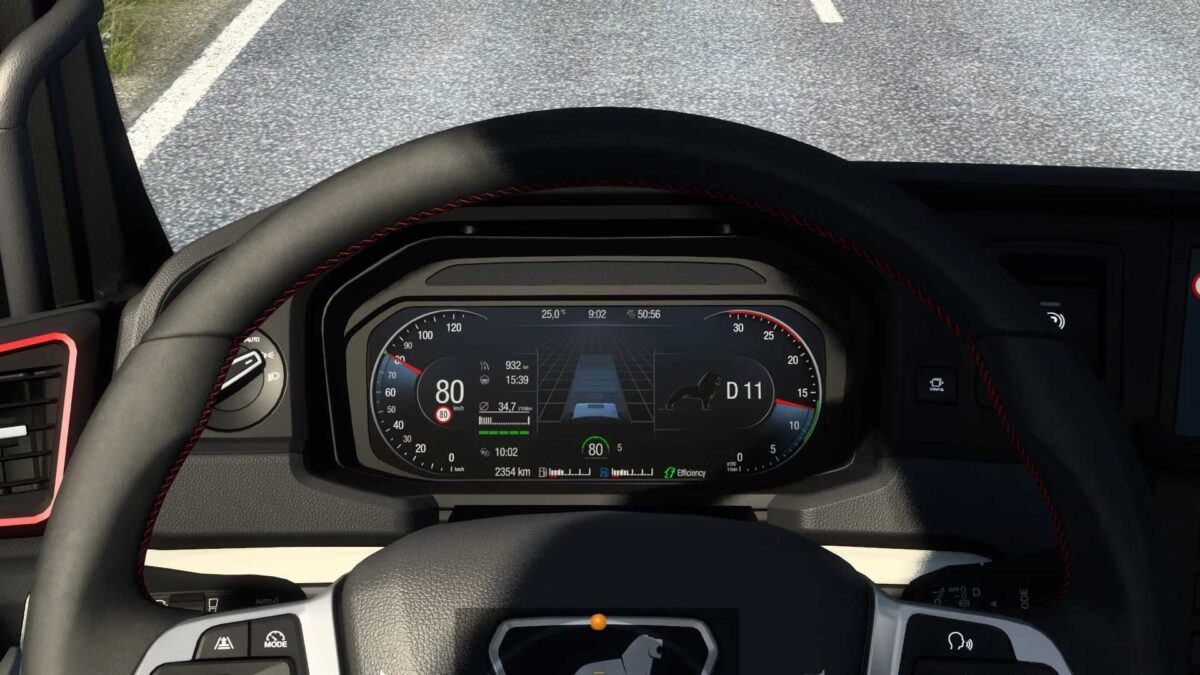
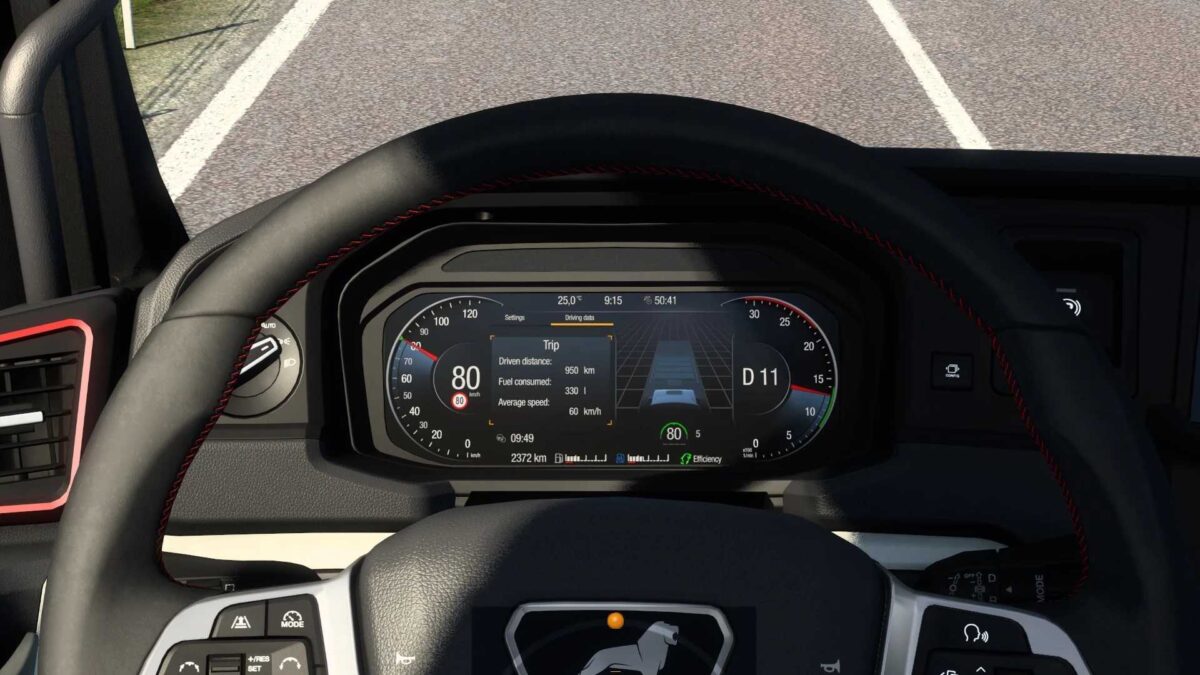
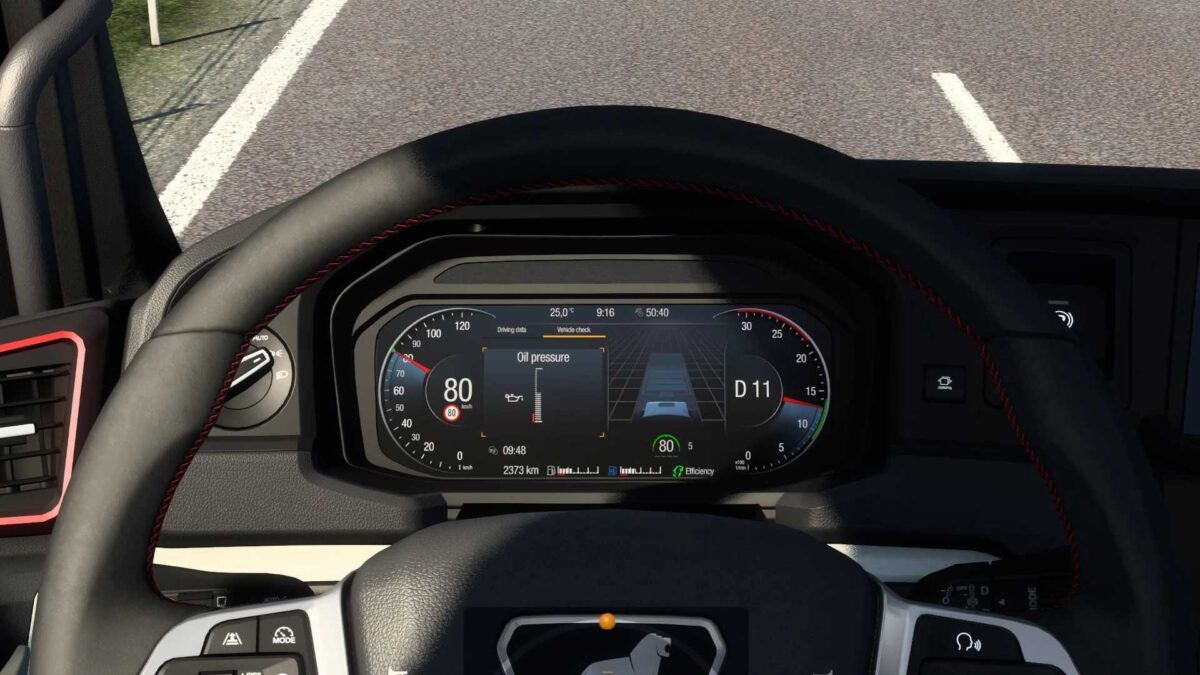
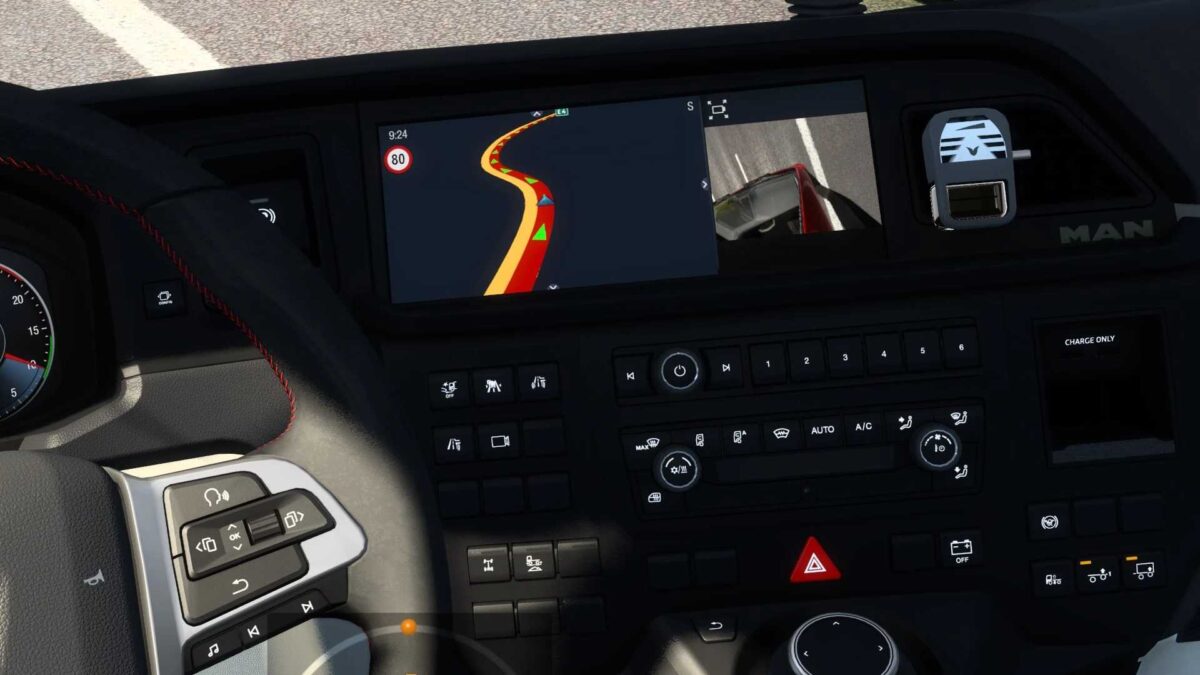
MAN TGX 2020 Enhanced Dashboard v1.8 ETS2
Introduced the fuel/adblue level displayed as a percentage of the tank;
Included a mileage counter on the main screen;
Added an ETA (Estimated Time of Arrival) display, which is hidden when time is not applicable (e.g., no delivery or navigation);
Integrated a time tracker for when rest is required, which is concealed if the fatigue feature is turned off;
Incorporated a turbo boost gauge;
Implemented blind spot indicators on both sides;
Updated the transmission mode display;
Various corrections made.
Compatible with version 1.55.x
Credits: KnightRider
Instructions for Installing ETS2 or ATS Mods
Installing mods in Euro Truck Simulator 2 is straightforward. Simply download the mod from the provided link and unzip/move the files to: “My Documents\Euro Truck Simulator 2\mod” folder. If you’re using ATS, put the mods in: “My Documents\American Truck Simulator\mod” folder. You can use WinRAR or 7zip to unzip files. After that, activate the mods you wish to use.