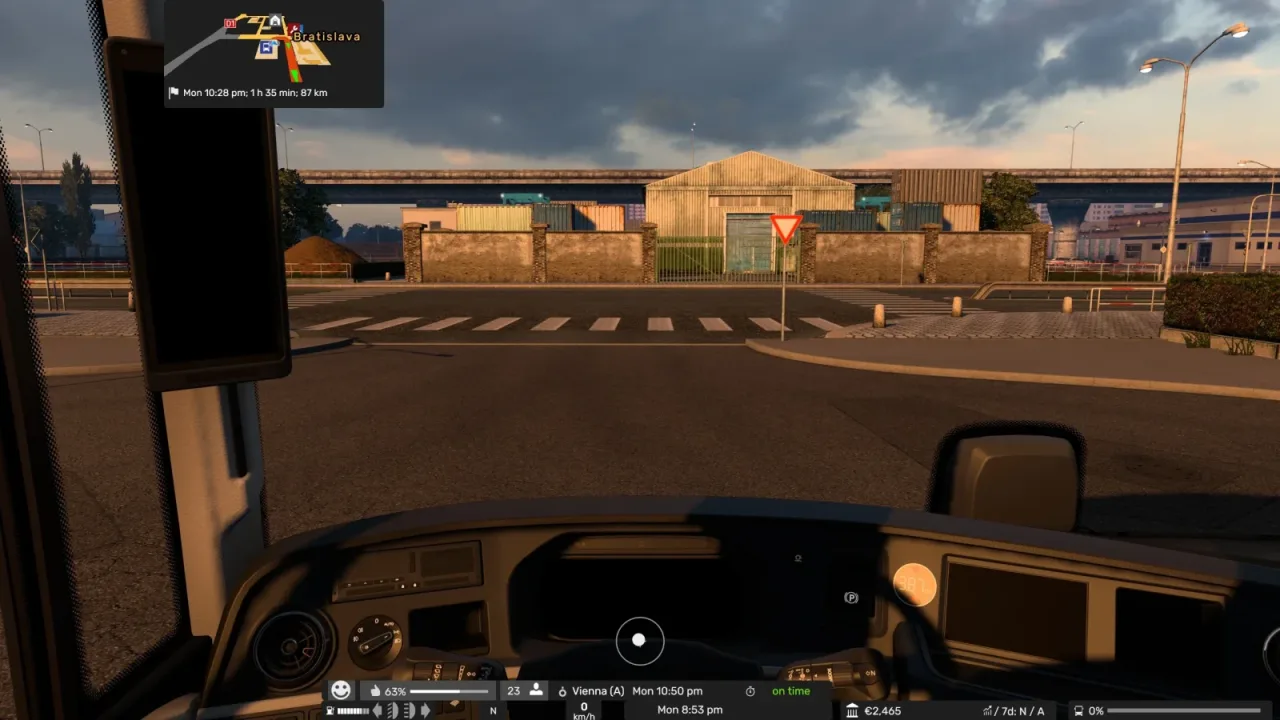
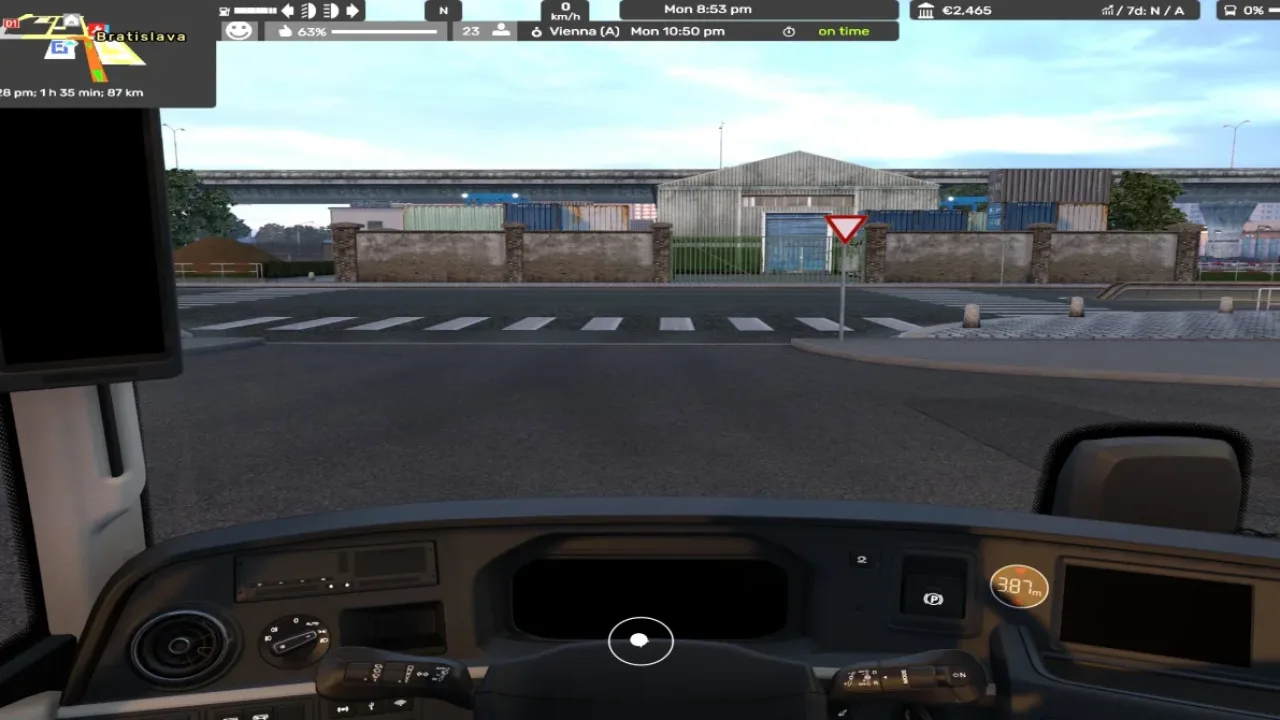
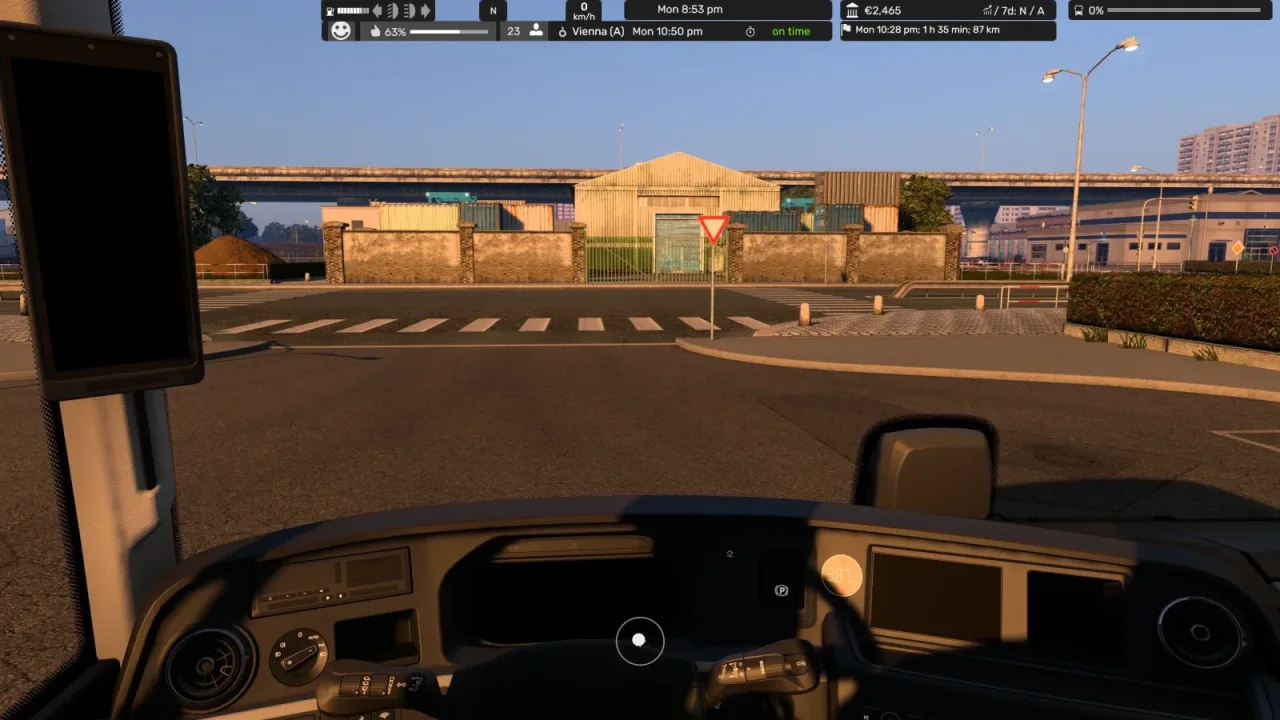
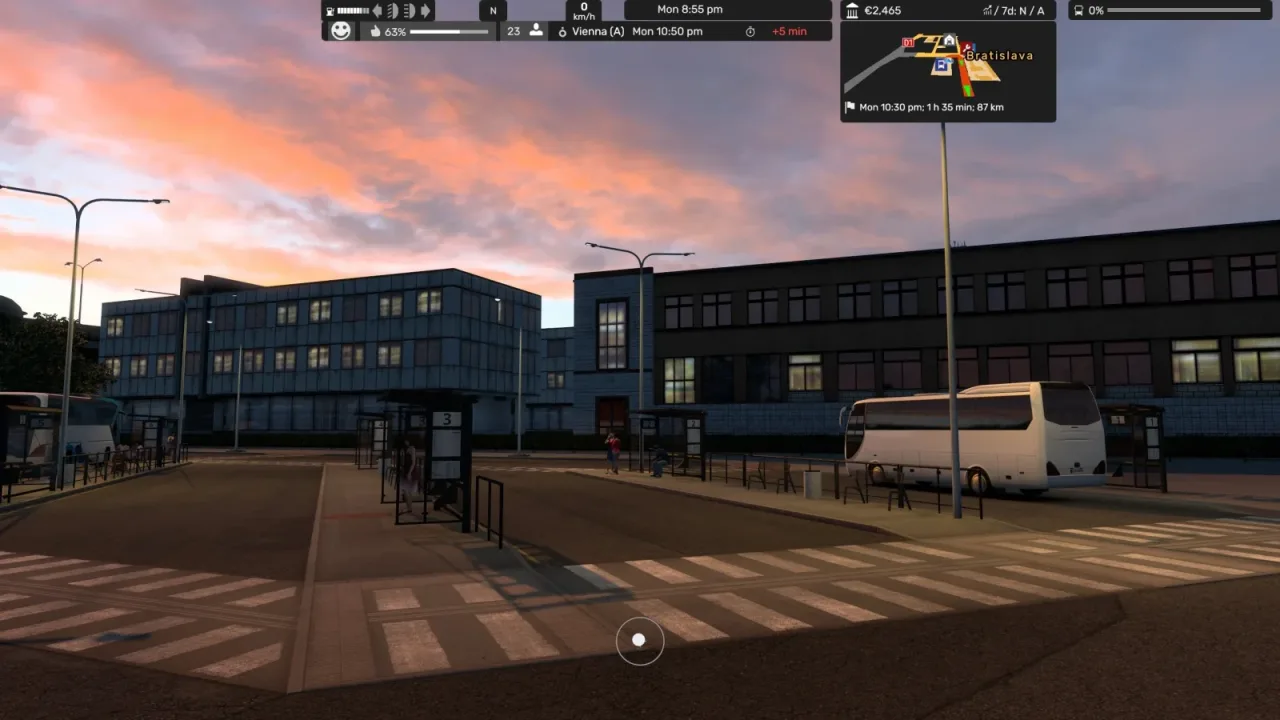
Picture by Distiller, from the mod's Steam Workshop page.
Adviser Top Bar HUD
Moves the map, gauges, indicators and company ticker into a single top bar, and removes the tachometer.
- Author
- Distiller
- Game version
- 1.62 1.59as listed by the author (see the official page)
- Players
- Needs
- Nothing extra, the base game is enough
- Price
- Free
- Link checked
- 24 November 2026 (the download page opens; not a test of the mod)
Hear about more like this? We'll show new ones in Your week on My mods.
Does it work for you on ETS2 1.62?
Screenshots (5)


Screenshots by Distiller, from the mod's Steam Workshop page. Click a picture to see it full size.
About this mod
This Adviser HUD rearranges the in-cab interface so that most of the information sits along the top of the screen. The new tachometer is removed and the map moves up to the top edge, leaving more of the view clear.
The top bar holds the warning lights, fuel, headlights and indicators, gear, cruise, speed, speed limit, game time and the fatigue monitor. The scrolling company message line also sits there. You can switch individual widgets on or off and change the transparency of a transparent map.
The author says it is tested up to 7680x1440 and supports the Coaches DLC. Separate mirror and tachometer add-ons from the same author are linked in the description if you want a different look.
Features
- Moves the map and most HUD readouts to a single top bar
- Removes the new tachometer, with the option to use the original or a custom one
- Choose small, medium or large mirrors, or keep the default mirrors
- Enable or disable individual widgets such as navigation, damage and the G-force meter
- Adjustable transparency for a transparent map
How to install Adviser Top Bar HUD
- Open the mod's Steam Workshop page (sign in to Steam if asked) and press Subscribe. Steam downloads it for you.
- Start Euro Truck Simulator 2. On the profile screen, open the Mod Manager.
- Find Adviser Top Bar HUD in the list and move it to Active mods, then press Confirm changes.
Helpful guides
 Best ETS2 Realism Mods for 1.62 & 1.61: Sound, Physics, Traffic and WeatherSound, physics, traffic, weather and lights: what to install, what clashes, in what orderInstalling from Steam WorkshopSubscribing, switching the mod on, and removing it safelyIf the game crashesHow to find the mod that causes it in a few restarts
Link broken, or the mod has a newer version? Tell us and we'll check it.