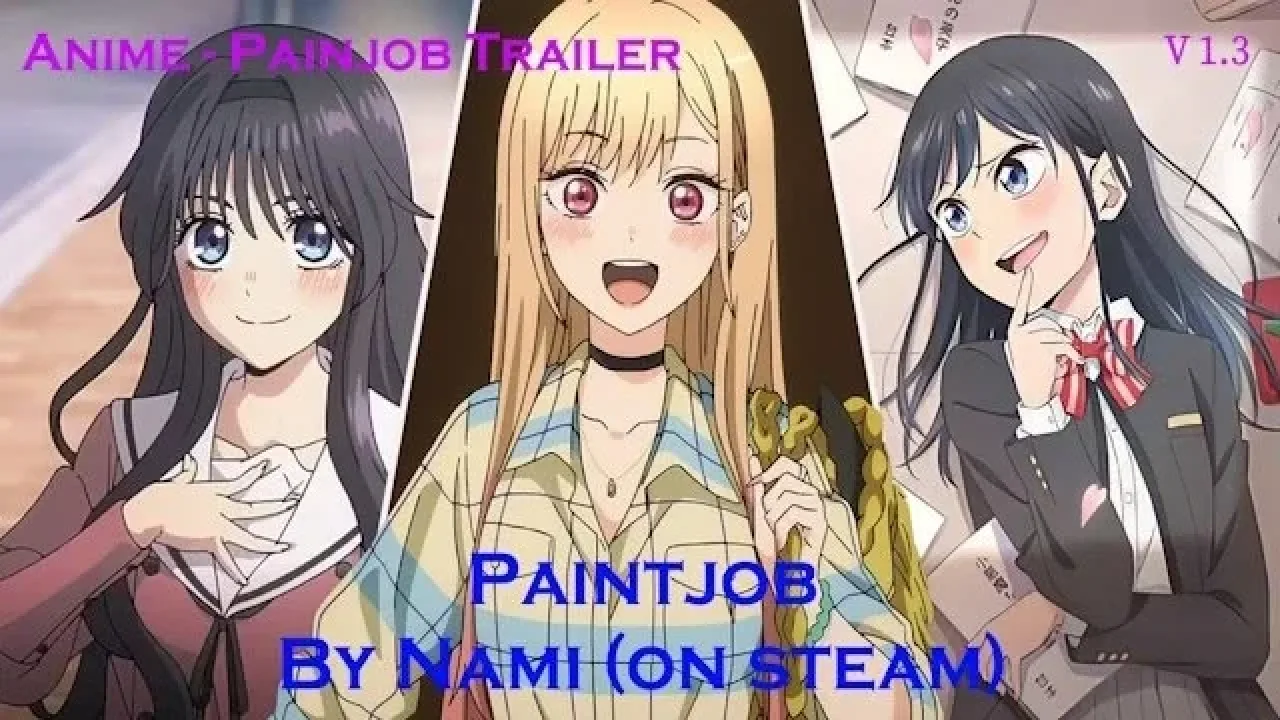
Image: supplied by the mod author
Anime Trailer Paintjob Collection v1.3
Choose anime-themed trailer artwork from Nami’s current paintjob collection.
- Author
- Nami
- Game version
- 1.61as the mod author told us when submitting it (see the official page)
- Players
- Needs
- Nothing extra, the base game is enough
- Price
- Free
- Link checked
- 3 November 2026 (the download page opens; not a test of the mod)
- Listed by
- The mod's author, reviewed by us
Hear about more like this? We'll show new ones in Your week on My mods.
Does it work for you on ETS2 1.61?
Screenshots (2)
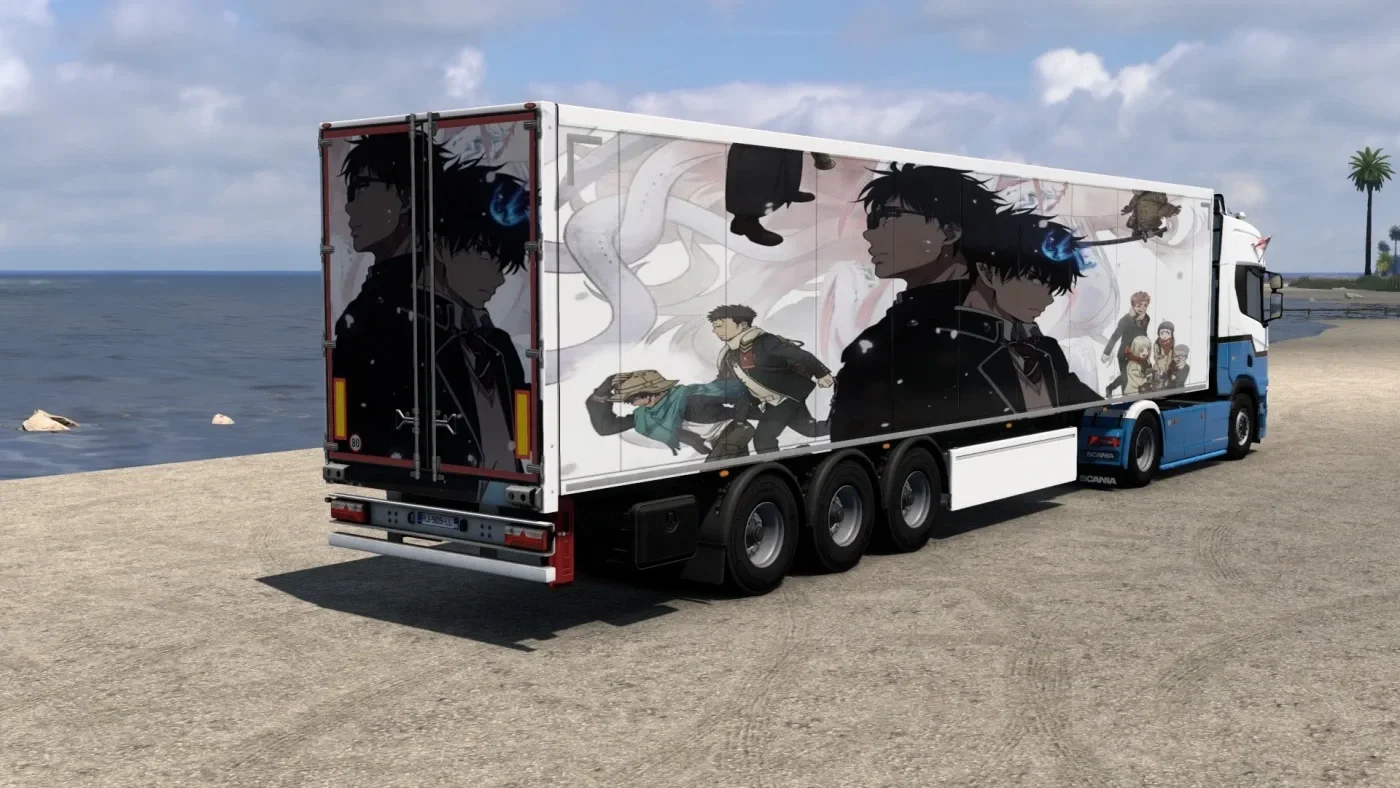
Screenshots supplied by the mod author. Click a picture to see it full size.
About this mod
Choose anime-themed trailer artwork from Nami’s current paintjob collection.
The author lists themes including One Piece, Violet Evergarden, Your Name, A Silent Voice, Re:Zero and Blue Exorcist. This is a trailer-livery collection, not a new trailer model. Match the vehicle setup shown in the official gallery and obtain the files from the original project page. The latest release on that page is version 1.3.
The author labels compatibility “All Game Versions”. This is a broad author claim; independent testing on 1.61 has not been performed.
Release: 1.3. Author-listed game compatibility: All Game Versions. Source last updated 2026-01-25. Compatibility is based on the author’s listing, not an independent in-game test.
How to install Anime Trailer Paintjob Collection v1.3
- Download the mod from truckymods.io.
- Follow the author's installation instructions. Keep ready-to-use
.scsor.zipmod packages intact; extract archives containing separate mod packages as directed. - Move the ready-to-use
.scsor.zipmod package(s) intoDocuments\Euro Truck Simulator 2\mod. Create themodfolder if it isn't there. - Start the game, open the Mod Manager on the profile screen, move Anime Trailer Paintjob Collection v1.3 to Active mods and press Confirm changes.
Helpful guides
Link broken, or the mod has a newer version? Tell us and we'll check it.