Image: supplied by the mod author
Coachline LED Destination Board
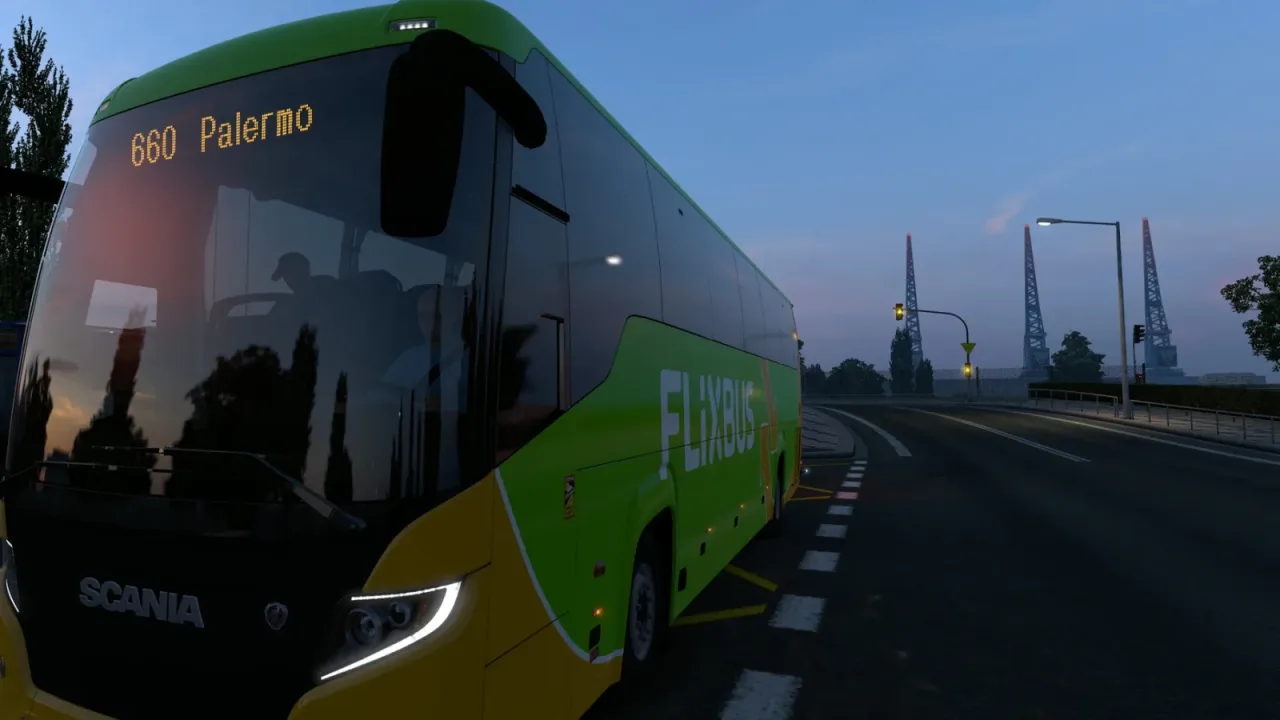
Replace the Scania Touring’s front destination sign with an amber LED matrix and optional live journey information.
- Author
- Dima_au
- Game version
- 1.62as the mod author told us when submitting it (see the official page); 1.62 named on that page when we checked on 22 November 2026
- Players
- Needs
- DLC: Coaches
- Price
- Free
- Link checked
- 20 November 2026 (the download page opens; not a test of the mod)
- Listed by
- The mod's author, reviewed by us
Hear about more like this? We'll show new ones in Your week on My mods.
Does it work for you on ETS2 1.62?
Screenshots (3)
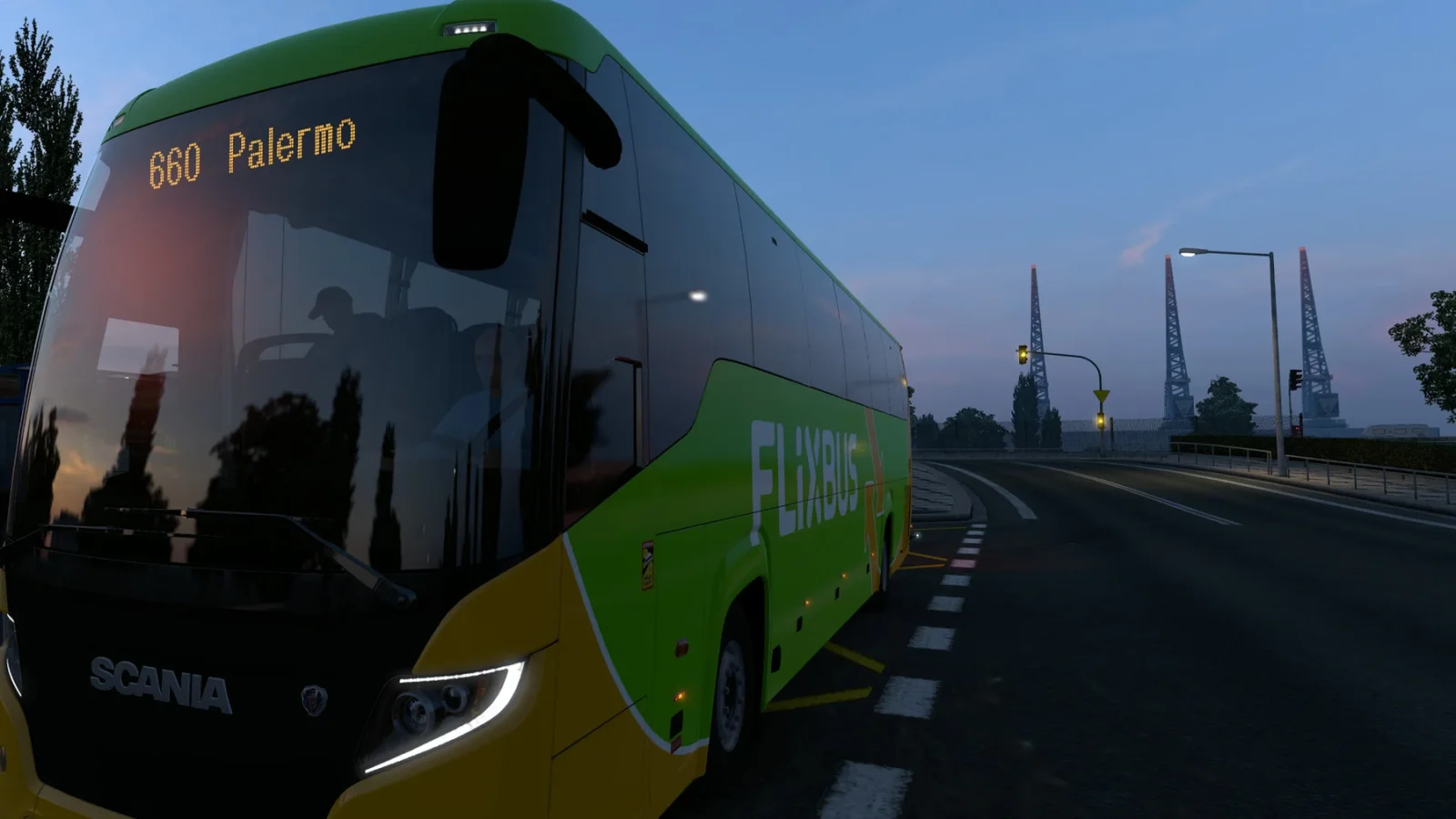
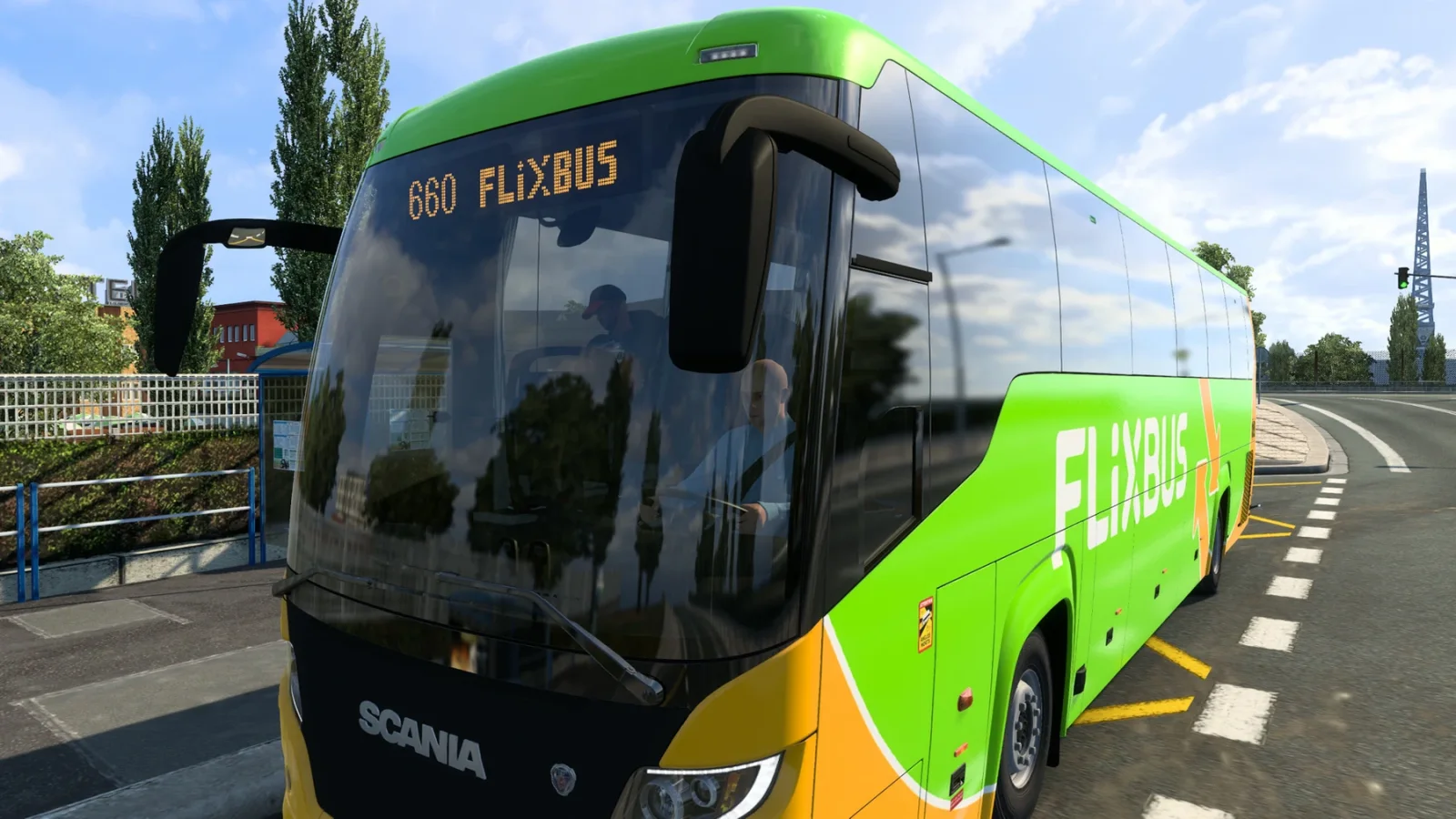
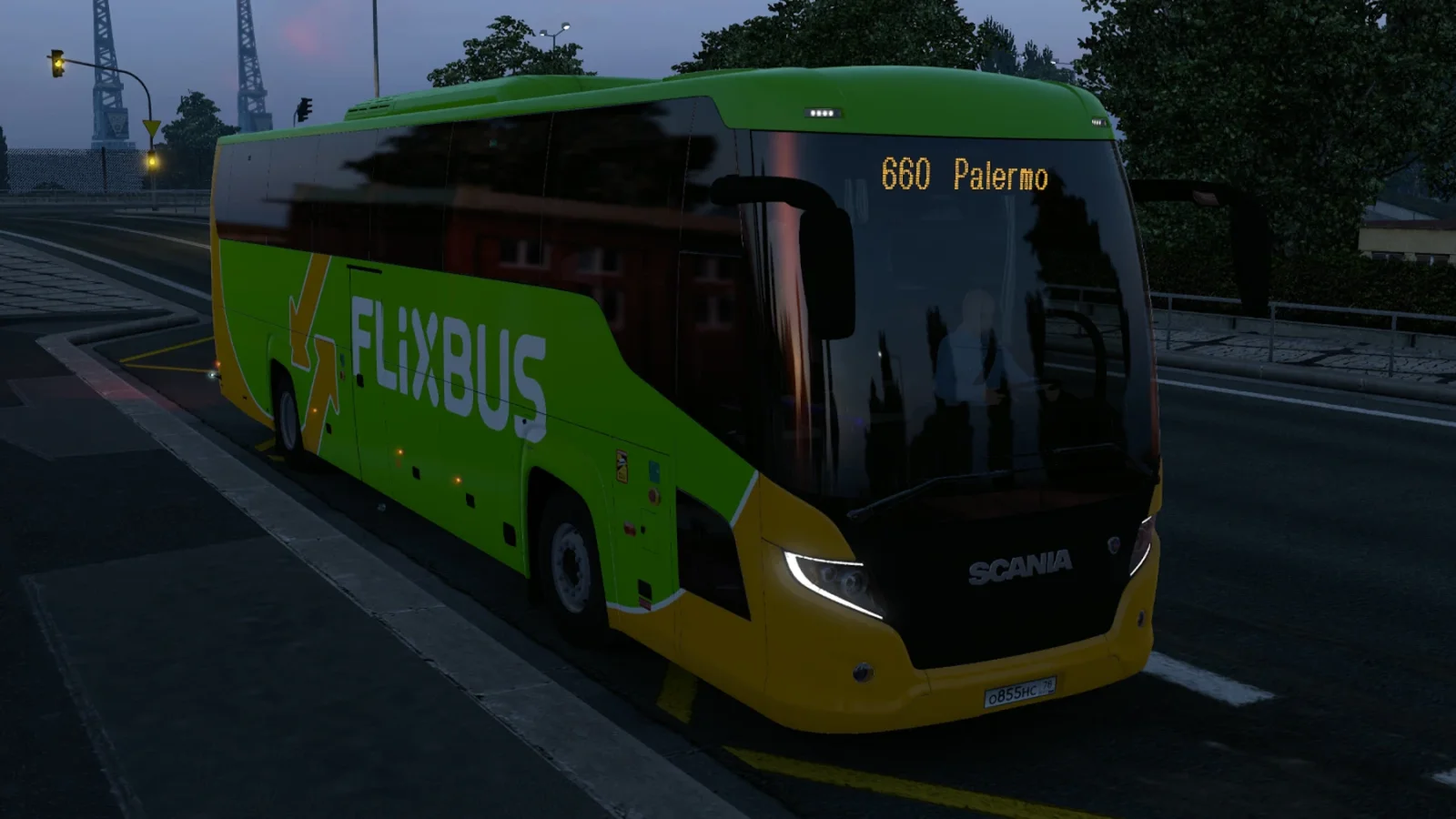
Screenshots supplied by the mod author. Click a picture to see it full size.
About this mod
Coachline uses a 120 by 16 dot display with Latin, Cyrillic and Greek characters. The Workshop mod shows a default strip on its own. A separate free GitHub telemetry plugin adds changing destinations, a line number, night-route prefixes and scrolling intermediate stops. This beta supports Scania Touring. The MAN version is untested and the Volvo version is still in development. Requires the Coaches DLC. The FlixBus skin shown in the creator screenshots is separate.
The creator lists support for ETS2 1.62.
How to install Coachline LED Destination Board
- Open the mod's Steam Workshop page (sign in to Steam if asked) and press Subscribe. Steam downloads it for you.
- Start Euro Truck Simulator 2. On the profile screen, open the Mod Manager.
- Find Coachline LED Destination Board in the list and move it to Active mods, then press Confirm changes.
Helpful guides
Link broken, or the mod has a newer version? Tell us and we'll check it.