Image: supplied by the mod author
Graphics & Weather
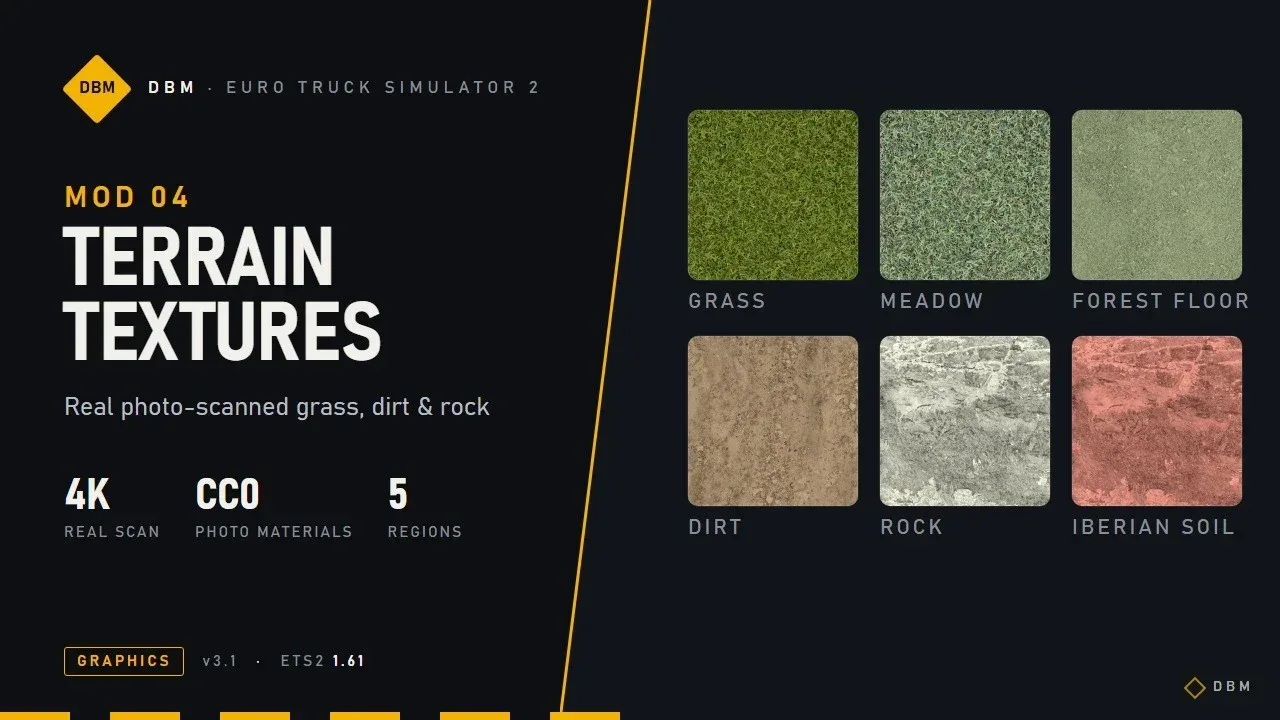
DBM Terrain Textures
Refresh grass, soil, gravel and rock with photographed terrain textures and revised surface shading.
- Author
- Claude Shannon
- Game version
- 1.62 1.61as the mod author told us when submitting it (see the official page)
- Players
- Needs
- Nothing extra, the base game is enough
- Price
- Free
- Link checked
- 18 November 2026 (the download page opens; not a test of the mod)
- Listed by
- The mod's author, reviewed by us
Official downloadDownload from Steam WorkshopThis opens the mod's official page. We never re-upload mods, so you always get the author's latest, untouched version.This is the only real download button here. Any other "Download" or "Start" button on this page is an advert.
Hear about more like this? We'll show new ones in Your week on My mods.
Does it work for you on ETS2 1.62?
Screenshots (2)
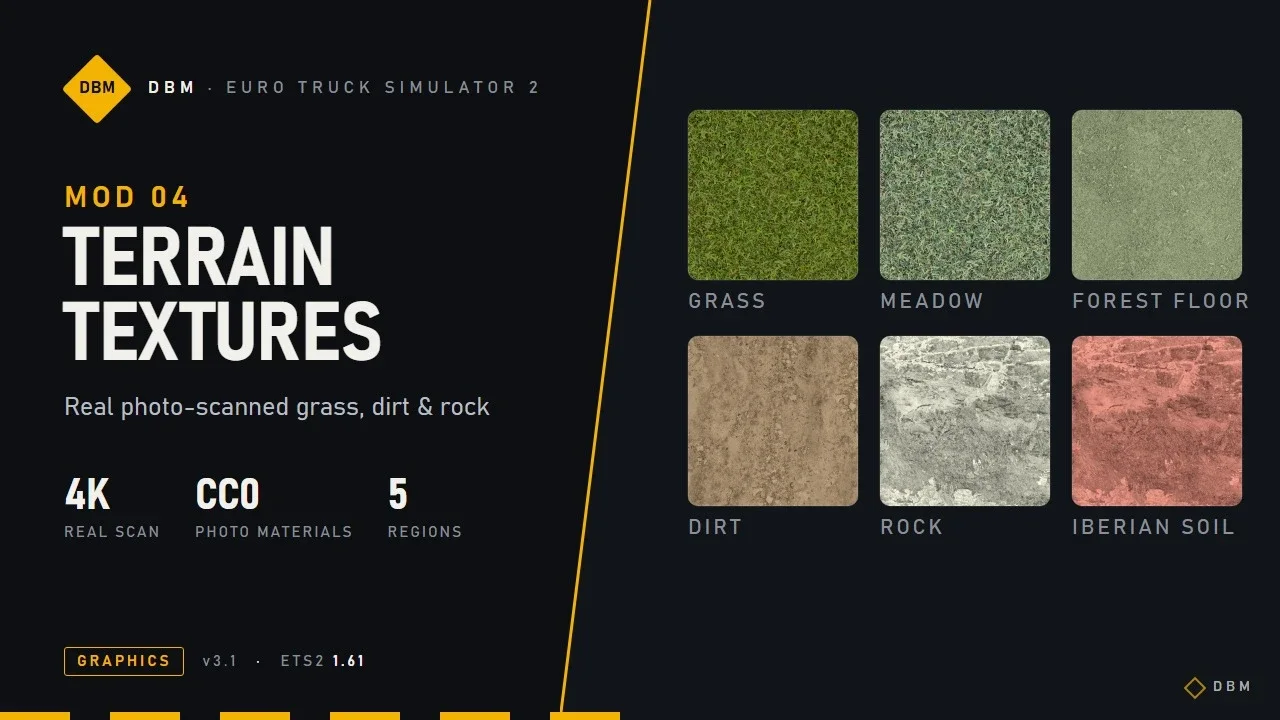
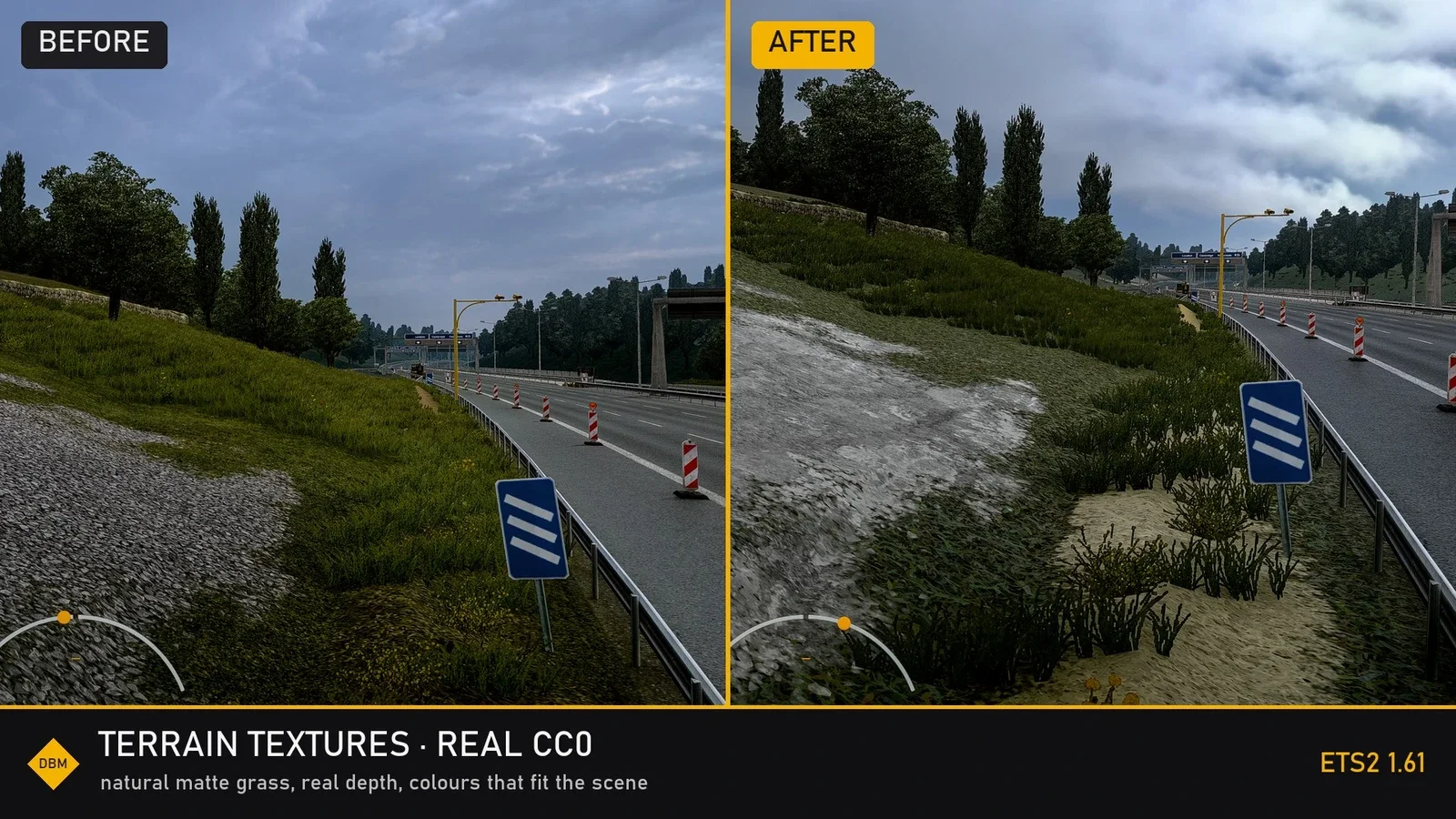
Screenshots supplied by the mod author. Click a picture to see it full size.
About this mod
This terrain pack introduces colour-matched materials based on real scans. It includes regional grass variants and relief detail on grass, dirt and gravel. The author slots it below DBM Road Textures and above map mods.
The creator lists support for ETS2 1.61.x and 1.62.x.
How to install DBM Terrain Textures
- Open the mod's Steam Workshop page (sign in to Steam if asked) and press Subscribe. Steam downloads it for you.
- Start Euro Truck Simulator 2. On the profile screen, open the Mod Manager.
- Find DBM Terrain Textures in the list and move it to Active mods, then press Confirm changes.
Helpful guides
 Best ETS2 Realism Mods for 1.62 & 1.61: Sound, Physics, Traffic and WeatherSound, physics, traffic, weather and lights: what to install, what clashes, in what orderInstalling from Steam WorkshopSubscribing, switching the mod on, and removing it safelyIf the game crashesHow to find the mod that causes it in a few restarts
Link broken, or the mod has a newer version? Tell us and we'll check it.