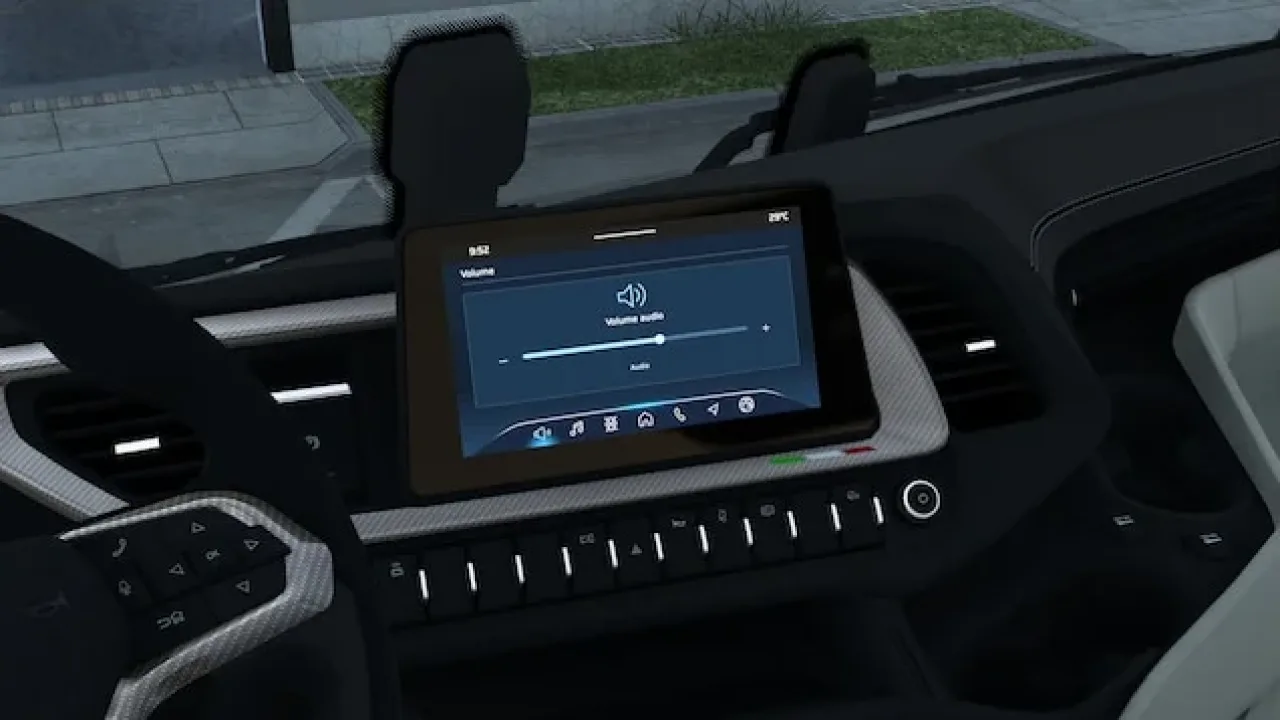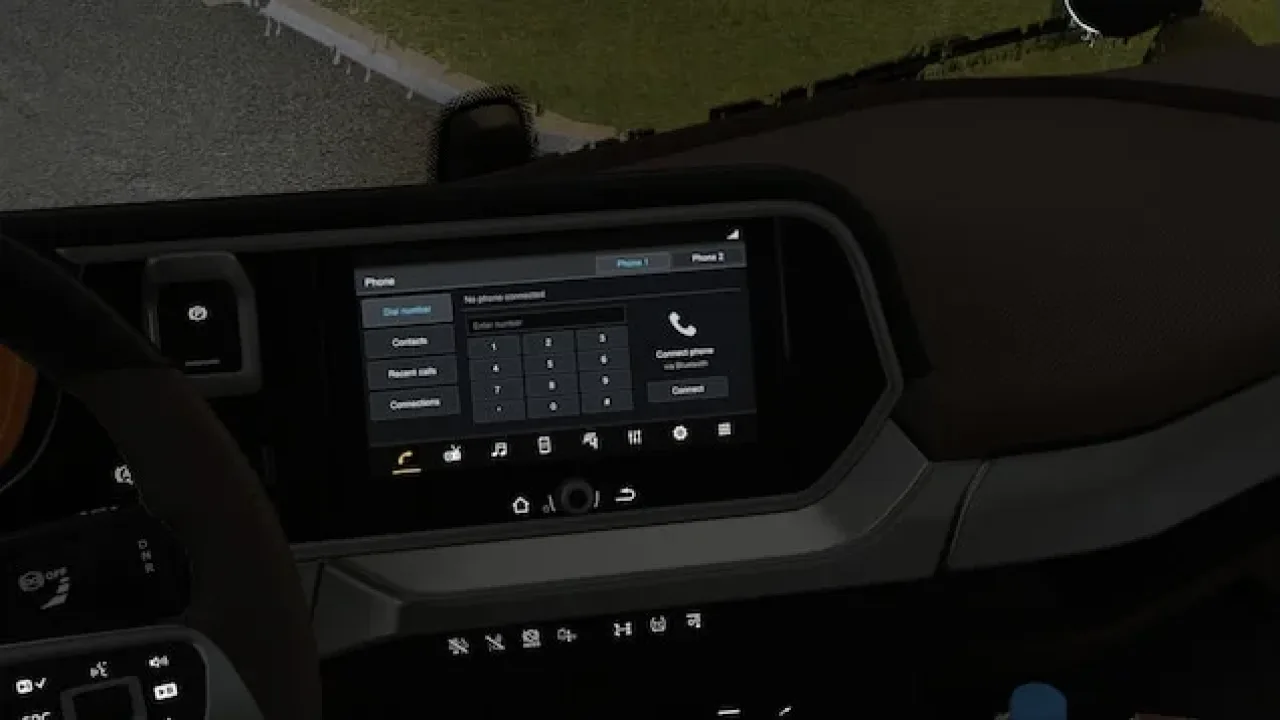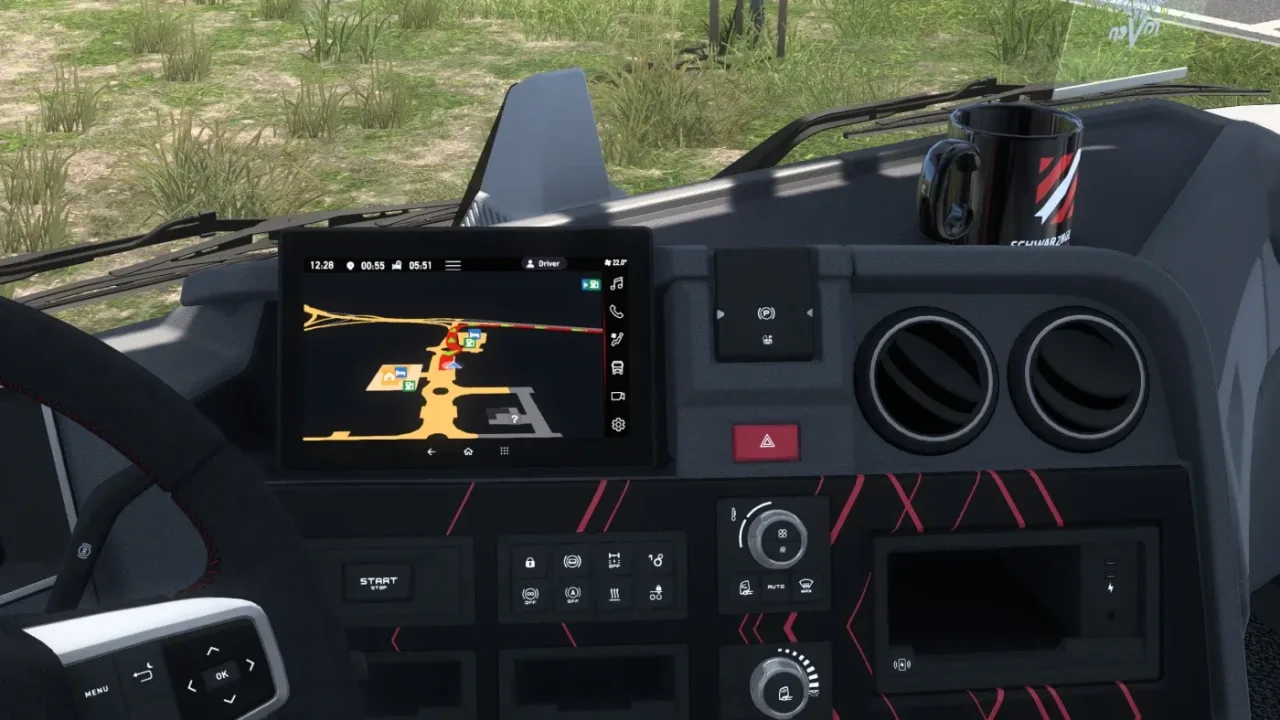
Image: supplied by the mod author
ETA and Rest on GPS – SCS Trucks v1.8
Show arrival and rest timing directly on the in-cab GPS of supported SCS trucks.
- Author
- Muha10
- Works with
- 1.60 1.59 1.58
- DLC needed
- None, base game is enough
- Price
- Free
- Link checked
- 28 October 2026
- Listed by
- The mod's author, reviewed by us
This opens the mod's official page. We never re-upload mods, so you always get the author's latest, untouched version.
Does it work for you on ETS2 1.61?
Screenshots (2)
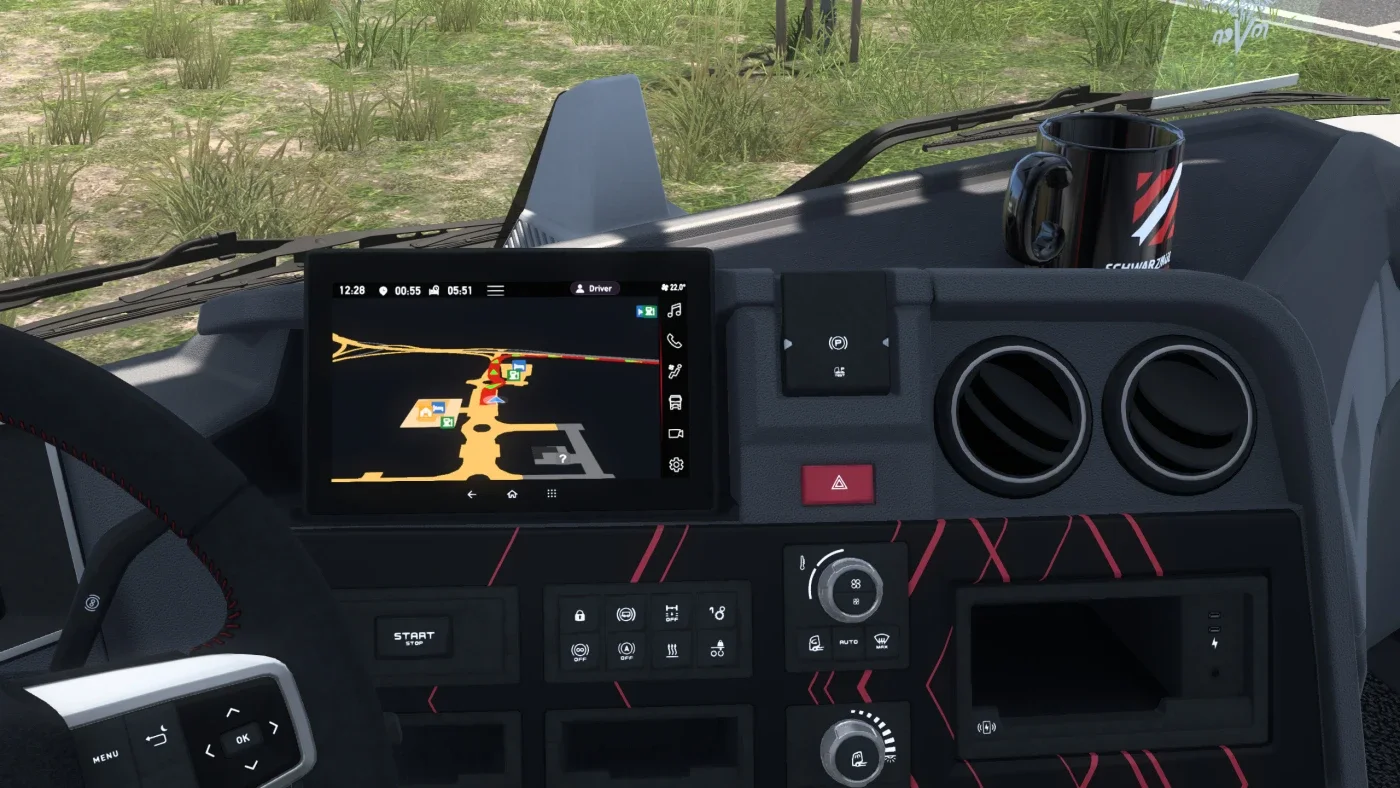
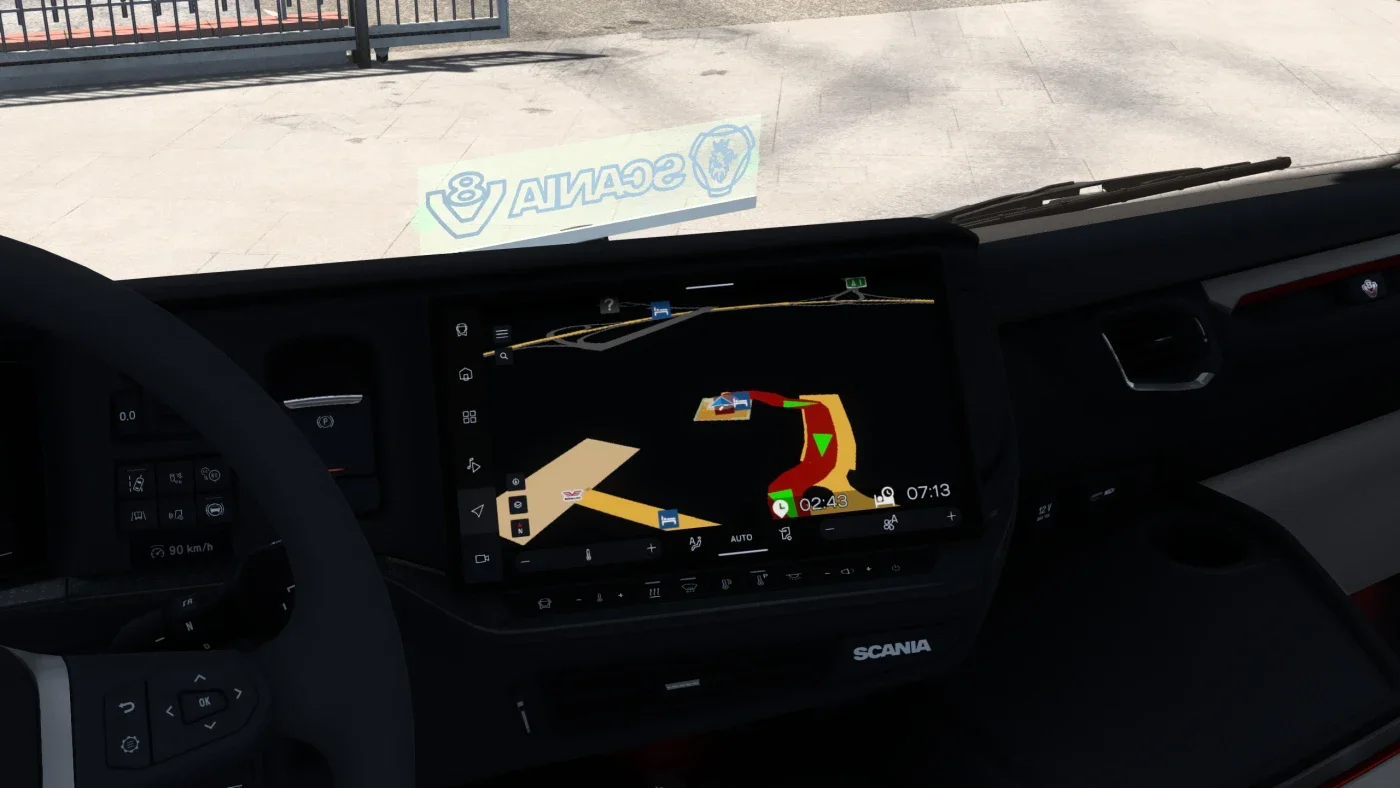
Screenshots supplied by the mod author. Click a picture to see it full size.
This mod hasn't been confirmed for ETS2 1.61 yet. The newest version it's listed for is 1.60. It may still work, but check the author's page first.
About this mod
Muha10 adds estimated arrival time and the time remaining until a rest stop to the built-in truck GPS. Assign an infotainment display-mode button and cycle through the screens to find the additional information. A route destination must be selected and fatigue simulation must be enabled.
Version 1.8 is listed for ETS2 1.58, 1.59 and 1.60. The author warns that it does not work with other interior, truck or GPS mods. Check the dependency section on the official page before installing.
Mod and image credits: Muha10.
How to install ETA and Rest on GPS – SCS Trucks v1.8
- Download the mod from truckymods.io.
- If you get a
.zip,.raror.7zfile, extract it. You need the.scsfile(s) inside. - Move the
.scsfile(s) intoDocuments\Euro Truck Simulator 2\mod. Create themodfolder if it isn't there. - Start the game, open the Mod Manager on the profile screen, move ETA and Rest on GPS – SCS Trucks v1.8 to Active mods and press Confirm changes.
Helpful guides
Link broken, or the mod has a newer version? Tell us and we'll check it.