Image: supplied by the mod author
GMC Community Big Garage v6.2
Give the large garage a GMC Community-themed appearance.
- Author
- GMC Community
- Game version
- 1.61as the mod author told us when submitting it (see the official page)
- Players
- Needs
- Nothing extra, the base game is enough
- Price
- Free
- Link checked
- 31 October 2026 (the download page opens; not a test of the mod)
- Listed by
- The mod's author, reviewed by us
Hear about more like this? We'll show new ones in Your week on My mods.
Does it work for you on ETS2 1.61?
Screenshots (2)
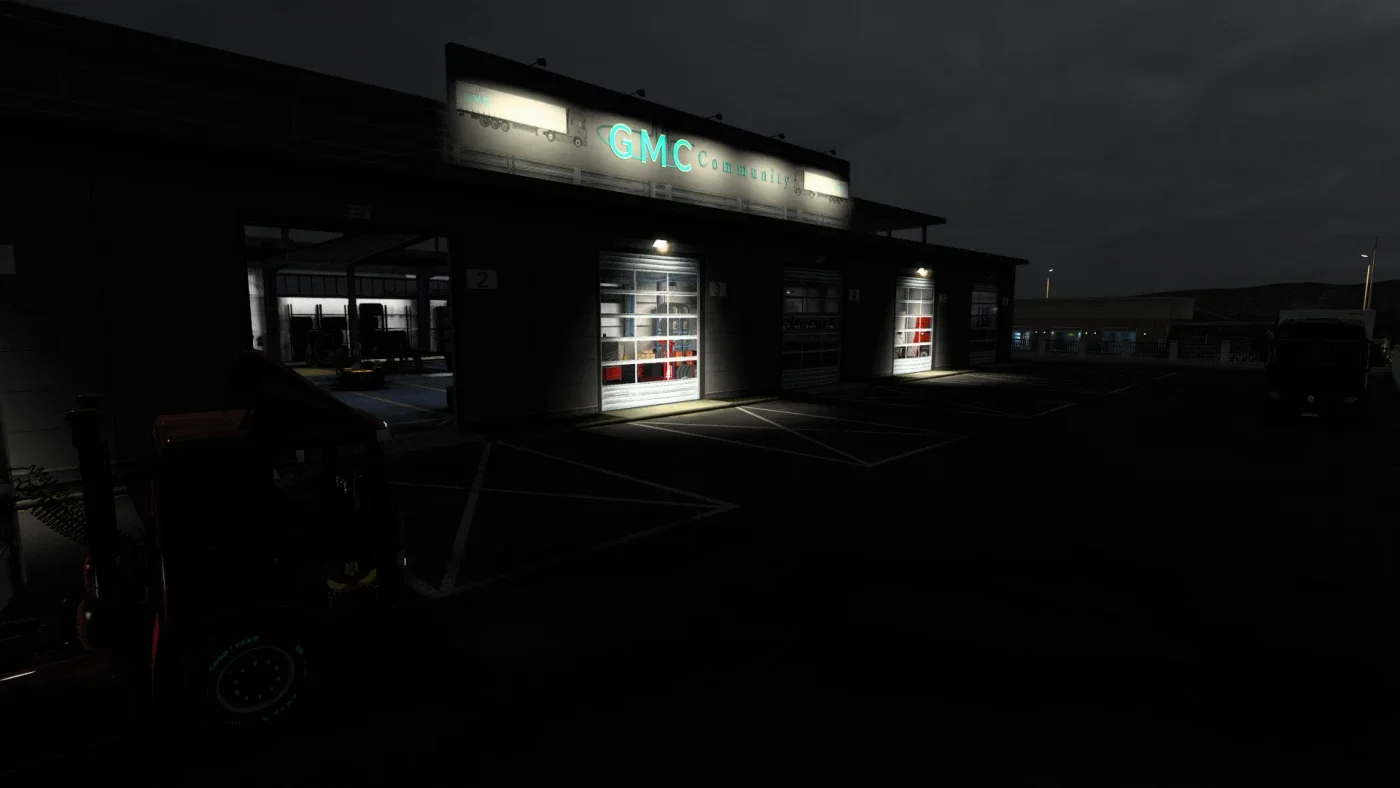
Screenshots supplied by the mod author. Click a picture to see it full size.
About this mod
Give the large garage a GMC Community-themed appearance.
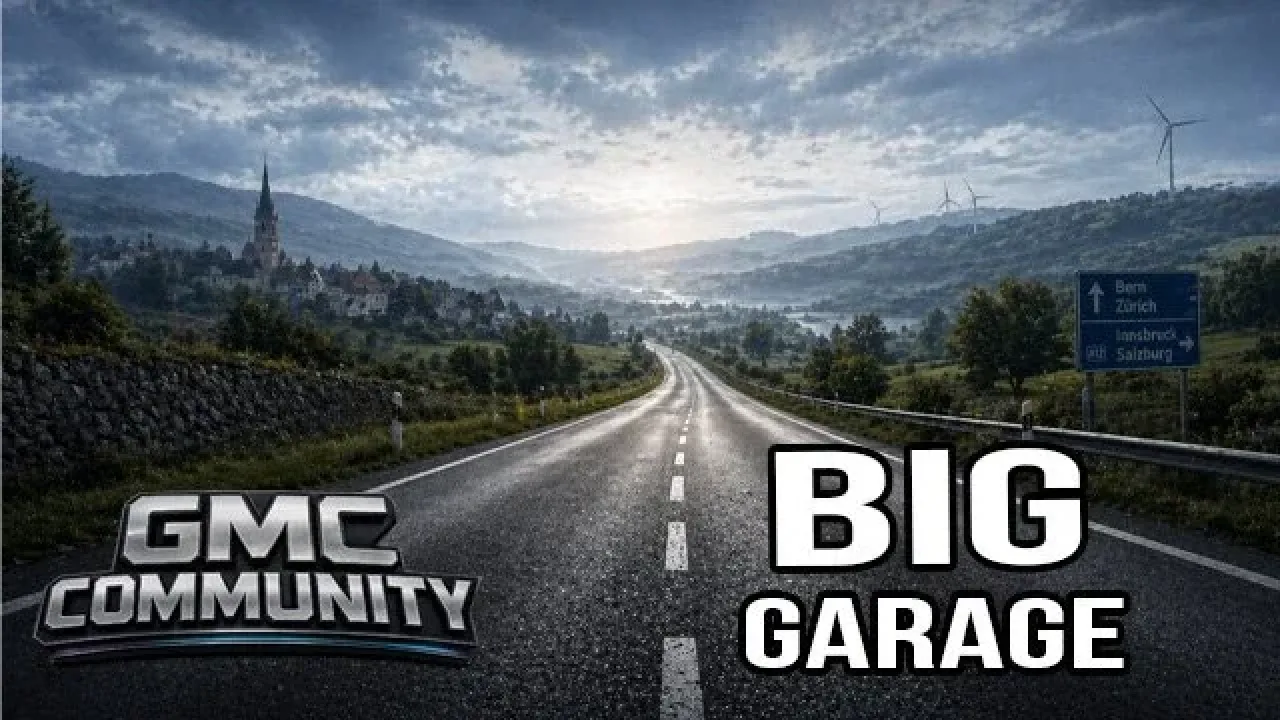
The official gallery shows the garage presentation supplied by this package. GMC Community credits HomerS, MDModding, Fred_be and Xiao Qunlong. Use the download linked from the project page and check for overlap with other large-garage replacements before enabling it. The release metadata identifies version 6.2 for ETS2 1.61.
The author lists ETS2 1.61 support. This has not been independently tested in-game.
Release: 6.2. Author-listed game compatibility: 1.61. Source last updated 2026-09-26. Compatibility is based on the author’s listing, not an independent in-game test.
How to install GMC Community Big Garage v6.2
- Download the mod from truckymods.io.
- If you get a
.zip,.raror.7zfile, extract it. You need the.scsfile(s) inside. - Move the
.scsfile(s) intoDocuments\Euro Truck Simulator 2\mod. Create themodfolder if it isn't there. - Start the game, open the Mod Manager on the profile screen, move GMC Community Big Garage v6.2 to Active mods and press Confirm changes.
Helpful guides
 Best ETS2 Realism Mods for 1.61: Sound, Physics, Traffic and WeatherSound, physics, traffic, weather and lights: what to install, what clashes, in what orderInstalling a downloaded modWhere the mod folder is and what to do with .scs, .zip and .7z filesLoad order explainedWhich mod wins when two change the same thingIf the game crashesHow to find the mod that causes it in a few restarts
Link broken, or the mod has a newer version? Tell us and we'll check it.