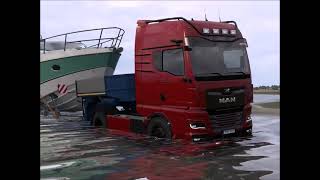
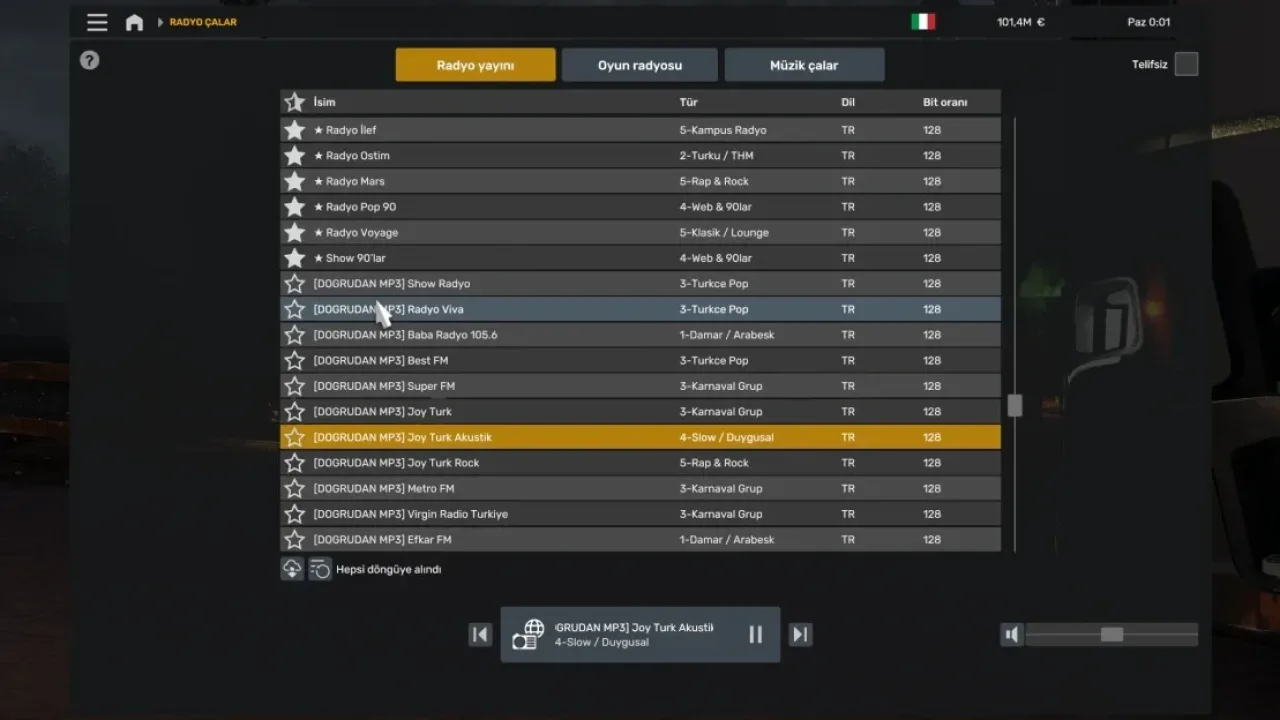
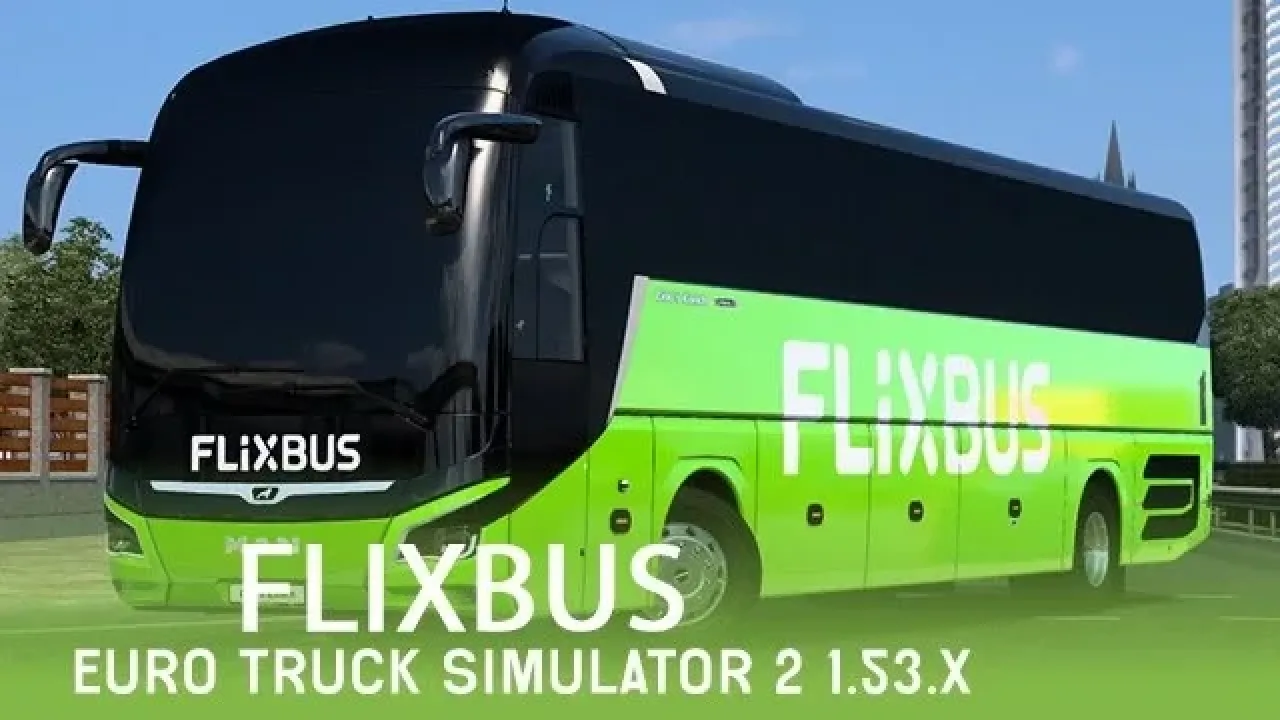
Picture by 강 건너편에「𝔦𝔗𝔃𝔍𝔬𝔨𝟯𝔯」, from the mod's Steam Workshop page.
Google Maps Arabic Voice + Currencies
Adds Arabic spoken navigation prompts and over 60 extra currencies, covering Arab nations, major world economies and several regional map mods.
- Author
- 강 건너편에「𝔦𝔗𝔃𝔍𝔬𝔨𝟯𝔯」
- Game version
- 1.62as listed by the author (see the official page)
- Players
- Needs
- Nothing extra, the base game is enough
- Price
- Free
- Link checked
- 26 November 2026 (the download page opens; not a test of the mod)
Hear about more like this? We'll show new ones in Your week on My mods.
Does it work for you on ETS2 1.62?
Screenshots (6)


Screenshots by 강 건너편에「𝔦𝔗𝔃𝔍𝔬𝔨𝟯𝔯」, from the mod's Steam Workshop page. Click a picture to see it full size.
About this mod
This mod adds Arabic spoken navigation, which the author describes as the official Google Maps Arabic voice. It also bundles a currency expansion, so you can see a wider range of money names in the game.
The currency pack covers 22 Arab nations, a long list of worldwide currencies and some regional ones tied to map mods such as ProMods, Caucasus and The Great Steppe. A compact Korean won option is included as well.
The author asks that the files are not reuploaded and that any edits are made only with their consent and for private use. It must not be used in paid work. Google and Google Maps are trademarks of Google LLC.
Features
- Arabic spoken navigation prompts
- Currencies for 22 Arab nations
- Major world currencies, including USD, JPY and INR
- Regional currencies for several map mods
- Compact Korean won option (Manwon)
How to install Google Maps Arabic Voice + Currencies
- Open the mod's Steam Workshop page (sign in to Steam if asked) and press Subscribe. Steam downloads it for you.
- Start Euro Truck Simulator 2. On the profile screen, open the Mod Manager.
- Find Google Maps Arabic Voice + Currencies in the list and move it to Active mods, then press Confirm changes.
Helpful guides
 Best ETS2 Mods for 1.62 (2026): Hand-Picked by JobMods worth installing, grouped by job, with version, DLC needs and load order
 Best ETS2 Realism Mods for 1.62 & 1.61: Sound, Physics, Traffic and WeatherSound, physics, traffic, weather and lights: what to install, what clashes, in what orderInstalling from Steam WorkshopSubscribing, switching the mod on, and removing it safelyIf the game crashesHow to find the mod that causes it in a few restarts
Link broken, or the mod has a newer version? Tell us and we'll check it.