Image: supplied by the mod author
Interior Light & Emblems Part 1 v26.10
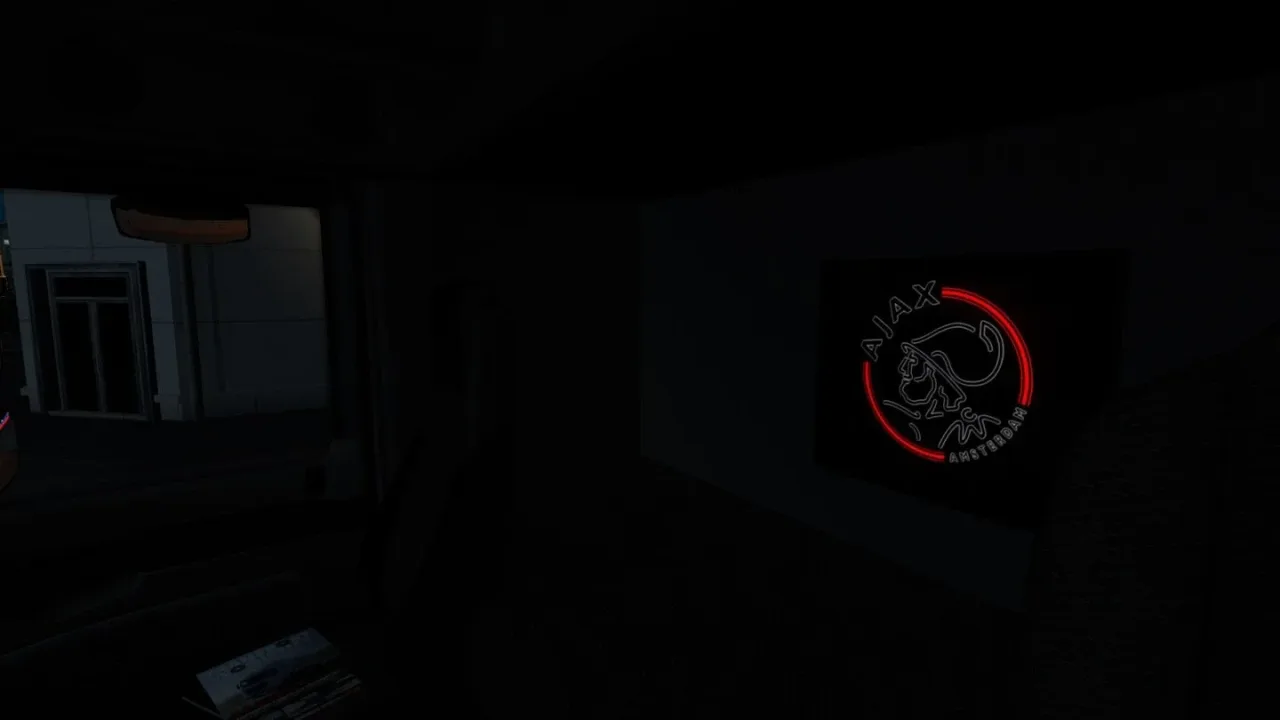
Decorate the cab with illuminated rear-panel emblems and a choice of interior light colours.
- Author
- Braakie
- Game version
- 1.62as the mod author told us when submitting it (see the official page)
- Players
- Needs
- Requires Interior Light & Emblems Part 2 (Steam Workshop 3102768847).
- Price
- Free
- Link checked
- 19 November 2026 (the download page opens; not a test of the mod)
- Listed by
- The mod's author, reviewed by us
Hear about more like this? We'll show new ones in Your week on My mods.
Does it work for you on ETS2 1.62?
Screenshots (3)
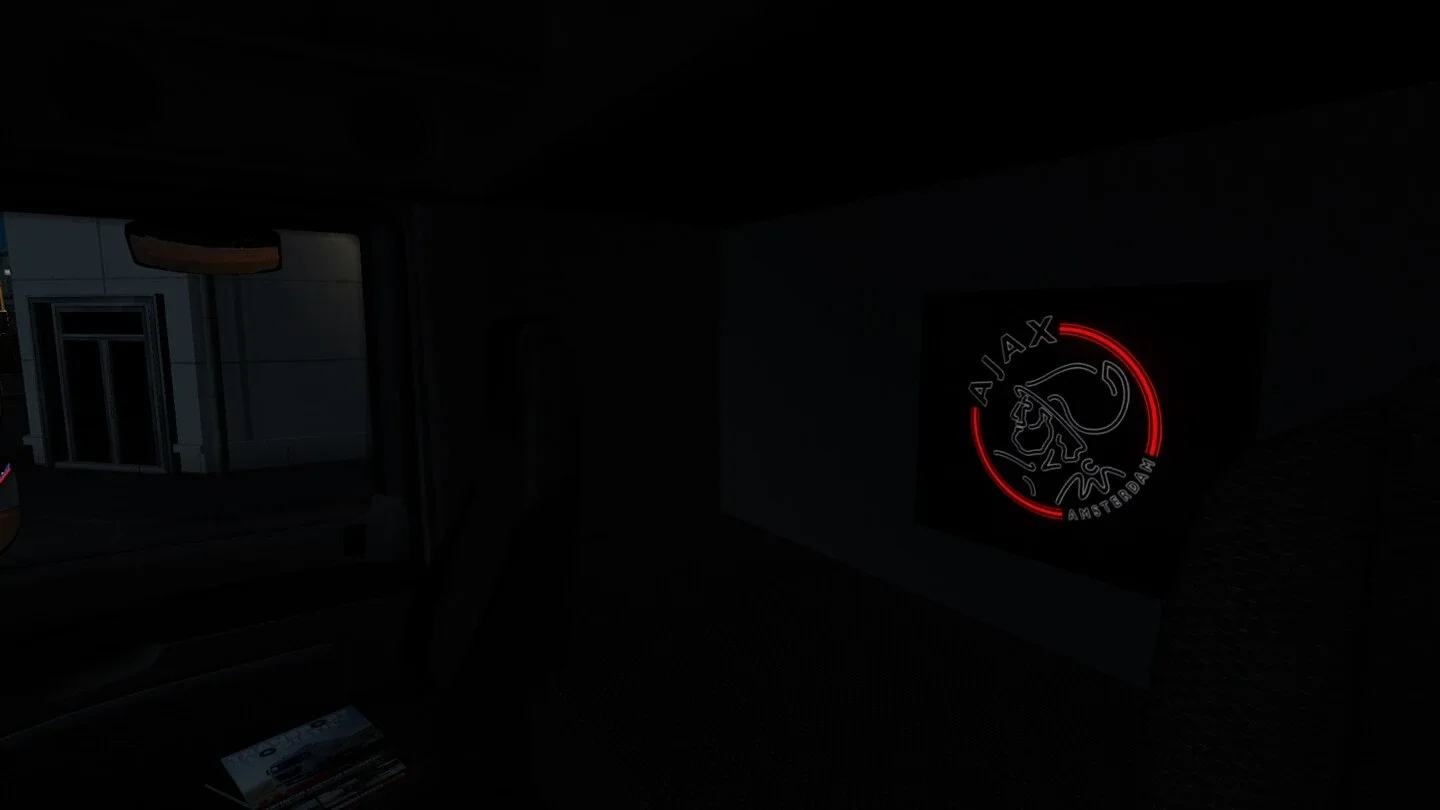
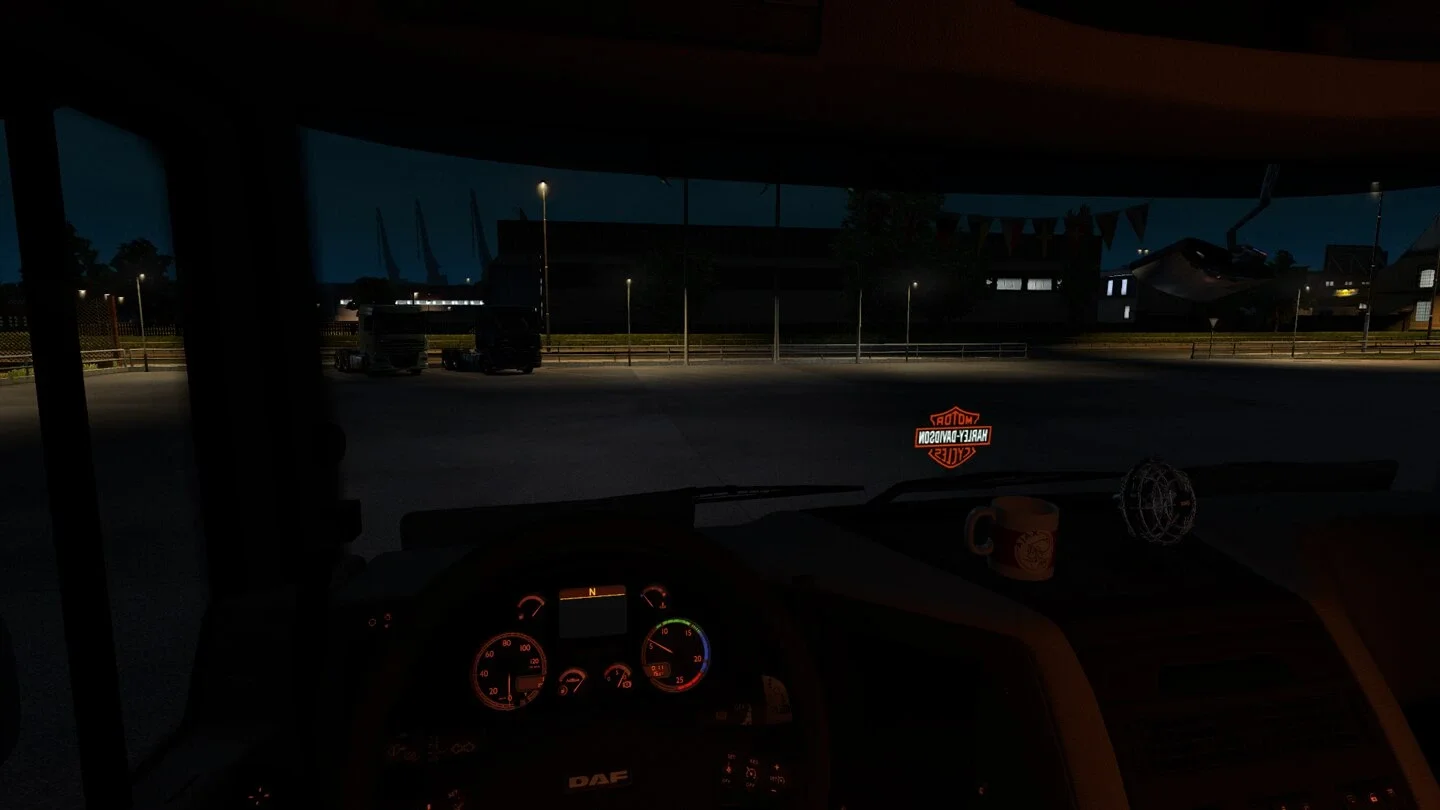
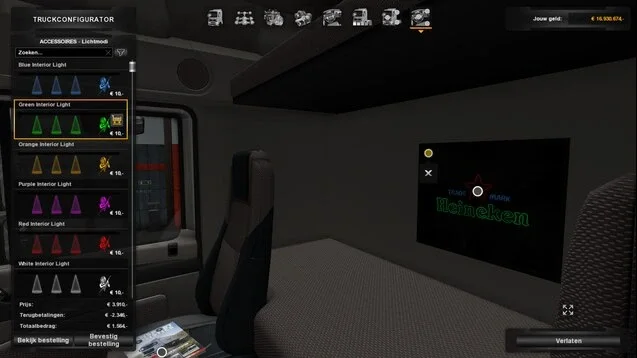
Screenshots supplied by the mod author. Click a picture to see it full size.
About this mod
Braakie’s original pack adds logo and LED-emblem accessories for supported SCS trucks and several custom trucks. Selecting a rear-panel emblem adds a second slot for the light colour. The lights come on with the headlights. The Workshop page lists Interior Light & Emblems Part 2 as a required item, so subscribe to both packs. The author lists single-player and Convoy support.
The creator lists support for ETS2 1.62.x.
How to install Interior Light & Emblems Part 1 v26.10
- Open the mod's Steam Workshop page (sign in to Steam if asked) and press Subscribe. Steam downloads it for you.
- Start Euro Truck Simulator 2. On the profile screen, open the Mod Manager.
- Find Interior Light & Emblems Part 1 v26.10 in the list and move it to Active mods, then press Confirm changes.
Helpful guides
 Best ETS2 Realism Mods for 1.62 & 1.61: Sound, Physics, Traffic and WeatherSound, physics, traffic, weather and lights: what to install, what clashes, in what orderInstalling from Steam WorkshopSubscribing, switching the mod on, and removing it safelyIf the game crashesHow to find the mod that causes it in a few restarts
Link broken, or the mod has a newer version? Tell us and we'll check it.