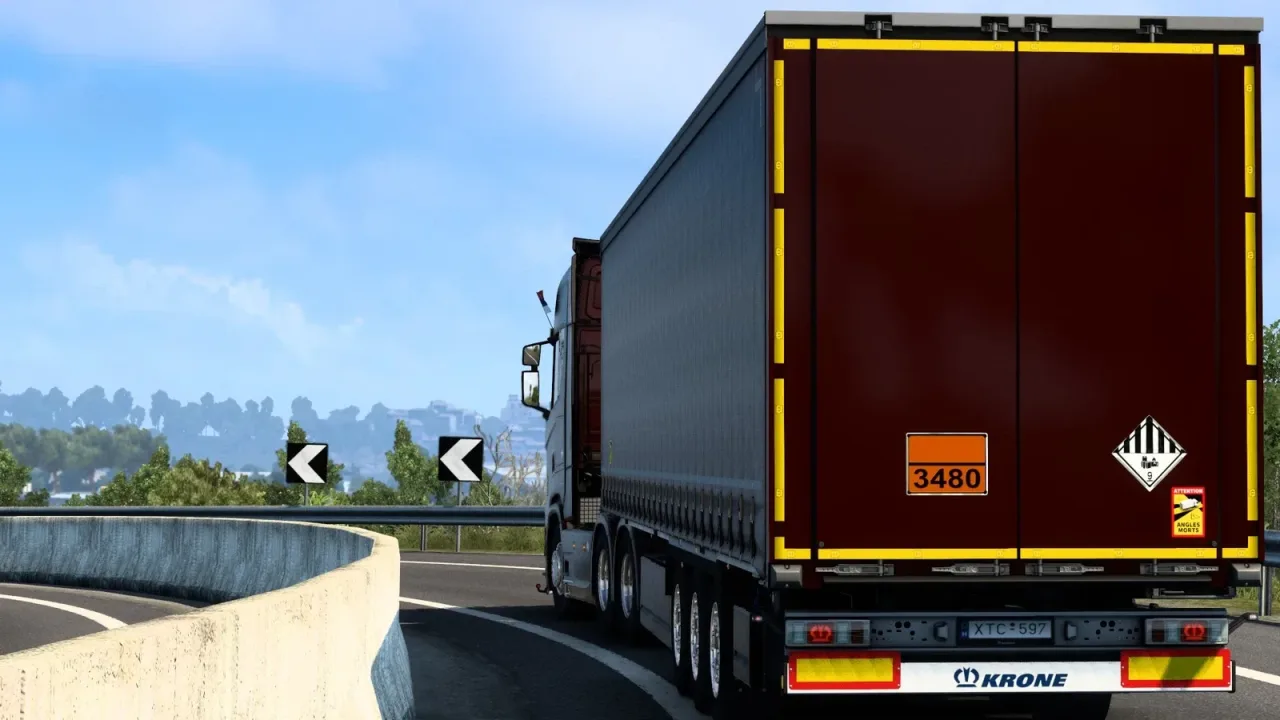
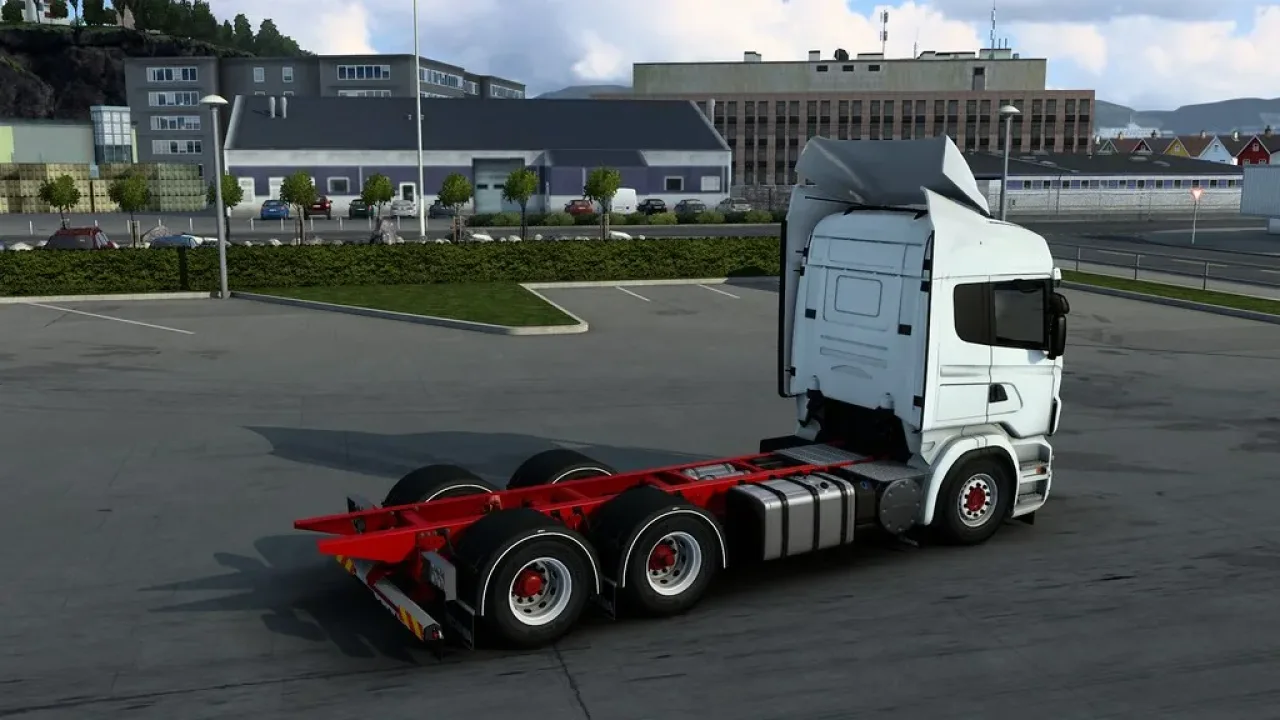
Image: supplied by the mod author
Rigid Chassis Addon by Kast
Rigid chassis and cargo bodies for a range of stock and mod trucks, with Ekeri, Knapen, Närko, NTM, Toplift and VAK options.
- Author
- Kast and Csabee
- Game version
- 1.58as the mod author told us when submitting it (see the official page)
- Players
- Needs
- Nothing extra, the base game is enough
- Clashes with
- Volvo FH Royal v1.1 use one unless the authors document a compatible combination or connector; changing load order alone may not resolve this
- Price
- Free
- Link checked
- 25 October 2026 (the download page opens; not a test of the mod)
- Listed by
- The mod's author, reviewed by us
Hear about more like this? We'll show new ones in Your week on My mods.
Tried it on ETS2 1.62? Tell other players:
Screenshots (3)
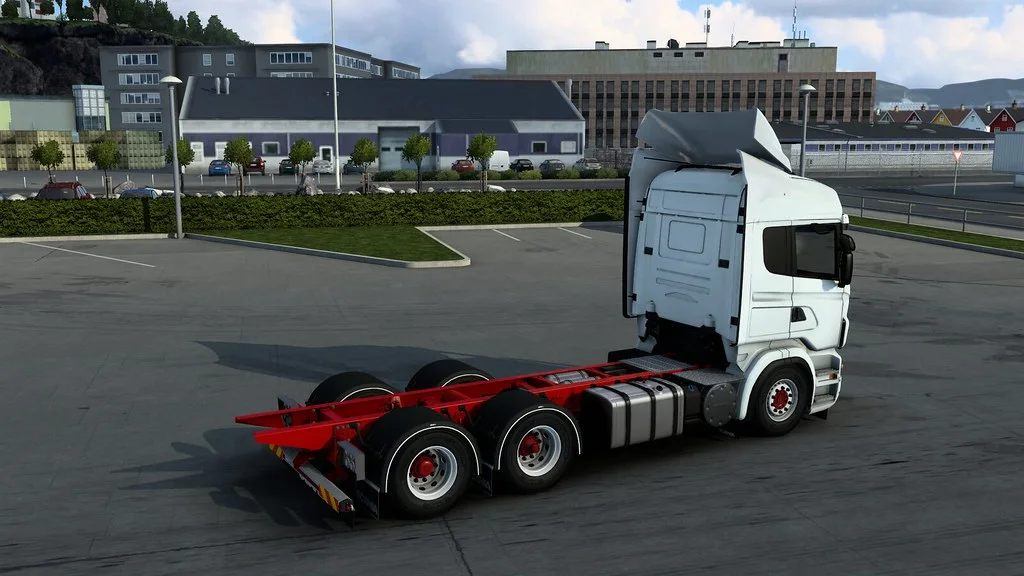
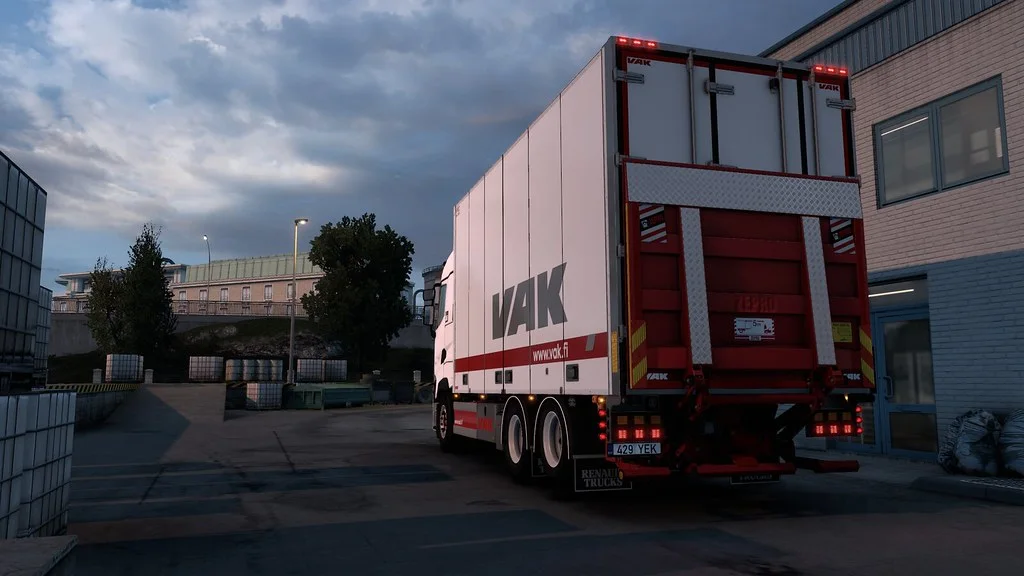
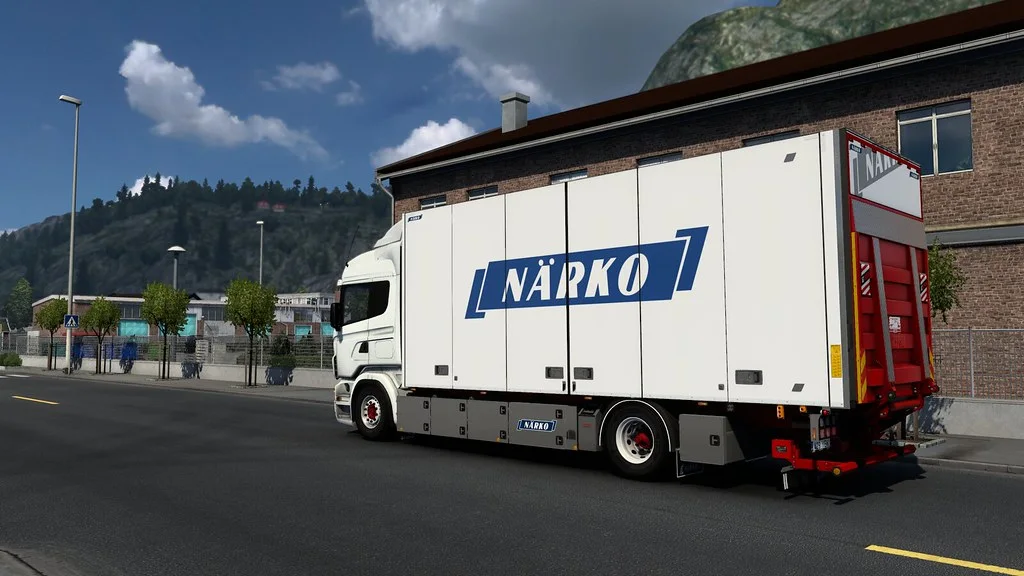
Screenshots supplied by the mod author. Click a picture to see it full size.
This mod hasn't been confirmed for ETS2 1.62 yet. The newest version it's listed for is 1.58. It may still work, but check the author's page first.
About this mod
Build a rigid haulage truck using Kast’s modular chassis and body system. The addon offers several axle layouts and wheelbases, branded cargo bodies, tail-lift parts and optional light positions. The author lists game support from ETS2 1.58 onward.
Install the BASE package plus the separate addon for your chosen truck. Put that addon above both the BASE and truck mods. Older rigid addons are not compatible with this replacement system; switch existing trucks to a normal semi chassis or sell them before updating. Credits: Kast and Csabee.
Mod and screenshots credit: Kast and Csabee.
Features
- Multiple rigid axle layouts and wheelbases
- Ekeri, Knapen, Närko, NTM, Toplift and VAK bodies
- Separate packages for supported trucks
- Marker-light and rear-light slot options
- BASE package required
How to install Rigid Chassis Addon by Kast
- Download the mod from SCS Software forum.
- Follow the author's installation instructions. Keep ready-to-use
.scsor.zipmod packages intact; extract archives containing separate mod packages as directed. - Move the ready-to-use
.scsor.zipmod package(s) intoDocuments\Euro Truck Simulator 2\mod. Create themodfolder if it isn't there. - Start the game, open the Mod Manager on the profile screen, move Rigid Chassis Addon by Kast to Active mods and press Confirm changes.
Helpful guides
Link broken, or the mod has a newer version? Tell us and we'll check it.