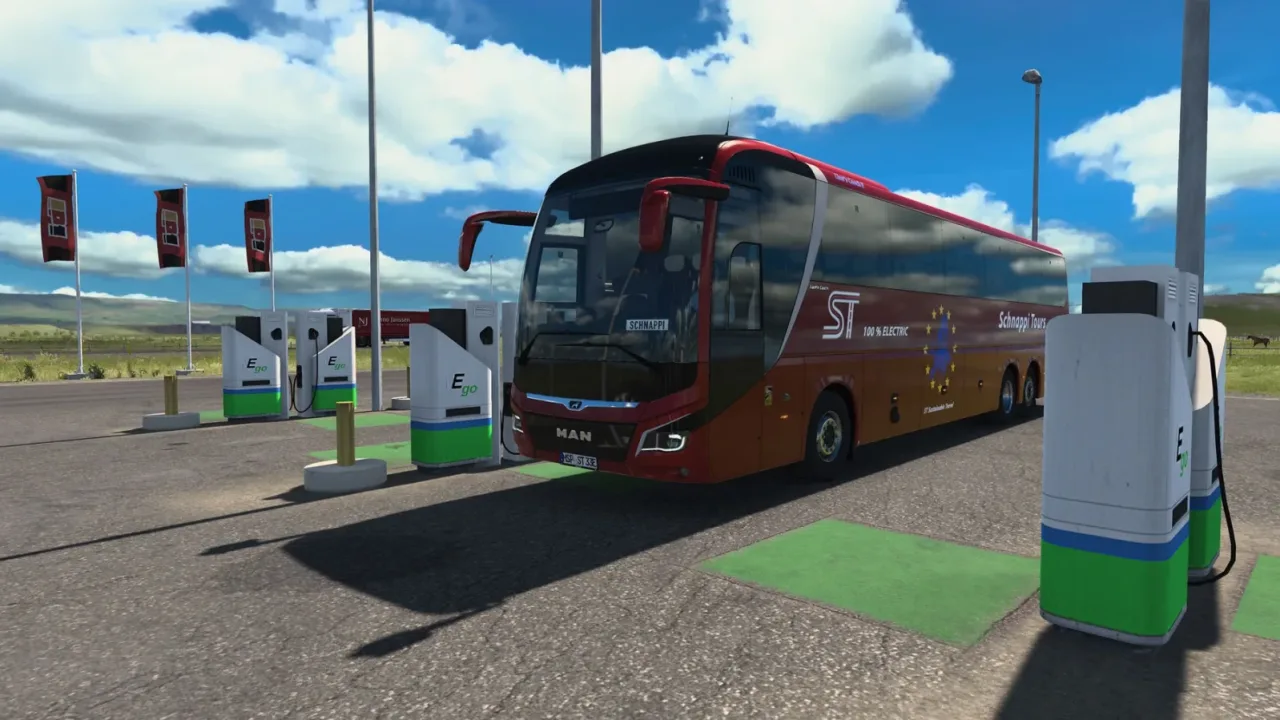
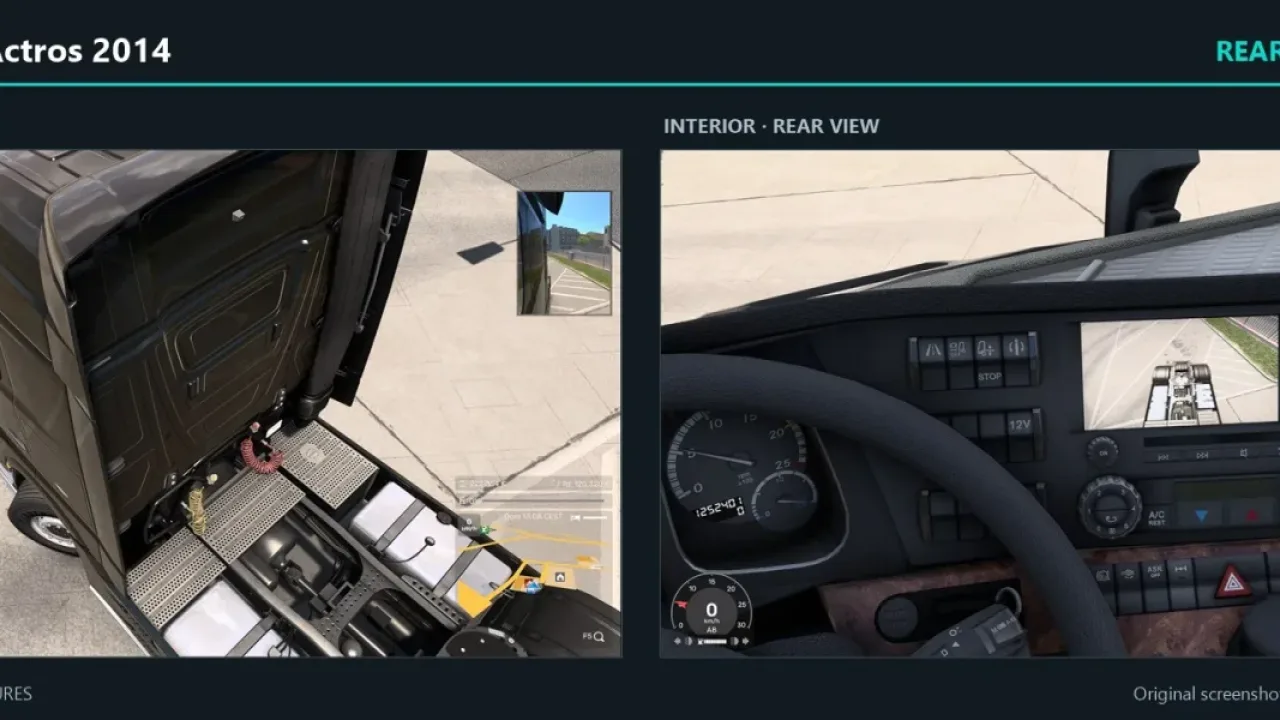
Picture by 桜华, from the mod's Steam Workshop page.
Weichai Engine
Adds Weichai WP diesel engines from 350 to 900 hp across four families, with each power rating given its own torque curve.
- Author
- 桜华
- Game version
- 1.62 1.58as listed by the author (see the official page)
- Mod version
- 6.3
- Players
- Needs
- Real cab soundproofing
- Price
- Free
- Link checked
- 26 November 2026 (the download page opens; not a test of the mod)
Hear about more like this? We'll show new ones in Your week on My mods.
Does it work for you on ETS2 1.62?
Screenshots (6)


Screenshots by 桜华, from the mod's Steam Workshop page. Click a picture to see it full size.
About this mod
This pack brings Chinese-built Weichai WP diesels to ETS2, split into four families. The inline-sixes run from 350 to 690 hp and pull smoothly at the top end, while the 700 to 900 hp V8 is the one to pick if you want to be shoved off the line.
Every rating has its own torque curve rather than a rescaled copy of one. Super torque engages automatically in direct-drive and overdrive gears, and the ECU cuts fuel at redline and returns after a drop, which the tachometer needle shows.
You also need the Real cab soundproofing mod, placed above this one, or some sound behaviour will be missing. The engines appear under the Engine tab in a truck shop. The author has tuned torque to domestic Chinese figures rather than Euro spec, and if the range does not show up, another engine mod may be taking priority.
Features
- 35 power ratings from 350 to 900 hp
- Individual torque curves for each rating
- Super torque adds about 10% in high gears, fading at high revs
- Hard fuel cut at redline with a recovery drop
- Recalibrated flywheel inertia for more realistic throttle response
- Dedicated FMOD audio for each engine family
How to install Weichai Engine
- Open the mod's Steam Workshop page (sign in to Steam if asked) and press Subscribe. Steam downloads it for you.
- Start Euro Truck Simulator 2. On the profile screen, open the Mod Manager.
- Find Weichai Engine in the list and move it to Active mods, then press Confirm changes.
Load order: Real cab soundproofing must sit above this mod in the mod manager.
Notes for this mod
- Subscribe to this mod and Real cab soundproofing
- Enable both in the mod manager with the soundproofing mod above this one
- In a truck shop, go to Engine and select the Weichai range
Helpful guides
 Best ETS2 Mods for 1.62 (2026): Hand-Picked by JobMods worth installing, grouped by job, with version, DLC needs and load orderInstalling from Steam WorkshopSubscribing, switching the mod on, and removing it safelyLoad order explainedWhich mod wins when two change the same thingIf the game crashesHow to find the mod that causes it in a few restarts
Link broken, or the mod has a newer version? Tell us and we'll check it.