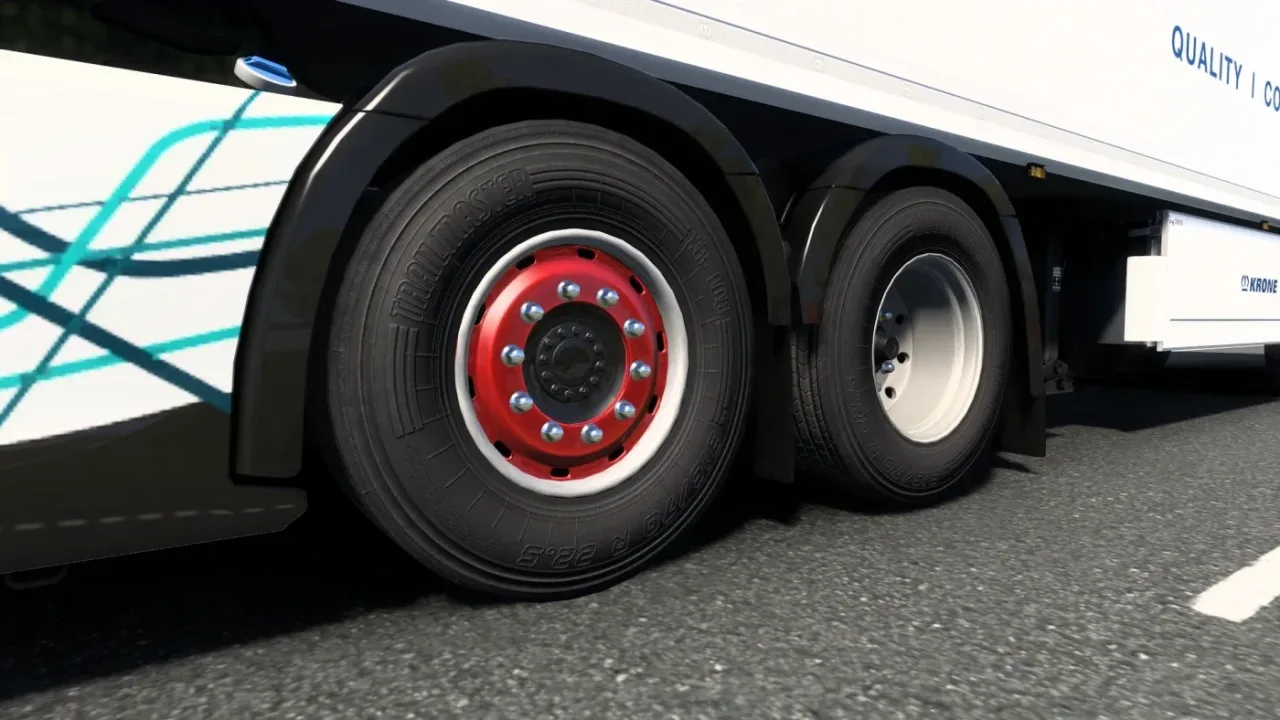
Image: supplied by the mod author
Wheel Tuning Remastered Expansion v1.0.1
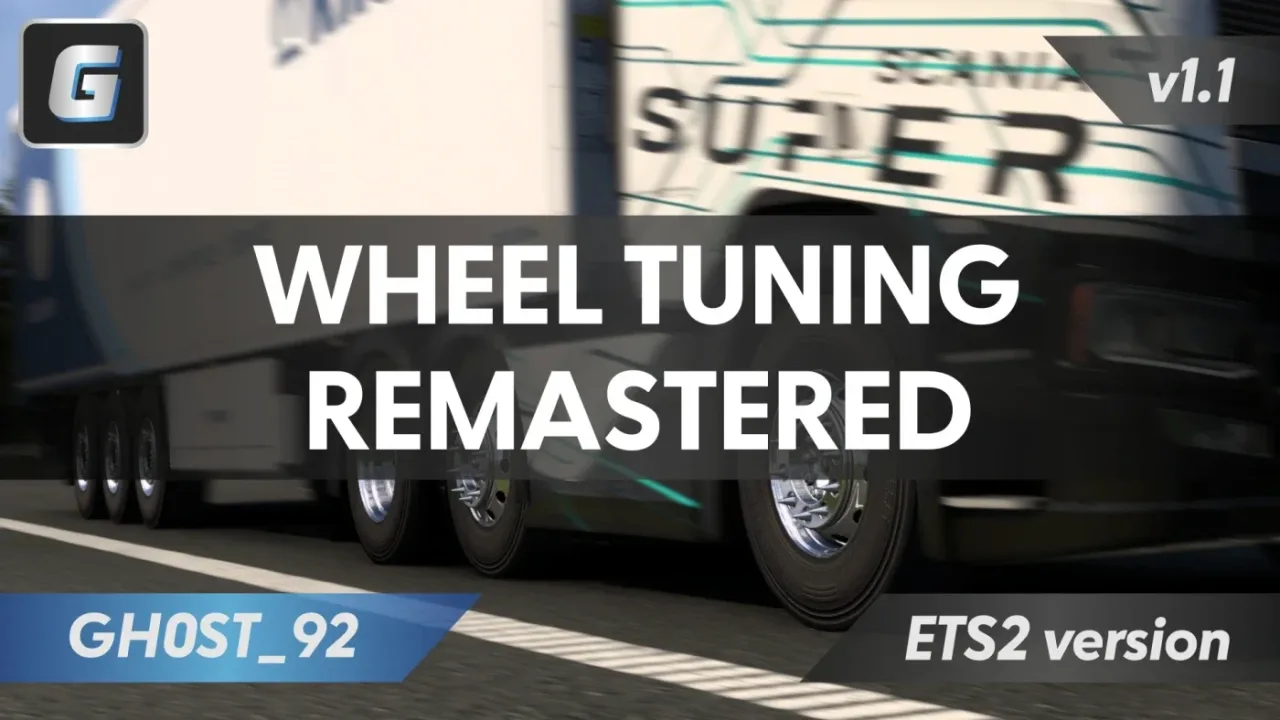
Expand Wheel Tuning Remastered with additional front and rear rim designs.
- Author
- GH0ST_92
- Game version
- 1.60 1.59 1.58 1.57 1.56 1.55as the mod author told us when submitting it (see the official page)
- Players
- Needs
- DLC: Wheel Tuning Pack, Raven Truck Design Pack
- Mods: Wheel Tuning Remastered v1.1.1
- Price
- Free
- Link checked
- 31 October 2026 (the download page opens; not a test of the mod)
- Listed by
- The mod's author, reviewed by us
Hear about more like this? We'll show new ones in Your week on My mods.
Does it work for you on ETS2 1.61?
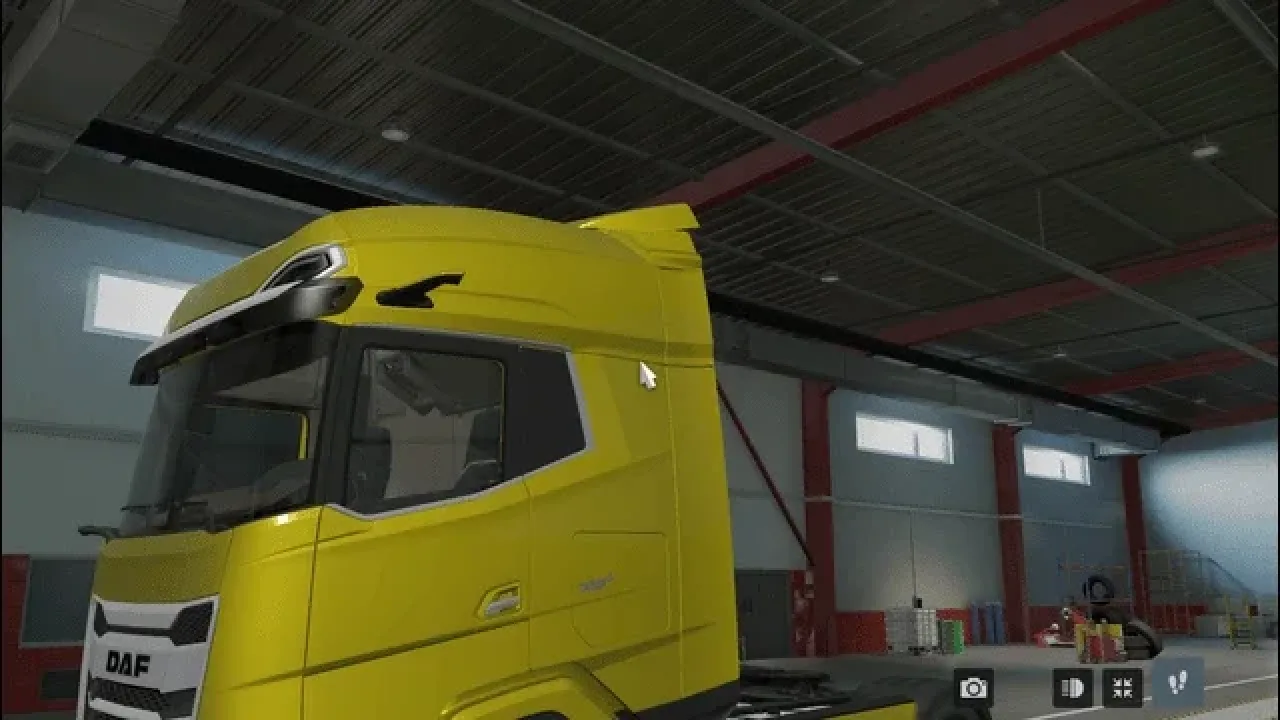
Screenshots (2)
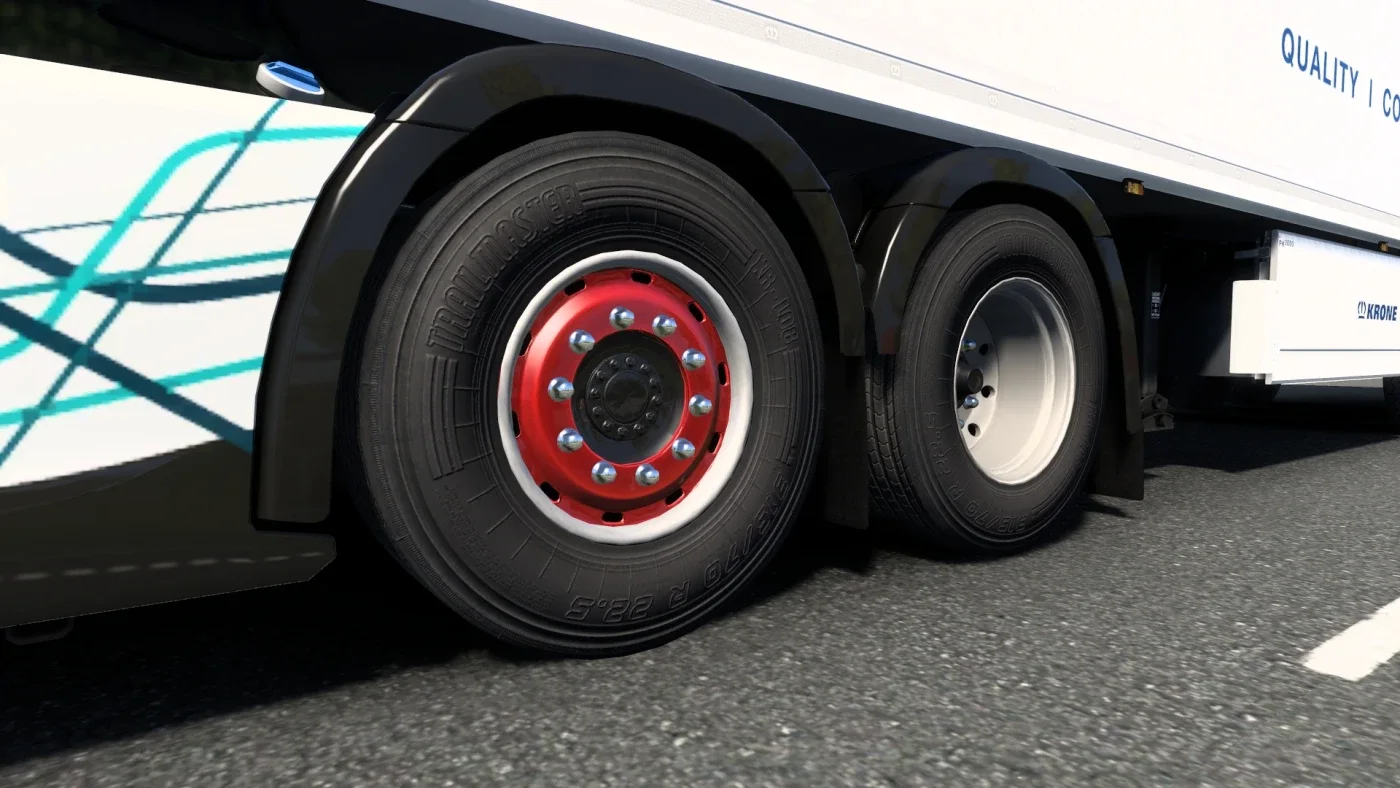
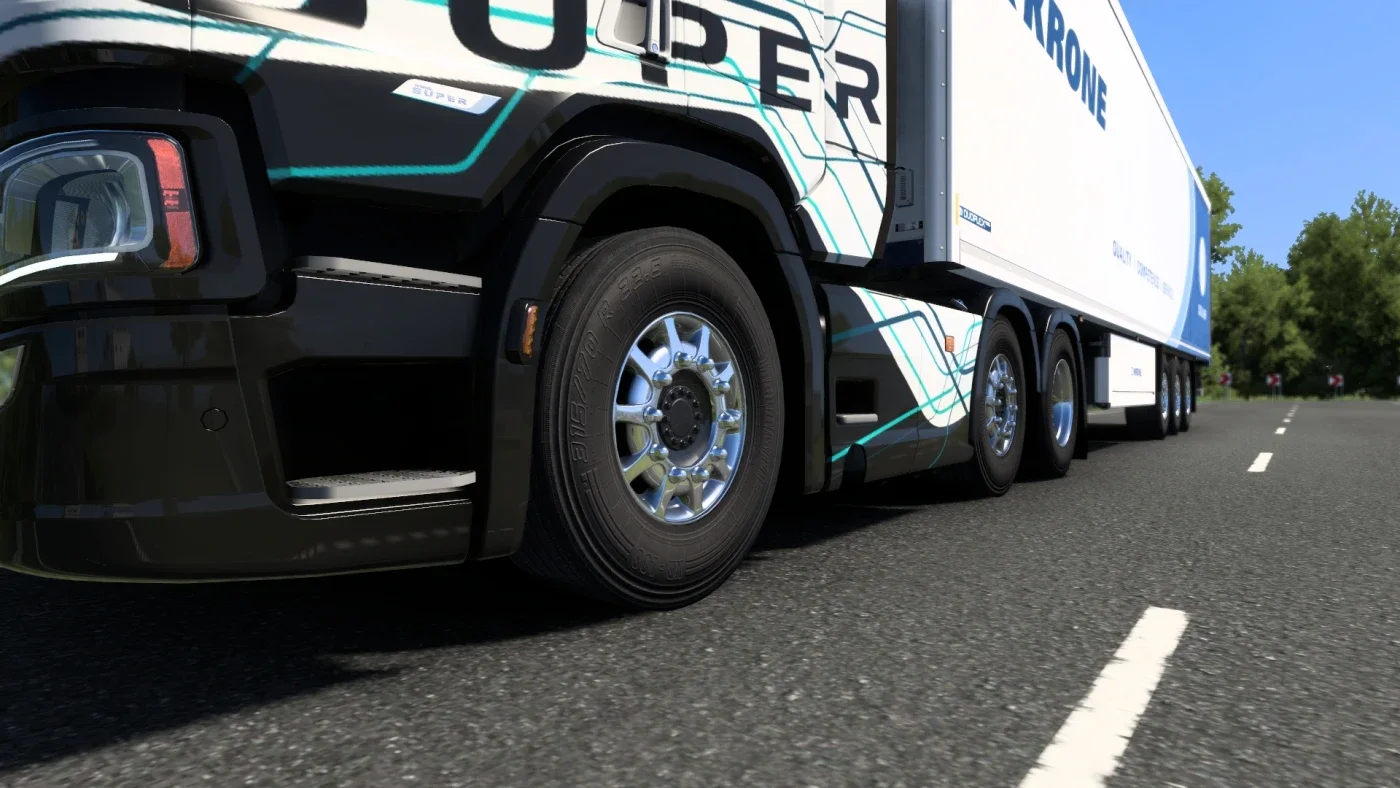
Screenshots supplied by the mod author. Click a picture to see it full size.
This mod hasn't been confirmed for ETS2 1.61 yet. The newest version it's listed for is 1.60. It may still work, but check the author's page first.
About this mod
Expand Wheel Tuning Remastered with additional front and rear rim designs.
GH0ST_92 adds steel, chrome and painted rim variants with matching materials, textures and shop thumbnails. This addon requires Wheel Tuning Remastered plus the Wheel Tuning Pack and Raven Truck Design Pack DLCs. The source explicitly supports ETS2 1.50–1.60 and testing on 1.60; it does not establish 1.61 compatibility.
The author lists ETS2 1.55 1.56 1.57 1.58 1.59 1.60 support. This has not been independently tested in-game.
Release: 1.0.1. Author-listed game compatibility: 1.55 1.56 1.57 1.58 1.59 1.60. Source last updated 2026-03-17. Compatibility is based on the author’s listing, not an independent in-game test.
How to install Wheel Tuning Remastered Expansion v1.0.1
- Download the mod from truckymods.io.
- If you get a
.zip,.raror.7zfile, extract it. You need the.scsfile(s) inside. - Move the
.scsfile(s) intoDocuments\Euro Truck Simulator 2\mod. Create themodfolder if it isn't there. - Start the game, open the Mod Manager on the profile screen, move Wheel Tuning Remastered Expansion v1.0.1 to Active mods and press Confirm changes.
Helpful guides
Link broken, or the mod has a newer version? Tell us and we'll check it.