Slovensko+ (Silesia Version) v0.3 1.55 ETS2
Version 0.3:
Compatibility with ETS2 1.55
Support for Silesia 1.7.0
Fixed several crashes near Velky Krtis
Quality of Life enhancements across the map
Description:
Cities
Introduces Lovinobana
Includes Hrhov
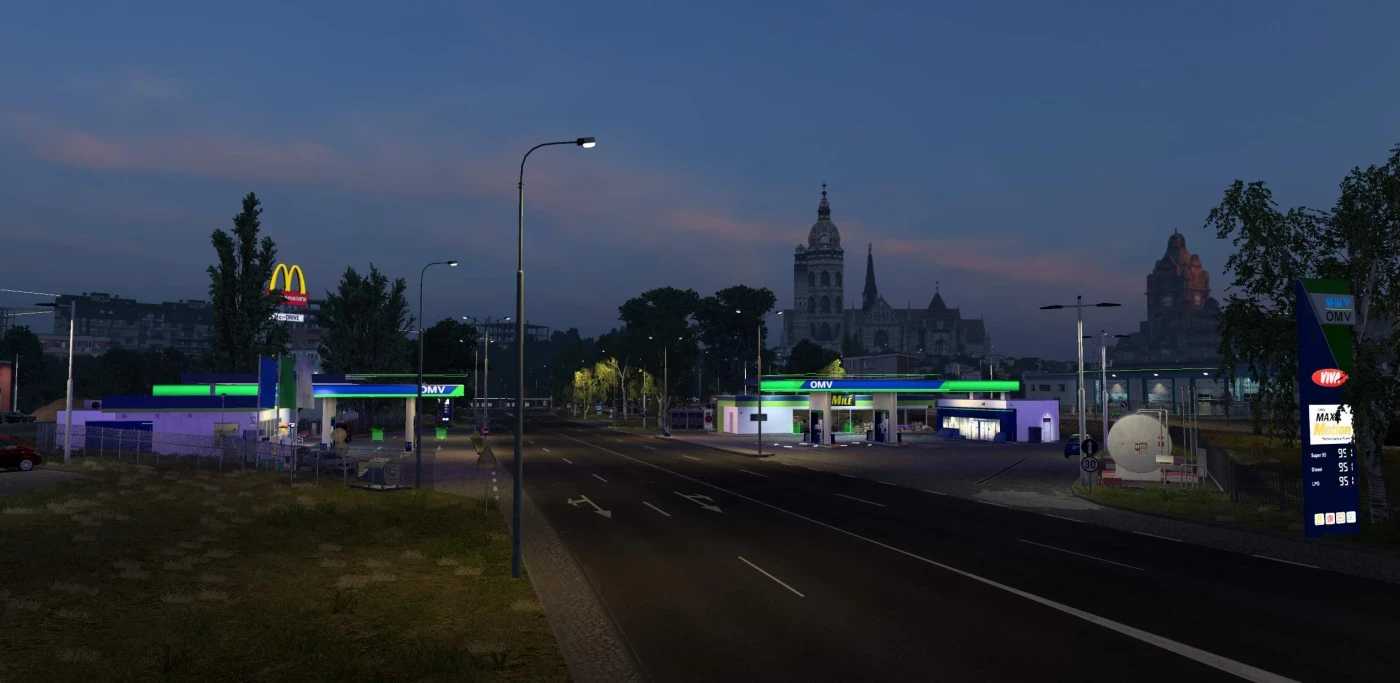
Revamps Kosice
Adds Plastovce
Features Velky Krtis
Includes Potor
Adds Cary
Incorporates Kuty
Introduces Ruzomberok
Roads
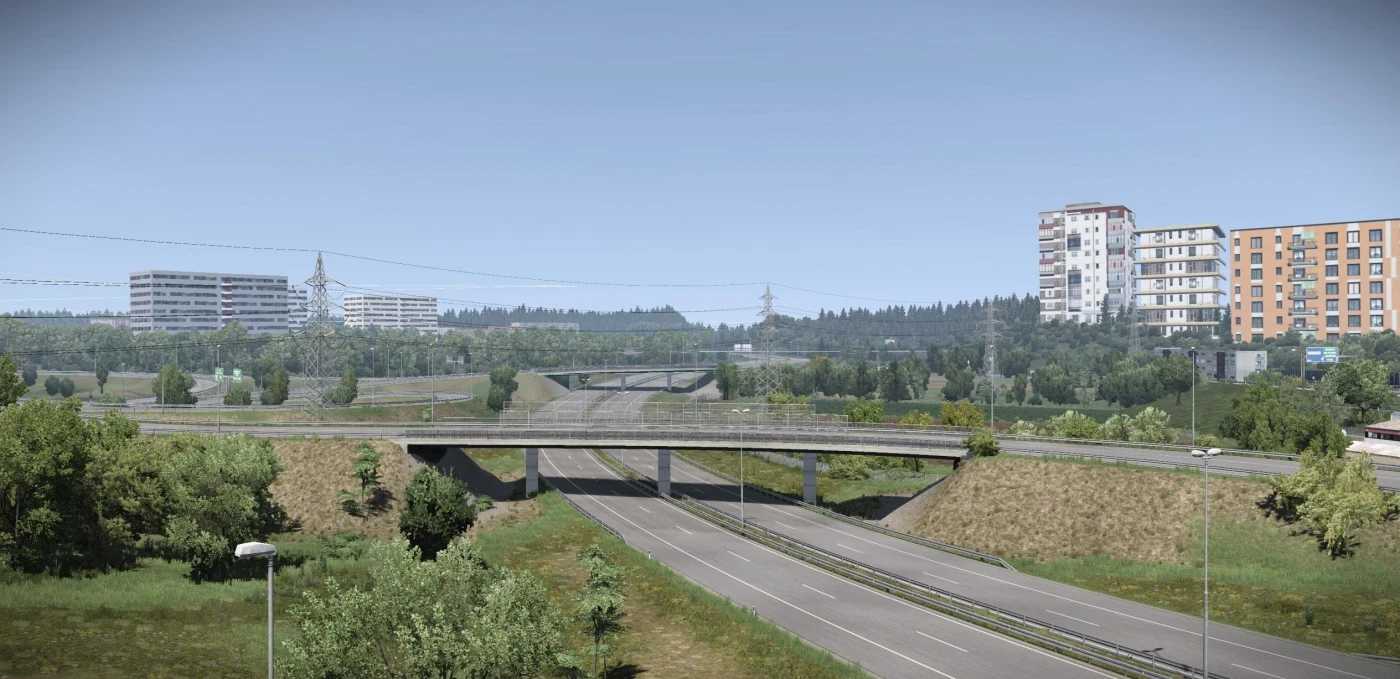
Refreshes I-66 (E77) from Zvolen to Budapest
Reworks I-16 (E58) from Zvolen to Kosice
Updates I-17 from Kosice to Debrecen
Partial rework of D1 in and around Kosice.
Adds I-75 (Hungary to Bratislava)
Improves a small section of D4 near Bratislava
Upgrades older assets on D2 in Bratislava
Refreshes I-51 (Trnava – Kuty – Czech Republic)
Credits: AndrewS_
How to install ETS2 mods or ATS Mods
Installing mods in Euro Truck Simulator 2 is straightforward. Simply download the mod from here, then copy/unzip the files into the “My Documents\Euro Truck Simulator 2\mod” folder. If you’re playing ATS, place mods into the “My Documents\American Truck Simulator\mod” folder. You can use WinRAR or 7zip to unzip files. After that, you’ll need to activate the mods you wish to use.