Far East Russia Alpha 23 v1.0 ETS2
Changelog
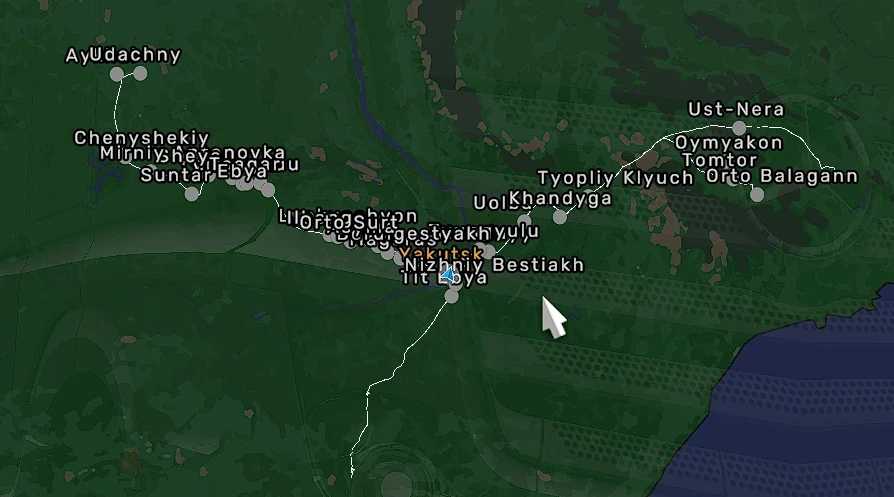
Redesigned roads from Yakutsk to Olyokminsk to Aldan,
Improved P-504 route around Ust-Nera
Added several new settlements
Key Features:
Explore numerous handcrafted cities and settlements.
Experience diverse terrains, ranging from dense forests to challenging off-road trails.
Seamless integration with existing major map mods for an enhanced experience.
Performance optimized for a smooth journey across expansive landscapes.
Compatibility:
Off the Grid
Trans-Siberian Truckway
Game versions 1.54
Load Order:
Far East Russia
Trans-Siberian Truckway – Off The Grid – RC
Trans-Siberian Truckway
Off The Grid
Credits: jirkanedela
How to Install ETS2 or ATS Mods
Installing mods in Euro Truck Simulator 2 is straightforward. Simply download the mod from here and copy/unzip the files into the “My Documents\Euro Truck Simulator 2\mod” folder. For American Truck Simulator, place them in: “My Documents\American Truck Simulator\mod” folder. You can use WinRAR or 7zip to unzip files. Once done, activate the mods you wish to use.