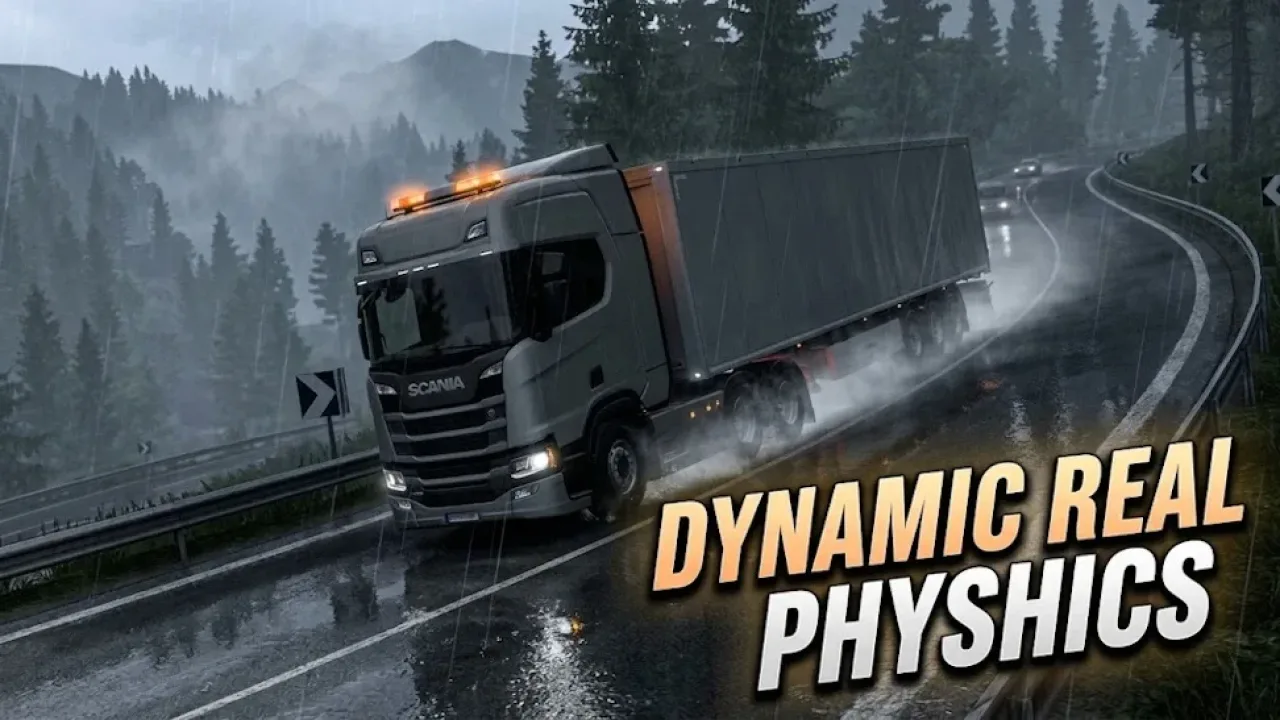
Picture by Kai Hiwatari, from the mod's Steam Workshop page.
Adviser Router Extra GPS Module & Realistic Mirror + Bus
An in-cabin GPS unit showing speed, fuel and damage data on a sleek screen.
- Author
- Kai Hiwatari
- Game version
- 1.62as listed by the author (see the official page)
- Players
- Needs
- Nothing extra, the base game is enough
- Price
- Free
- Link checked
- 24 November 2026 (the download page opens; not a test of the mod)
Hear about more like this? We'll show new ones in Your week on My mods.
Does it work for you on ETS2 1.62?
Screenshots (4)


Screenshots by Kai Hiwatari, from the mod's Steam Workshop page. Click a picture to see it full size.
About this mod
The Adviser Router adds a navigation and information display to your cabin, aimed at players who spend long hours on the road and want their key driving data in view. It is designed to sit neatly in the interior with high-resolution textures.
You can mount it on the windscreen or on the dashboard, and pick a 25%, 50% or 75% dark film tint. Several model designs are included, from a standard GPS to a PC screen, black case and prototype style.
It is said to suit almost all default trucks and popular modded trucks such as the Kamaz, and it also supports Scania, MAN and Volvo buses.
Features
- Mount on the windscreen or the dashboard
- Dark film tint options at 25%, 50% and 75%
- Route Advisor data: speedometer, fuel gauge and damage panels
- Anti-glare glass for day driving and softer luminance for night
- Standard GPS, PC screen, Black Case and Prototype variants
- Compatible with most default trucks, Kamaz and Scania, MAN and Volvo buses
How to install Adviser Router Extra GPS Module & Realistic Mirror + Bus
- Open the mod's Steam Workshop page (sign in to Steam if asked) and press Subscribe. Steam downloads it for you.
- Start Euro Truck Simulator 2. On the profile screen, open the Mod Manager.
- Find Adviser Router Extra GPS Module & Realistic Mirror + Bus in the list and move it to Active mods, then press Confirm changes.
Helpful guides
 Best ETS2 Realism Mods for 1.62 & 1.61: Sound, Physics, Traffic and WeatherSound, physics, traffic, weather and lights: what to install, what clashes, in what orderInstalling from Steam WorkshopSubscribing, switching the mod on, and removing it safelyIf the game crashesHow to find the mod that causes it in a few restarts
Link broken, or the mod has a newer version? Tell us and we'll check it.