Image: supplied by the mod author
Compact Virtual Mirrors
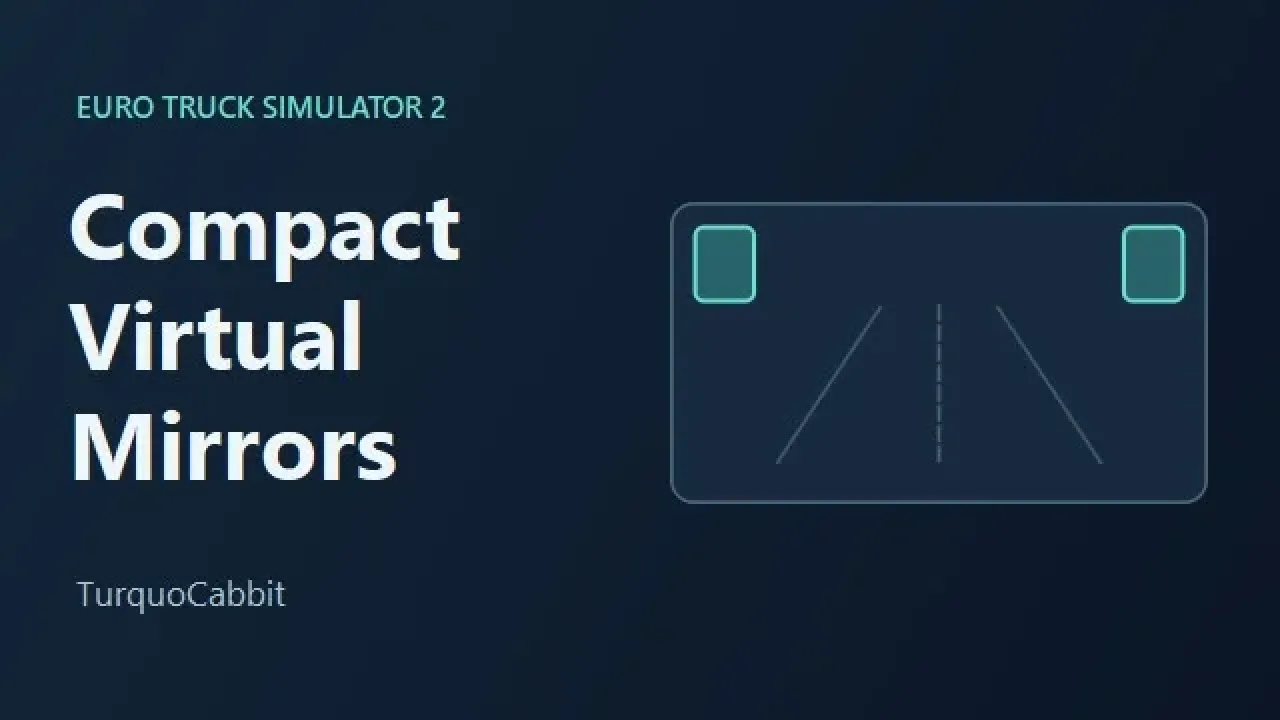
Move the F2 virtual mirrors into small frames at the top corners of the screen to clear more of the windscreen.
- Author
- TurquoCabbit
- Game version
- 1.62as the mod author told us when submitting it (see the official page); 1.62 named on that page when we checked on 22 November 2026
- Players
- Needs
- Nothing extra, the base game is enough
- Price
- Free
- Link checked
- 20 November 2026 (the download page opens; not a test of the mod)
- Listed by
- The mod's author, reviewed by us
Hear about more like this? We'll show new ones in Your week on My mods.
Does it work for you on ETS2 1.62?
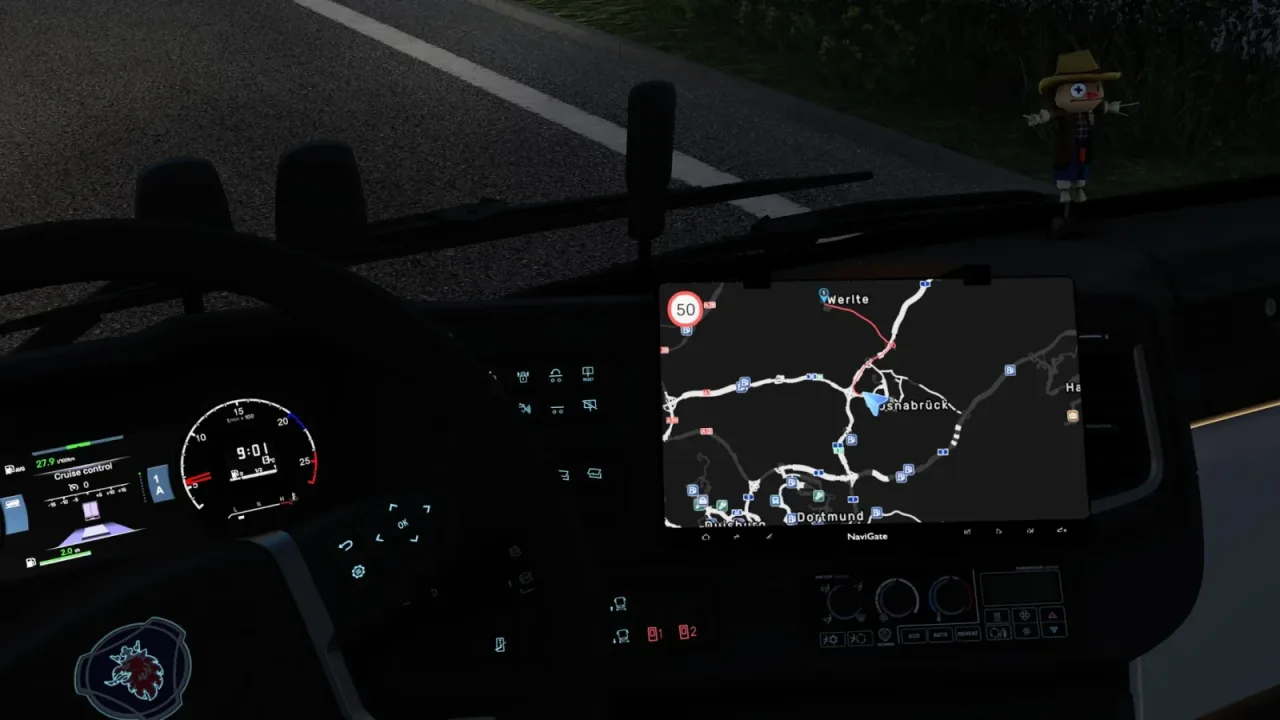
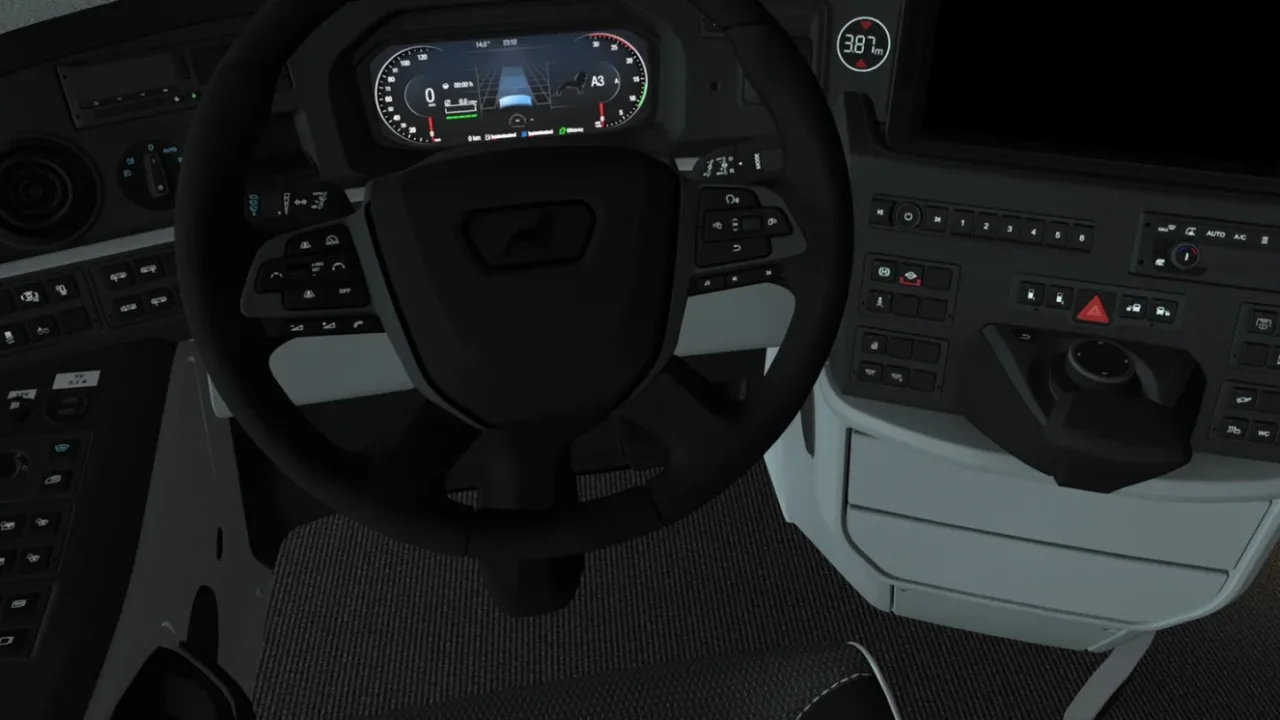
Screenshots (2)
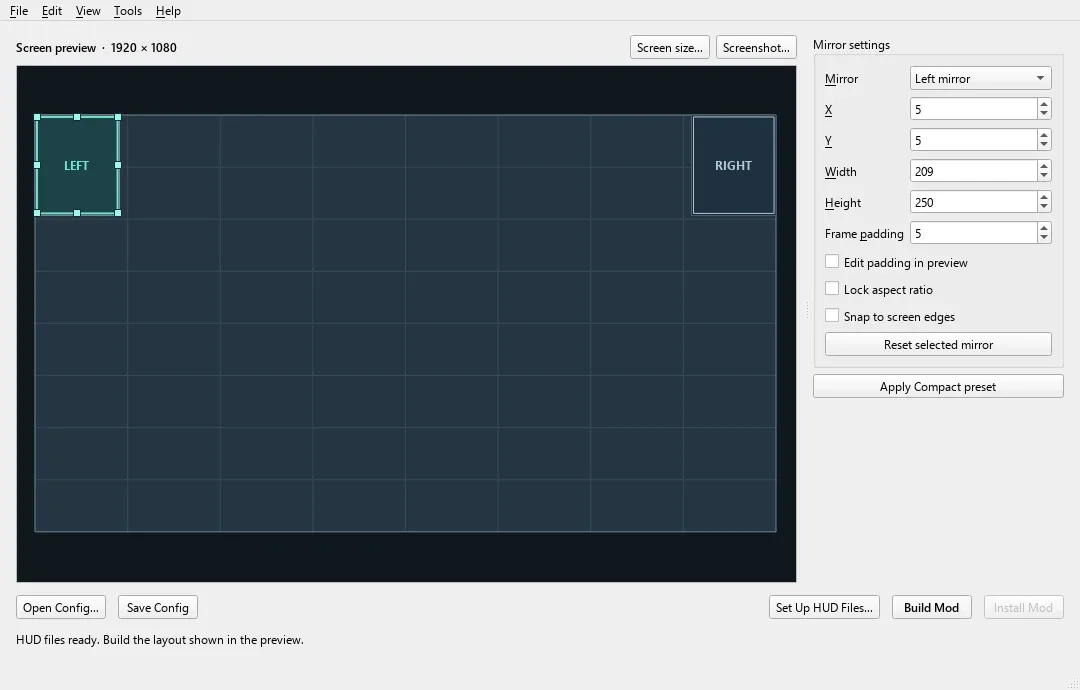
Screenshots supplied by the mod author. Click a picture to see it full size.
About this mod
Enable the Compact preset through Steam Workshop and use F2 to cycle the virtual mirrors. It uses a 1920 by 1080 reference layout, so placement can vary with aspect ratio and game settings. The creator also links a separate Windows editor for custom layouts. The gallery includes the creator’s preview graphic and that optional editor’s interface. Use a single virtual-mirror HUD mod at a time.
The creator lists support for ETS2 1.62.
How to install Compact Virtual Mirrors
- Open the mod's Steam Workshop page (sign in to Steam if asked) and press Subscribe. Steam downloads it for you.
- Start Euro Truck Simulator 2. On the profile screen, open the Mod Manager.
- Find Compact Virtual Mirrors in the list and move it to Active mods, then press Confirm changes.
Helpful guides
 Best ETS2 Realism Mods for 1.62 & 1.61: Sound, Physics, Traffic and WeatherSound, physics, traffic, weather and lights: what to install, what clashes, in what orderInstalling from Steam WorkshopSubscribing, switching the mod on, and removing it safelyIf the game crashesHow to find the mod that causes it in a few restarts
Link broken, or the mod has a newer version? Tell us and we'll check it.