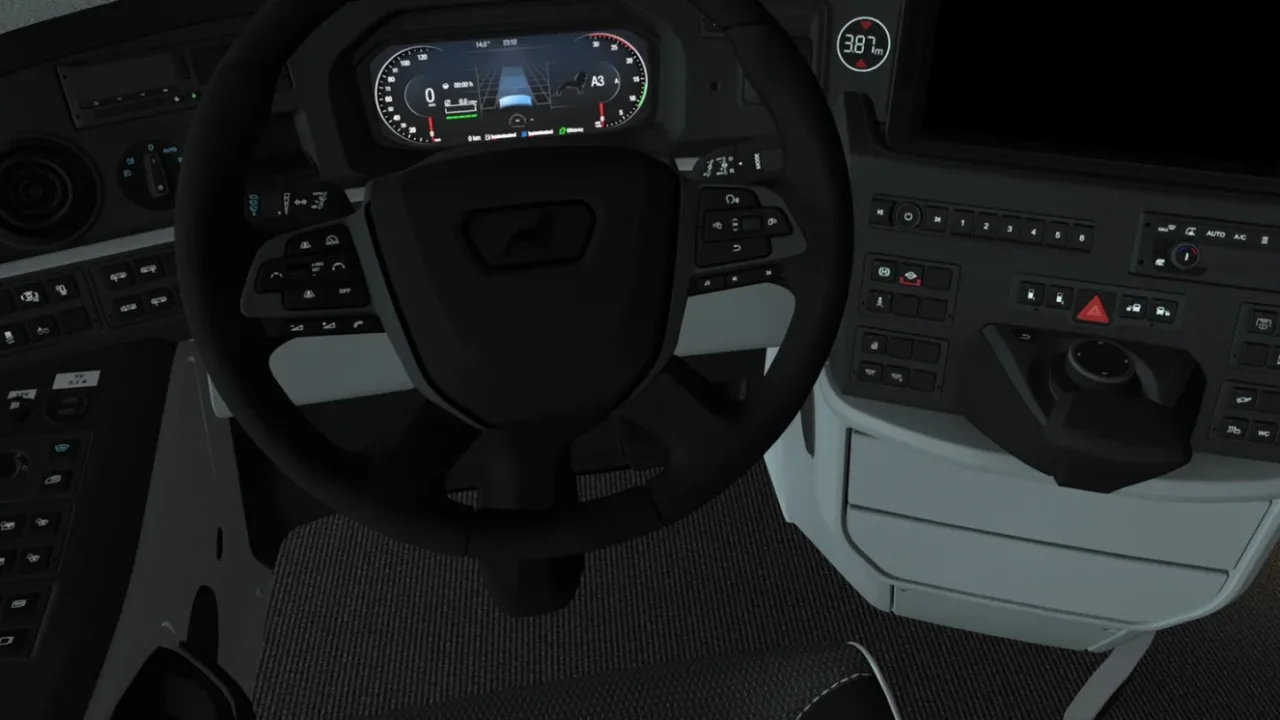
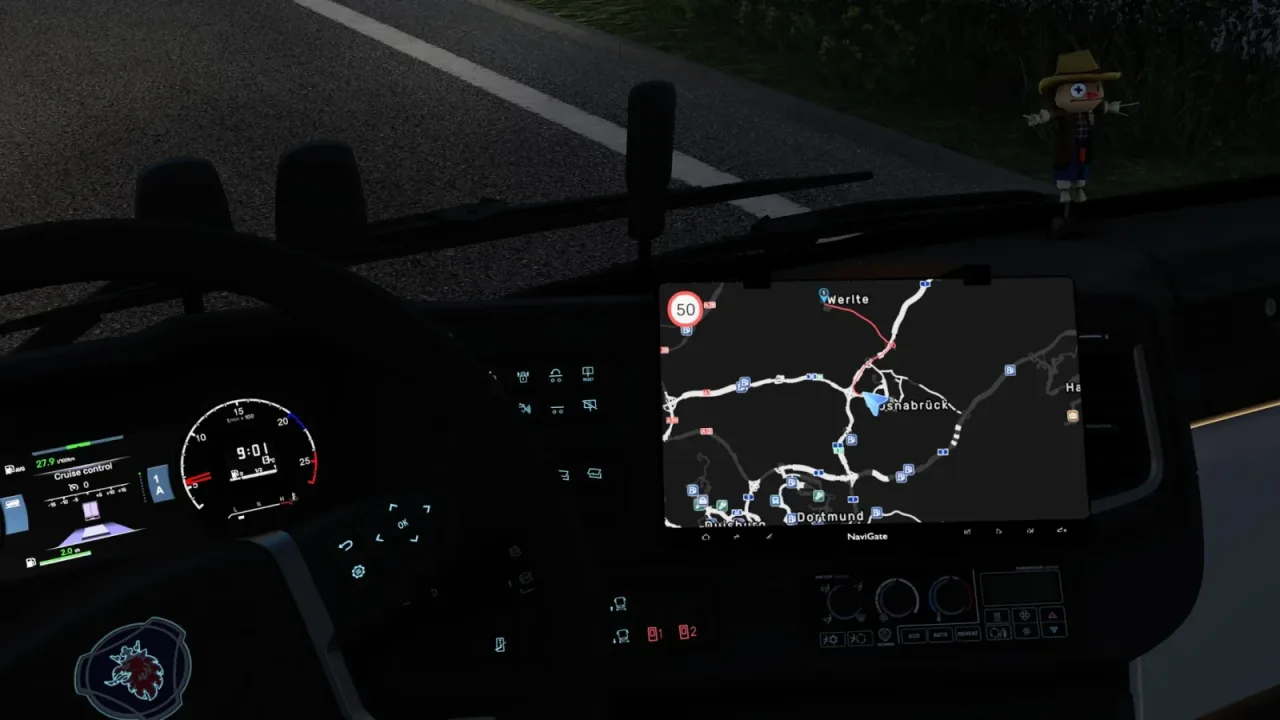
Image: supplied by the mod author
Dark GPS Navigation Theme
Use grey roads and a muted red route on a near-black GPS background, with smaller layouts for the SCS coaches.
- Author
- eSing
- Game version
- 1.62as the mod author told us when submitting it (see the official page); 1.62 named on that page when we checked on 22 November 2026
- Players
- Needs
- Nothing extra, the base game is enough
- Price
- Free
- Link checked
- 22 November 2026 (the download page opens; not a test of the mod)
- Listed by
- The mod's author, reviewed by us
Hear about more like this? We'll show new ones in Your week on My mods.
Does it work for you on ETS2 1.62?
Screenshots (2)
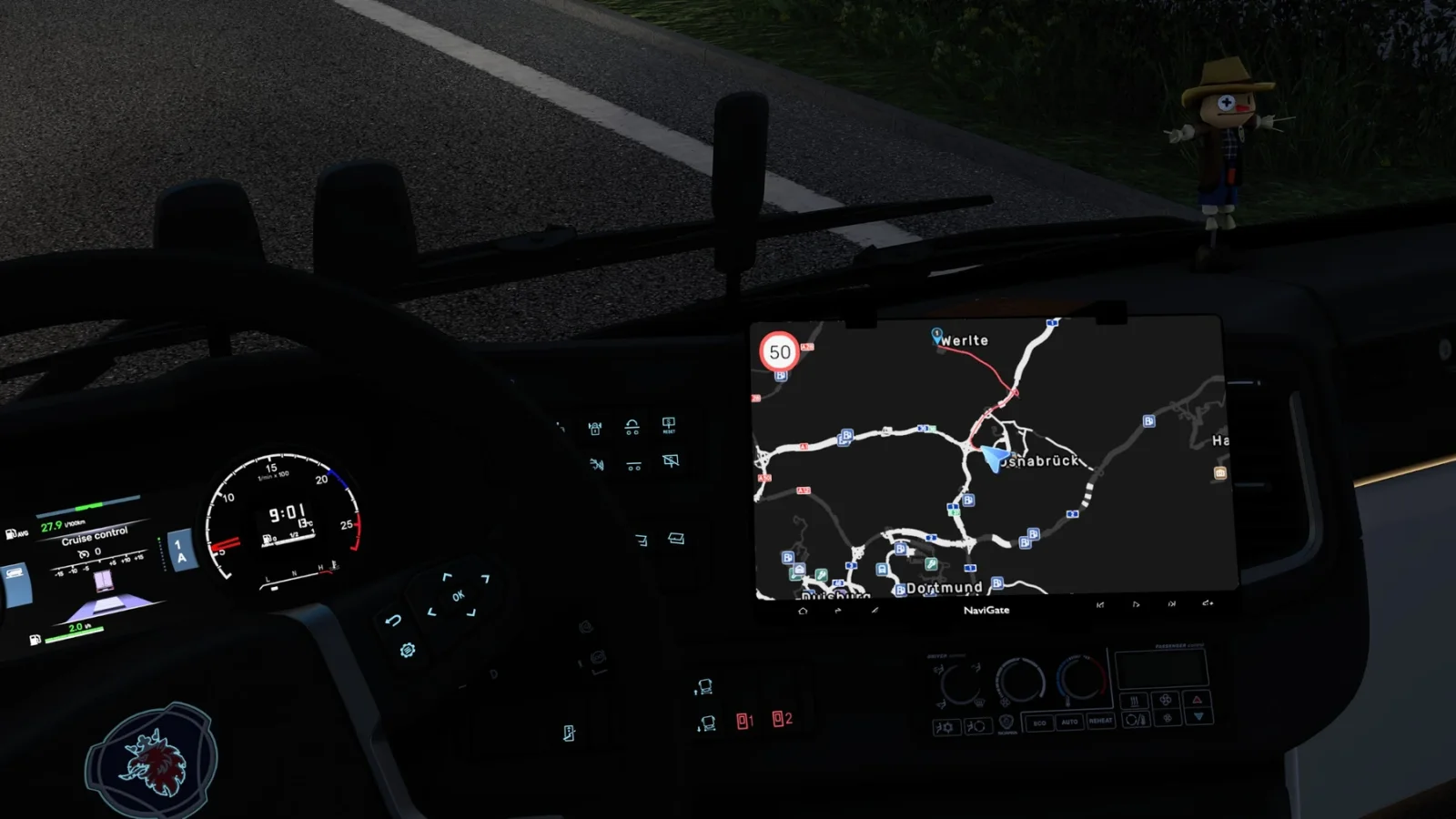
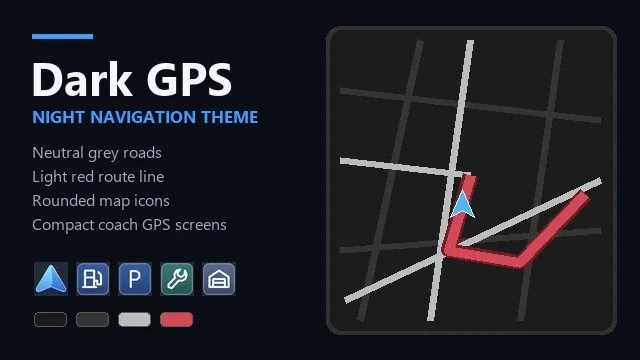
Screenshots supplied by the mod author. Click a picture to see it full size.
About this mod
Dark GPS updates the in-cab navigation colours, icons, job markers and player arrow. On SCS coaches it also uses a more compact layout, including on their factory screens. The world map keeps its normal road colours. No DLC is needed for the general theme. Coach layouts require Coaches DLC. The creator’s cover is an AI-assisted illustration, and GPS themes can conflict when they replace the same layouts. Place Dark GPS above other GPS colour or map mods in the Mod Manager.
The creator lists support for ETS2 1.62.
How to install Dark GPS Navigation Theme
- Open the mod's Steam Workshop page (sign in to Steam if asked) and press Subscribe. Steam downloads it for you.
- Start Euro Truck Simulator 2. On the profile screen, open the Mod Manager.
- Find Dark GPS Navigation Theme in the list and move it to Active mods, then press Confirm changes.
Helpful guides
 Best ETS2 Realism Mods for 1.62 & 1.61: Sound, Physics, Traffic and WeatherSound, physics, traffic, weather and lights: what to install, what clashes, in what orderInstalling from Steam WorkshopSubscribing, switching the mod on, and removing it safelyIf the game crashesHow to find the mod that causes it in a few restarts
Link broken, or the mod has a newer version? Tell us and we'll check it.