Image: supplied by the mod author
Dashboard GPS Speed: Enhanced View
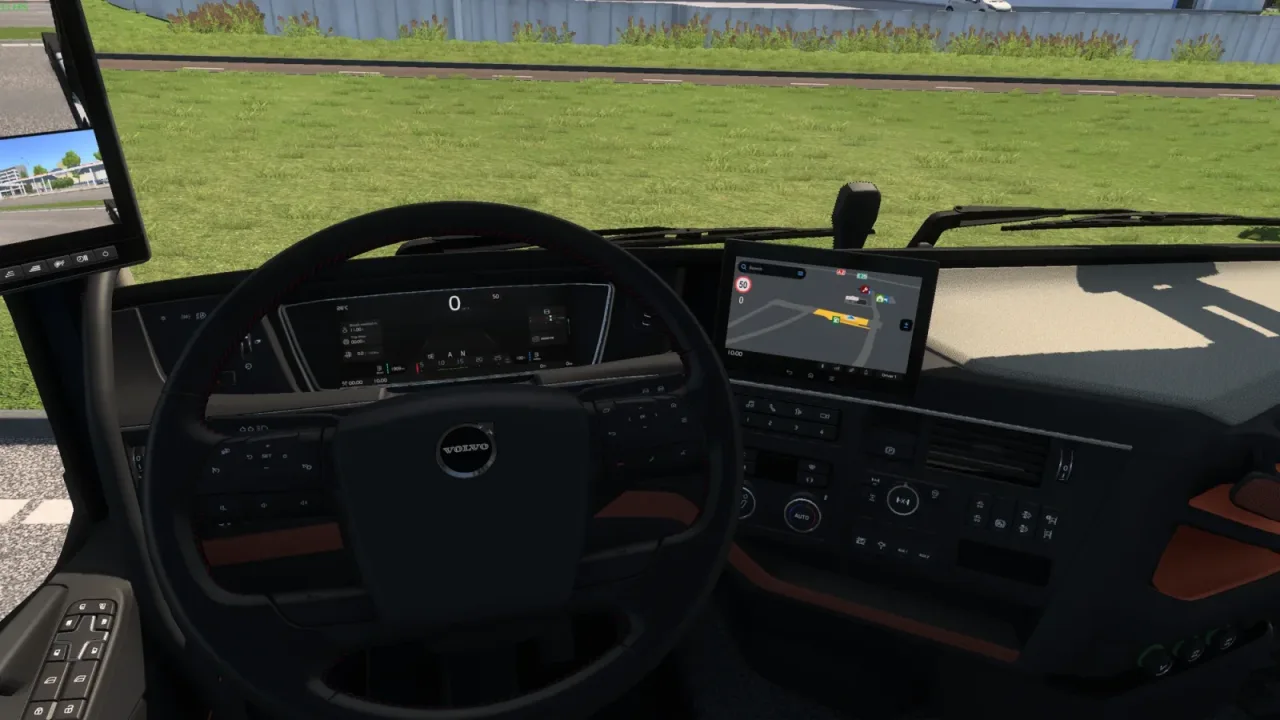
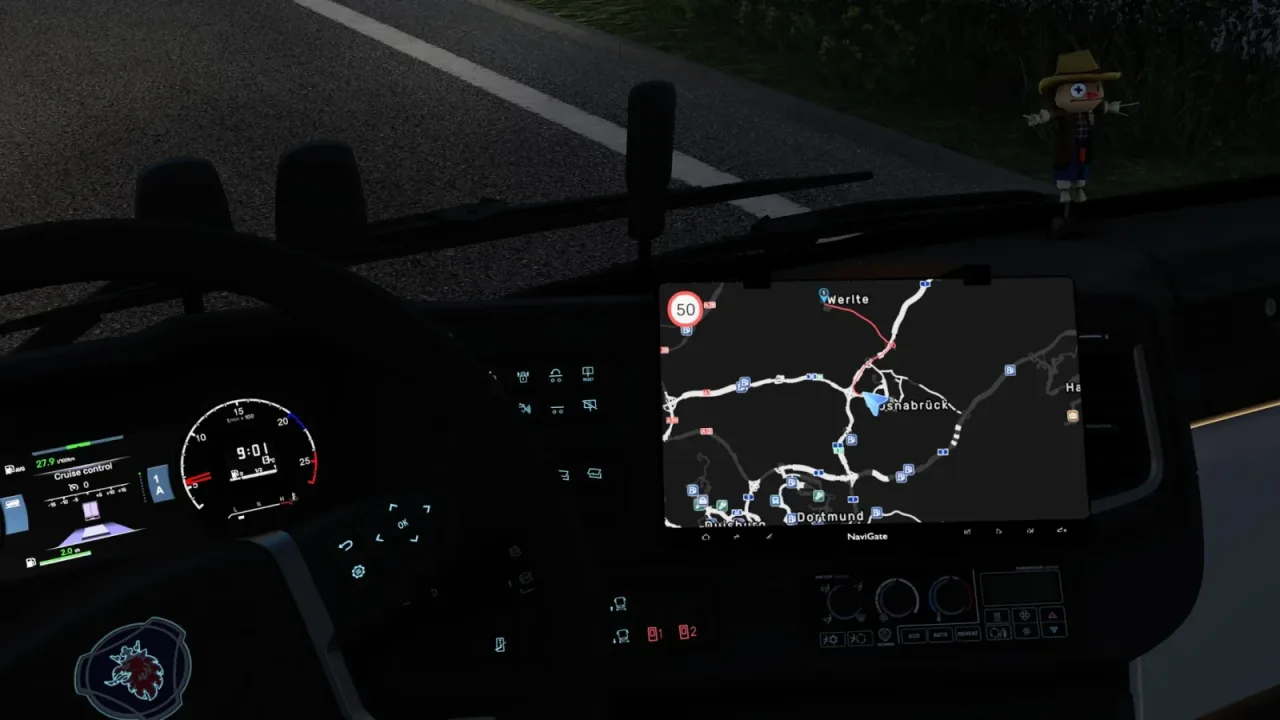
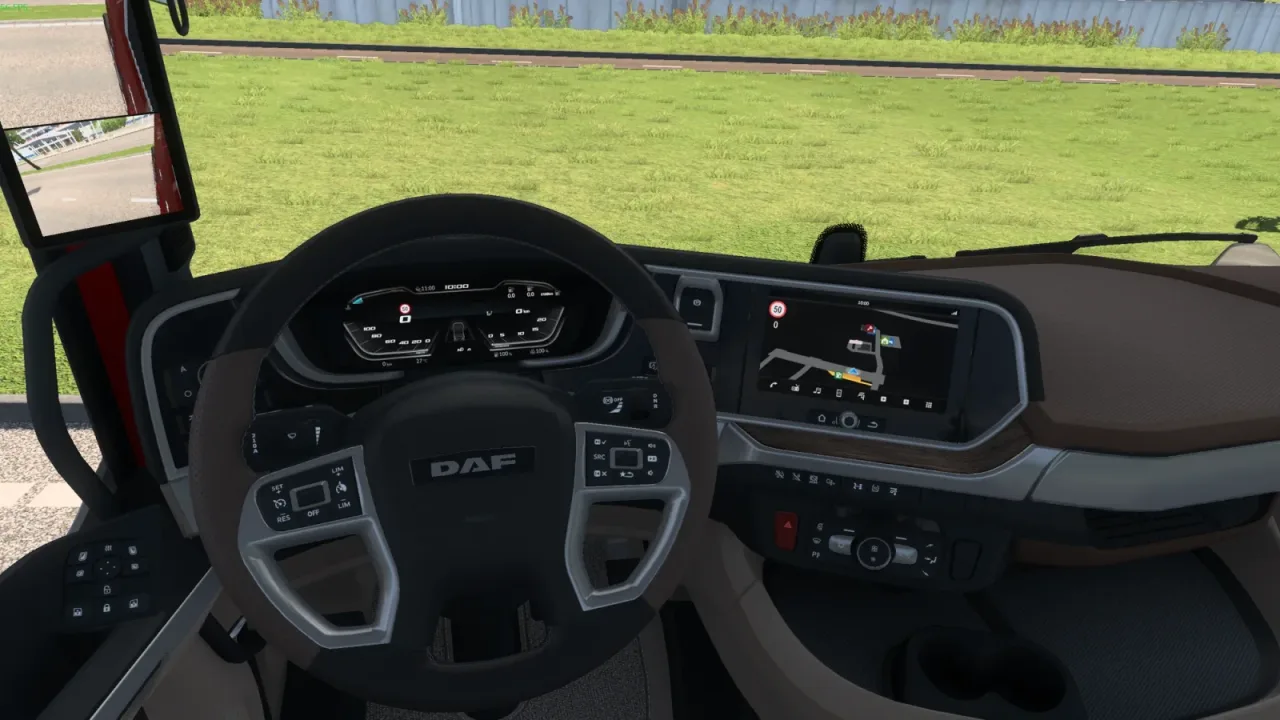
Add speed readouts and an angled, offset view to the factory dashboard navigation map.
- Author
- Namu
- Game version
- 1.62as the mod author told us when submitting it (see the official page); 1.62 named on that page when we checked on 22 November 2026
- Players
- Needs
- Nothing extra, the base game is enough
- Price
- Free
- Link checked
- 20 November 2026 (the download page opens; not a test of the mod)
- Listed by
- The mod's author, reviewed by us
Hear about more like this? We'll show new ones in Your week on My mods.
Does it work for you on ETS2 1.62?
Screenshots (3)
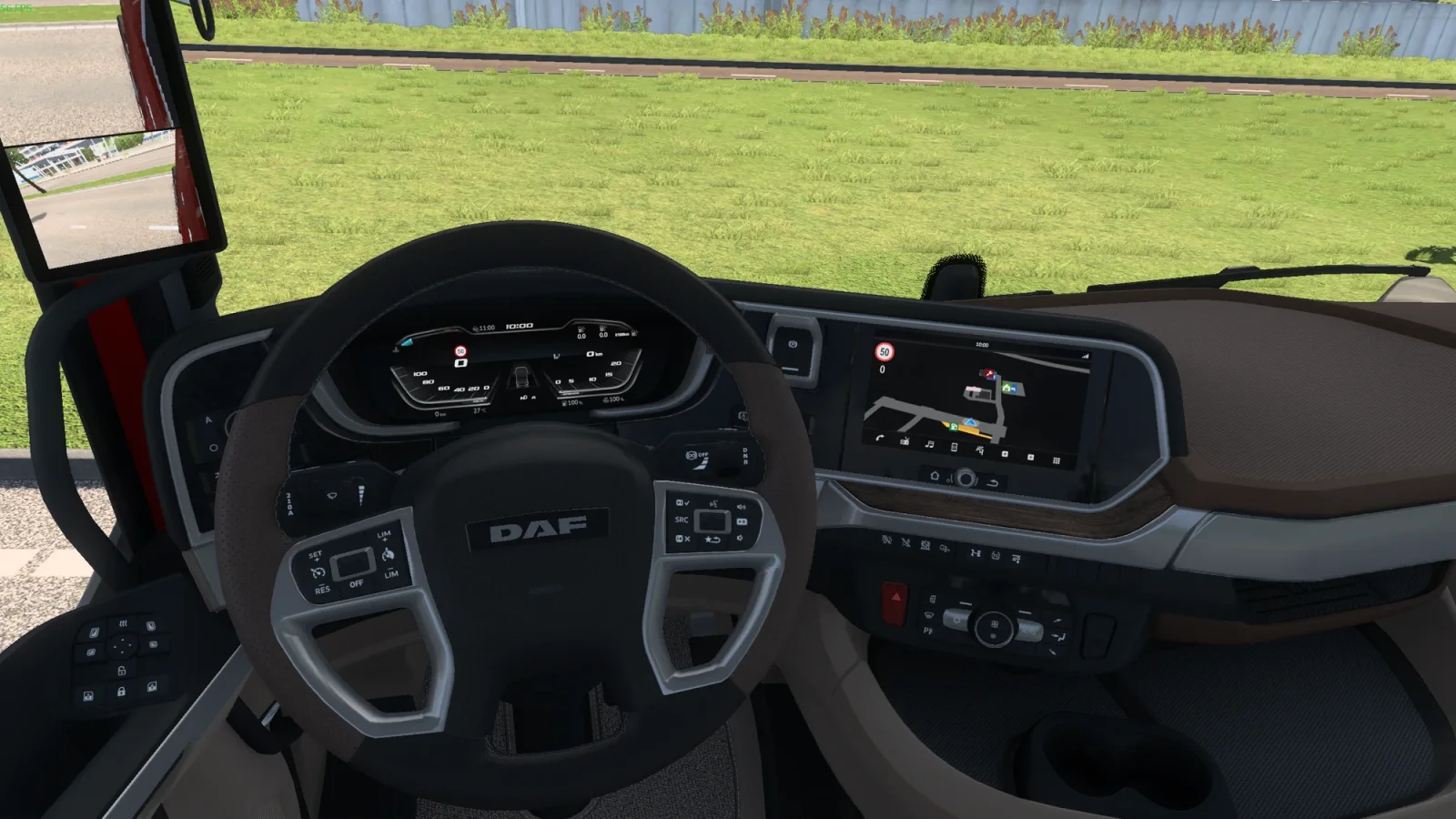
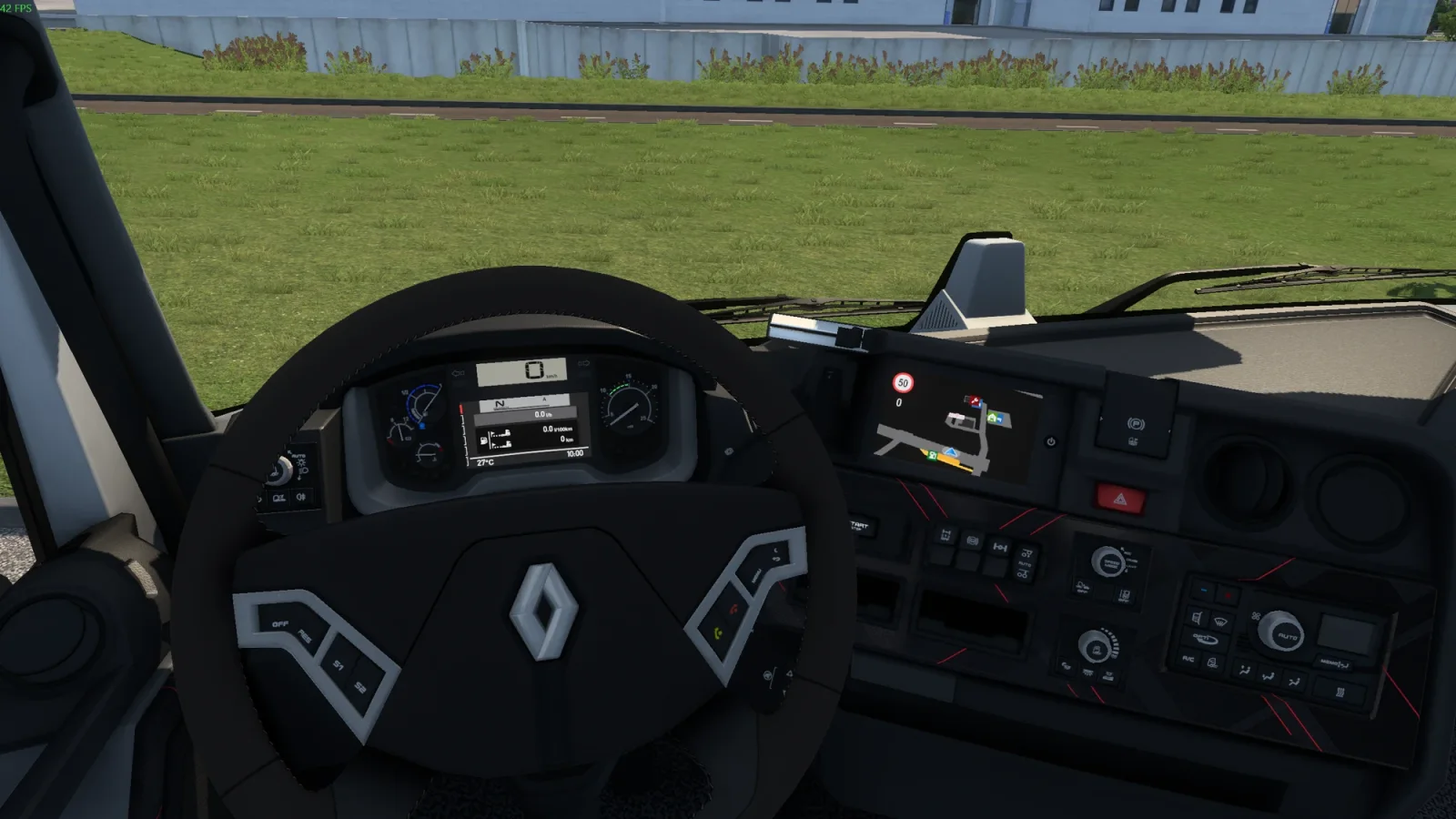
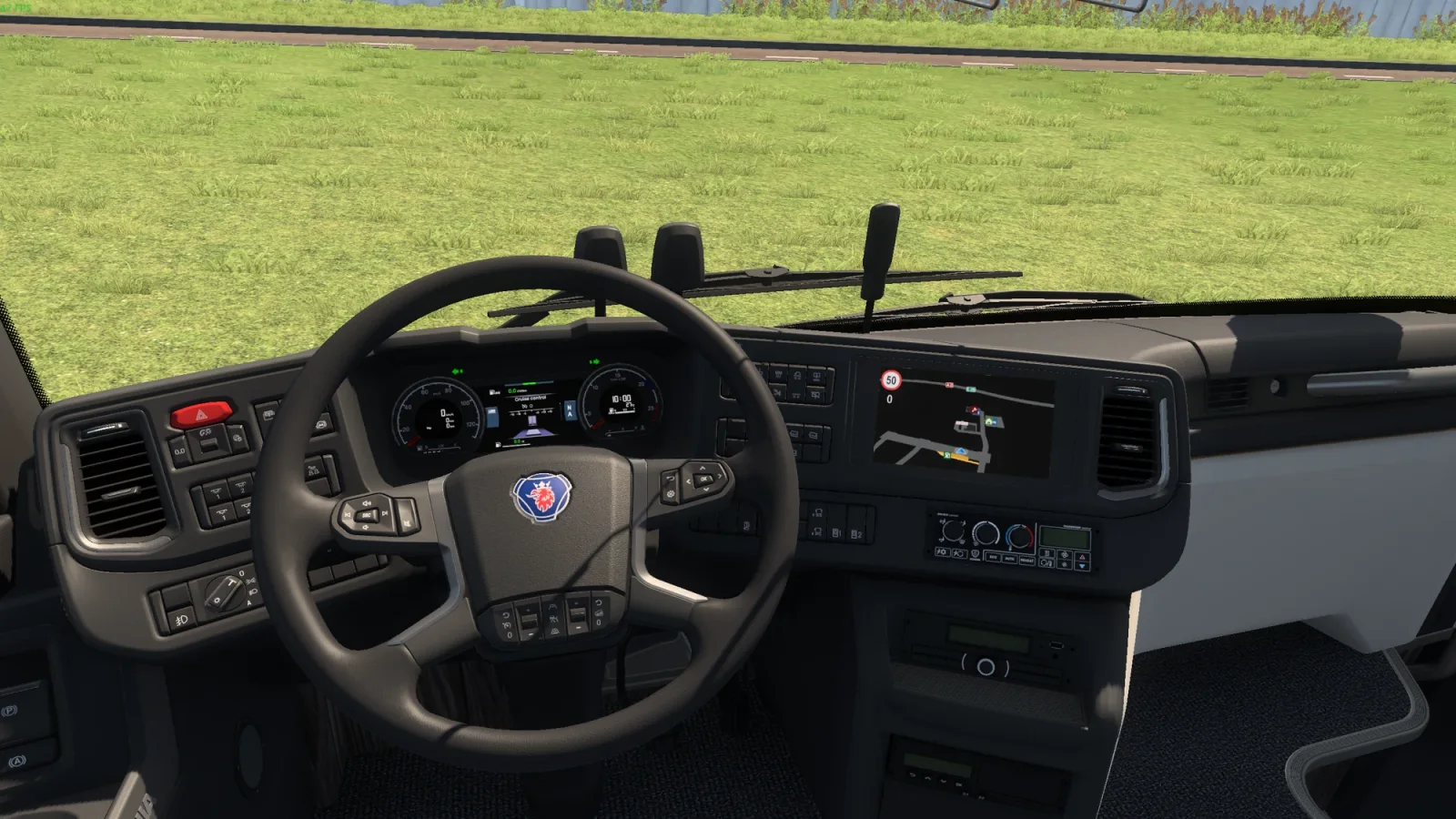
Screenshots supplied by the mod author. Click a picture to see it full size.
About this mod
This alternative edition adds the speed-limit sign and current speed to factory GPS screens in SCS trucks and coaches. It sets the dashboard GPS pitch to 40 degrees and places the vehicle marker roughly 30 percent below the centre. The HUD minimap pitch also changes to 61.54 degrees. Use one Dashboard GPS Speed edition at a time, and check for conflicts with GPS, dashboard or map-setting replacements.
The creator lists support for ETS2 1.62.x.
How to install Dashboard GPS Speed: Enhanced View
- Open the mod's Steam Workshop page (sign in to Steam if asked) and press Subscribe. Steam downloads it for you.
- Start Euro Truck Simulator 2. On the profile screen, open the Mod Manager.
- Find Dashboard GPS Speed: Enhanced View in the list and move it to Active mods, then press Confirm changes.
Helpful guides
 Best ETS2 Realism Mods for 1.62 & 1.61: Sound, Physics, Traffic and WeatherSound, physics, traffic, weather and lights: what to install, what clashes, in what orderInstalling from Steam WorkshopSubscribing, switching the mod on, and removing it safelyIf the game crashesHow to find the mod that causes it in a few restarts
Link broken, or the mod has a newer version? Tell us and we'll check it.