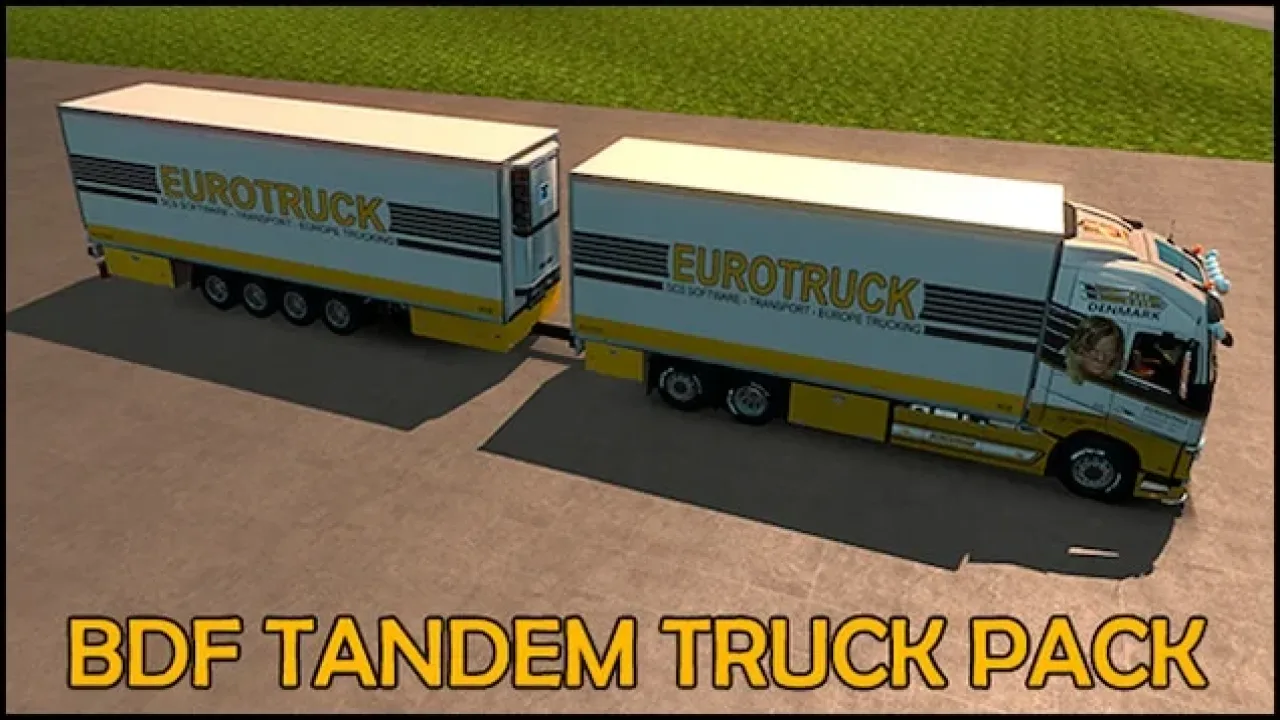
Image: supplied by the mod author
Devil BDF Tandem Truck Pack
Convert supported stock trucks into rigid and tandem combinations with cargo bodies, drawbar trailers and many axle layouts. Version 161.20 targets ETS2 1.61.
- Author
- Flemming V / FLVinge
- Works with
- 1.61
- DLC needed
- None, base game is enough
- Price
- Free
- Link checked
- 25 October 2026
- Listed by
- The mod's author, reviewed by us
This opens the mod's official page. We never re-upload mods, so you always get the author's latest, untouched version.
Does it work for you on ETS2 1.61?
Screenshots (3)
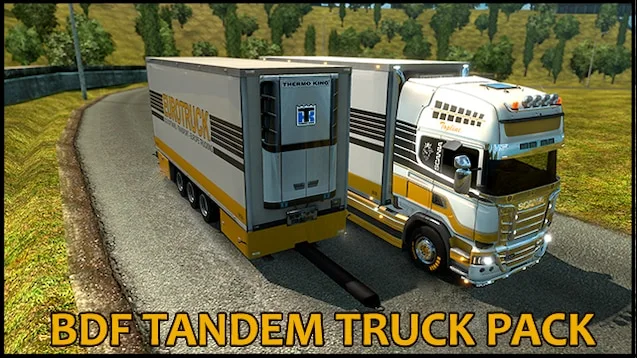
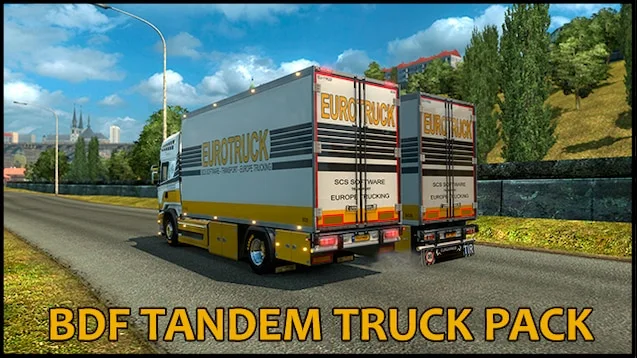
Screenshots supplied by the mod author. Click a picture to see it full size.
About this mod
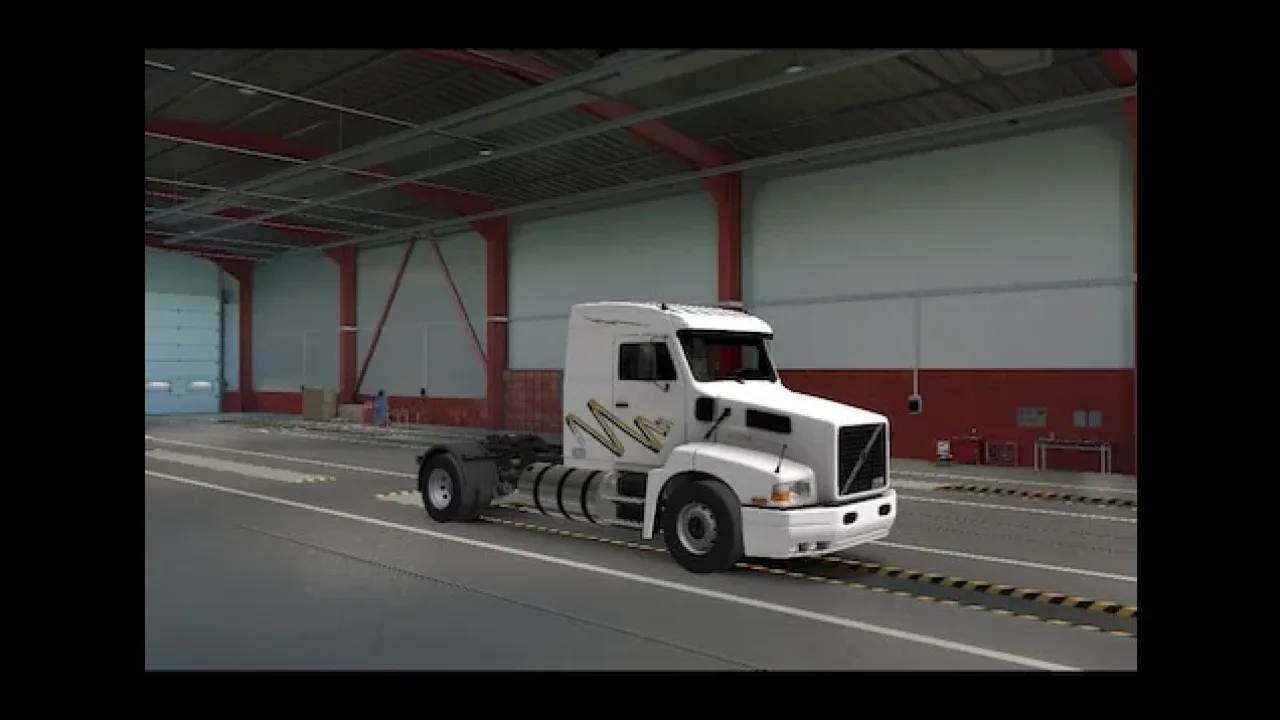
Fit a tandem chassis and cargo body to a supported truck at a service workshop, then buy a matching trailer and assign it in Trailer Manager. The pack offers several rigid chassis, cargo boxes, drawbar and tandem trailer types, plus no-trailer options. Existing stock vehicles are not replaced.
Use the Cargo Market or World of Trucks external market with your owned combination. The pack includes a gate-collision change, so the author advises against running another gate mod alongside it. The official Workshop description identifies mod version 161.20 for ETS2 1.61.
Mod and screenshots credit: Flemming V / FLVinge. Use the official author link above for downloads and updates.
Features
- Rigid and tandem chassis for supported trucks
- Multiple cargo-body and axle options
- Drawbar, tandem and no-trailer setups
- Owned-trailer cargo and external jobs
- Stock trucks and trailers retained
- Built-in gate-collision adjustment
How to install Devil BDF Tandem Truck Pack
- Open the mod's Steam Workshop page (sign in to Steam if asked) and press Subscribe. Steam downloads it for you.
- Start Euro Truck Simulator 2. On the profile screen, open the Mod Manager.
- Find Devil BDF Tandem Truck Pack in the list and move it to Active mods, then press Confirm changes.
Helpful guides
Link broken, or the mod has a newer version? Tell us and we'll check it.