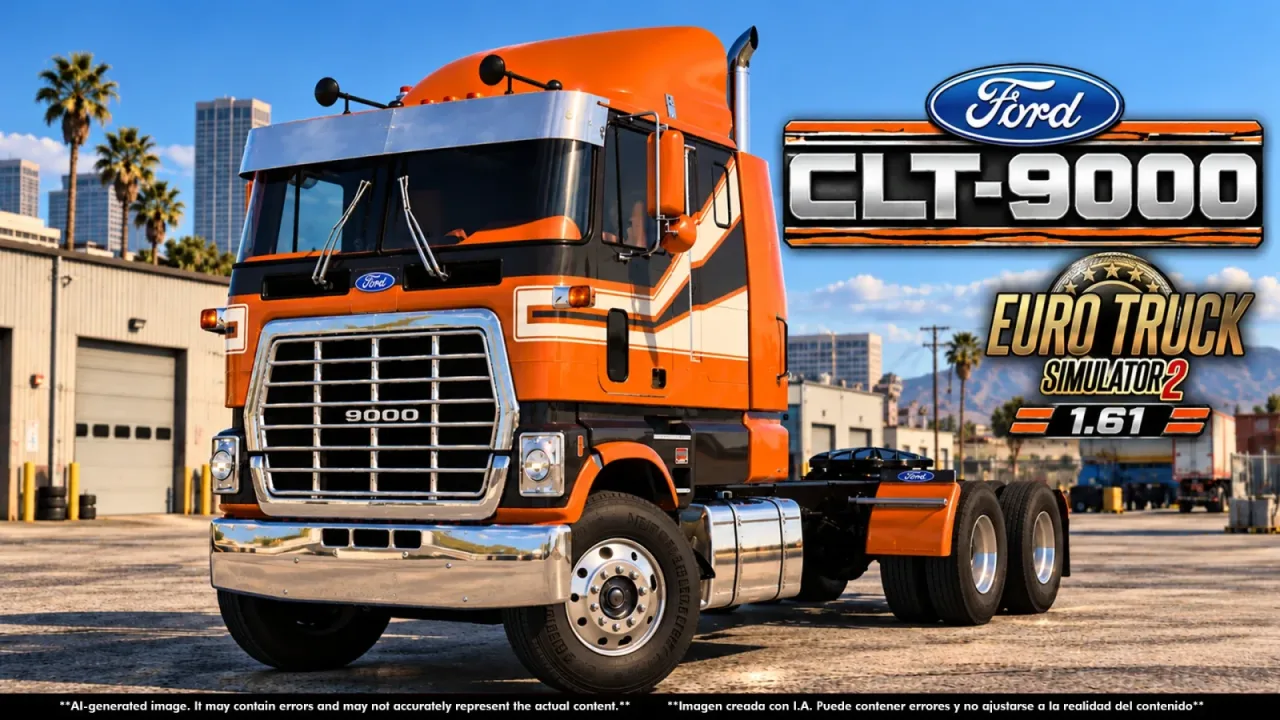
Image: supplied by the mod author
Ford CLT 9000 Full Version by CyrusTheVirus v2.0
Drive CyrusTheVirus’s paid Ford CLT 9000 edition on ETS2’s European roads.
- Author
- CyrusTheVirus
- Game version
- 1.61 1.60as the mod author told us when submitting it (see the official page)
- Players
- Needs
- Nothing extra, the base game is enough
- Price
- Paid
- Link checked
- 6 November 2026 (the download page opens; not a test of the mod)
- Listed by
- The mod's author, reviewed by us
Hear about more like this? We'll show new ones in Your week on My mods.
Does it work for you on ETS2 1.61?
Screenshots (3)
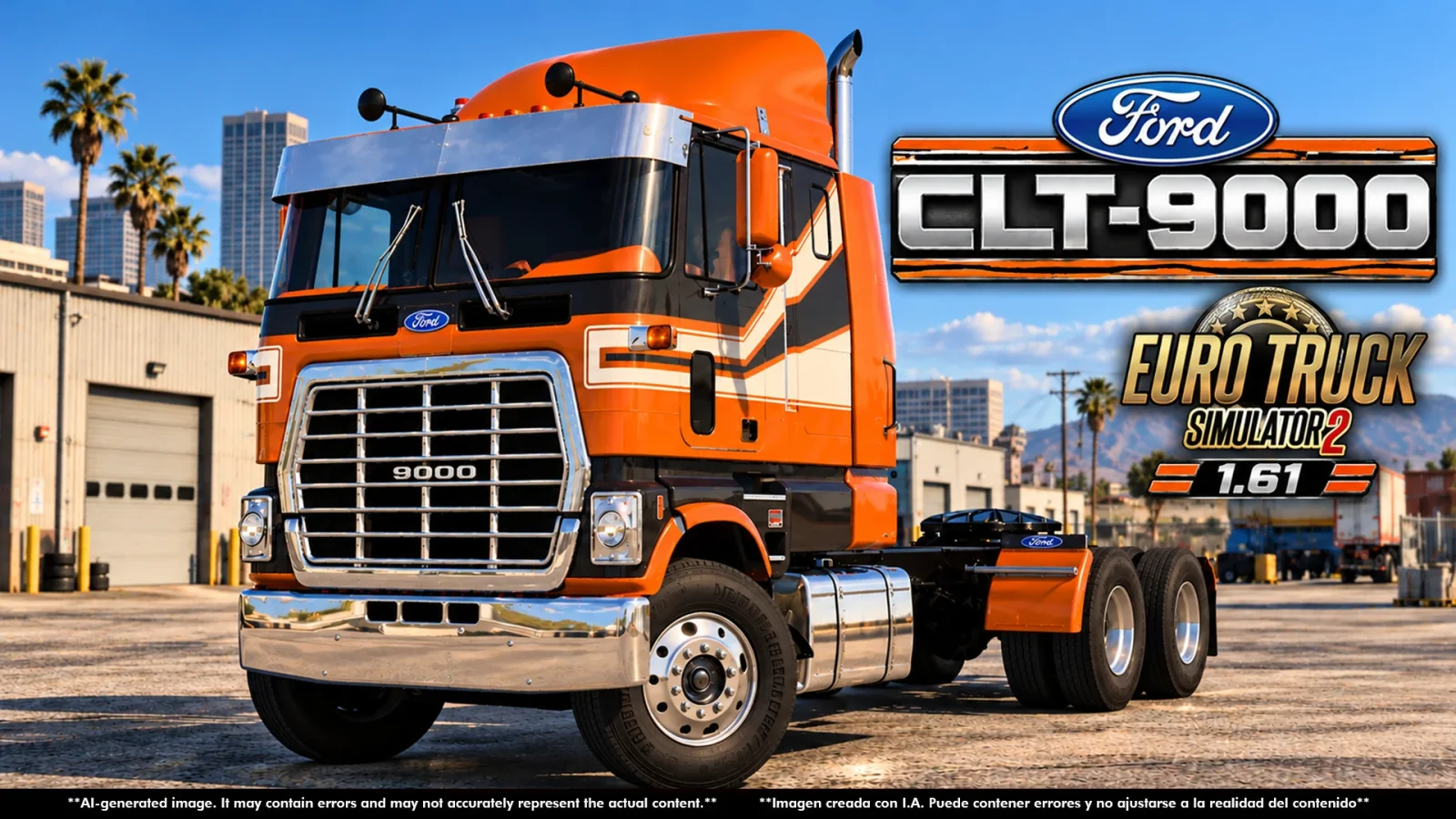
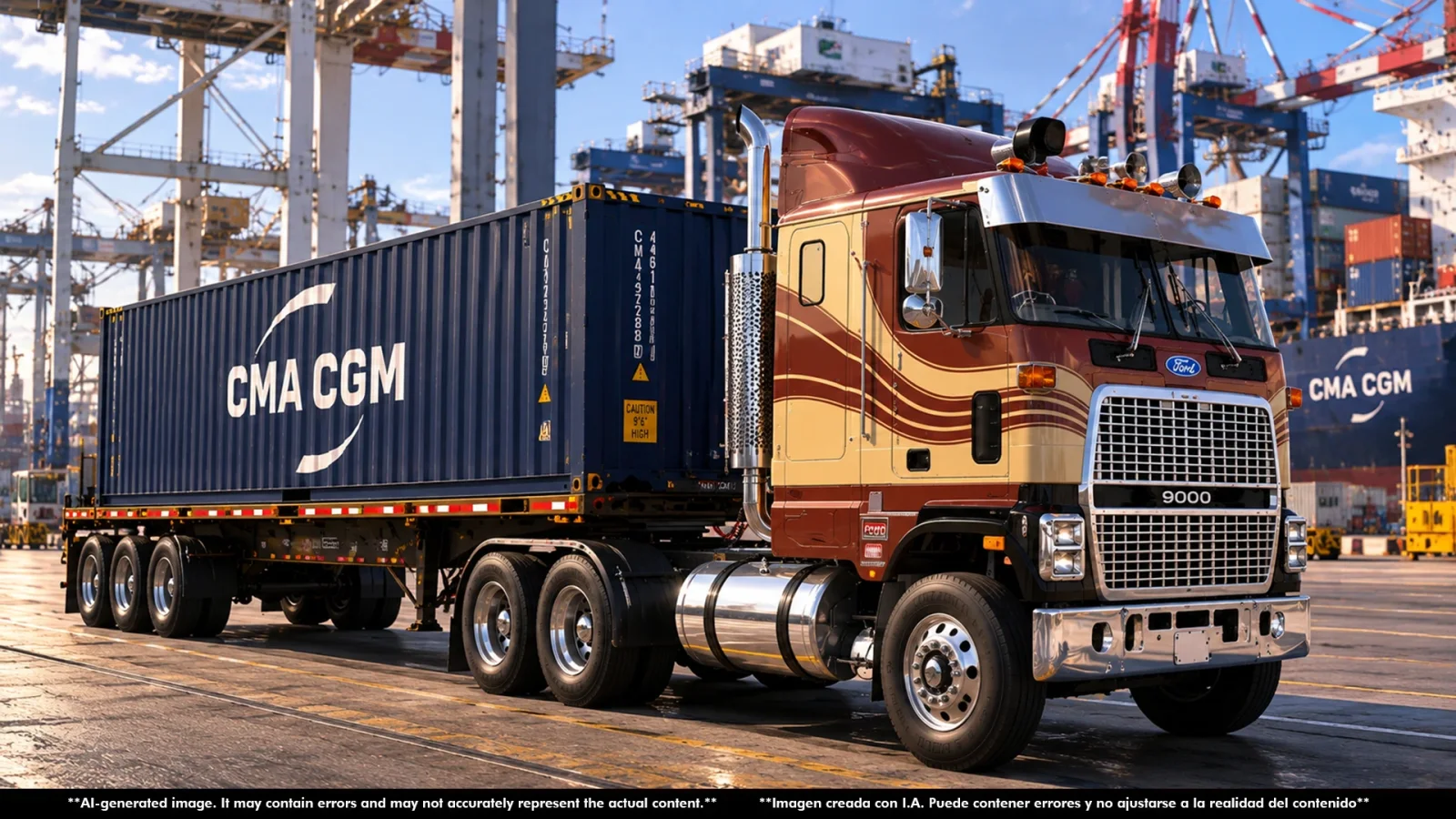
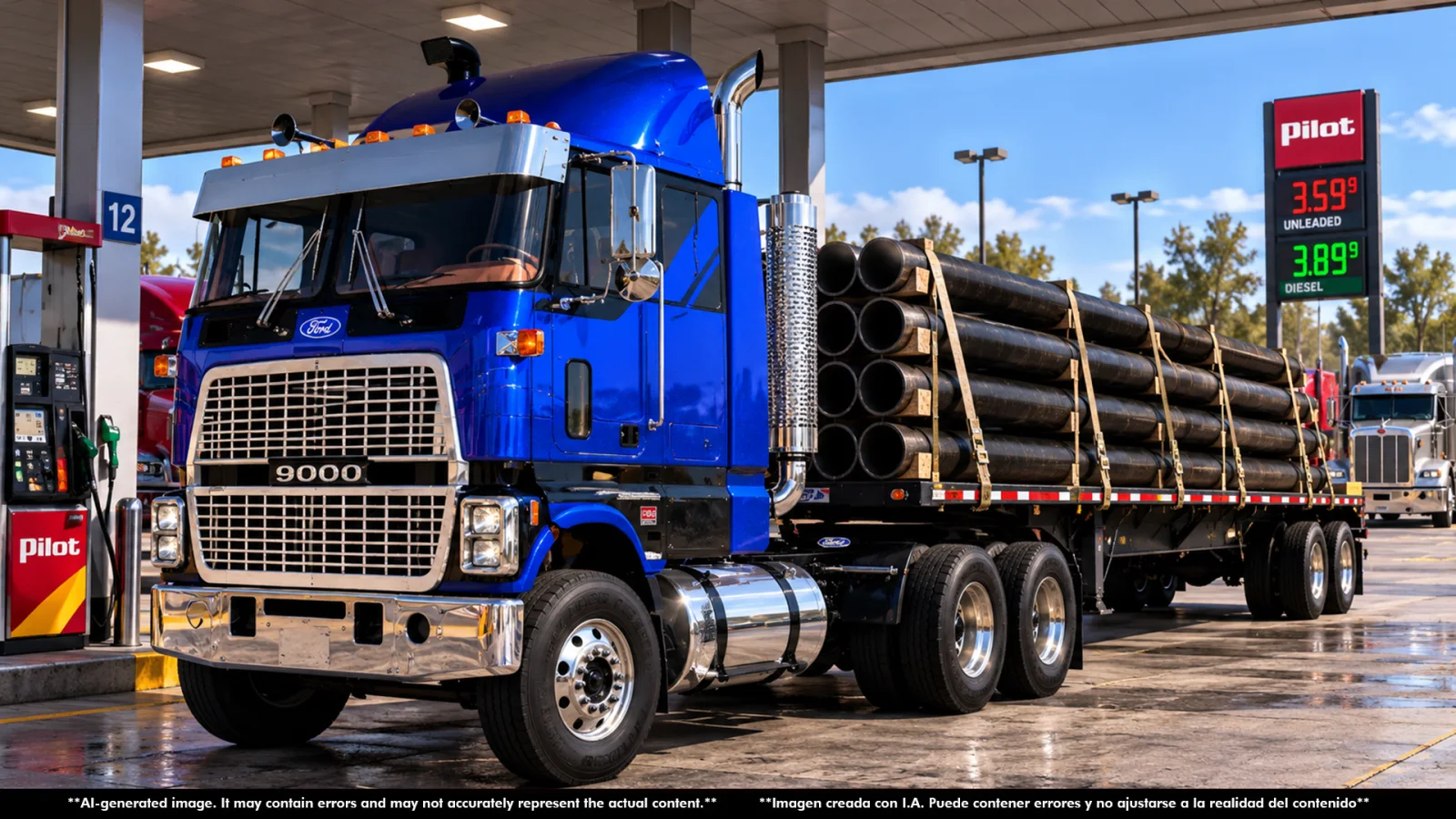
Screenshots supplied by the mod author. Click a picture to see it full size.
About this mod
Drive CyrusTheVirus’s paid Ford CLT 9000 edition on ETS2’s European roads.
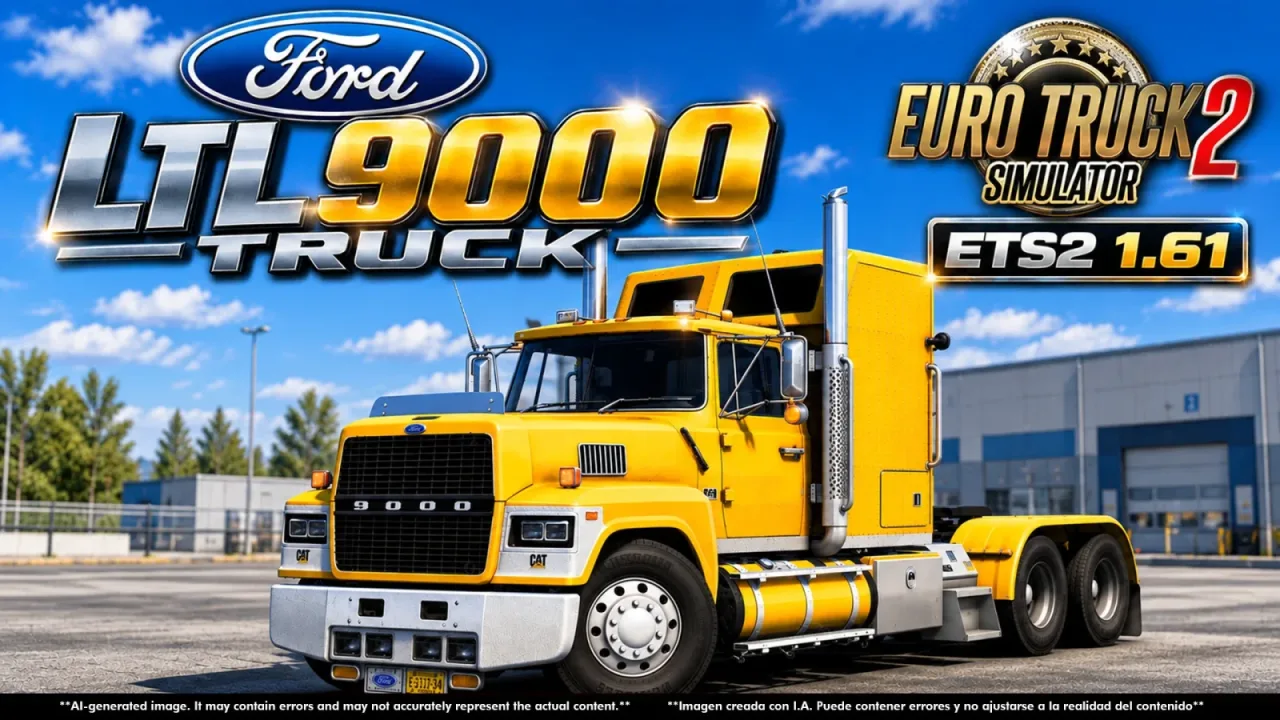
This is the ETS2 Full Version from the creator’s official store, with the classic Ford cab-over and the customization shown in the gallery. It is separate from the creator’s ATS edition and from limited free releases. The product title lists 1.60–1.61, while the description explicitly confirms ETS2 1.61.x.
Version 2.0. The author lists it for ETS2 1.60 and 1.61. That comes from the author's page; we haven't tested it in game ourselves.
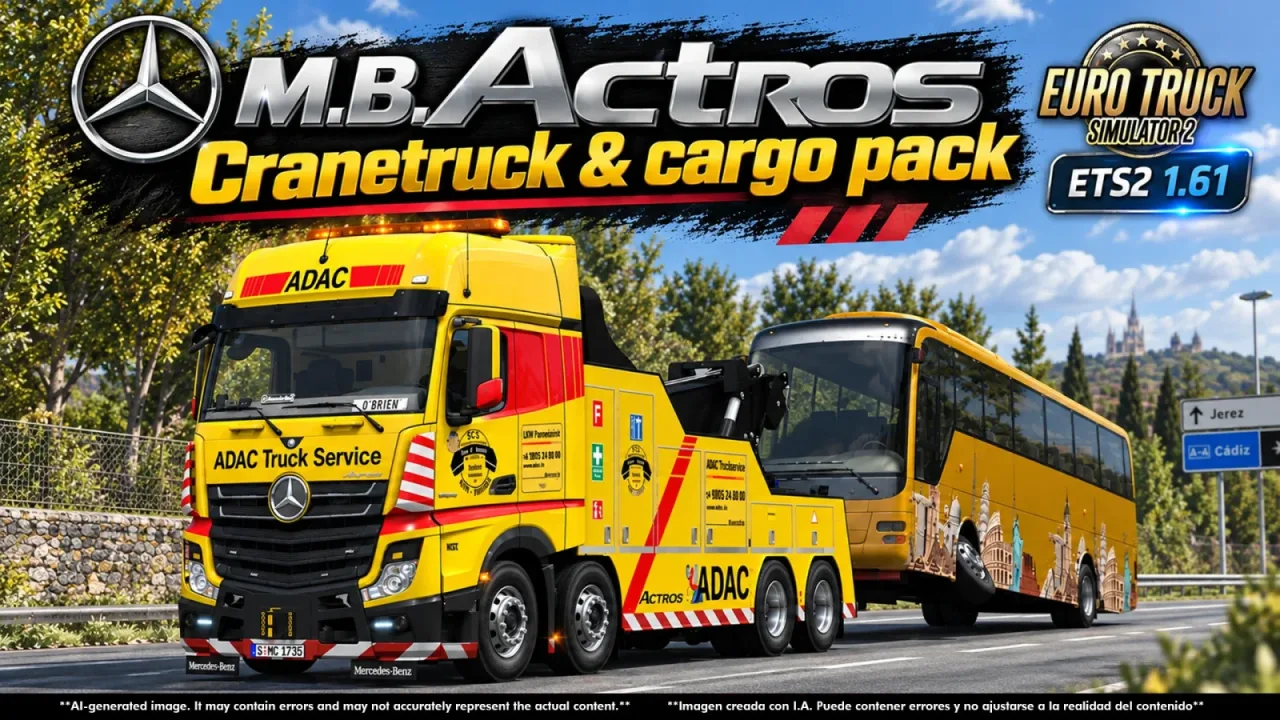
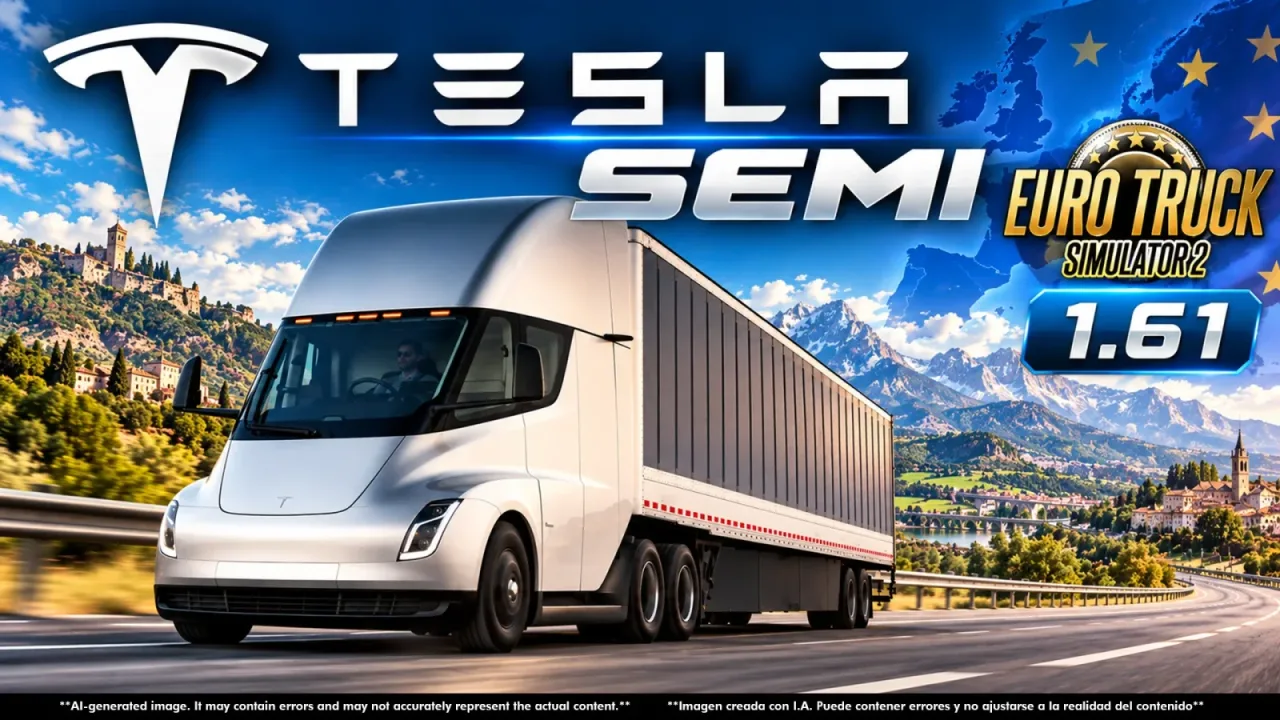
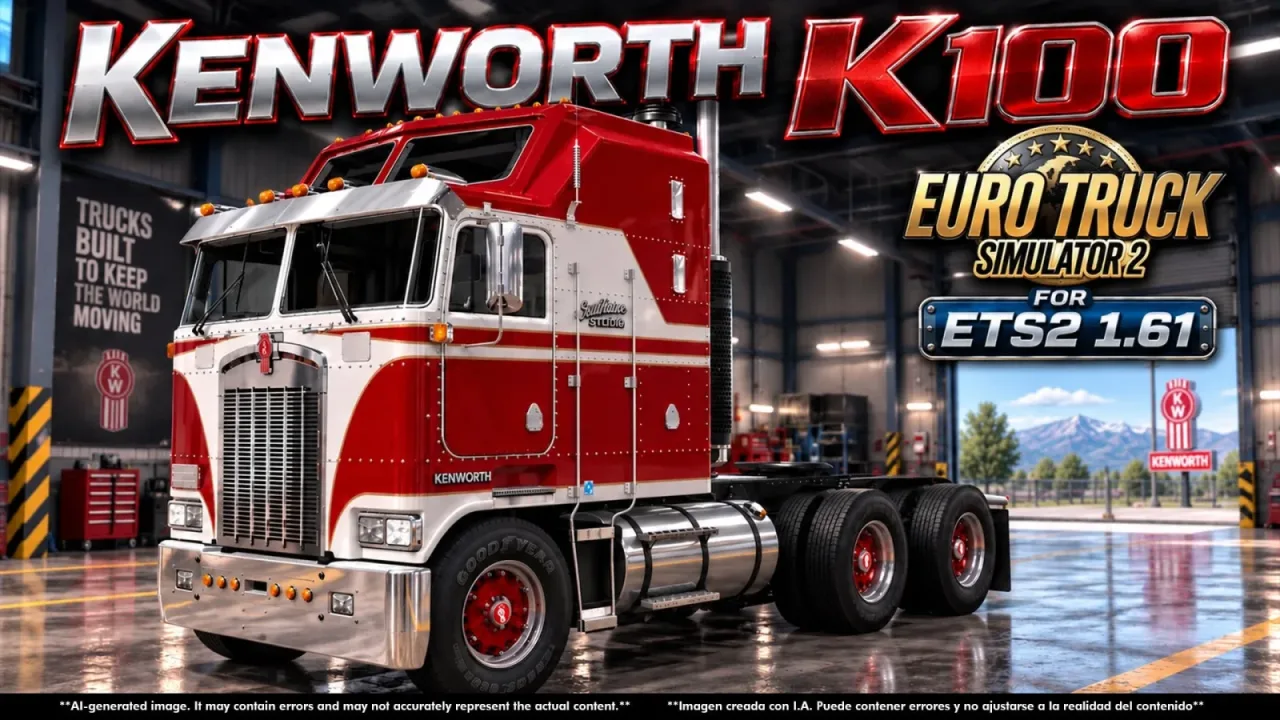
The pictures come from the author's store page, where they are labelled as AI-generated promo images, not in-game screenshots.
How to install Ford CLT 9000 Full Version by CyrusTheVirus v2.0
- Download the mod from cyrusthevirusmods.gumroad.com.
- Follow the author's installation instructions. Keep ready-to-use
.scsor.zipmod packages intact; extract archives containing separate mod packages as directed. - Move the ready-to-use
.scsor.zipmod package(s) intoDocuments\Euro Truck Simulator 2\mod. Create themodfolder if it isn't there. - Start the game, open the Mod Manager on the profile screen, move Ford CLT 9000 Full Version by CyrusTheVirus v2.0 to Active mods and press Confirm changes.
Helpful guides
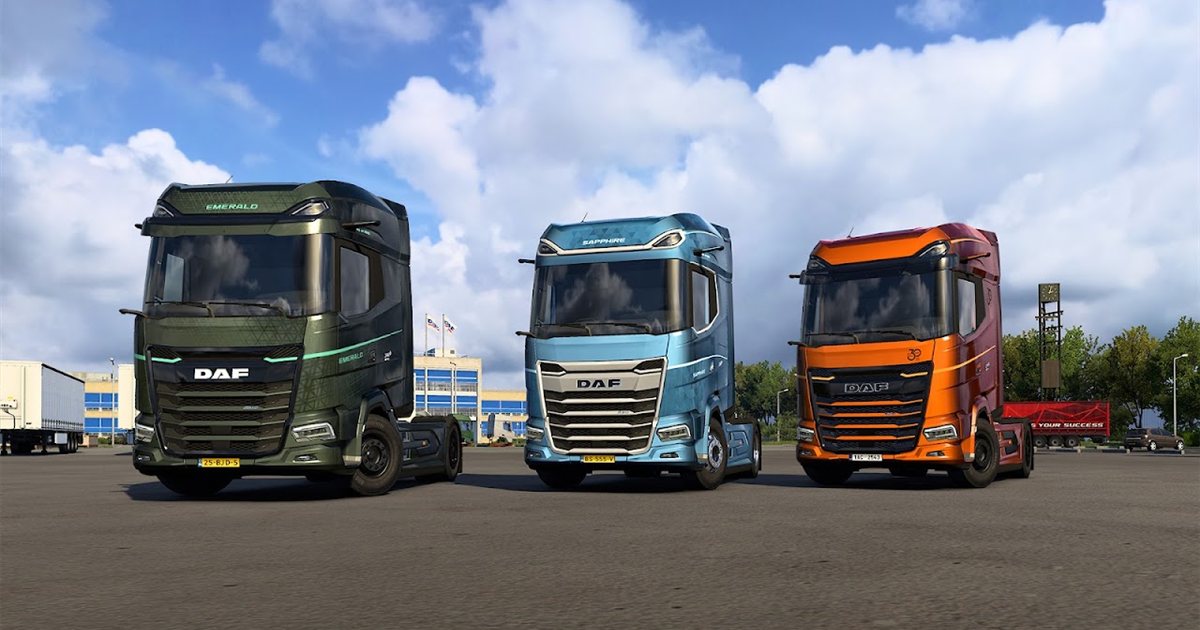 ETS2 1.62 Update Is Out: New Garages, DAF XG+ Editions & ModsOut now: new garages, three DAF XG+ editions, a better Iveco S-Way cab, and what it means for your mods
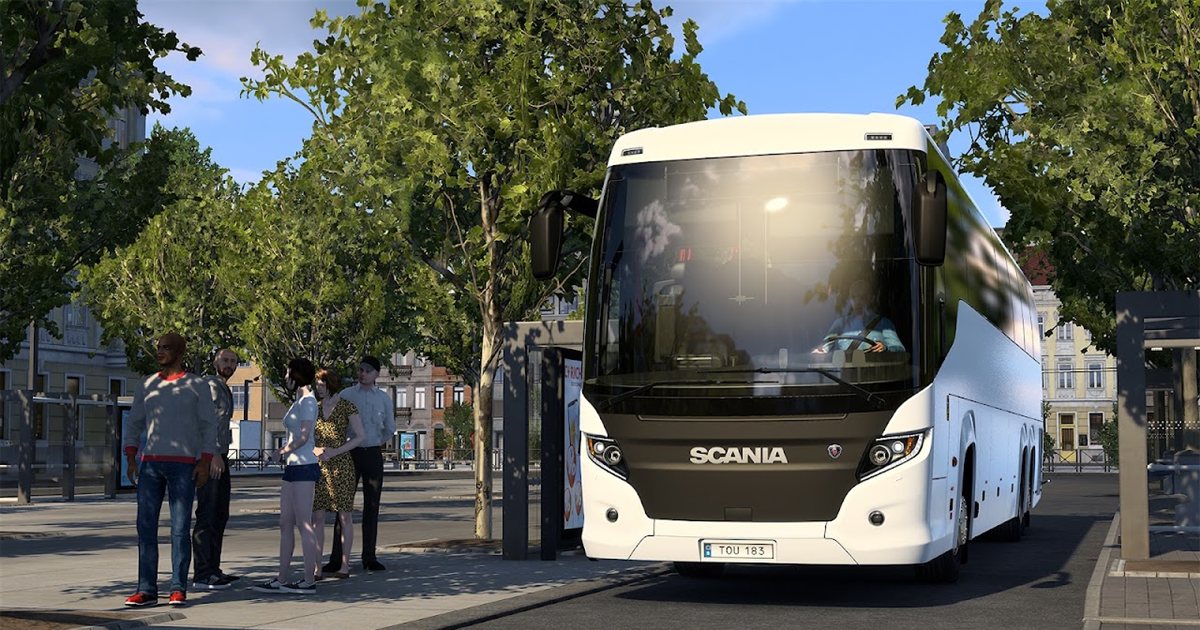 ETS2 Coaches DLC: 12 November Release Date & FeaturesOut 12 November 2026: the three coaches, passenger jobs, Coach Mode and how to get your profile ready
 ETS2 Car Mods: How They Work and How to Avoid Bad DownloadsHow drivable cars work in ETS2, ripped models, fake sites and safe places to lookInstalling a downloaded modWhere the mod folder is and what to do with .scs, .zip and .7z filesLoad order explainedWhich mod wins when two change the same thingIf the game crashesHow to find the mod that causes it in a few restarts
Link broken, or the mod has a newer version? Tell us and we'll check it.