Video from the mod author. It plays from YouTube when you press play.
Frosty Winter v10.8
Turn ETS2 into a winter drive with snowy scenery, seasonal lighting and snowfall. Grimes’ v10.8 supports game version 1.61.
- Author
- Grimes
- Works with
- 1.61
- DLC needed
- None, base game is enough
- Price
- Free
- Link checked
- 25 October 2026
- Listed by
- The mod's author, reviewed by us
This opens the mod's official page. We never re-upload mods, so you always get the author's latest, untouched version.
Does it work for you on ETS2 1.61?
About this mod
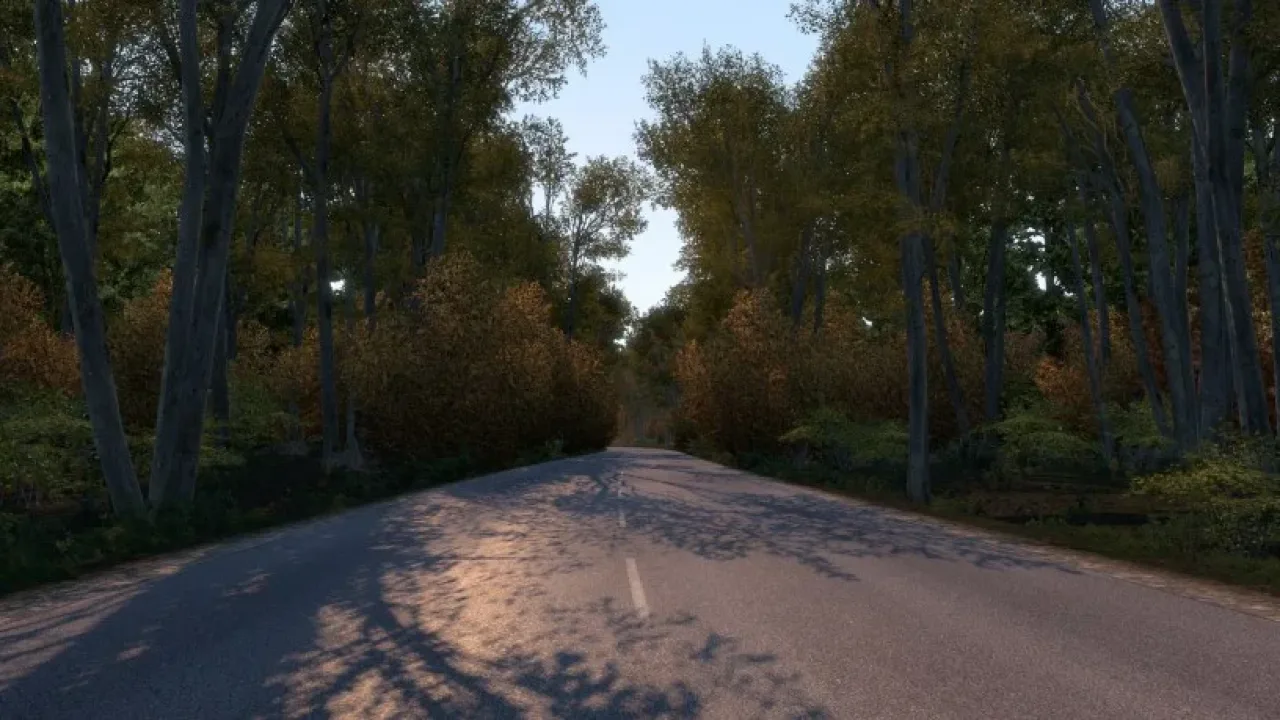
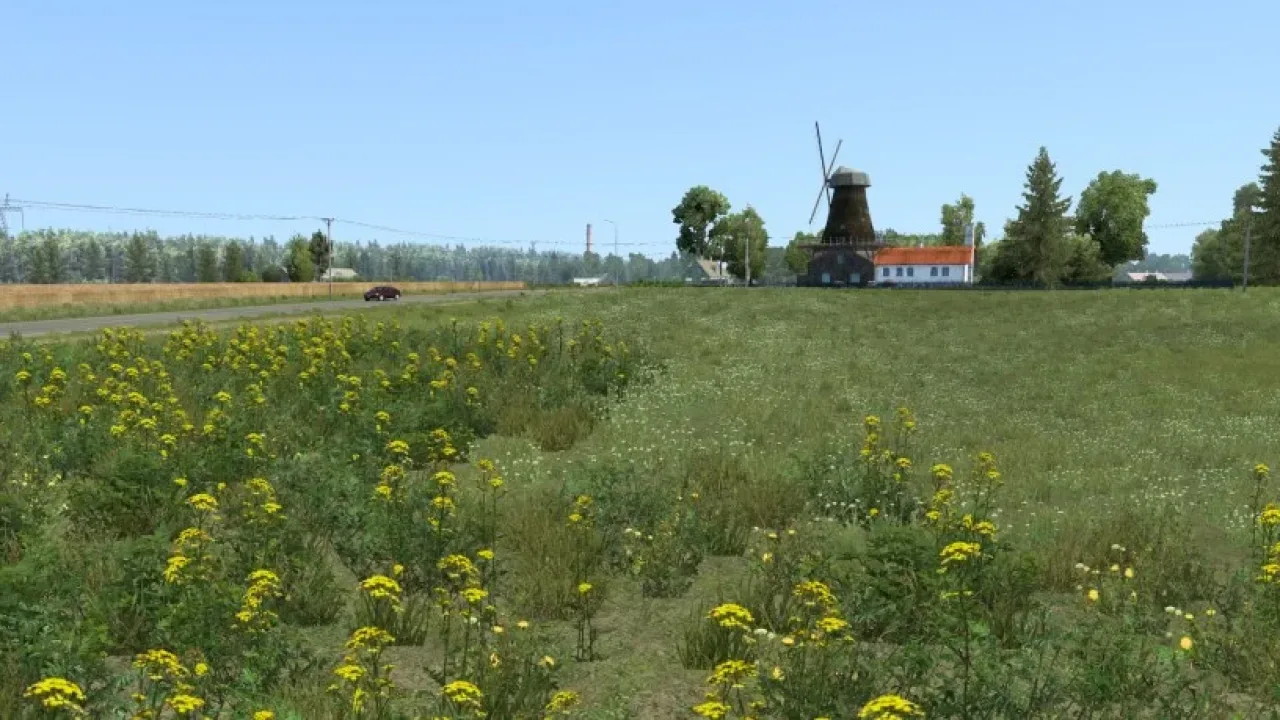
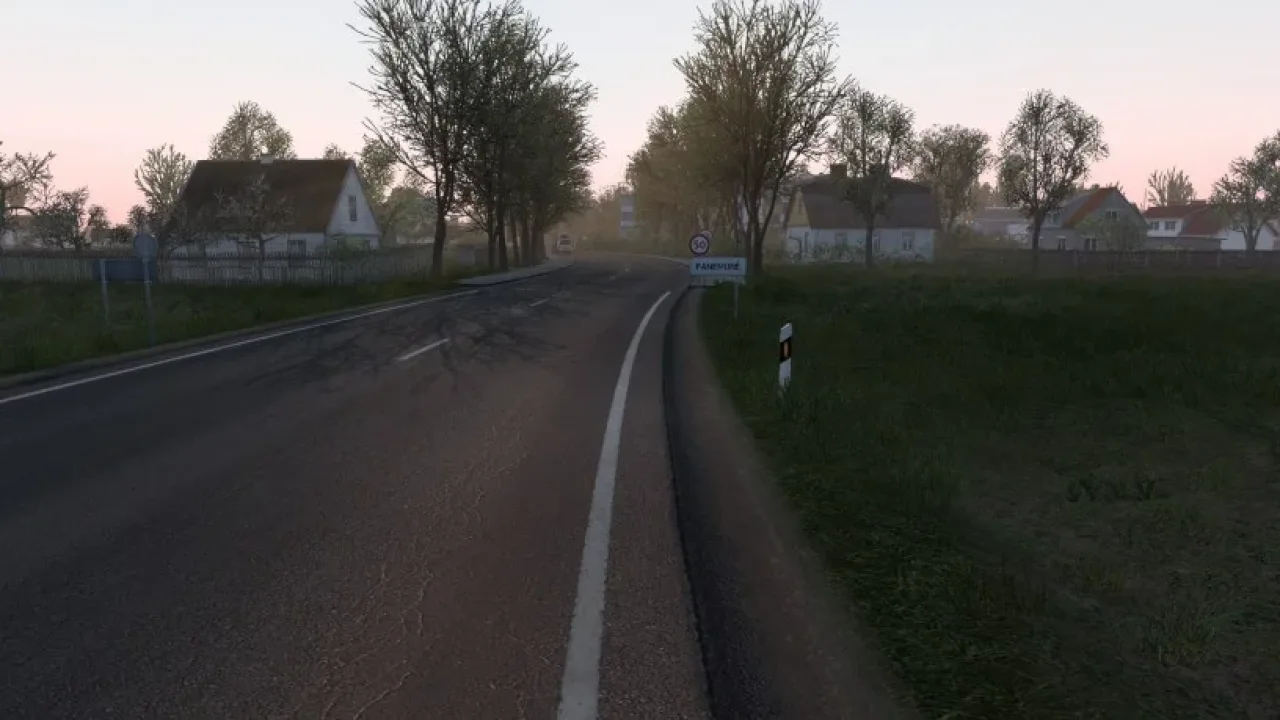
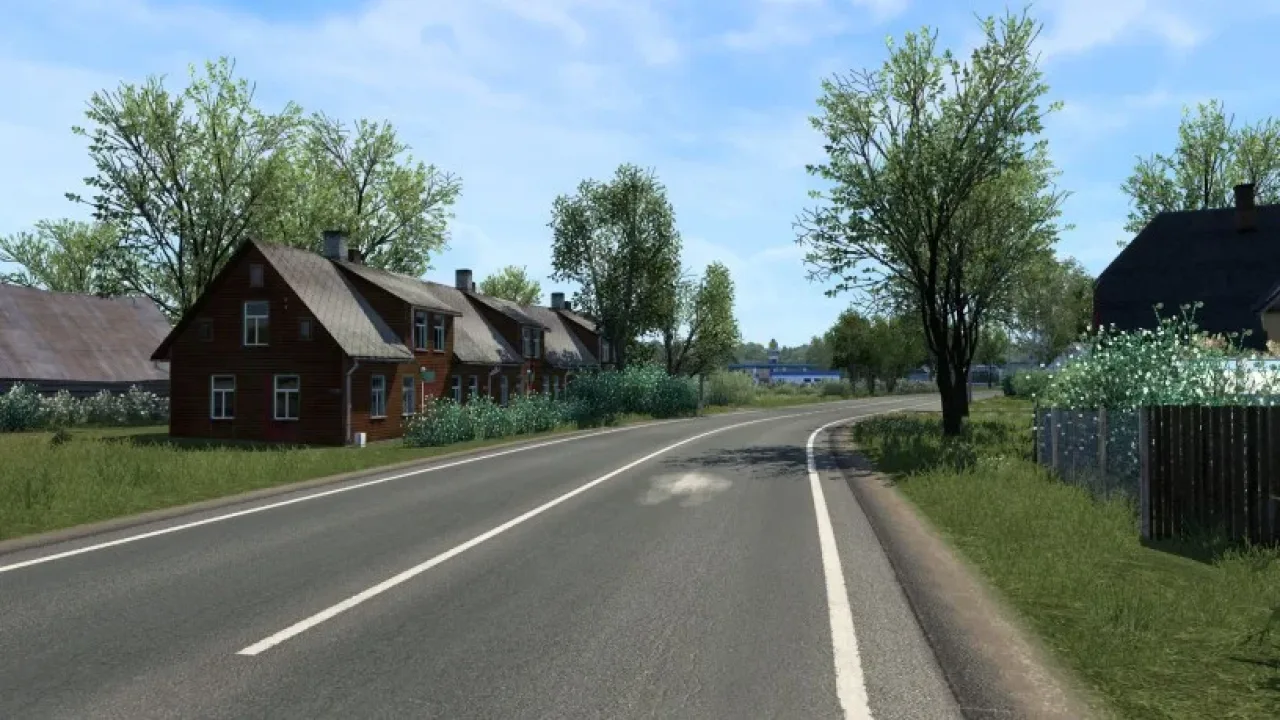
Frosty Winter changes the landscape as well as the weather, bringing snow-covered surfaces, winter vegetation and shorter daylight hours to your journeys. It suits drivers who want a consistent seasonal look across their routes.
Use Frosty above other mods in Mod Manager, with its optional add-ons above it. Avoid combining it with other weather, lighting or graphics overhauls. Grimes offers separate add-ons for wheel frost, slippery physics, longer days and clearer roads; do not combine Clear Roads with the Physics add-on.
Download through Grimes’ official page, which provides both a free ad-supported option and a paid ad-free option. Screenshots and mod credit: Grimes.
Features
- Winter scenery and vegetation
- Snowfall and seasonal daylight
- Winter roads and wheel spray
- Optional winter add-ons
- Updated for ETS2 1.61
How to install Frosty Winter v10.8
- Download the mod from grimesmods.wordpress.com.
- If you get a
.zip,.raror.7zfile, extract it. You need the.scsfile(s) inside. - Move the
.scsfile(s) intoDocuments\Euro Truck Simulator 2\mod. Create themodfolder if it isn't there. - Start the game, open the Mod Manager on the profile screen, move Frosty Winter v10.8 to Active mods and press Confirm changes.
Helpful guides
Link broken, or the mod has a newer version? Tell us and we'll check it.