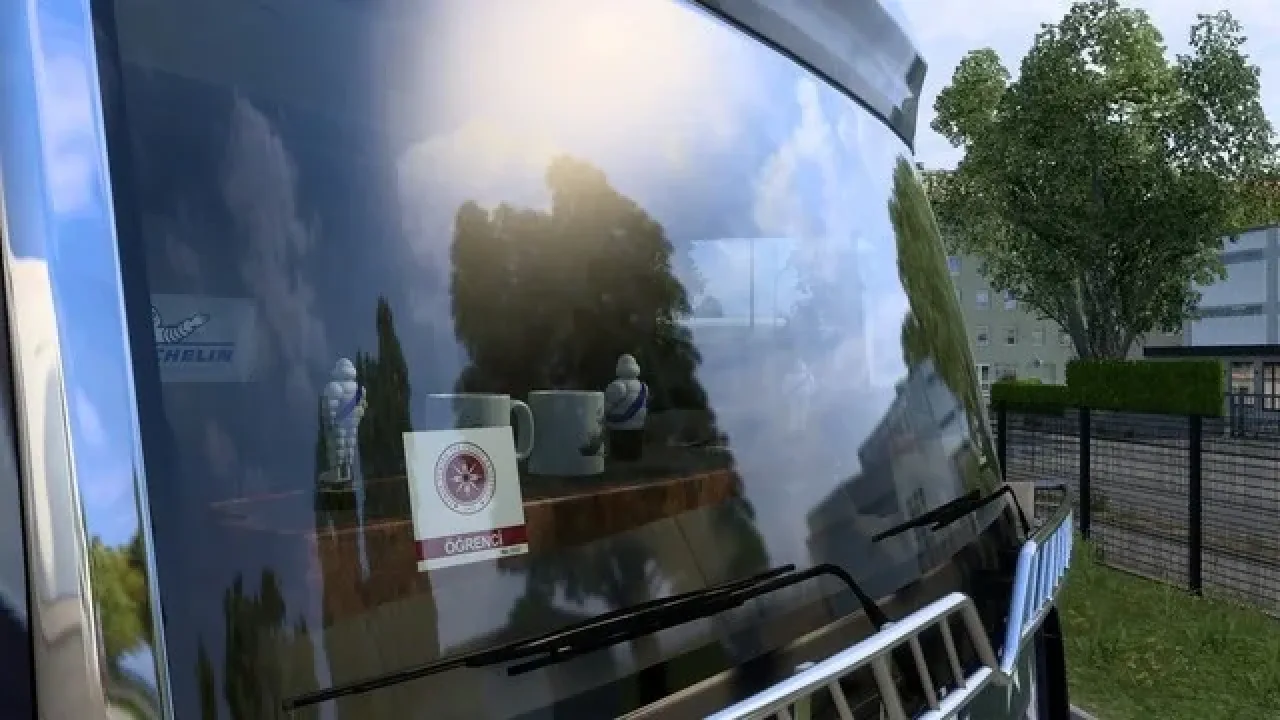
Image: supplied by the mod author
İYTE Stickers, Flags and Trailer Banners
Add İzmir Institute of Technology stickers, waving flags and rear trailer banners to supported vehicles.
- Author
- keremnoid
- Game version
- 1.61as the mod author told us when submitting it (see the official page)
- Players
- Needs
- Nothing extra, the base game is enough
- Price
- Free
- Link checked
- 3 November 2026 (the download page opens; not a test of the mod)
- Listed by
- The mod's author, reviewed by us
Hear about more like this? We'll show new ones in Your week on My mods.
Does it work for you on ETS2 1.61?
Screenshots (2)
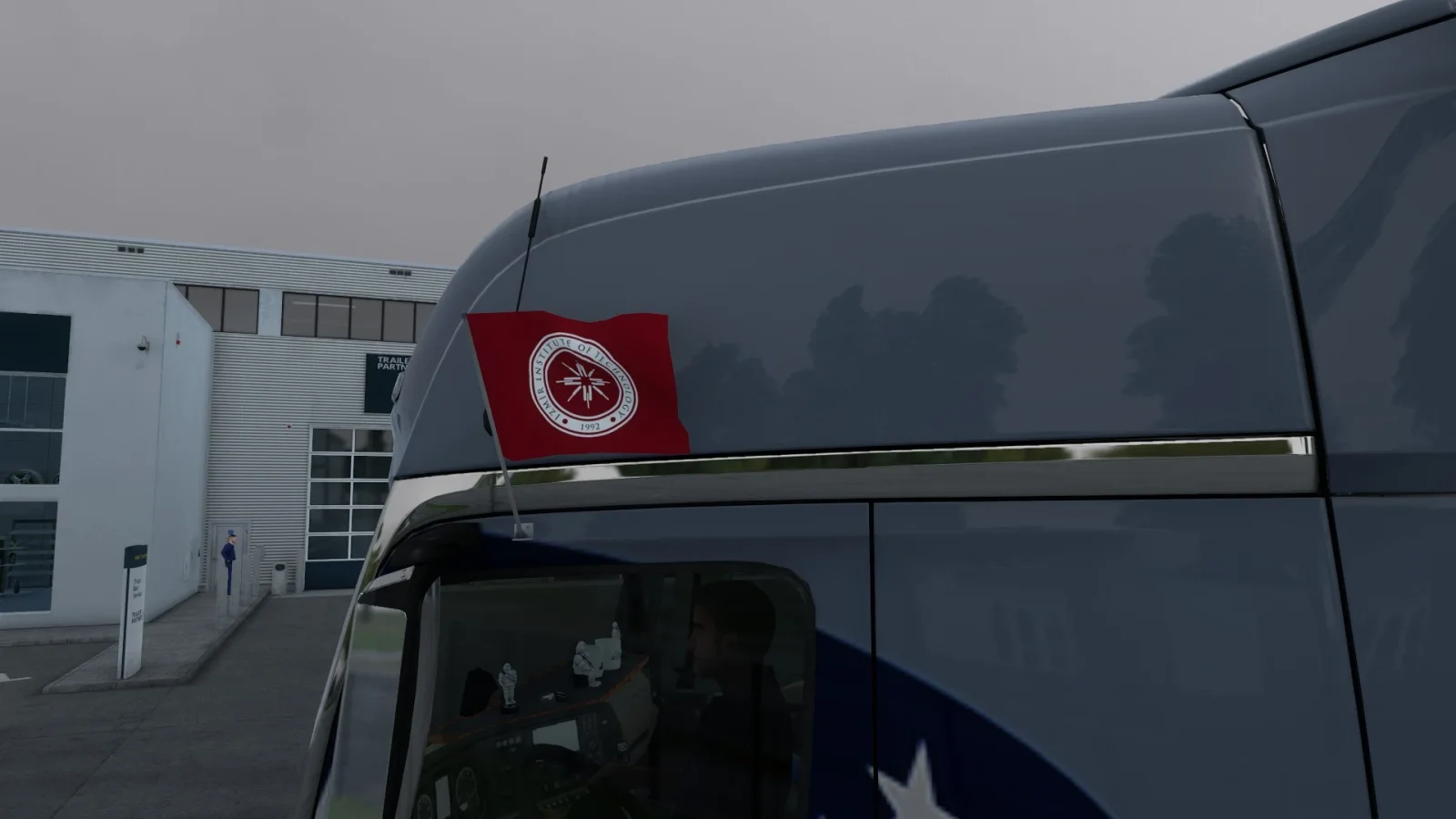
Screenshots supplied by the mod author. Click a picture to see it full size.
About this mod
Add İzmir Institute of Technology stickers, waving flags and rear trailer banners to supported vehicles.
keremnoid supplies student, academic, administrative and service windshield stickers, plus Turkish and English flag logos. Stickers exclude the Renault E-Tech T, which lacks the required glass slot. Owned SCS trailers support the rear banner in the listed body configurations. No additional DLC is required; DLC trucks still require ownership of that truck content. The author tested game version 1.61.
The author lists ETS2 1.61 support. This has not been independently tested in-game.
Release: . Author-listed game compatibility: 1.61. Source last updated 2026-11-02. Compatibility is based on the author’s listing, not an independent in-game test.
How to install İYTE Stickers, Flags and Trailer Banners
- Open the mod's Steam Workshop page (sign in to Steam if asked) and press Subscribe. Steam downloads it for you.
- Start Euro Truck Simulator 2. On the profile screen, open the Mod Manager.
- Find İYTE Stickers, Flags and Trailer Banners in the list and move it to Active mods, then press Confirm changes.
Helpful guides
Link broken, or the mod has a newer version? Tell us and we'll check it.