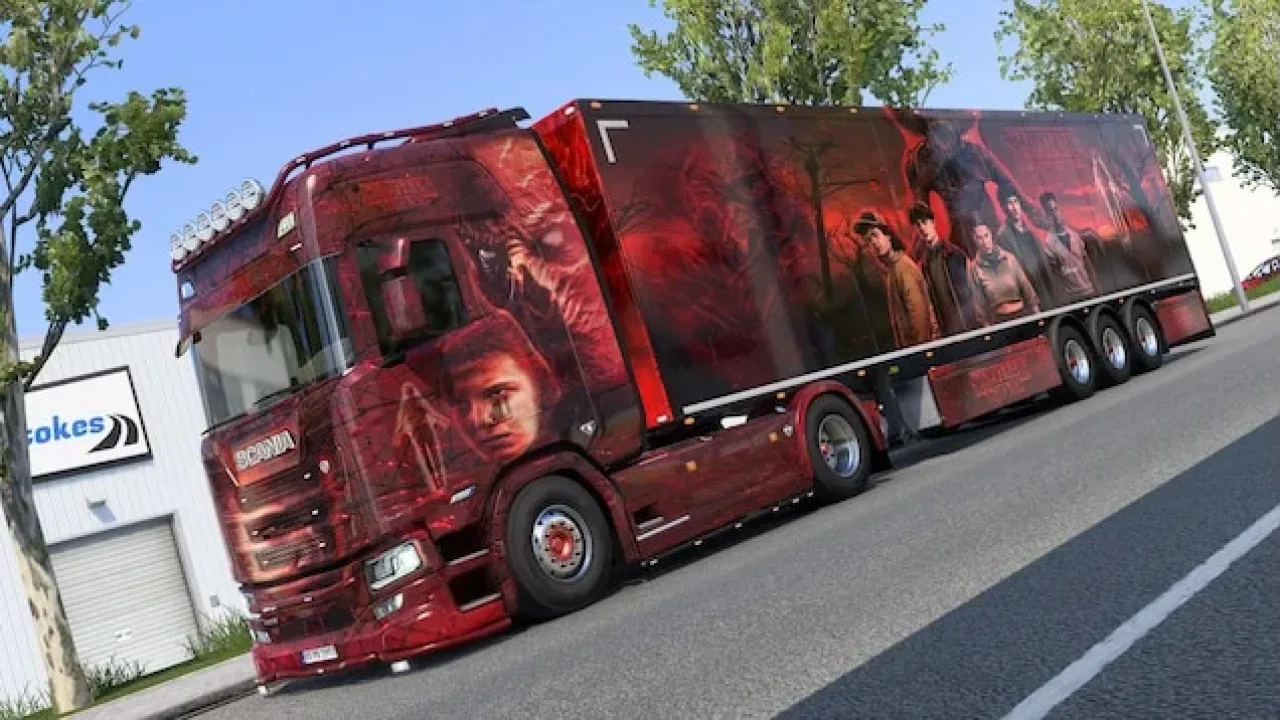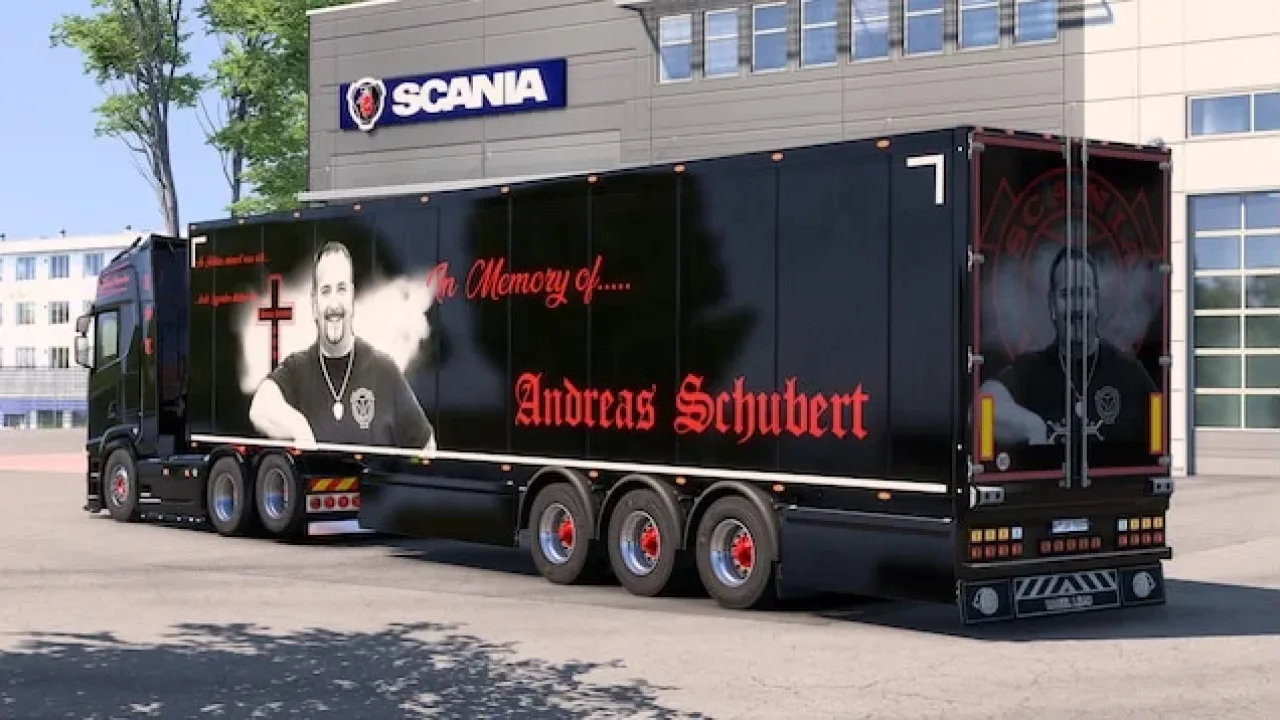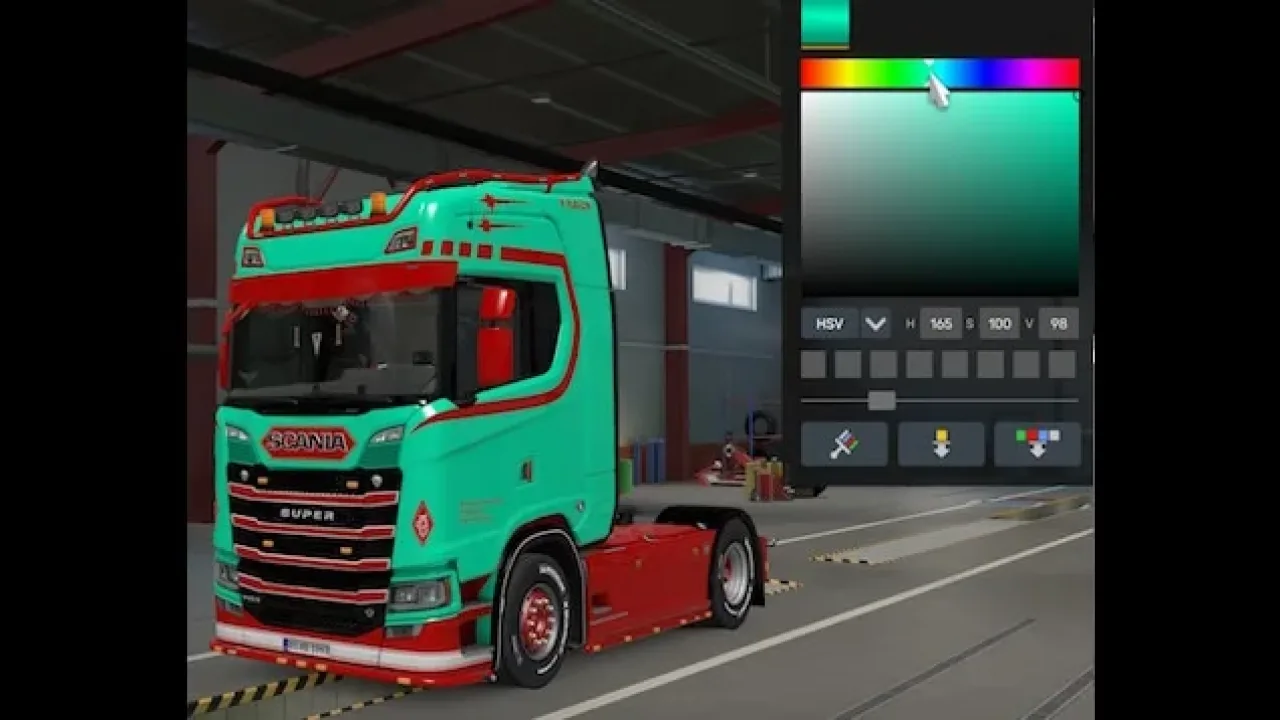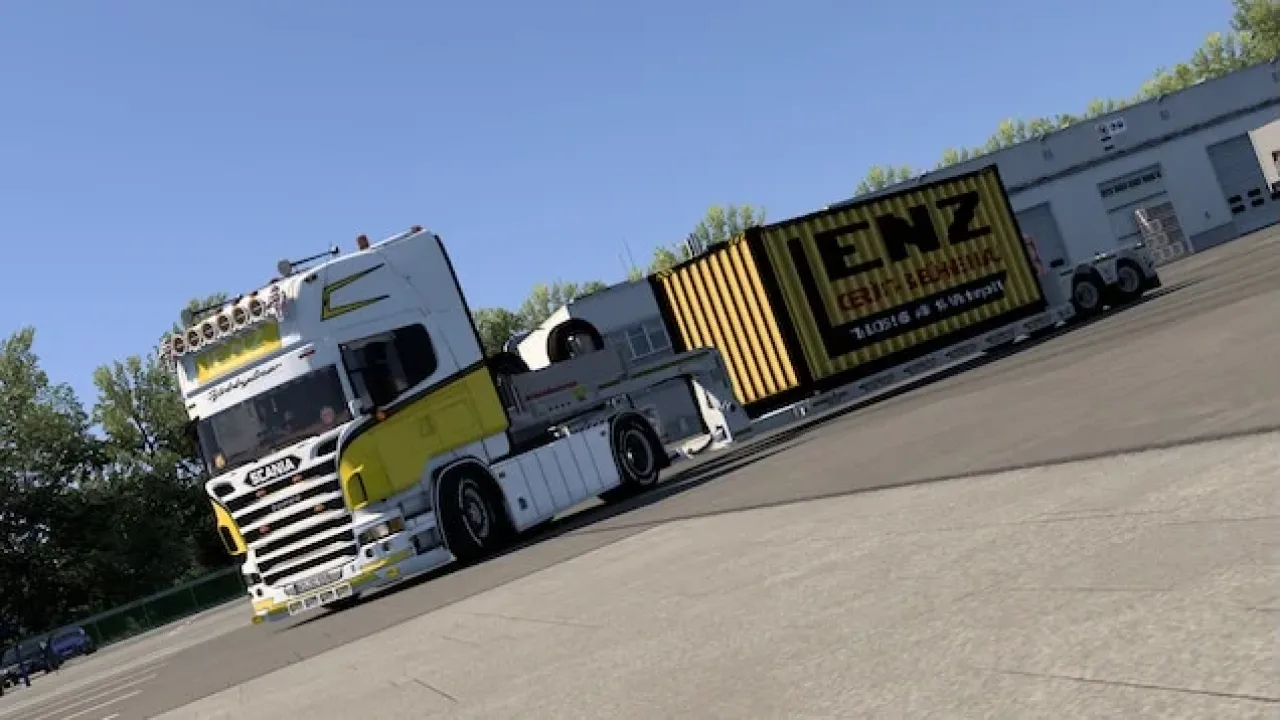
Image: supplied by the mod author
LENZ-Skin for Scania PGR-Series
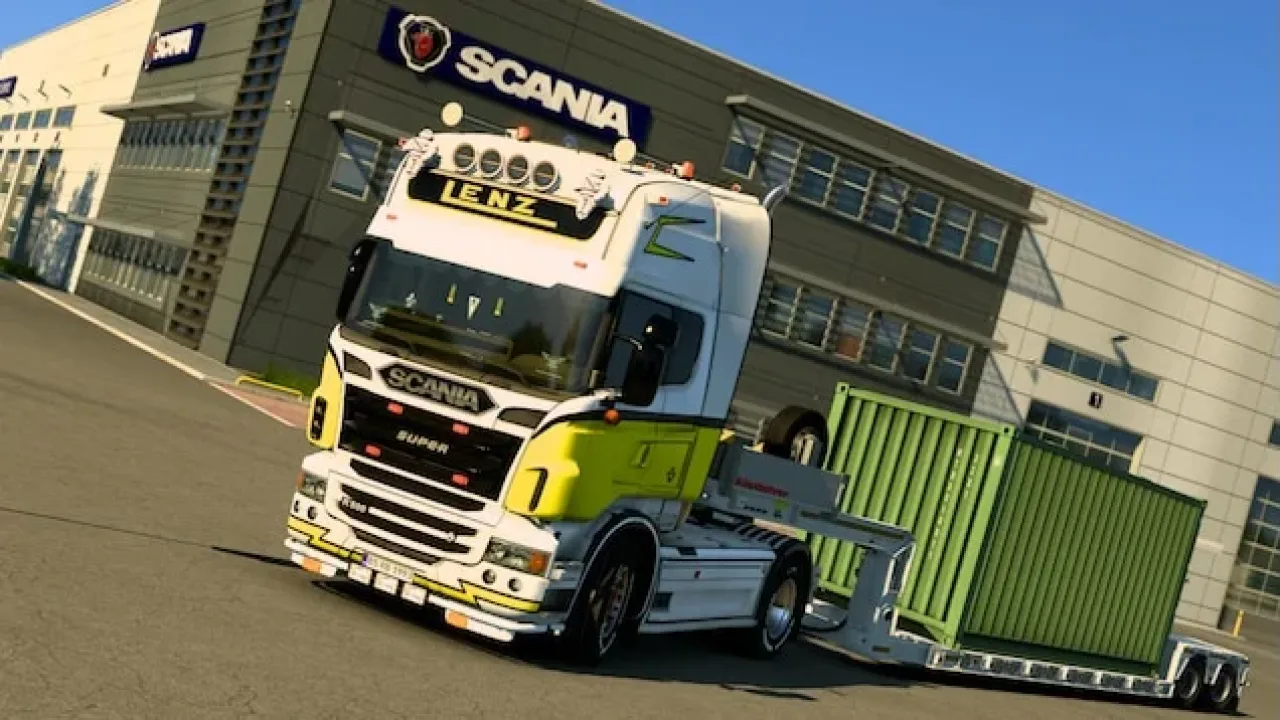
A white and yellow LENZ Gerüstbau livery for JUseeTV’s Scania PGR-Series CR19T Topline, covering the 2004–2008 cab.
- Author
- Schweinekutscher_MRL
- Works with
- 1.58
- DLC needed
- None, base game is enough
- Price
- Free
- Link checked
- 25 October 2026
- Listed by
- The mod's author, reviewed by us
This opens the mod's official page. We never re-upload mods, so you always get the author's latest, untouched version.
Does it work for you on ETS2 1.61?
Screenshots (3)
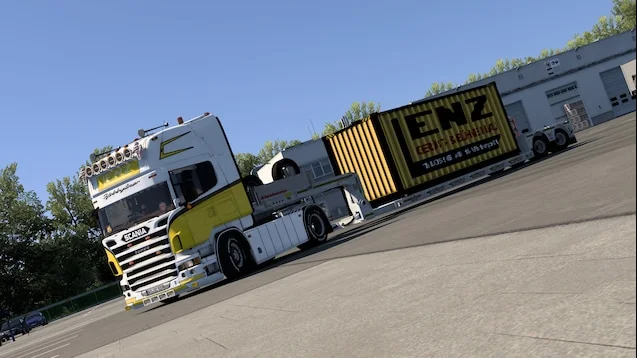
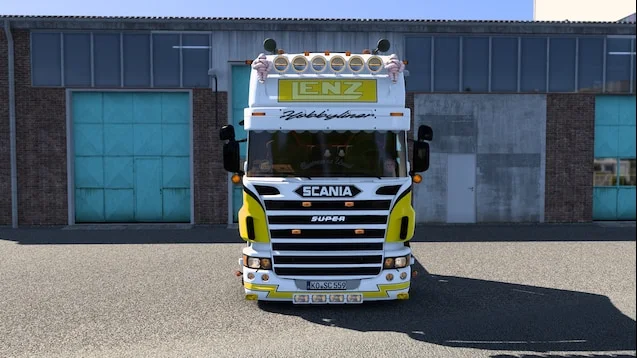
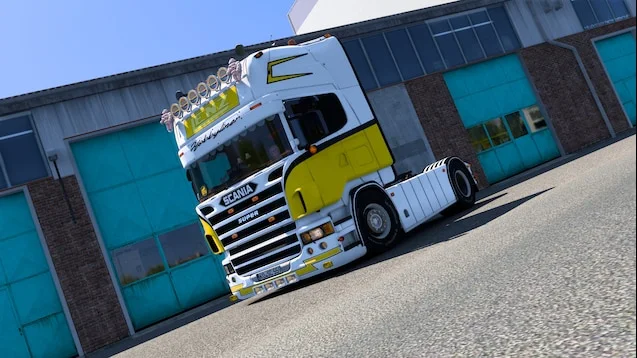
Screenshots supplied by the mod author. Click a picture to see it full size.
This mod hasn't been confirmed for ETS2 1.61 yet. The newest version it's listed for is 1.58. It may still work, but check the author's page first.
About this mod
Recreate the LENZ Gerüstbau fleet look with white paintwork, yellow panels and matching cab branding. This skin by Schweinekutscher_MRL gives JUseeTV’s earlier Scania a distinctive working-truck finish.
Install the separate Scania PGR-Series truck and select its CR19T Topline cab for the 2004–2008 model range. The package is a paint addon for that configuration. The author lists support from ETS2 1.58 onward; version 1.58 is recorded from the source rather than claiming independent testing of later releases.
Mod and screenshots credit: Schweinekutscher_MRL.
Features
- LENZ Gerüstbau cab graphics
- White and yellow colour scheme
- CR19T Topline, 2004–2008
- Requires JUseeTV’s Scania PGR-Series
How to install LENZ-Skin for Scania PGR-Series
- Open the mod's Steam Workshop page (sign in to Steam if asked) and press Subscribe. Steam downloads it for you.
- Start Euro Truck Simulator 2. On the profile screen, open the Mod Manager.
- Find LENZ-Skin for Scania PGR-Series in the list and move it to Active mods, then press Confirm changes.
Helpful guides
Link broken, or the mod has a newer version? Tell us and we'll check it.