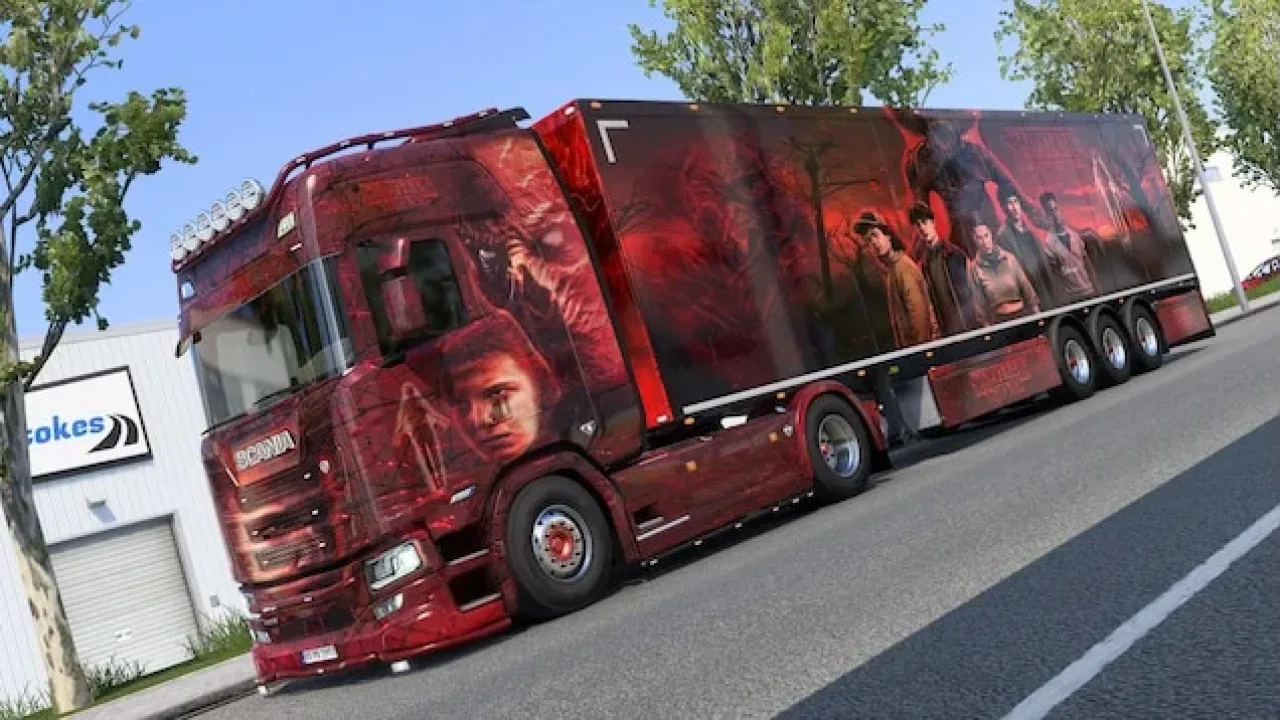
Image: supplied by the mod author
Stranger Things Truck & Trailer Skinpack
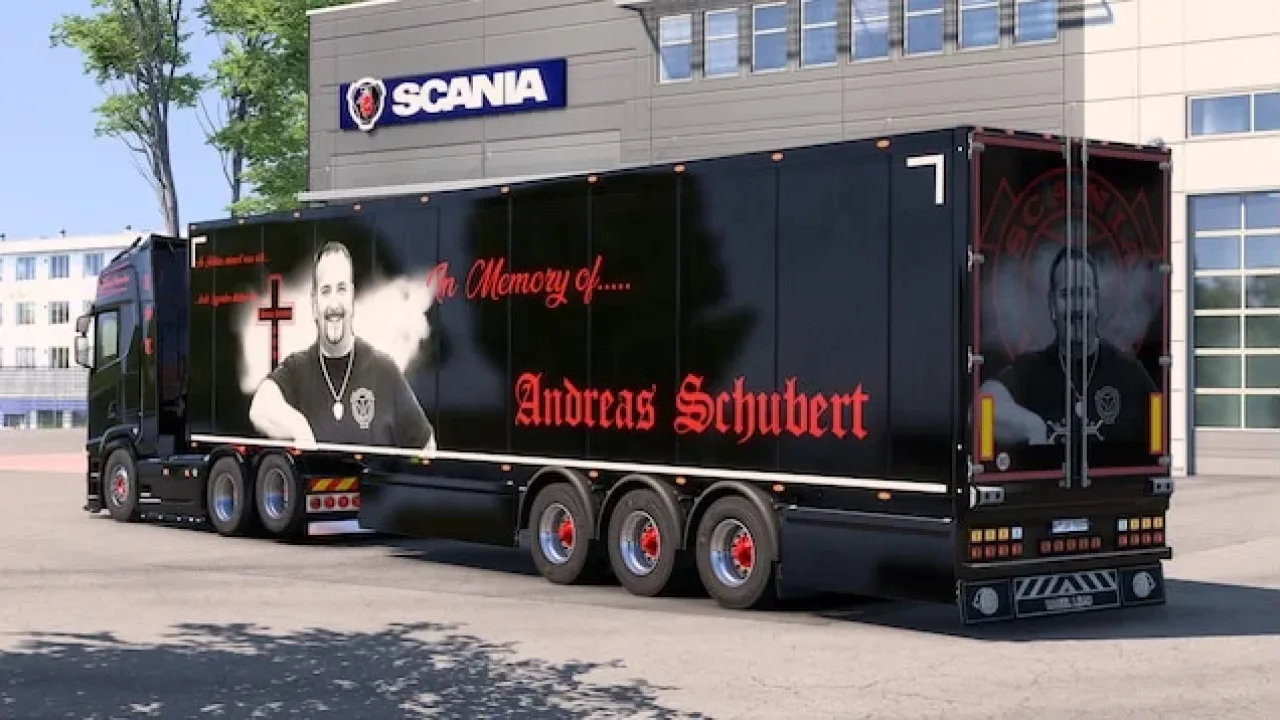
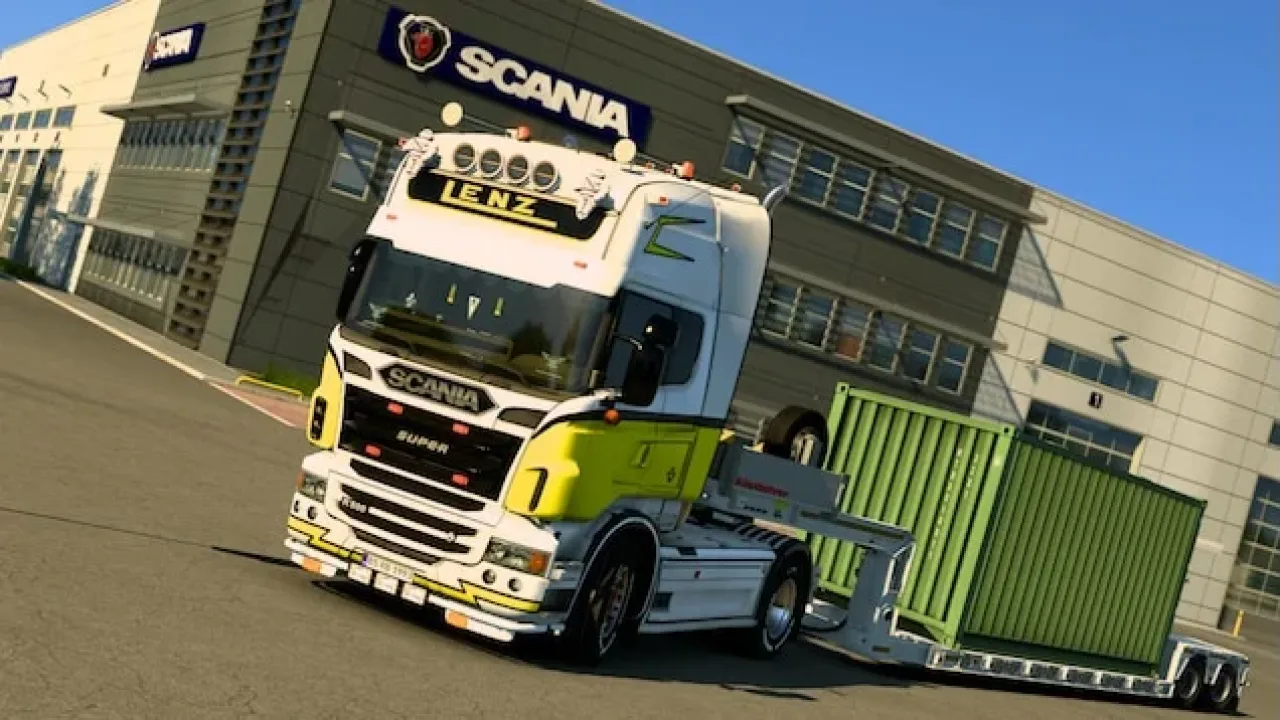
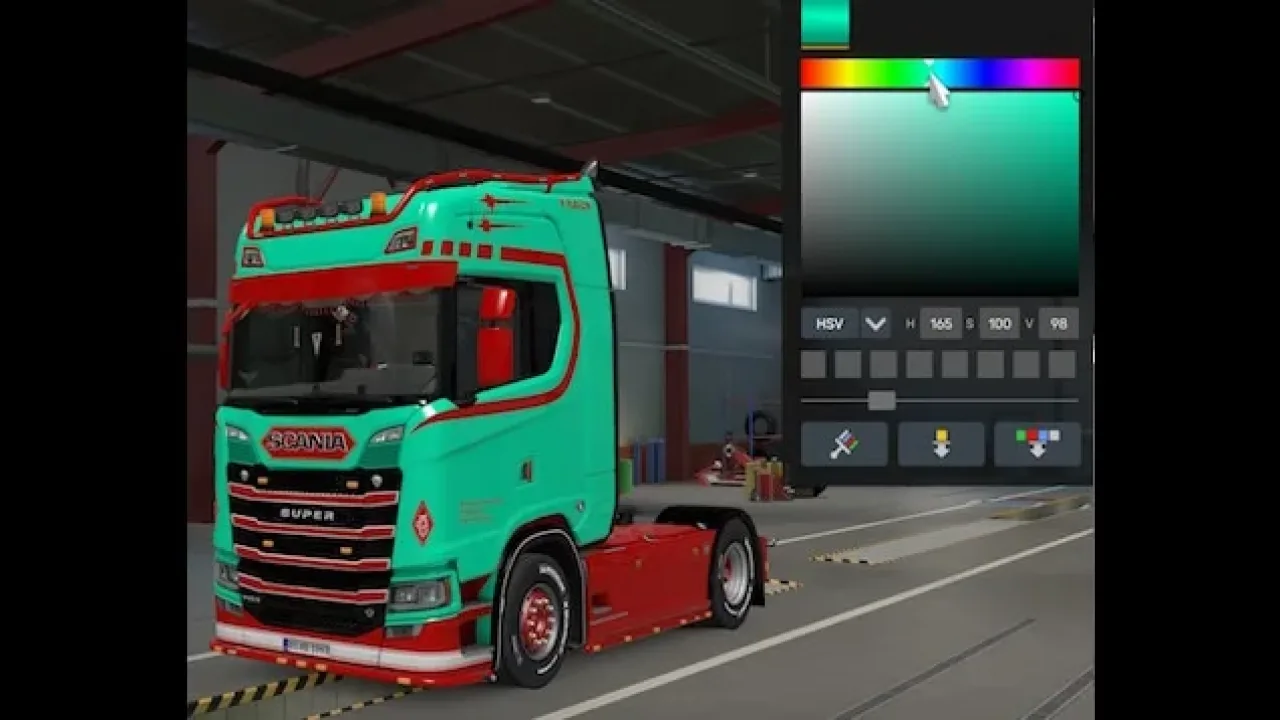
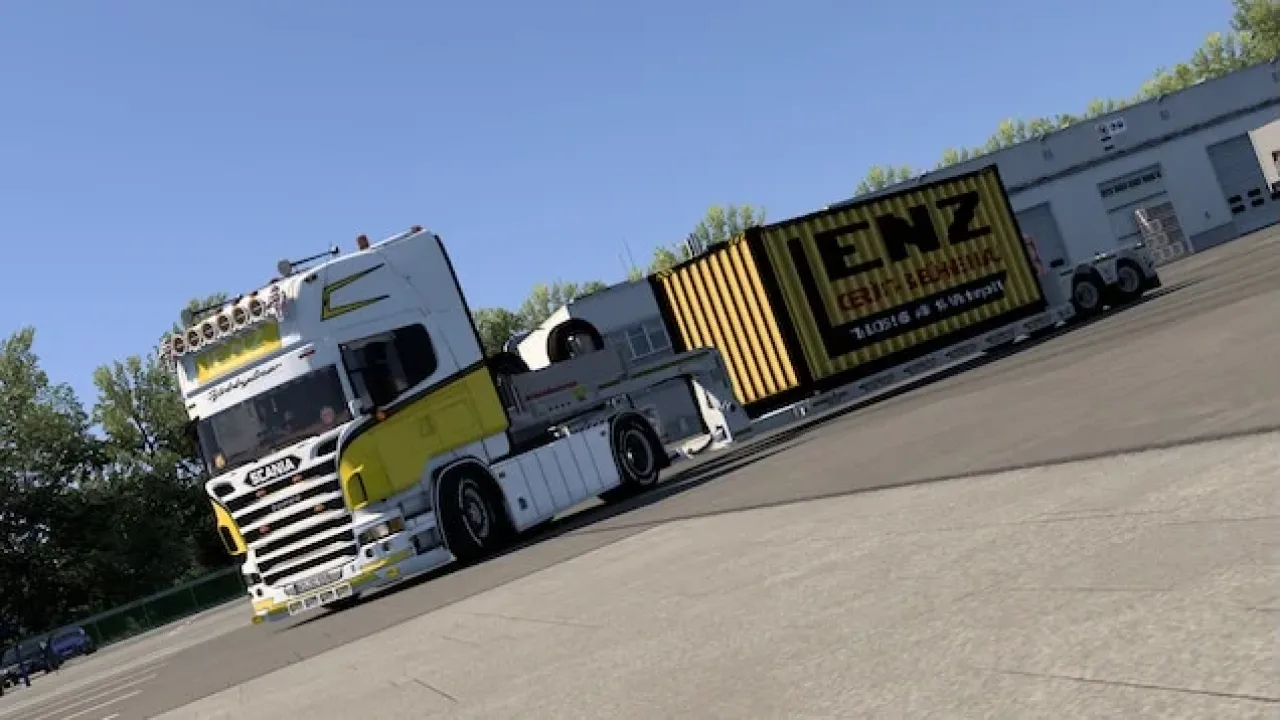
Matching Stranger Things artwork for a Scania S NG high-roof truck and the SCS insulated box trailer.
- Author
- Schweinekutscher_MRL
- Works with
- 1.61
- DLC needed
- None, base game is enough
- Price
- Free
- Link checked
- 25 October 2026
- Listed by
- The mod's author, reviewed by us
This opens the mod's official page. We never re-upload mods, so you always get the author's latest, untouched version.
Does it work for you on ETS2 1.61?
Screenshots (3)
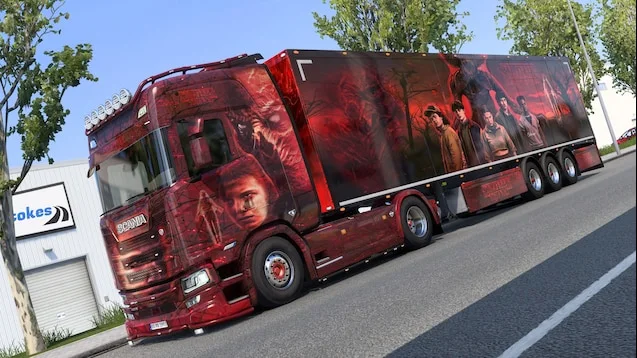
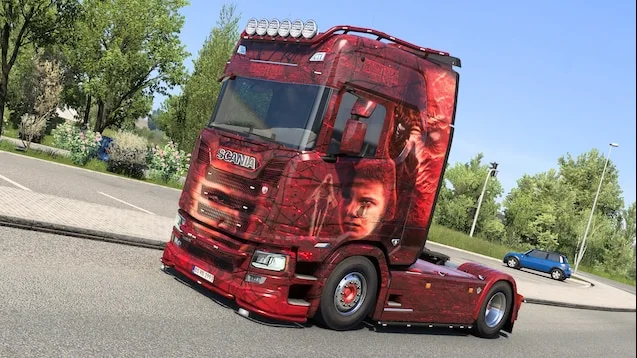
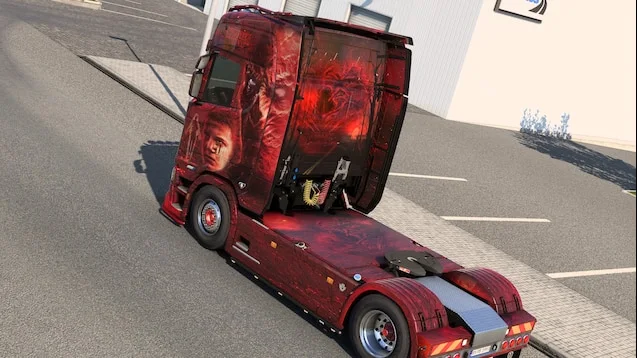
Screenshots supplied by the mod author. Click a picture to see it full size.
About this mod
Build a coordinated themed combination using the supported Scania high-roof cab and SCS Box Isolated trailer. This pack changes their appearance rather than adding a new truck or trailer model. Select the supported equipment in the paint shop and use the matching liveries together. The author identifies ETS2 1.61 as supported; check the official Workshop release for later updates.
Mod and screenshots credit: Schweinekutscher_MRL. The download link leads to the author’s official Workshop release.
Features
- Matching truck and trailer artwork
- Scania S NG high-roof cab
- SCS insulated box trailer
- Author lists ETS2 1.61 compatibility
How to install Stranger Things Truck & Trailer Skinpack
- Open the mod's Steam Workshop page (sign in to Steam if asked) and press Subscribe. Steam downloads it for you.
- Start Euro Truck Simulator 2. On the profile screen, open the Mod Manager.
- Find Stranger Things Truck & Trailer Skinpack in the list and move it to Active mods, then press Confirm changes.
Helpful guides
Link broken, or the mod has a newer version? Tell us and we'll check it.