
Picture by Carlos Daniel, from the mod's Steam Workshop page.
Mascarello GranVia 2024 Multi-Chassis
A Mascarello GranVia 2024 urban bus with conventional and midi configurations, six chassis and editable liveries. Author-listed download for ETS2 1.61+.
- Author
- Carlos Daniel
- Game version
- 1.61as listed by the author (see the official page)
- Players
- Needs
- Nothing extra, the base game is enough
- Price
- Free
- Link checked
- 2 November 2026 (the download page opens; not a test of the mod)
Hear about more like this? We'll show new ones in Your week on My mods.
Does it work for you on ETS2 1.61?
Screenshots (3)


Screenshots by Carlos Daniel, from the mod's Steam Workshop page. Click a picture to see it full size.
About this mod
The Mascarello GranVia 2024 adds another Brazilian urban bus to the ETS2 vehicle selection. Carlos Daniel lists six conventional and midi chassis configurations, so players can choose between different forms of the same city-bus body.
The author's specification includes 43 skins, three editable versions, more than 30 configuration options, animated interiors and different sounds for each chassis. Wheels, engines, transmissions and an AI traffic version also appear in the feature list.
The linked Workshop page provides separate manual downloads for ETS2 1.60 and earlier and for 1.61+. Check those labels when installing. This is a drivable community vehicle, and its source does not establish integration with the official Coaches DLC's passenger services.
Features
- Six conventional and midi chassis configurations
- 43 skins and three editable versions listed by the author
- More than 30 configuration options in the published specification
- Animated interior and sounds for each chassis
- Custom wheels, engine and transmission choices, plus AI traffic
How to install Mascarello GranVia 2024 Multi-Chassis
- Open the author's Workshop description and use its External Download link for your game version. This listing verifies the author's manual release, not the Workshop subscription build.
- Follow the author's installation instructions. Keep ready-to-use
.scsor.zipmod packages intact; extract archives containing separate mod packages as directed. - Move the ready-to-use
.scsor.zipmod package(s) intoDocuments\Euro Truck Simulator 2\mod. Create themodfolder if it isn't there. - Start the game, open the Mod Manager on the profile screen, move Mascarello GranVia 2024 Multi-Chassis to Active mods and press Confirm changes.
Notes for this mod
- Use the official Workshop page for the author's current files and setup information.
- For ETS2 1.61, use the author's External Download link marked 1.61+. The Workshop subscription build's 1.61 compatibility has not been separately verified.
- Avoid enabling duplicate Workshop and manual copies of the vehicle.
Helpful guides
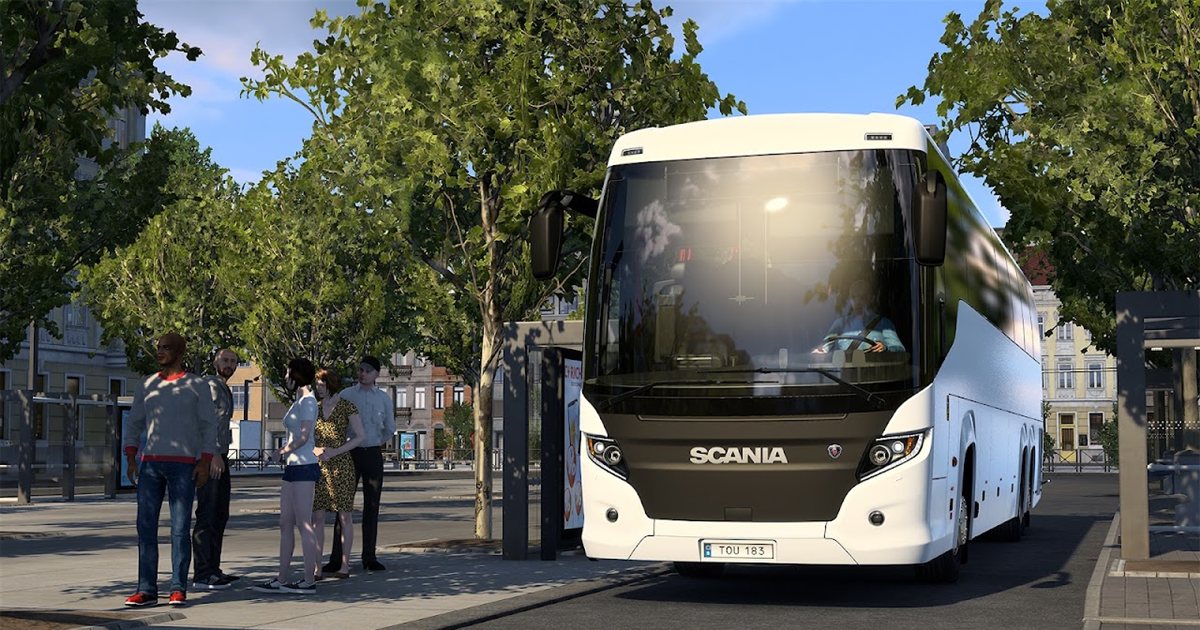 ETS2 Coaches DLC: 12 November Release Date & FeaturesOut 12 November 2026: the three coaches, passenger jobs, Coach Mode and how to get your profile ready
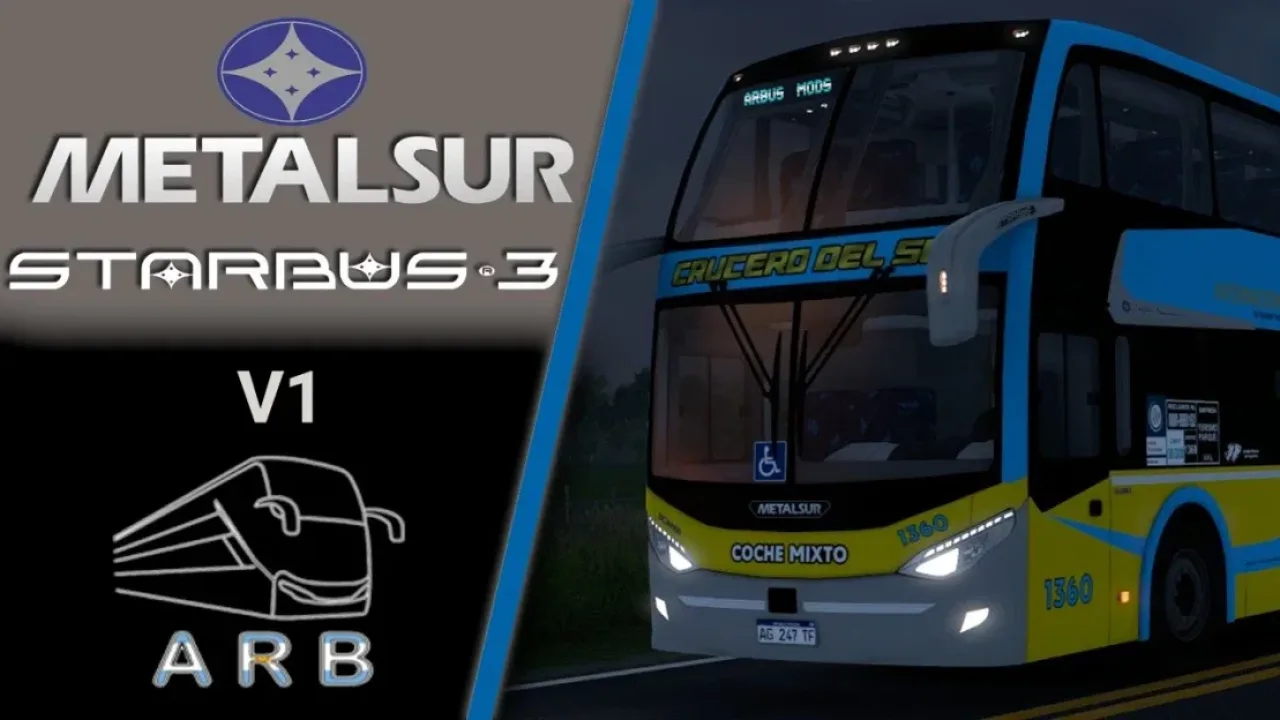 Best ETS2 Bus Mods for 1.61: Coaches, Passengers & MapsChoose a coach, city bus, passenger mod or bus map, and check what each one needsInstalling a downloaded modWhere the mod folder is and what to do with .scs, .zip and .7z filesLoad order explainedWhich mod wins when two change the same thingIf the game crashesHow to find the mod that causes it in a few restarts
Link broken, or the mod has a newer version? Tell us and we'll check it.


