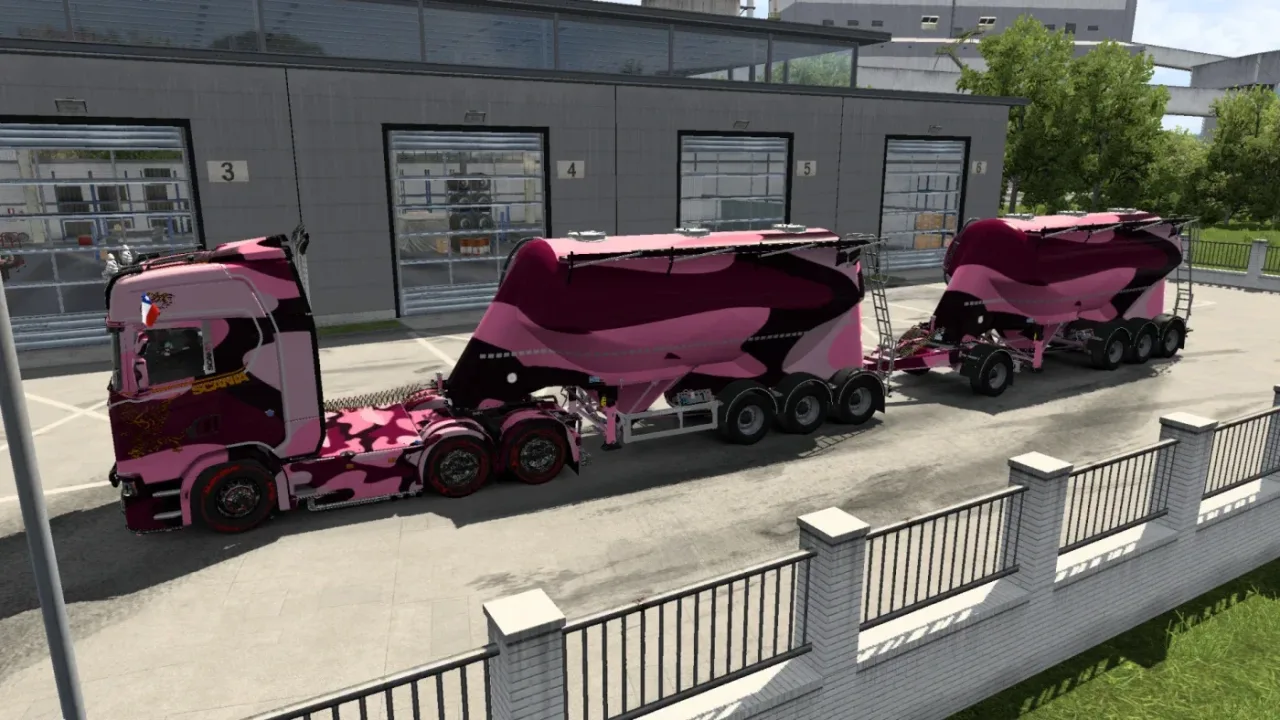
Image: supplied by the mod author
Military Paintjobs by Chiky Chuky v2.1
Coordinate trucks and trailers with 32 camouflage paint designs, supporting standard SCS vehicles and a wide selection of DLC and mod equipment.
- Author
- Chiky Chuky
- Game version
- 1.61as the mod author told us when submitting it (see the official page)
- Players
- Needs
- Nothing extra, the base game is enough
- Price
- Free
- Link checked
- 30 October 2026 (the download page opens; not a test of the mod)
- Listed by
- The mod's author, reviewed by us
Hear about more like this? We'll show new ones in Your week on My mods.
Tried it on ETS2 1.62? Tell other players:
Screenshots (2)
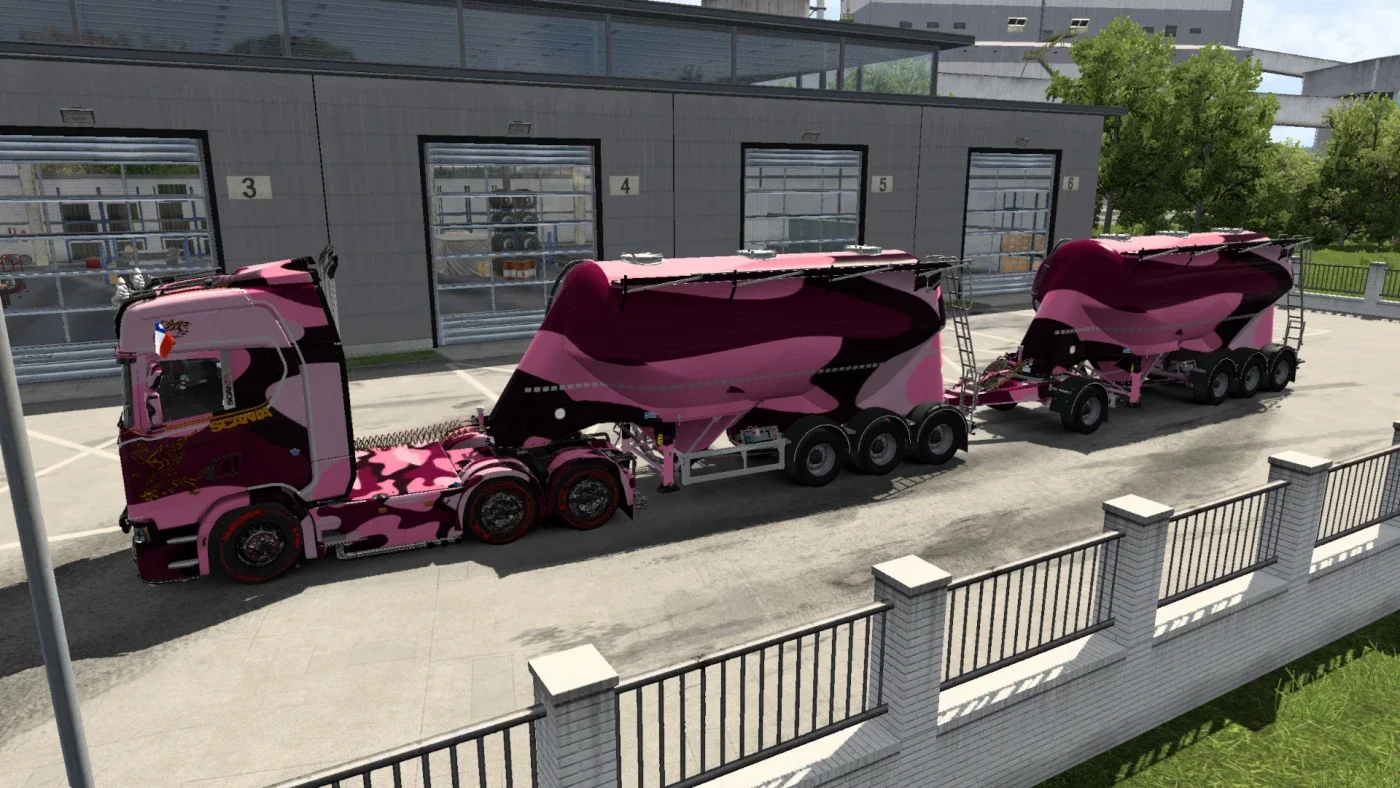
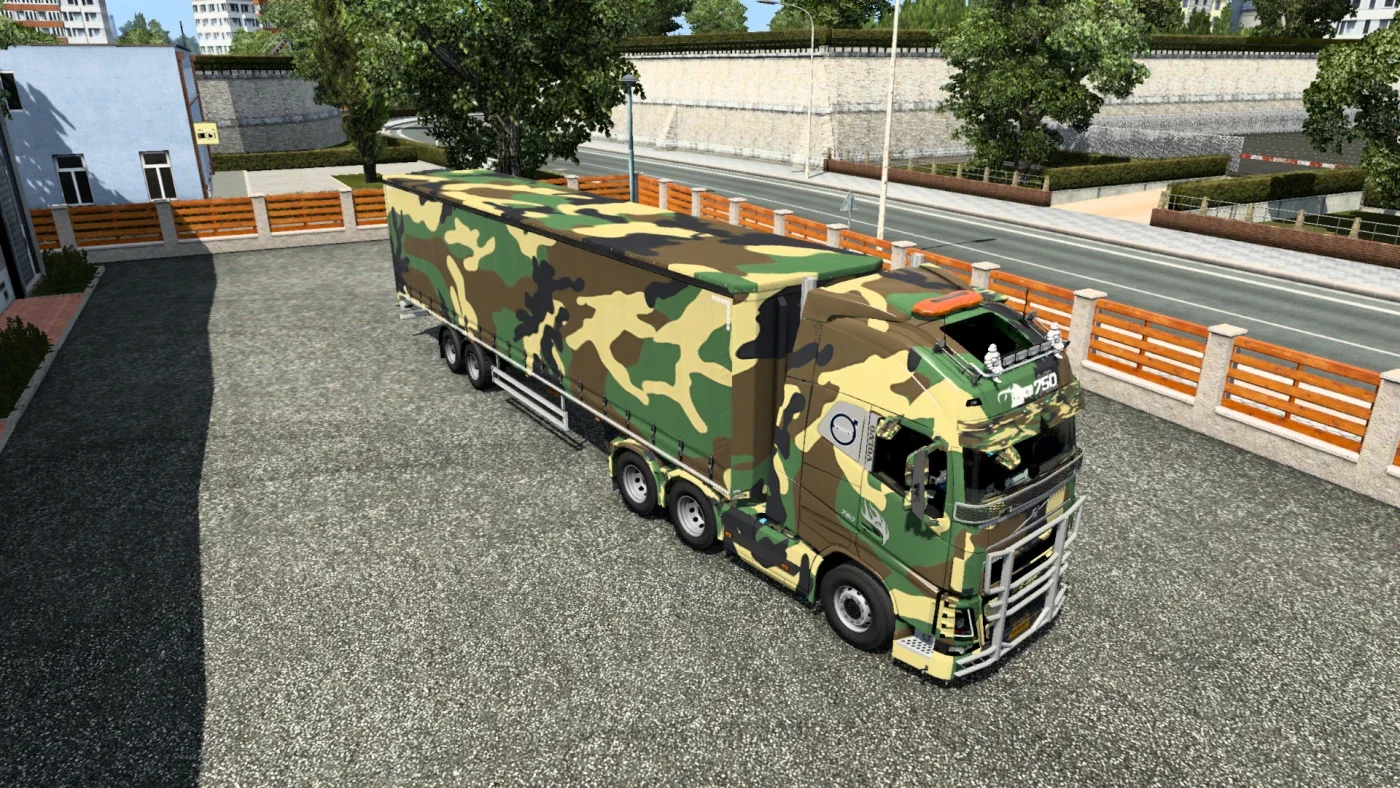
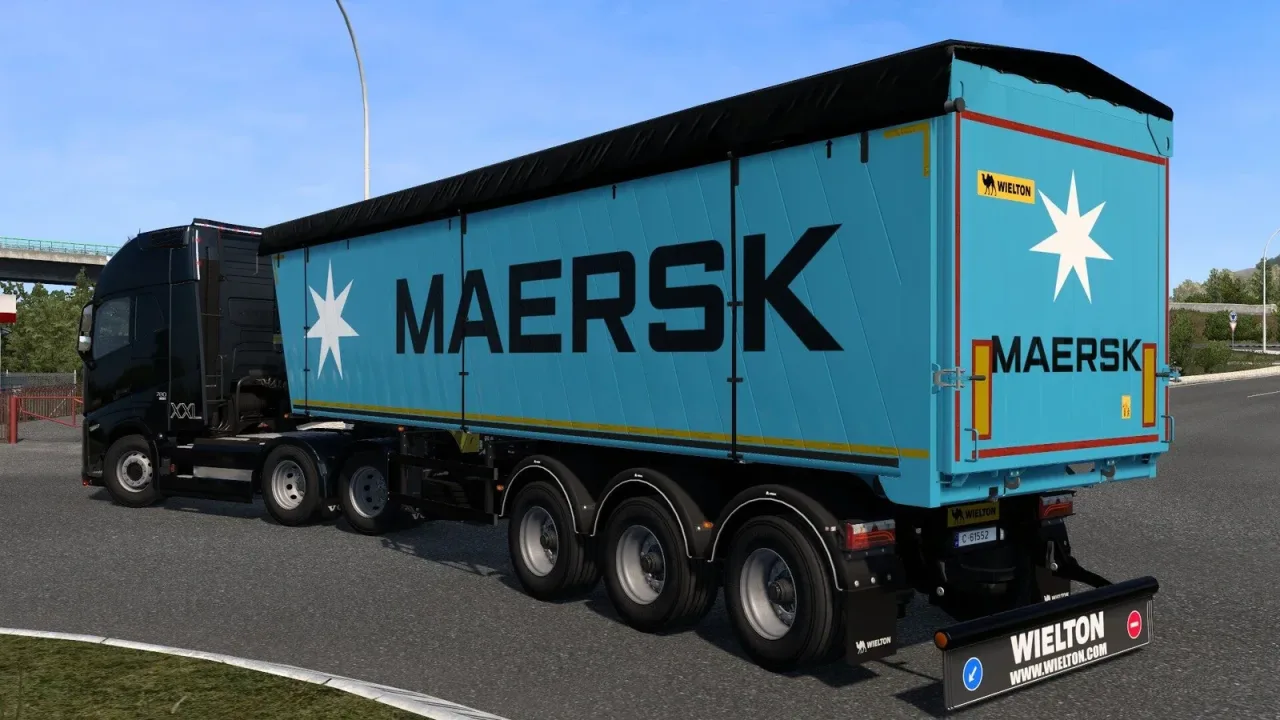
Screenshots supplied by the mod author. Click a picture to see it full size.
The author lists ETS2 1.61. 1.62 isn't confirmed on the official page yet. Small mods (skins, trailers, trucks) often keep working after an update; maps, physics and graphics packs usually need one. Tried it on 1.62? Use Works for me or Doesn't work above to tell other players. See all mods ready for 1.62.
About this mod
Build a coordinated camouflage fleet with 32 military-inspired paint designs. The pack covers standard SCS trucks and trailers alongside a broad selection of mod vehicles and trailer DLC. Check the official vehicle list for your combination. Older skins may need to be purchased again after the internal naming changes.
Release: 2.1. Author-listed game compatibility: 1.61. Source last updated 2026-09-09. Compatibility is based on the author’s listing, not an independent in-game test.
How to install Military Paintjobs by Chiky Chuky v2.1
- Download the mod from truckymods.io.
- Follow the author's installation instructions. Keep ready-to-use
.scsor.zipmod packages intact; extract archives containing separate mod packages as directed. - Move the ready-to-use
.scsor.zipmod package(s) intoDocuments\Euro Truck Simulator 2\mod. Create themodfolder if it isn't there. - Start the game, open the Mod Manager on the profile screen, move Military Paintjobs by Chiky Chuky v2.1 to Active mods and press Confirm changes.
Helpful guides
Link broken, or the mod has a newer version? Tell us and we'll check it.