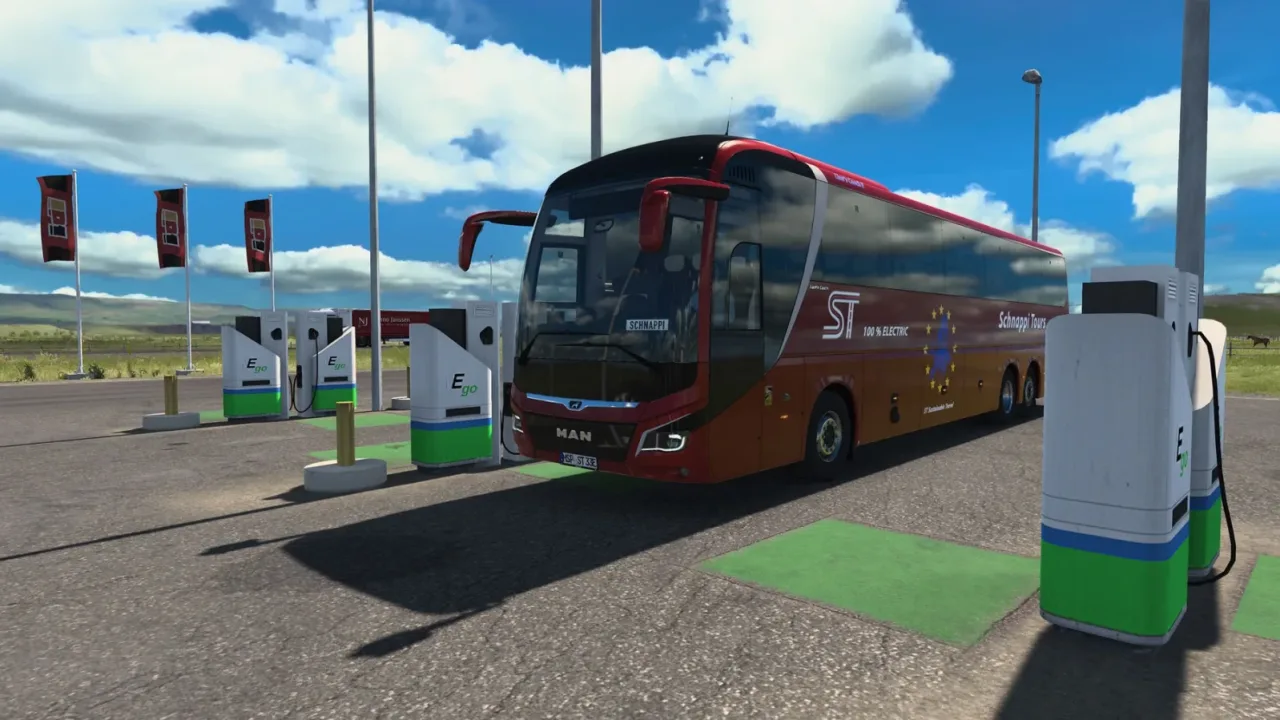
Picture by himopan, from the mod's Steam Workshop page.
マーカーランプ
A pack of Japanese-style marker lamps for trucks, offered in the addon hookups slot where the standard chrome light option goes.
- Author
- himopan
- Game version
- 1.62as listed by the author (see the official page)
- Players
- Needs
- Nothing extra, the base game is enough
- Price
- Free
- Added to site
- 28 November 2026
Hear about more like this? We'll show new ones in Your week on My mods.
Does it work for you on ETS2 1.62?
Screenshots (2)


Screenshots by himopan, from the mod's Steam Workshop page. Click a picture to see it full size.
About this mod
This standalone pack collects the marker lamps fitted to many Japanese trucks. They were split out of the truck mod they came with, so you can add them on their own.
Look for them as choices in the addon_hookups accessory slot marked with the red circle. They fit the same position as the standard Light Chrome 1 option.
Choices include daylight, kamaboko, oppai, YAC ride-height and Shine Marker road-edge lamps. The author doesn't name a game version, and the item was last updated on 22 November 2026.
Features
- Daylight, kamaboko, oppai and YAC ride-height lamps included
- Shine Marker road-edge lamp included
- Selectable from the addon_hookups accessory slot (red circle)
- Fits the same spot as the standard Light Chrome 1 option
How to install マーカーランプ
- Open the mod's Steam Workshop page (sign in to Steam if asked) and press Subscribe. Steam downloads it for you.
- Start Euro Truck Simulator 2. On the profile screen, open the Mod Manager.
- Find マーカーランプ in the list and move it to Active mods, then press Confirm changes.
Helpful guides

Link broken, or the mod has a newer version? Tell us and we'll check it.