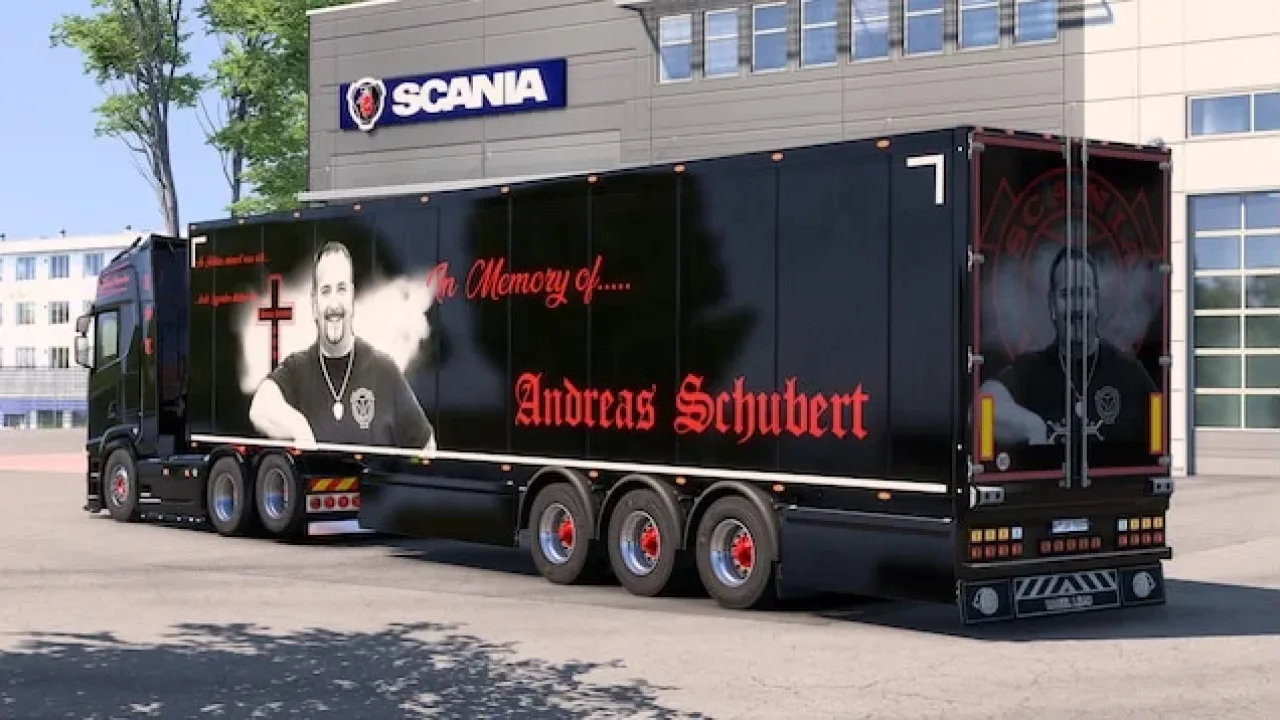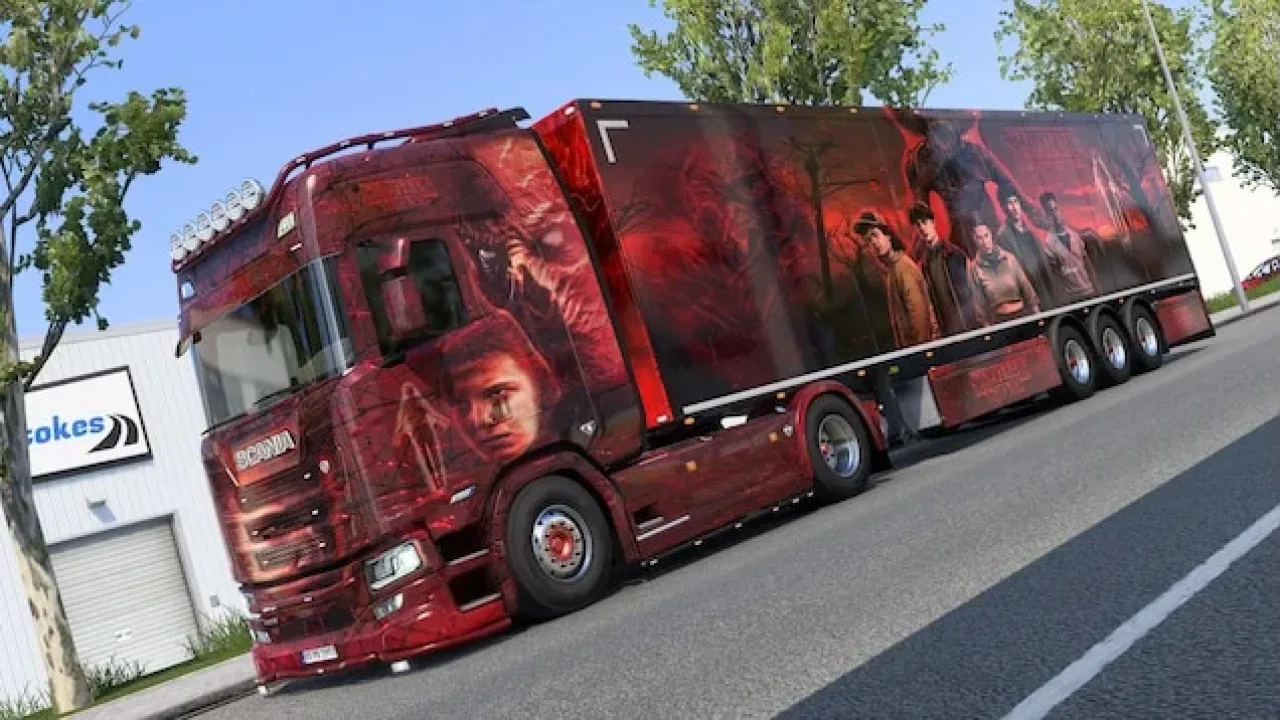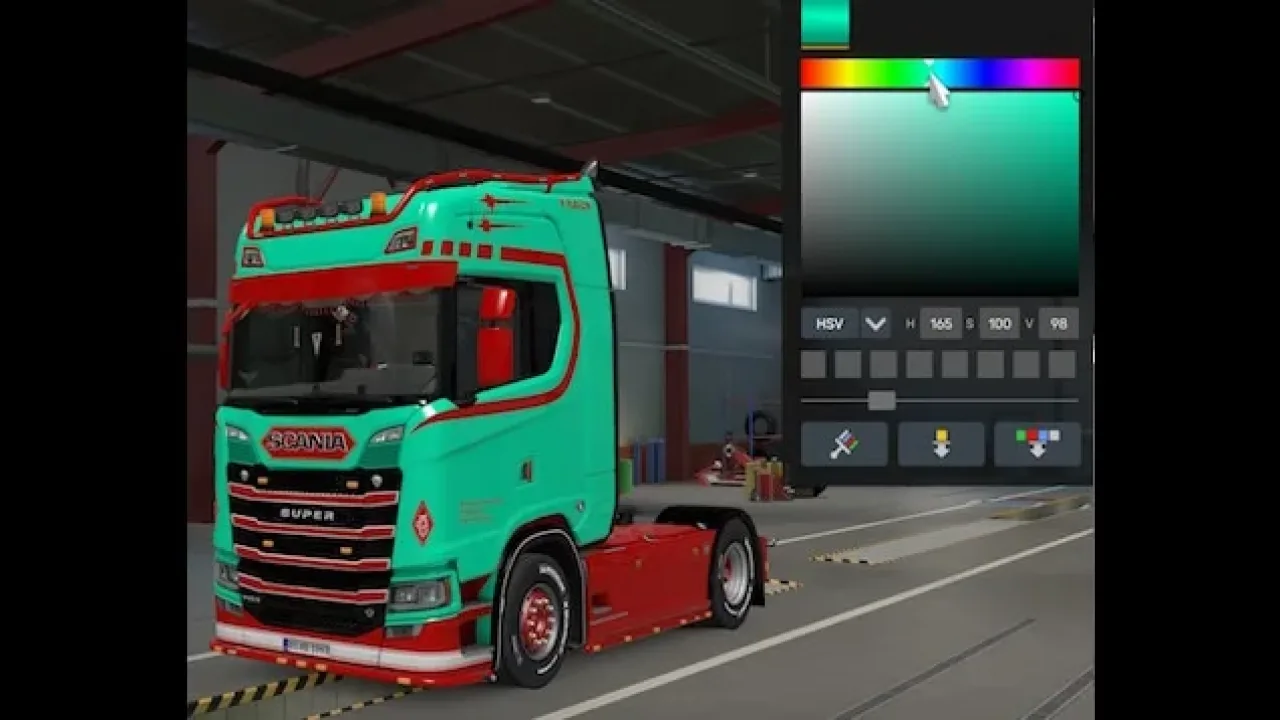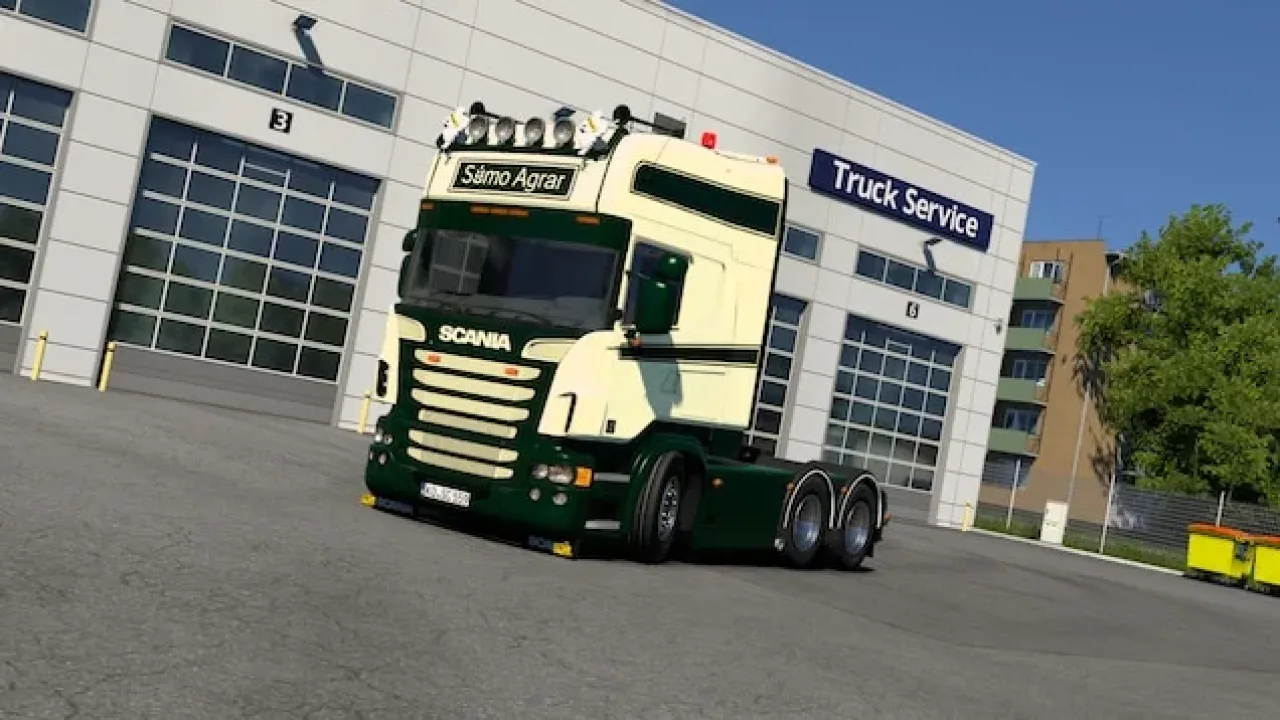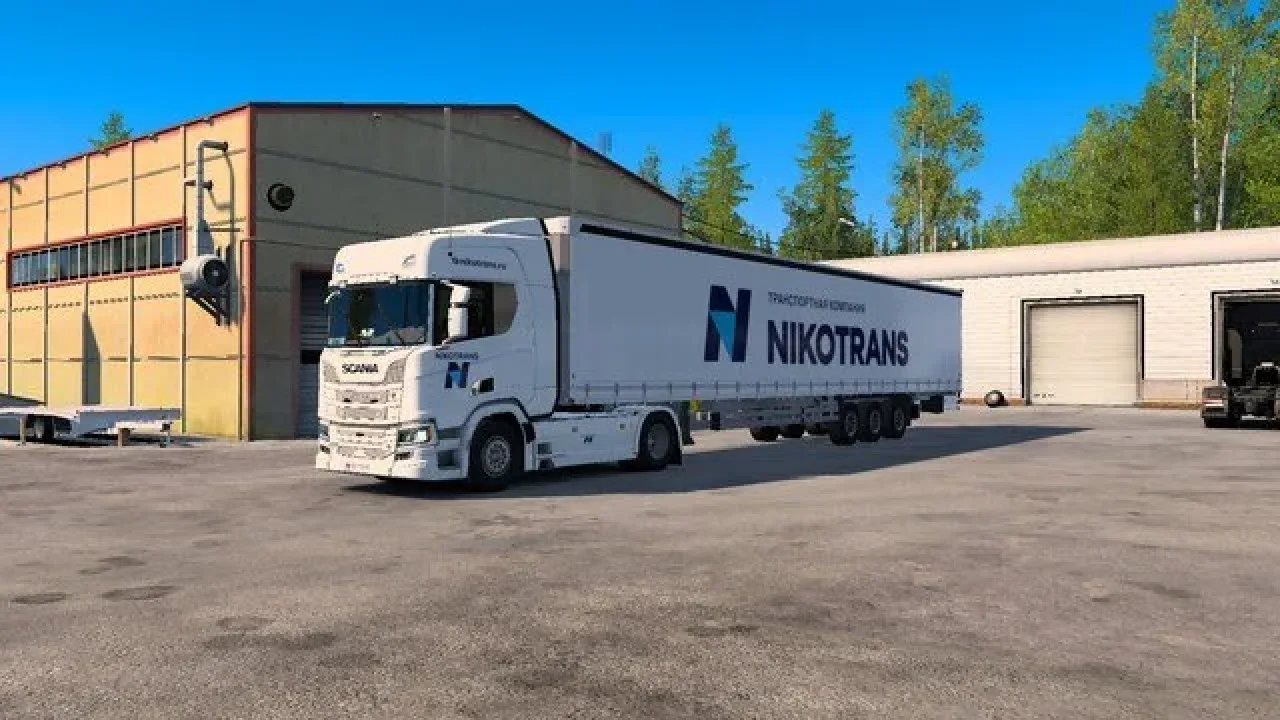
Image: supplied by the mod author
NIKOTRANS Skin for Scania R/S and Schmitz S.CS
Matching white NIKOTRANS liveries for the stock Scania R/S and Schmitz S.CS curtainsider, with company branding on the cab and trailer.
- Author
- алмаз2004
- Works with
- 1.61
- DLC needed
- Schmitz Cargobull Trailer Pack
- Price
- Free
- Link checked
- 26 October 2026
- Listed by
- The mod's author, reviewed by us
This opens the mod's official page. We never re-upload mods, so you always get the author's latest, untouched version.
Does it work for you on ETS2 1.61?
Screenshots (3)
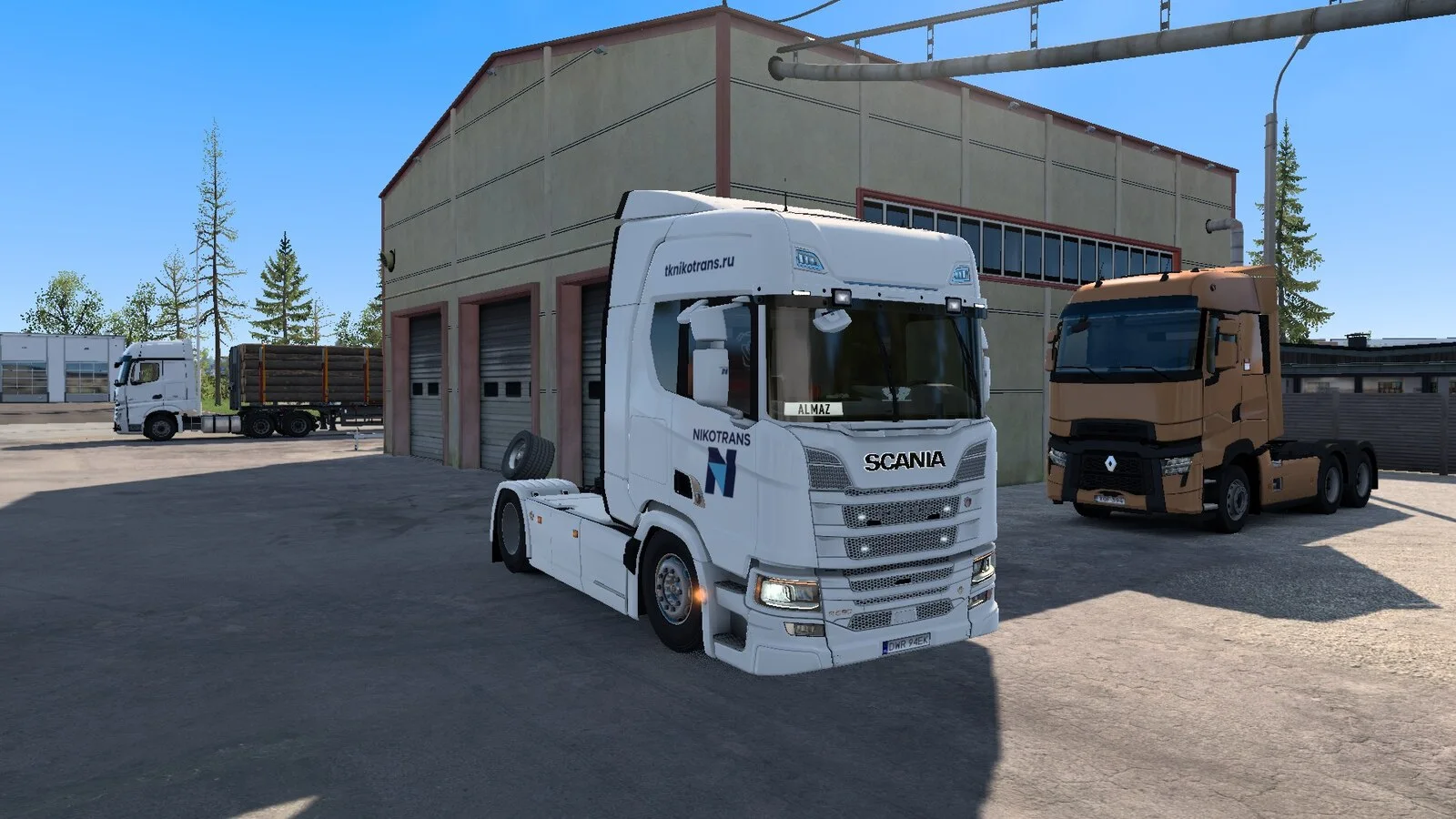
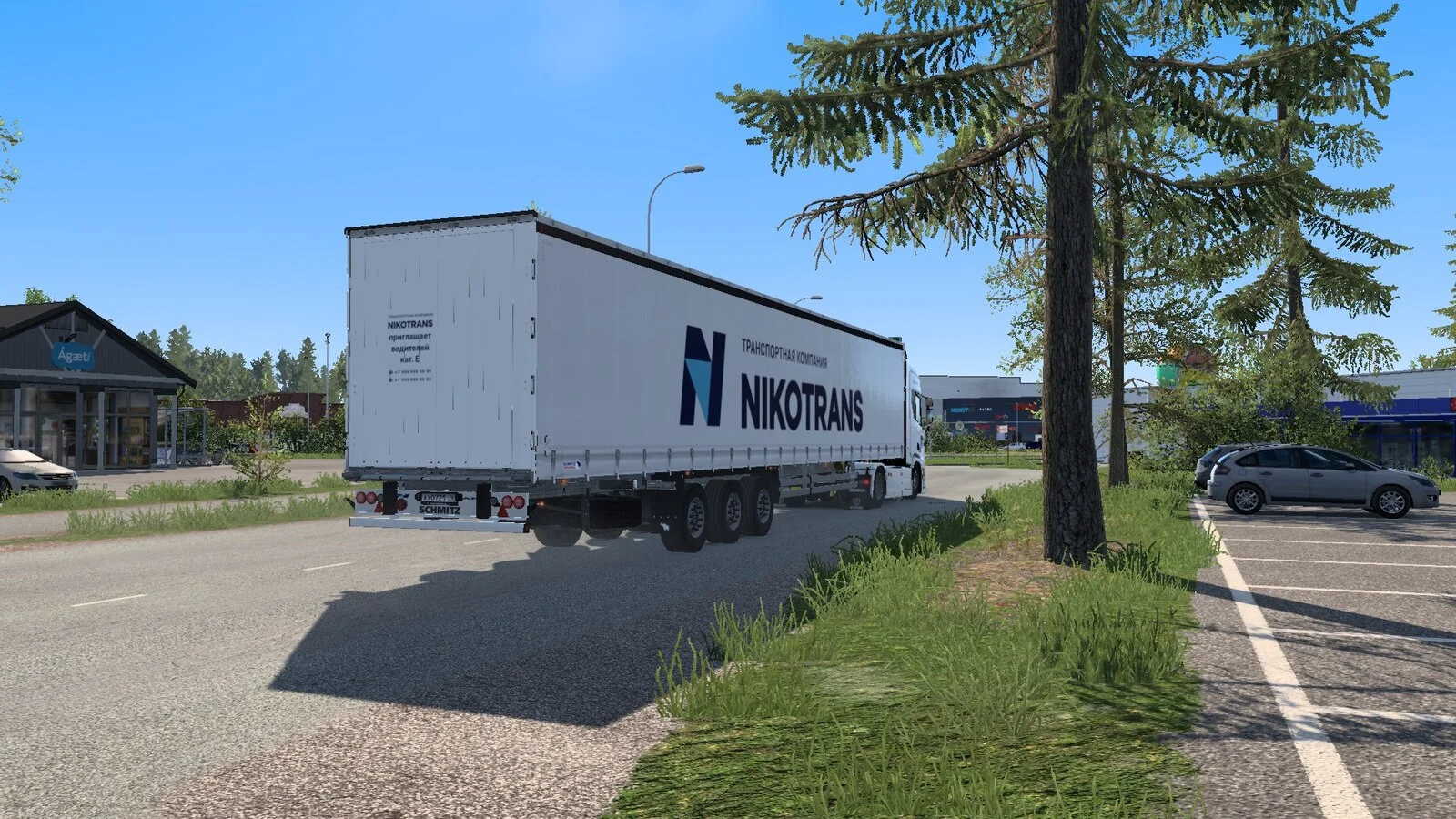
Screenshots supplied by the mod author. Click a picture to see it full size.
About this mod
Give a Scania and Schmitz combination a coordinated NIKOTRANS fleet finish. The truck carries the company wordmark and N emblem on its doors; the curtainsider carries larger side logos and a recruitment graphic on the rear. The displayed telephone numbers are fictional.
Select NIKOTRANS separately in the truck and trailer paint shops. The author reports testing on ETS2 1.61 and limits support to the standard Scania R/S and Schmitz S.CS models. Extended third-party trailers are not supported. The Schmitz trailer requires the corresponding official trailer content.
Mod and image credits: алмаз2004.
Features
- Matching truck and trailer liveries
- White NIKOTRANS fleet design
- Standard Scania R/S support
- Schmitz S.CS curtainsider paint
- Author-tested on ETS2 1.61
How to install NIKOTRANS Skin for Scania R/S and Schmitz S.CS
- Open the mod's Steam Workshop page (sign in to Steam if asked) and press Subscribe. Steam downloads it for you.
- Start Euro Truck Simulator 2. On the profile screen, open the Mod Manager.
- Find NIKOTRANS Skin for Scania R/S and Schmitz S.CS in the list and move it to Active mods, then press Confirm changes.
Helpful guides
Link broken, or the mod has a newer version? Tell us and we'll check it.