Image: supplied by the mod author
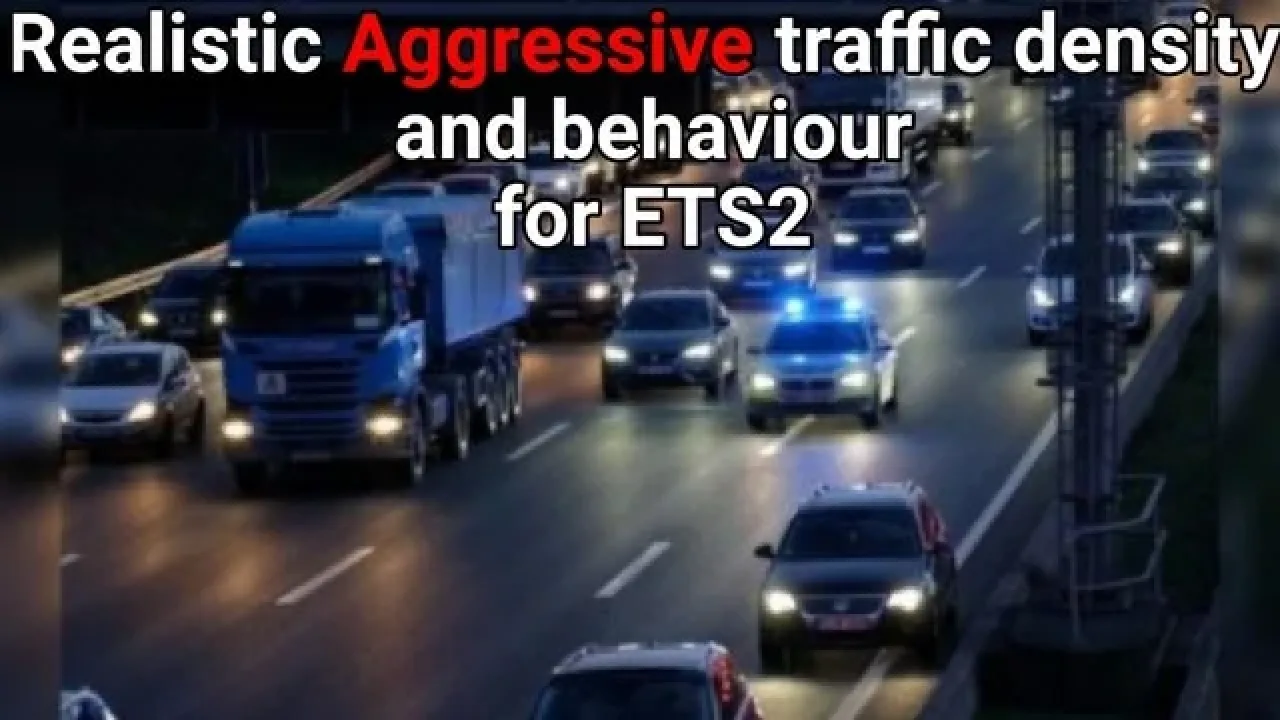
Realistic Aggressive Traffic Density and Behaviour
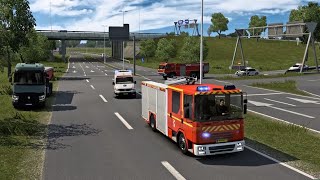
Give surrounding traffic a more impatient driving style, with quicker-moving cars and changes to traffic population limits.
- Author
- darkestdragon24
- Game version
- 1.61 1.60as the mod author told us when submitting it (see the official page)
- Players
- Needs
- No specific DLC listed by the author
- Price
- Free
- Link checked
- 25 October 2026 (the download page opens; not a test of the mod)
- Listed by
- The mod's author, reviewed by us
Hear about more like this? We'll show new ones in Your week on My mods.
Tried it on ETS2 1.62? Tell other players:
The author lists ETS2 1.61. 1.62 isn't confirmed on the official page yet. Small mods (skins, trailers, trucks) often keep working after an update; maps, physics and graphics packs usually need one. Tried it on 1.62? Use Works for me or Doesn't work above to tell other players. See all mods ready for 1.62.
About this mod
Expect a less orderly commute with darkestdragon24’s traffic behaviour changes. Cars take a brisker approach to the road, while changes to population limits allow more vehicles into the simulation. It is aimed at drivers who want livelier journeys.
The author says the mod can accompany Cip’s density settings and Jazzycat vehicle packs. Place this item above those packs in Mod Manager.
Traffic can still behave unpredictably: the author notes occasional cars exceeding 150 km/h, alongside slower vehicles that continue to hold up queues. Treat it as a different traffic style rather than a guarantee that congestion disappears.
The ETS2.LT release listing identifies versions 1.61 and 1.60+. Please check the current Workshop comments before combining it with a heavily modified profile.
Subscribe to the official Workshop item.
Place above compatible density mods and vehicle packs, following the author’s instructions.
Features
- Faster, more assertive AI driving
- Changes to traffic population restrictions
- Author-listed support for density and vehicle packs
How to install Realistic Aggressive Traffic Density and Behaviour
- Open the mod's Steam Workshop page (sign in to Steam if asked) and press Subscribe. Steam downloads it for you.
- Start Euro Truck Simulator 2. On the profile screen, open the Mod Manager.
- Find Realistic Aggressive Traffic Density and Behaviour in the list and move it to Active mods, then press Confirm changes.
Helpful guides
 Best ETS2 Realism Mods for 1.62 & 1.61: Sound, Physics, Traffic and WeatherSound, physics, traffic, weather and lights: what to install, what clashes, in what order
 ETS2 Car Mods: How They Work and How to Avoid Bad DownloadsHow drivable cars work in ETS2, ripped models, fake sites and safe places to lookInstalling from Steam WorkshopSubscribing, switching the mod on, and removing it safelyIf the game crashesHow to find the mod that causes it in a few restarts
Link broken, or the mod has a newer version? Tell us and we'll check it.