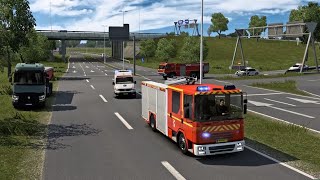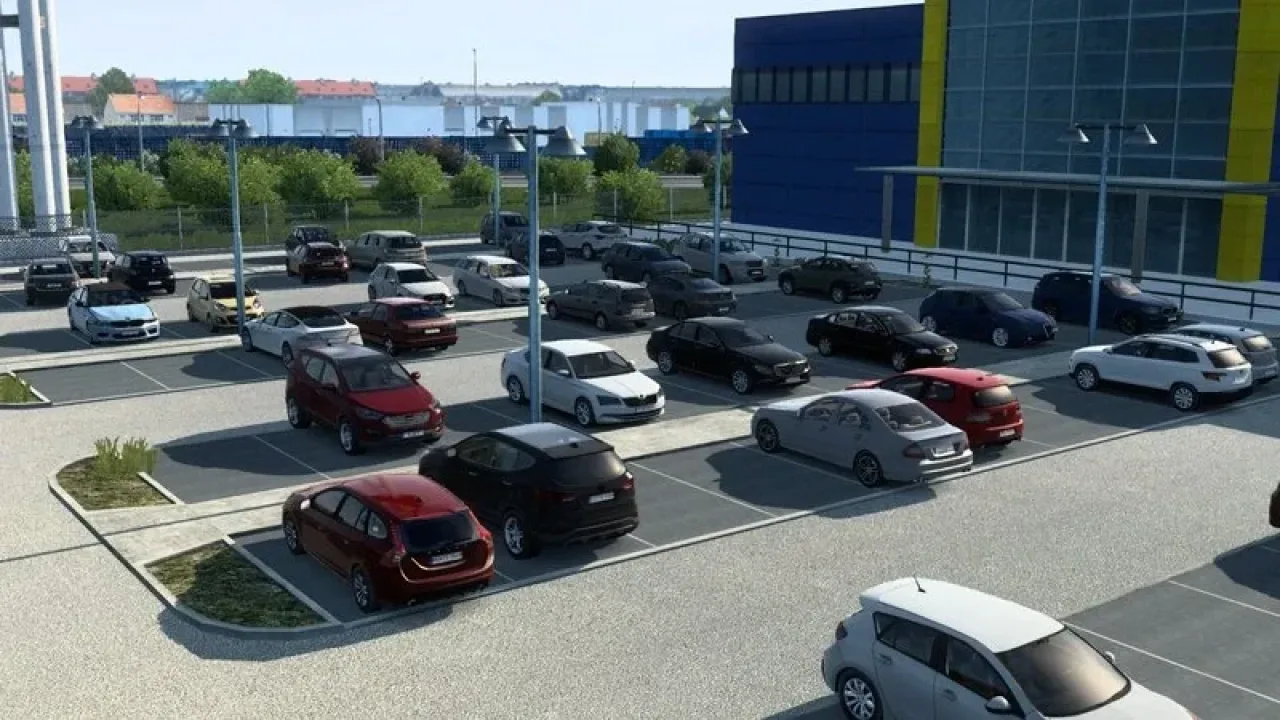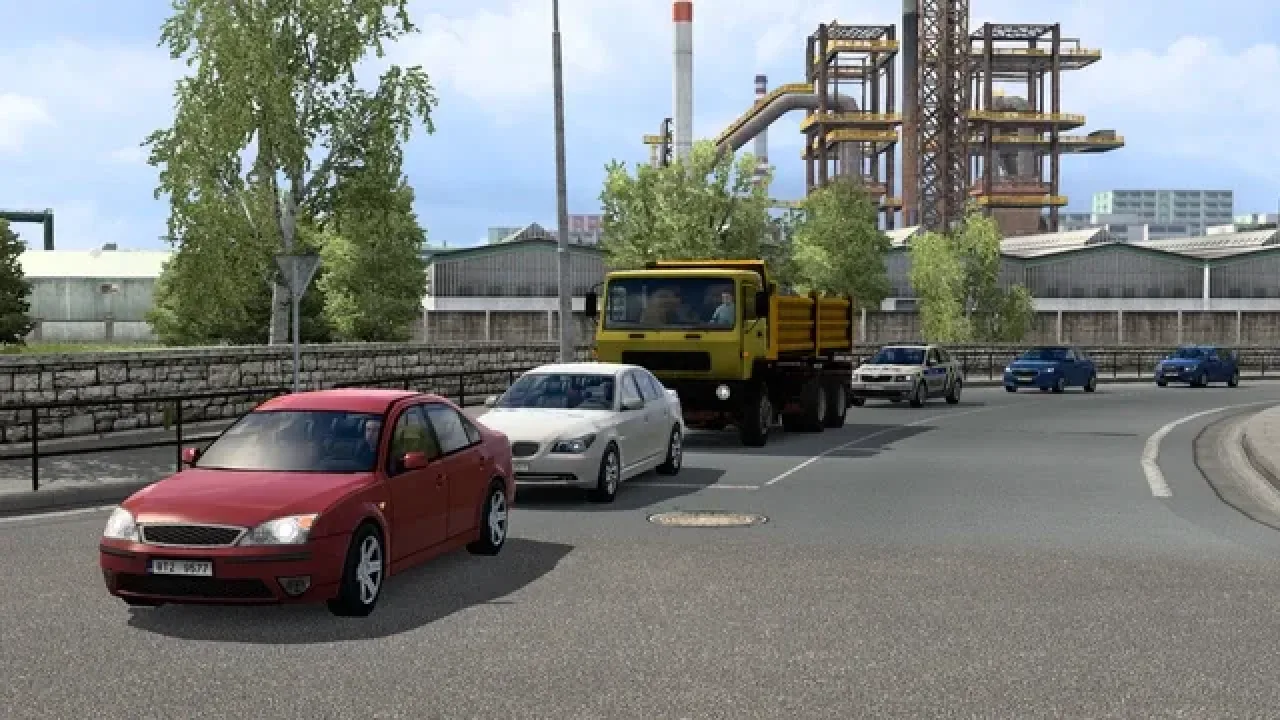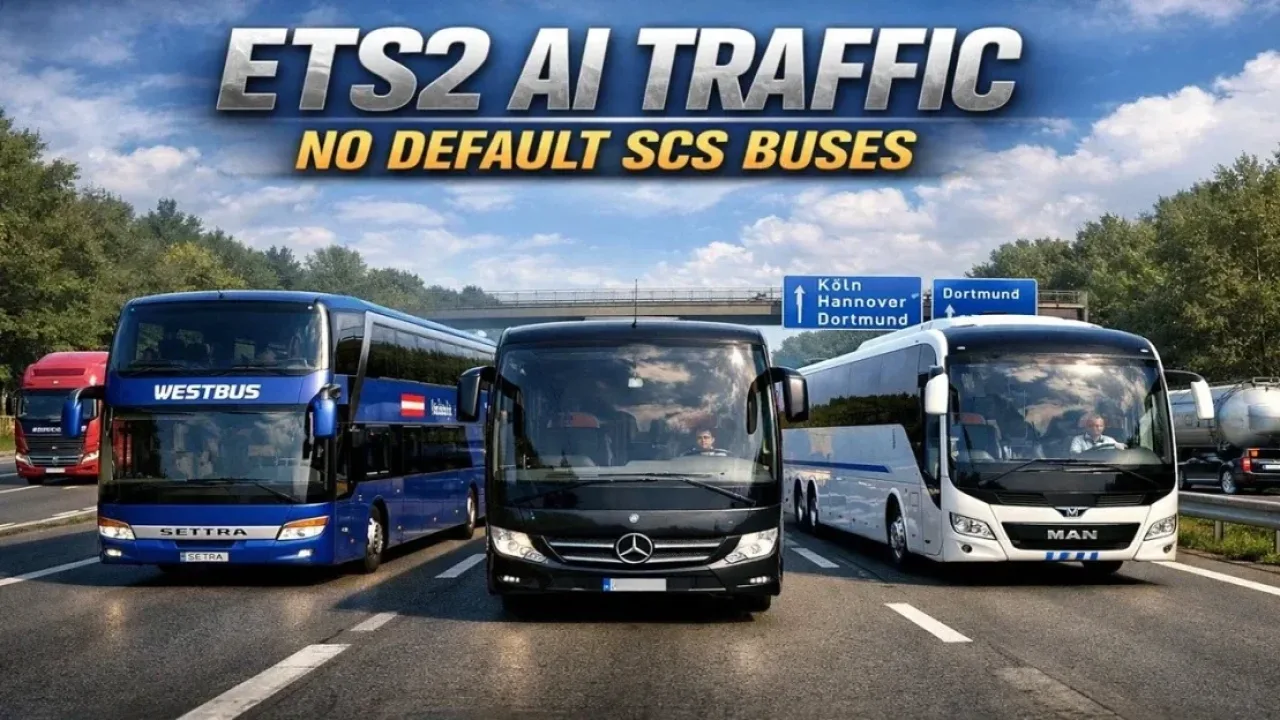

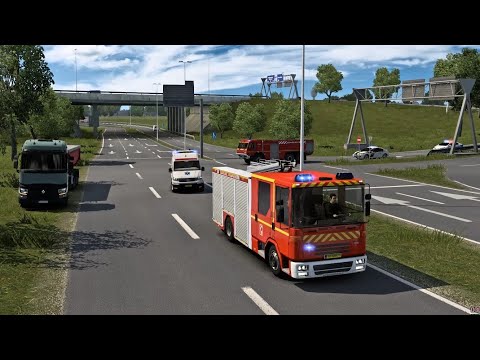
Picture by SkaterBoy, from the mod's Steam Workshop page.
RoadPulse
Realistic European traffic: rush hours that follow the in-game clock, queues at borders and tolls, and different traffic levels in each country.
- Author
- SkaterBoy
- Game version
- 1.61as listed by the author (see the official page)
- Players
- Needs
- Nothing extra, the base game is enough
- Clashes with
- Real Traffic Density use one unless the authors document a compatible combination or connector; changing load order alone may not resolve this
- Price
- Free
- Link checked
- 18 October 2026 (the download page opens; not a test of the mod)
Hear about more like this? We'll show new ones in Your week on My mods.
Does it work for you on ETS2 1.61?
Screenshots (1)

Screenshots by SkaterBoy, from the mod's Steam Workshop page. Click a picture to see it full size.
About this mod
RoadPulse reworks where and when AI traffic appears. Traffic follows the in-game clock, with morning and afternoon rush hours, a steady flow during the day and quiet roads at night.
Each of the 36 countries gets its own traffic level, from busy Germany and the UK to quiet Norway and Iceland. Border crossings and toll plazas get proper queues, holiday areas such as Italy, France, Spain and Greece see more caravans and camper vans, and the overall AI car limit goes up from 50 to 150. The author keeps it updated for the latest game version; it was last updated on 1 October 2026, after 1.61.
Features
- Rush hours and night lulls based on the in-game time
- Separate traffic levels for 36 countries
- Queues at borders and toll plazas
- More caravans and campers in holiday regions
- AI vehicle limit raised from 50 to 150
How to install RoadPulse
- Open the mod's Steam Workshop page (sign in to Steam if asked) and press Subscribe. Steam downloads it for you.
- Start Euro Truck Simulator 2. On the profile screen, open the Mod Manager.
- Find RoadPulse in the list and move it to Active mods, then press Confirm changes.
Load order: Put it high in the Mod Manager so its traffic rules override the defaults and map mods.
Known conflicts
- Other traffic density mods (such as Real Traffic Density) change the same settings: use one or the other, or put the one you want to win higher.
Helpful guides
 ETS2 Car Mods: How They Work and How to Avoid Bad DownloadsHow drivable cars work in ETS2, ripped models, fake sites and safe places to look
 Best ETS2 Realism Mods for 1.61: Sound, Physics, Traffic and WeatherSound, physics, traffic, weather and lights: what to install, what clashes, in what orderInstalling from Steam WorkshopSubscribing, switching the mod on, and removing it safelyLoad order explainedWhich mod wins when two change the same thingIf the game crashesHow to find the mod that causes it in a few restarts
Link broken, or the mod has a newer version? Tell us and we'll check it.